Raspiblitz: RESEARCH: TOR and Zeus
It sounds like Zeus has a way to connect thru TOR with a RaspiBlitz. See tweet:
https://twitter.com/seth586/status/1109197477817663488
If we can find a mobile wallet that connects thru TOR (without any extra apps installed) to the RaspiBlitz, this would solve the dynamic/NAT problem and would be a great benefit for ease of setup.
 rootzoll
All 13 comments
See https://github.com/seth586/guides/blob/master/FreeNAS/wallets/zeusln.md
These configuration options should be pretty close to adapt to the raspiblitz.
 seth586
on 25 Mar 2019
seth586
on 25 Mar 2019
Thank your for this @seth586 !
My Zeus is connected through Tor now.
I have modified the necessary bits (paths, commands and ports)
Based on the above document, here is the RaspiBlitz optimized guide:
https://github.com/openoms/bitcoin-tutorials/blob/master/Zeus_to_RaspiBlitz_through_Tor.md
 openoms
on 30 Mar 2019
openoms
on 30 Mar 2019
This can also be scripted, just need to extend the https://github.com/rootzoll/raspiblitz/blob/master/home.admin/97addMobileWalletZap.sh with the Tor related part.
The user will still need to set up Orbot on their phone. Typing the Tor address and cookie to the phone can be a challenge, but Orbot could read that data from a QR code (need to test the format).
The process could come down to:
- check for Tor and activate if needed, restart
- start the Zeus pairing script
- prompt user to install Orbot on Android + instructions
- show QR with the Tor address and cookie - to be scanned with Orbot
- show lndconnect QR with Tor host and service port to be scanned with Zeus
openoms
on 2 Apr 2019
The Zeus wallet is quickly getting more feature rich, I love to use it. It is a shame that iOS has no solution for Tor though.
openoms
on 2 Apr 2019
I'm using it but without Tor , slight trouble with QR scanning.
 woeisme
on 19 Aug 2019
woeisme
on 19 Aug 2019
This can also be scripted, just need to extend the https://github.com/rootzoll/raspiblitz/blob/master/home.admin/97addMobileWalletZap.sh with the Tor related part.
The user will still need to set up Orbot on their phone. Typing the Tor address and cookie to the phone can be a challenge, but Orbot could read that data from a QR code (need to test the format).The process could come down to:
* check for Tor and activate if needed, restart

* start the Zeus pairing script

* prompt user to install Orbot on Android + instructions

* show QR with the Tor address and cookie - to be scanned with Orbot

* show lndconnect QR with Tor host and service port to be scanned with Zeus
@openoms can I contact you out-of github to discuss work on editing the instructions, haven't been able to get it working on my RPI4 yet.
woeisme
on 22 Sep 2019
@woeisme I am at https://keybase.io/oms, there is a raspiblitz channel going there too.
The manual Tor instructions are working. I did not work on the QR yet.
openoms
on 24 Sep 2019
A note for others, I finally got this working, had to use the ncurses 'Export' menu item to manually bring in the admin.macaroon instead of using the QR code as it wouldn't scan (I suspect the top of the qr code is being cut off even when the image is very minimized in terminals)
woeisme
on 9 Oct 2019
Lndconnect works in the terminal and on the RaspiBlitz display too.
Tested in an Ubuntu terminal window and an FHD monitor, there is plenty of space around:
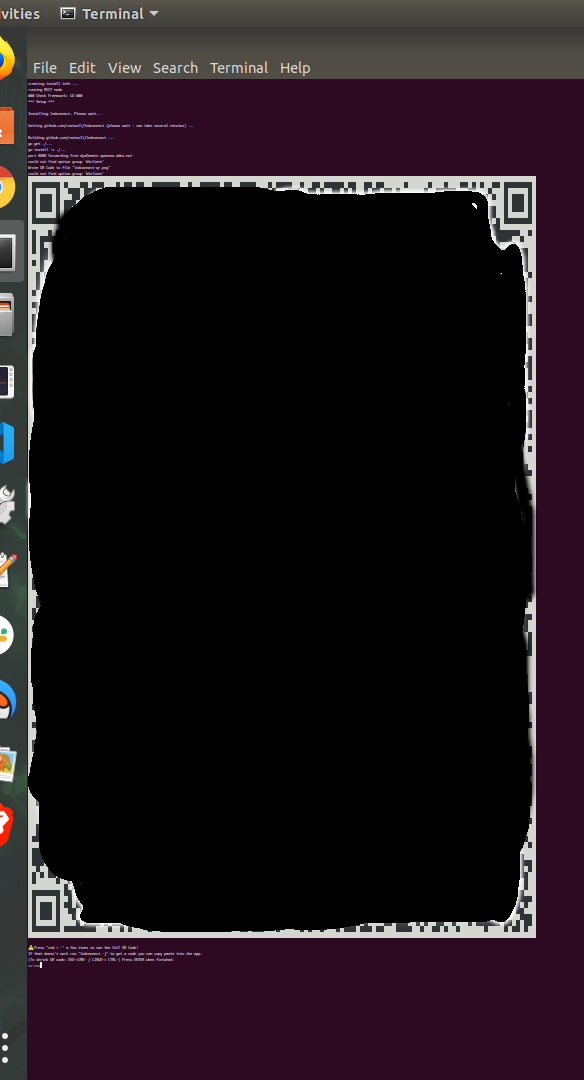
@woeisme did you test the Orbot QR scan function (related to to connecting to your node through Tor)?
openoms
on 9 Oct 2019
Updated method to show the QR for the Tor connection to Zeus:
https://github.com/openoms/bitcoin-tutorials/blob/master/Zeus_to_RaspiBlitz_through_Tor.md
very similar to the method now available with Zap on iOS TestFlight:
https://github.com/openoms/bitcoin-tutorials/blob/master/Zap_to_RaspiBlitz_through_Tor.md
Both should be implemented in the MOBILE menu for the next version.
Note that lndconnect needs to be build from source fro the latest release having the -nocert flag available.
TODO: update lndconnect and QR displays for TOR connections.
openoms
on 9 Nov 2019
With both my Android Phones I was not able to scan the QR code ... it seems to much information in there. Is there a way to reduce that info? Or change some parameter in the QR code generator?
rootzoll
on 19 Dec 2019
Sure it contains the long Tor address, admin.macaroon hex and TLS cert too. ( ZAP does not use the TLS cert when on Tor, uses the lndconnect --nocert option)
You can test a different QR code reader with Zeus. Mine scans ok with Nayuta and this app: https://play.google.com/store/apps/details?id=com.google.zxing.client.android. (have a decent camera on my phone - OnePlus 5T)
Attached a QR to my empty test node (will go offline in 2 days):
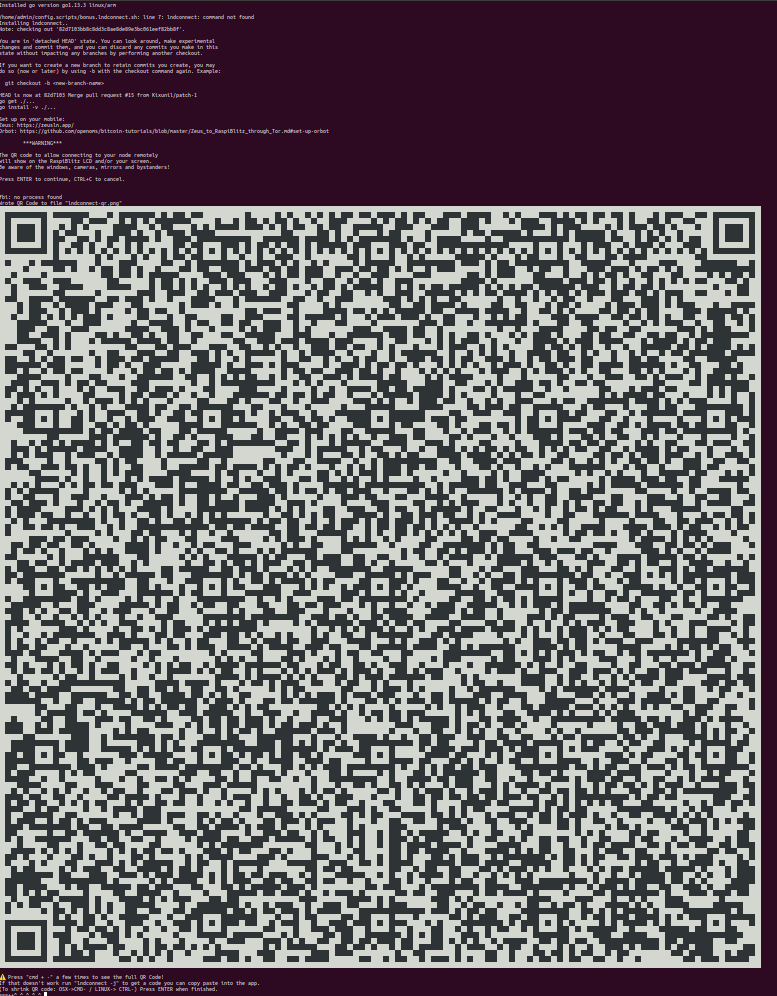
openoms
on 19 Dec 2019
OK the last problem was that Zeus on Android had problems scanning the big QR code (it was Torv3 address + macaroon + TLS). Reduced this to a v2 TOR address to make QR code on LCD smaller but was leaving it to Tor v3 address if you printout QR code on terminal. At least one of my test devices was not able to scan the code from the LCD.
Its still not optimal, but further optimization is needed from the Zeus side .. like not needed the TLS cert when using TOR or replace/optimize QR code scanner libary - because other phones/apps are able to scan even this big QR code.
Closing this issue now for v1.4 release.
rootzoll
on 28 Jan 2020
Related issues
 fluidvoice
·
85Comments
fluidvoice
·
85Comments
 MrH1de1337
·
64Comments
rootzoll
·
79Comments
MrH1de1337
·
64Comments
rootzoll
·
79Comments
 unic0der
·
54Comments
unic0der
·
54Comments
 funk256
·
69Comments
funk256
·
69Comments
Most helpful comment
Thank your for this @seth586 !
My Zeus is connected through Tor now.
I have modified the necessary bits (paths, commands and ports)
Based on the above document, here is the RaspiBlitz optimized guide:
https://github.com/openoms/bitcoin-tutorials/blob/master/Zeus_to_RaspiBlitz_through_Tor.md