Copyq: Latest version doesn't support retina display on macOS
Describe the bug
Latest version doesn't support retina display on macOS.
Screenshots
Version 3.8

Version 3.7.2

Version, OS and Environment
CopyQ Clipboard Manager v3.8.0-osx
Qt: 5.12.2
Compiler: GCC
Arch: x86_64-little_endian-lp64
OS: macOS Mojave (10.14)
Additional context
Add any other context about the problem here.
 RoadToDream
All 11 comments
That's odd, why is even the window title pixelated?
Can you provide copyq version for the 3.7.2 version? Maybe it's because it uses different Qt version.
 hluk
on 30 May 2019
hluk
on 30 May 2019
Hi! Here is the output,
CopyQ Clipboard Manager v3.7.2
Qt: 5.12.0
Compiler: GCC
Arch: x86_64-little_endian-lp64
OS: macOS 10.14
Maybe Info.plist is not correctly generated?
RoadToDream
on 31 May 2019
Maybe Info.plist is not correctly generated?
Can you check the differences? Maybe some libraries, plugins or other files are missing.
Note: Between versions 3.7.3 (build log) and 3.8.0 (build log) the build system was changed (from qmake to CMake+CPack).
hluk
on 31 May 2019
Seems like that there isn't anything missed, maybe qt's compatibility issues?
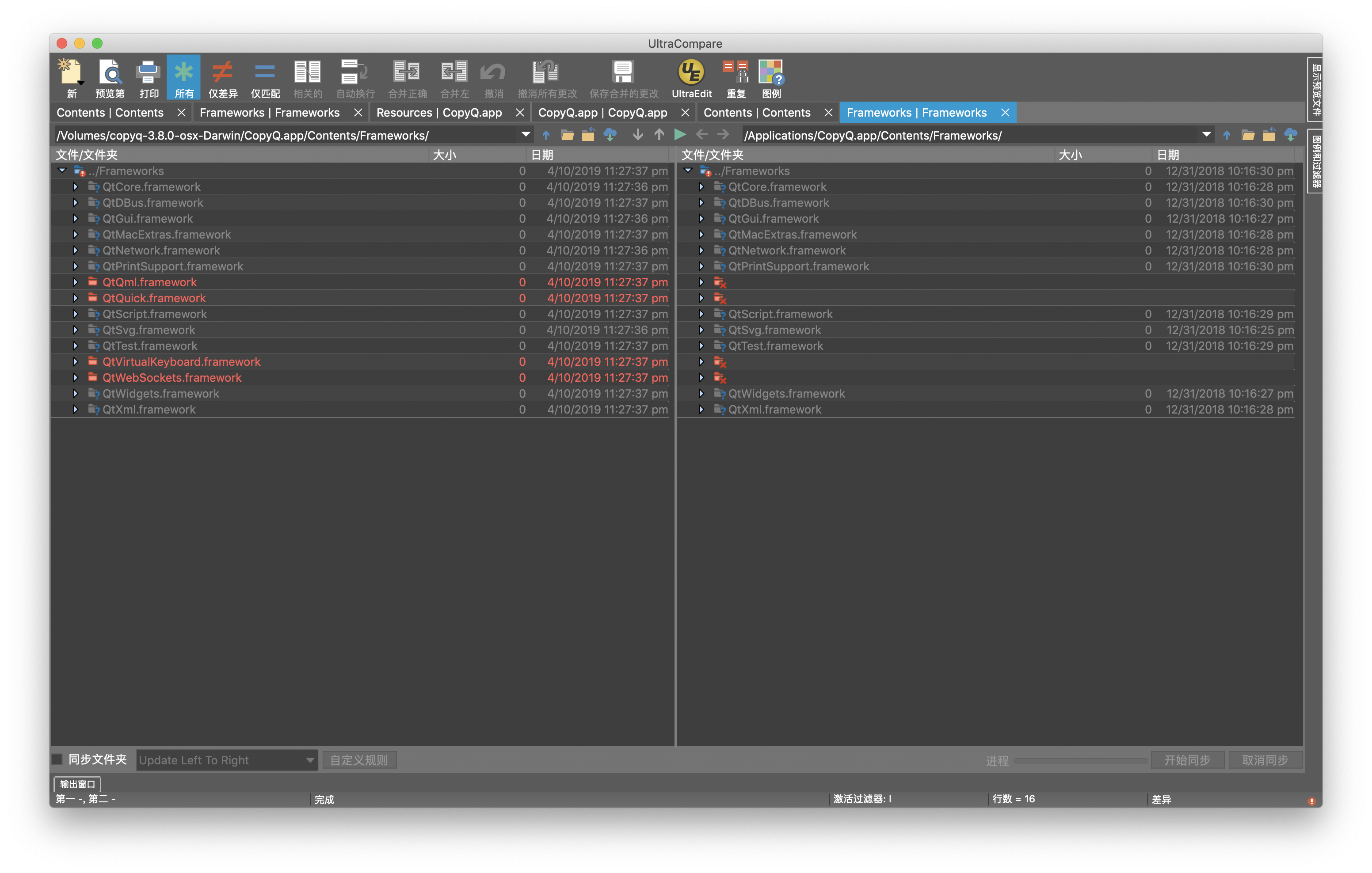
RoadToDream
on 3 Jun 2019
Thanks for the screenshot.
It's probably unrelated, but the new libs in v3.8.0 aren't really required by CopyQ - not sure why they are included in the package.
Can you check if there are any problems in log (F12 shortcut from the main window)?
You can also try forcing the scaling with following commands.
QT_SCALE_FACTOR=1 QT_SCREEN_SCALE_FACTORS=2 copyq
# or
QT_SCALE_FACTOR=2 copyq
It doesn't fix this issue, just double sized the window.
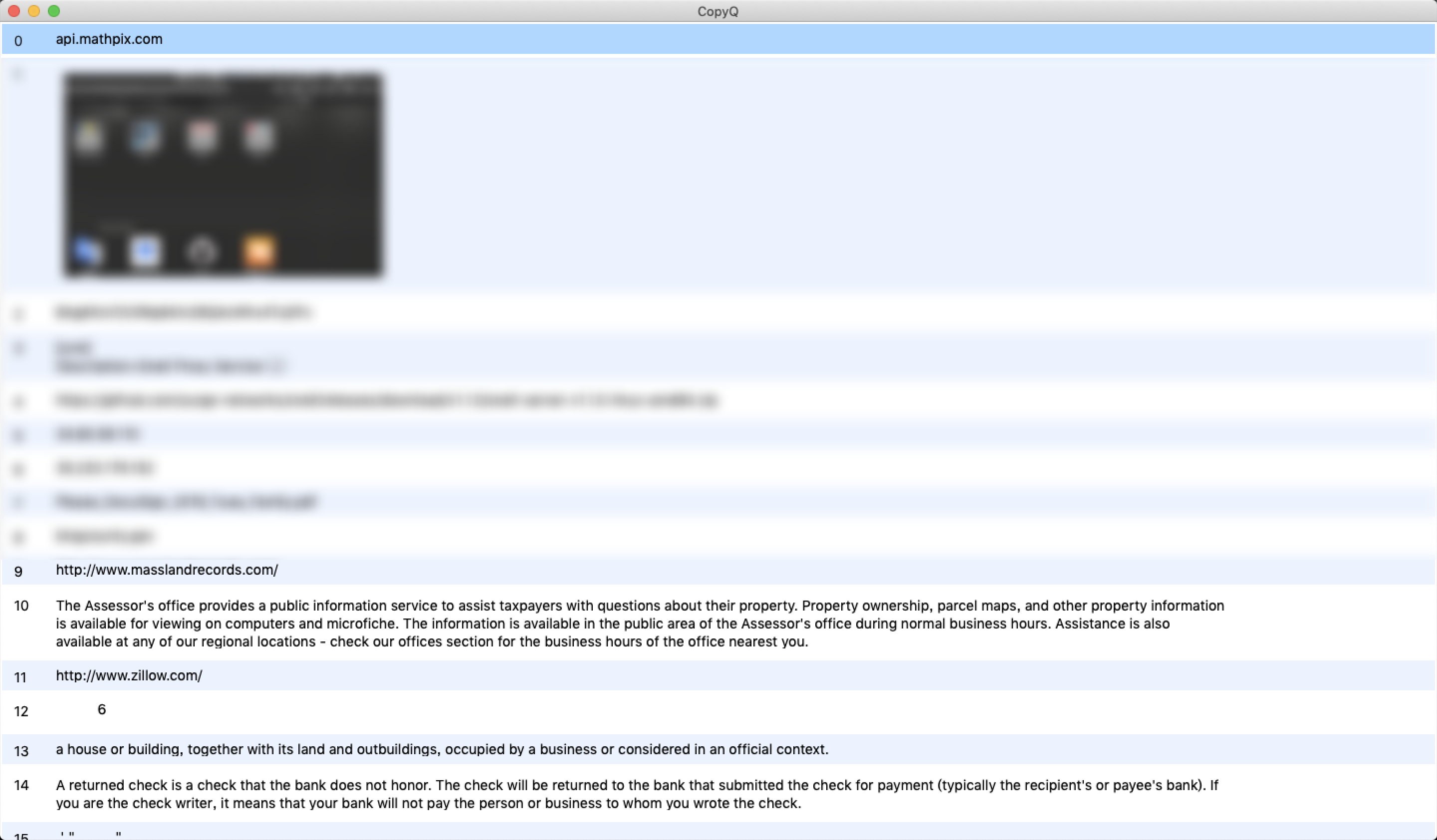
That's really a weird problem, does it only occurs on my computer? Seems like it's my system's fault.
RoadToDream
on 4 Jun 2019
Unfortunately, I cannot test it on macOS. It could be issue in the new Qt version but I fail to find a similar bug.
hluk
on 5 Jun 2019
Thanks a a lot for your patience! I'll go back to version 3.7. Maybe a fix in QT will repair this issue.
RoadToDream
on 5 Jun 2019
I've fixed it by adding following code to Info.plist in the bundle.
       <key>NSPrincipalClass</key>
       <string>NSApplication</string>
       <key>NSHighResolutionCapable</key>
       <string>True</string>
Still not sure why this does not work out-of-the-box.
hluk
on 25 Jun 2019
CopyQ v3.9.0, with the fix for retina displays, is available on github and via Homebrew.
hluk
on 27 Jun 2019
So still a plist issue, but this item is really weird, never seen it before.
Great hack!
RoadToDream
on 27 Jun 2019
Related issues
 davidawad
·
9Comments
davidawad
·
9Comments
 gflex
·
5Comments
hluk
·
9Comments
gflex
·
5Comments
hluk
·
9Comments
 beefeater7
·
8Comments
beefeater7
·
8Comments
 pacid
·
3Comments
pacid
·
3Comments
Most helpful comment
CopyQ v3.9.0, with the fix for retina displays, is available on github and via Homebrew.