Botframework-composer: LUIS Intent deployment activity not getting updated
Describe the bug
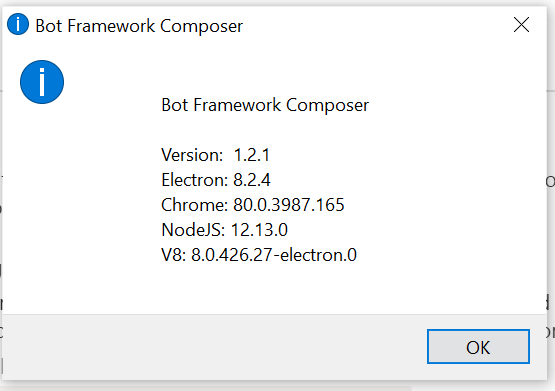
I'm using BOT Composer v1.2.1 and created a project with QnAMakerLUIS template.
I was able to publish OOB template without any changes.
Version
BOT Composer v1.2.1
BOT Framework Emulator 4.11.0
OS
Windows 10
- [ ] macOS
- [x] Windows
- [ ] Ubuntu
To Reproduce
Steps to reproduce the behavior:
Once after published,
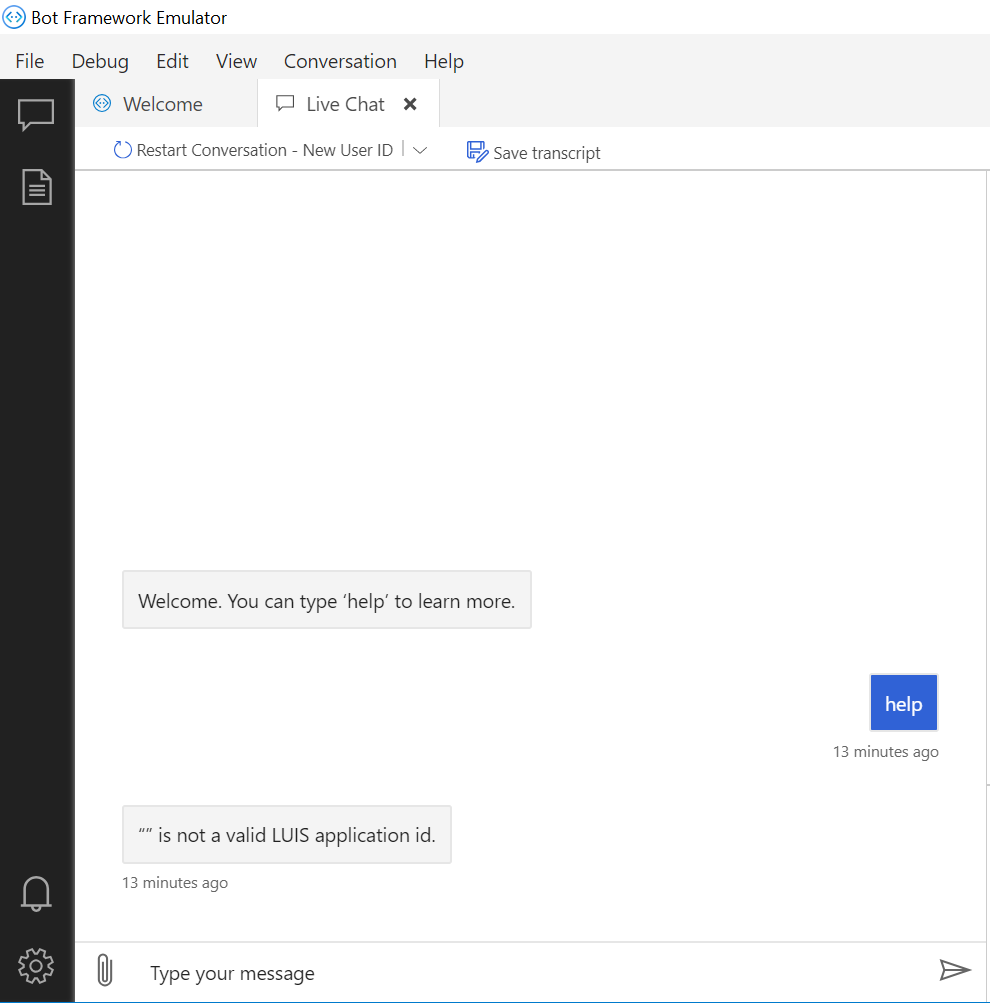
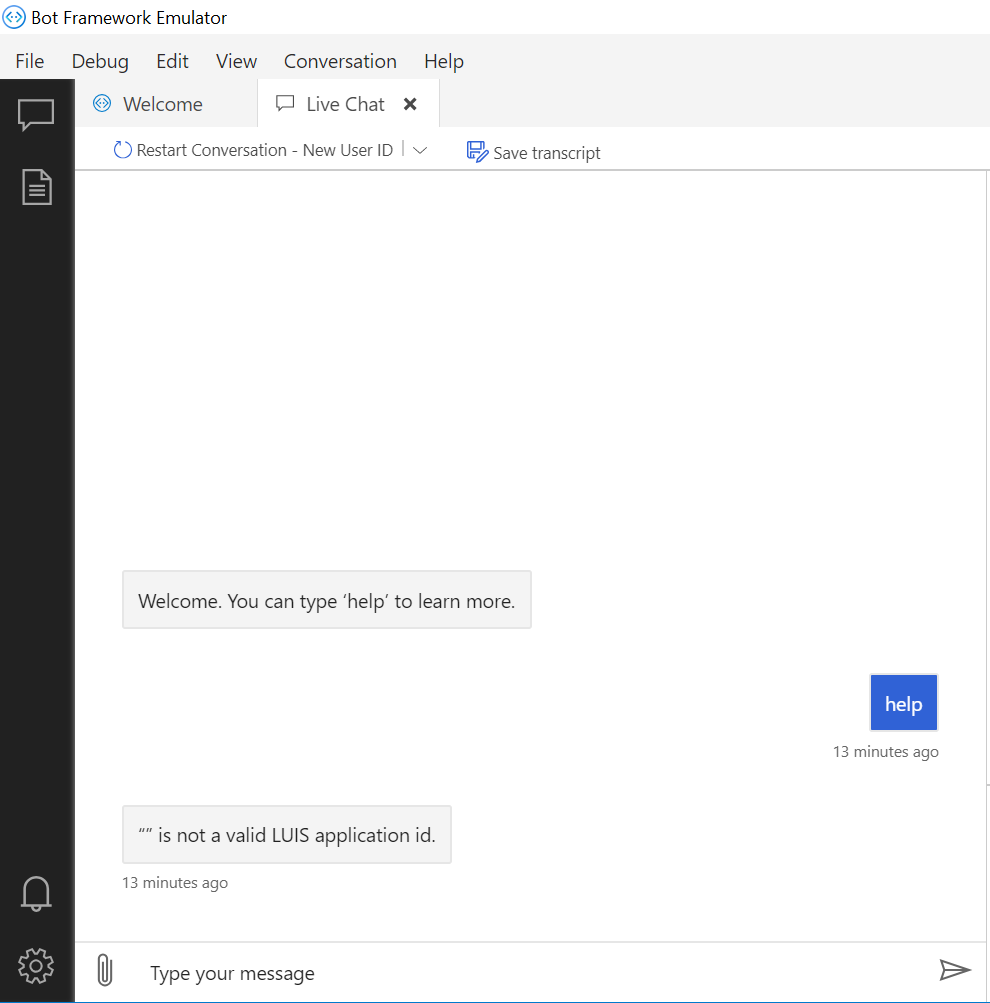
- Opened application in Emulator
- It prompted Welcome. You can type ‘help’ to learn more.
- I typed help and enter
- Then I'm getting "" is not a valid LUIS application id.
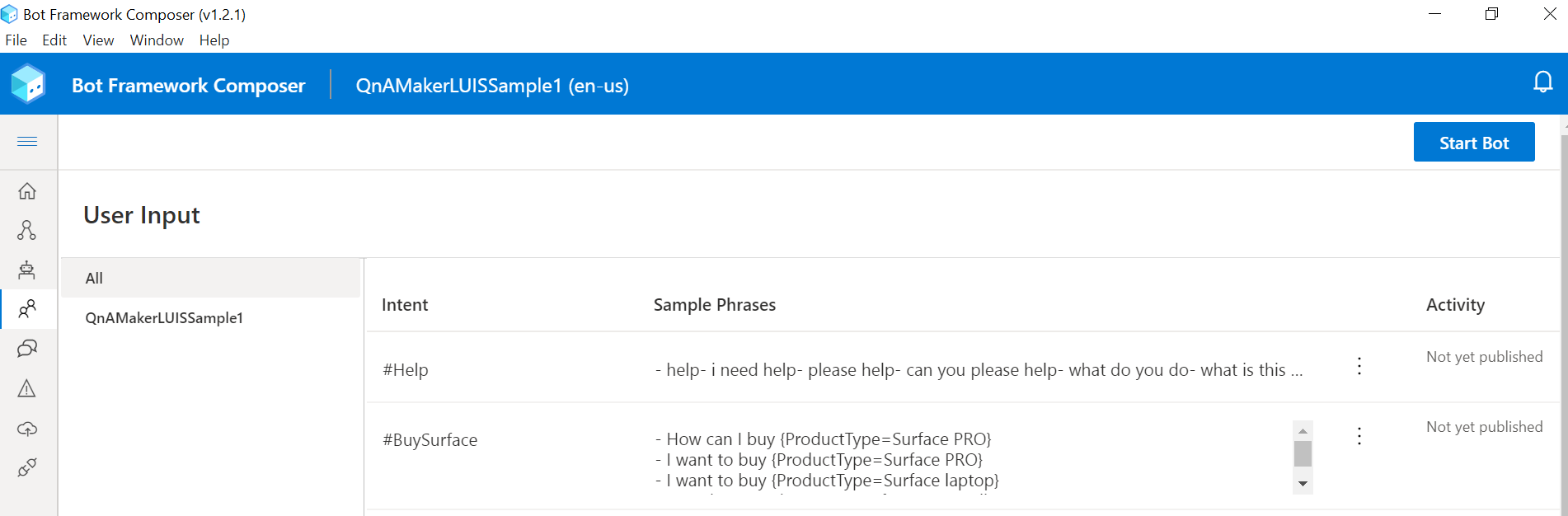
Then I checked LUIS intents in BOT Composer
- Go to composer and select User Input tab
- Select All
- It will display all the intents, sample phrases and Activity.
- In the Activity section, it is still showing Not yet published
Expected behavior
- LUIS Intents has to show as Published
- When I type help, it should trigger help dialog in BOT composer.
Screenshots
LUIS Intent Activity status
LUIS error in BOT Composer
 narulasrinivas
All 11 comments
Hi @narulasrinivas
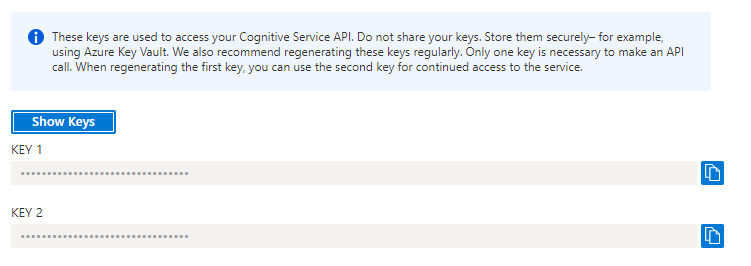
Can you confirm that you are using your LUIS authoring key and matches this section from Azure portal?:
Also; have you configured any of the settings for LUIS in bot settings yet?:

 dmvtech
on 1 Dec 2020
dmvtech
on 1 Dec 2020
I had the same issue when adding intents to an empty bot. My keys in the Composer's Bot Settings UI were correct (even after restarting composer), but when I looked at the file [bot]/settings/appsettings.json it was missing the keys.
I can set the keys manually in the file (and the bot works!), but if I change any of bot settings in the UI, they keys disappear from the file again.
 negativeeddy
on 3 Dec 2020
negativeeddy
on 3 Dec 2020
@dmvtech - Thanks for responding. I checked keys and everything looks good to me. After spending lot of hours to understand and resolve it, none of the solution worked for me.
I did same steps on another laptop, it worked fine.
narulasrinivas
on 6 Dec 2020
@negativeeddy - Even I'm experiencing same issue along with above issue.
narulasrinivas
on 6 Dec 2020
Hi @narulasrinivas and @negativeeddy,
Can you update to v1.3.1 and see if this still reproduces for you?
dmvtech
on 15 Dec 2020
@dmvtech - Installed v1.3.1 BOT composer and deployed QnAMakerLUIS OOB sample and tested but still the same :(
narulasrinivas
on 19 Dec 2020
Hi @narulasrinivas and @negativeeddy Apologies for the delay.
Can you please try clearing the local storage and then trying again? The steps to do this are:
- Go to
View->Toggle Developer Toolsin Composer. - Go to the
Applicationtab - Under the left nav
Local Storage, select the localhost node and then hit theClear allbutton 🚫. - Close Composer and then restart.
- Re-add your authoring key
- Run and test (see if they are published, etc)
You may also want to go to your LUIS authoring resource and see if you need/want to clean up any apps (with title containing (composer) in them) that are there already. Before step 6.
@negativeeddy when you set the authoring key for Composer, it will not save it to a file (along with things like app password. For security reasons). I'm thinking something is off between the local storage and what is set in recognizers\QnAMakerLUISSample-0.en-us.lu.dialog file. Clearing the local storage should hopefully help.
dmvtech
on 1 Jan 2021
after updating to v1.3.0 LUIS is working for me again
negativeeddy
on 4 Jan 2021
@narulasrinivas Were you able to clear the local storage and try again?
dmvtech
on 5 Jan 2021
@dmvtech - Unfortunately, above steps didn't work for me.
narulasrinivas
on 5 Jan 2021
Closing as issue is now being tracked in #5451
dmvtech
on 7 Jan 2021
Related issues
 gbelenky
·
22Comments
gbelenky
·
22Comments
 selmi5
·
17Comments
selmi5
·
17Comments
 Laxmi30
·
16Comments
Laxmi30
·
16Comments
 cxbuilders
·
15Comments
cxbuilders
·
15Comments
 arafattehsin
·
15Comments
arafattehsin
·
15Comments