Zulip-desktop: No spellcheck on Centos7 3.0.0
Linux/Centos7 Zulip App 3.0.0
The spellcheck module does not underline words on Centos7. Possibly related to #662 , but I figured I'd open a separate ticket for this issue.
Centos:

webapp on centos:

 swallitsch
All 7 comments
@swallitsch can you please tell us, what is your Default language(setting->display setting->Default language) it's because the spellchecker language now automatically enable for default language
 rrhythmsharma
on 25 May 2019
rrhythmsharma
on 25 May 2019
Zulip Preferences: English
Centos 7 language set to English (United States)
Spellchecker is on in the app settings
swallitsch
on 25 May 2019
@swallitsch thanks for reporting the issue. I'm using Ubuntu, not CentOS, but the spellchecker takes some time to kick in for me as compared to Windows/macOS. Does this issue persist after a while/typing erratically in the text box?
(Sorry if this seems like a silly question, just doing a sanity check)
 kanishk98
on 31 May 2019
kanishk98
on 31 May 2019
No matter how long I wait, spellchecker never underlines anything. I've left misspelled words up for a few hours before.
If I expand the AppImage, are there a few choice files I can add some logging to to see why spellchecker isn't initializing?
swallitsch
on 1 Jun 2019
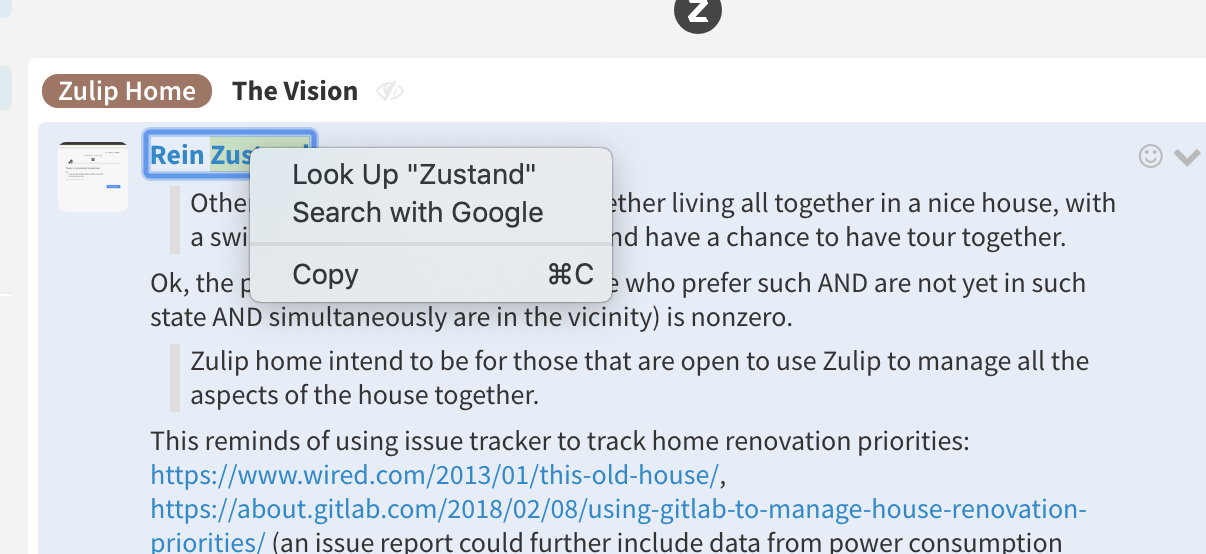
@swallitsch does the right-click context menus works for you?
 akashnimare
on 4 Jul 2019
akashnimare
on 4 Jul 2019
@akashnimare negative, which is why #662 was the first ticket I filed. I opened this up later as we're not getting the red underlines either.
swallitsch
on 10 Jul 2019
Merging this into #662 as both are connected.
akashnimare
on 25 Jun 2020
Related issues
 skewty
·
9Comments
skewty
·
9Comments
 develar
·
11Comments
develar
·
11Comments
 LeSeulArtichaut
·
3Comments
LeSeulArtichaut
·
3Comments
 Mentalone
·
10Comments
Mentalone
·
10Comments
 jjst
·
12Comments
jjst
·
12Comments
Most helpful comment
Zulip Preferences: English
Centos 7 language set to English (United States)
Spellchecker is on in the app settings