Web-bugs: icantbelieveitsnotfinishedyet.f-list.net - Unable to fill in the form
Browser / Version: Firefox 80.0
Operating System: Windows 10
Tested Another Browser: Yes Chrome
Problem type: Site is not usable
Description: Unable to type
Steps to Reproduce:
Firefox dev edition 80.0b5 (64-bit) on Windows 10.
Form does not accept any input.
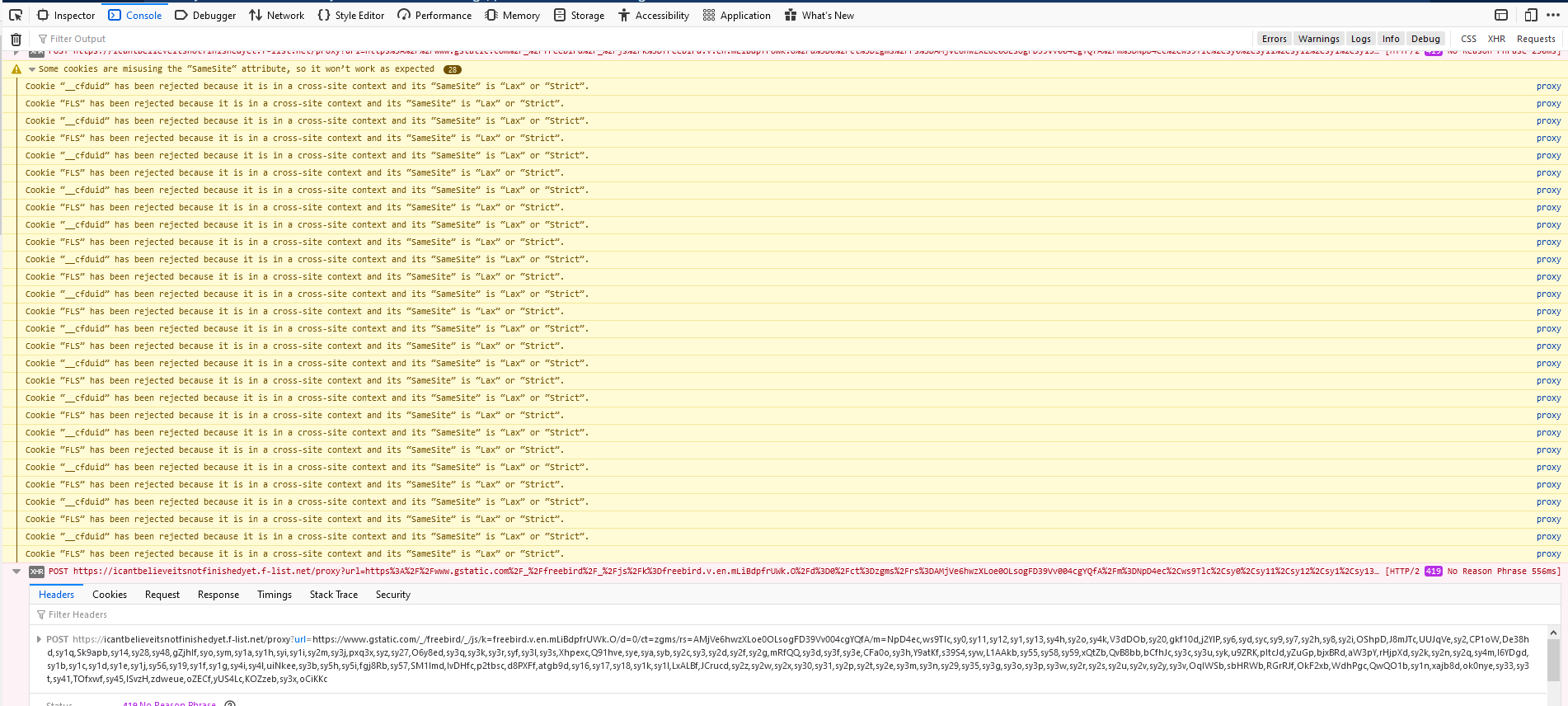
Console log shows error 419
Chrome works fine.
Browser Configuration
- None
_From webcompat.com with ❤️_
 LurkerHub
All 17 comments
Thanks for the report @LurkerHub, but I'm not able to reproduce the issue.
I was able to type inside the username input field as presented in the image below.
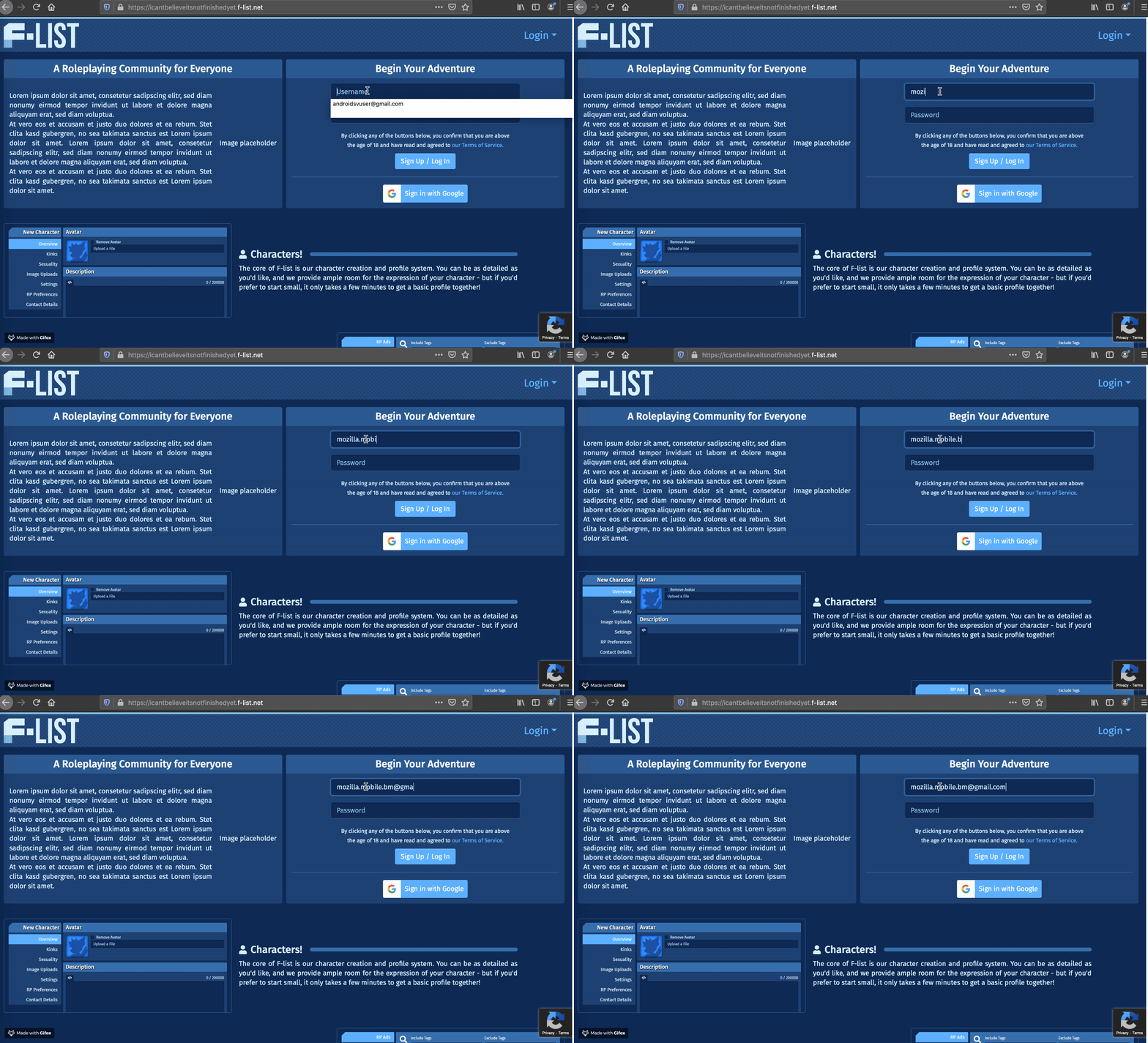
Tested with:
Browser / Version: Firefox Nightly 81.0a1 (2020-08-09)
Operating System: macOS 10.15.6
@LurkerHub, could you please update to the latest Firefox version, and give it another try?
Also, could you try clearing cache/data/cookies, disable Ad-blocker (if available), or use a clean profile (about:profiles), and check again?
@softvision-oana-arbuzov could you please check on your Windows machine and see if the issue is reproducible?
 cipriansv
on 10 Aug 2020
cipriansv
on 10 Aug 2020
@cipriansv, That is not the failing form, as visible from the URL.
You need to have an account, log in, then go to the link.
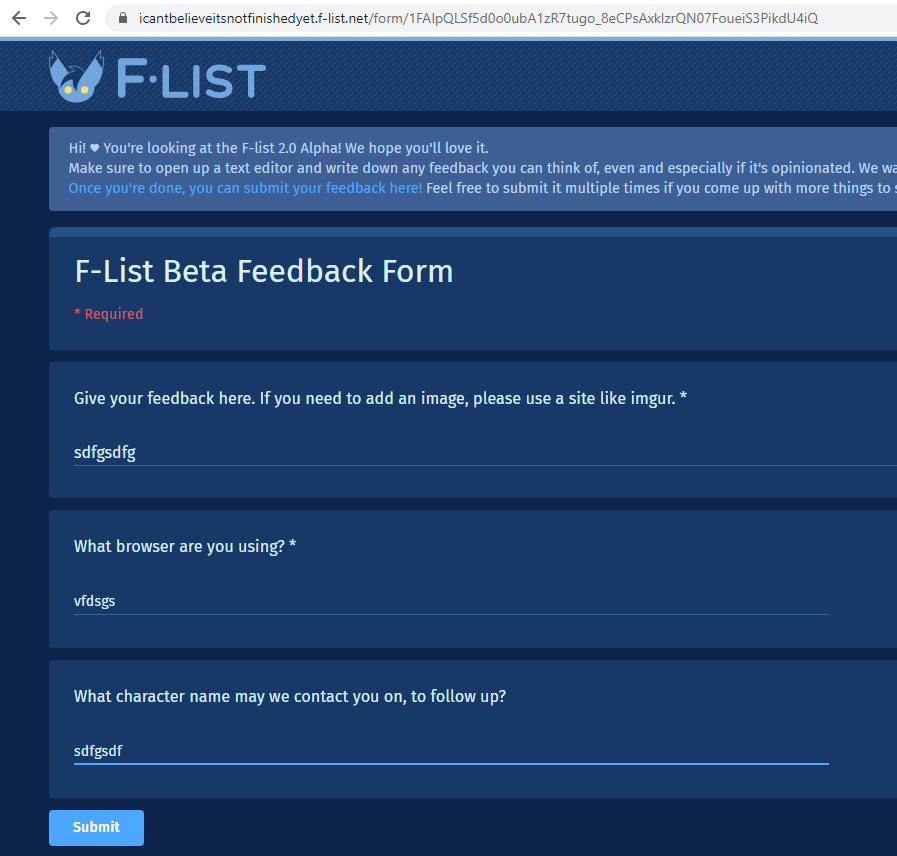
This is what the form looks like:
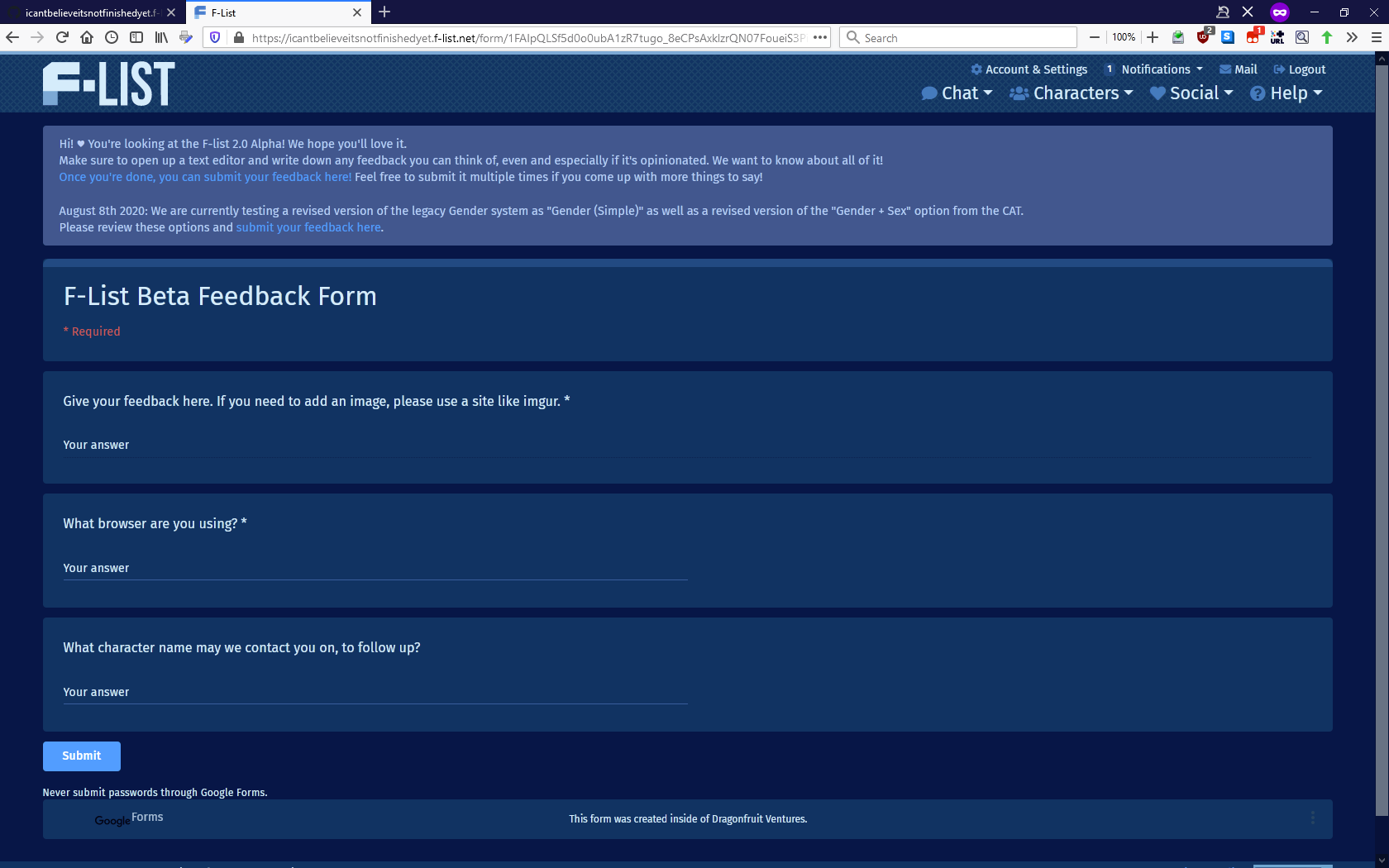
The text entry fields are not responsive.
I am using 80.0b5 on Windows.
Also tried with a brand new profile, same result (so it's not my settings/addons)
Some people claim that it works for them with a release version of FF, so it could be a regression or breaking change in the beta.
LurkerHub
on 11 Aug 2020
Unfortunately registration is disabled, thus I'm not able to test further login.
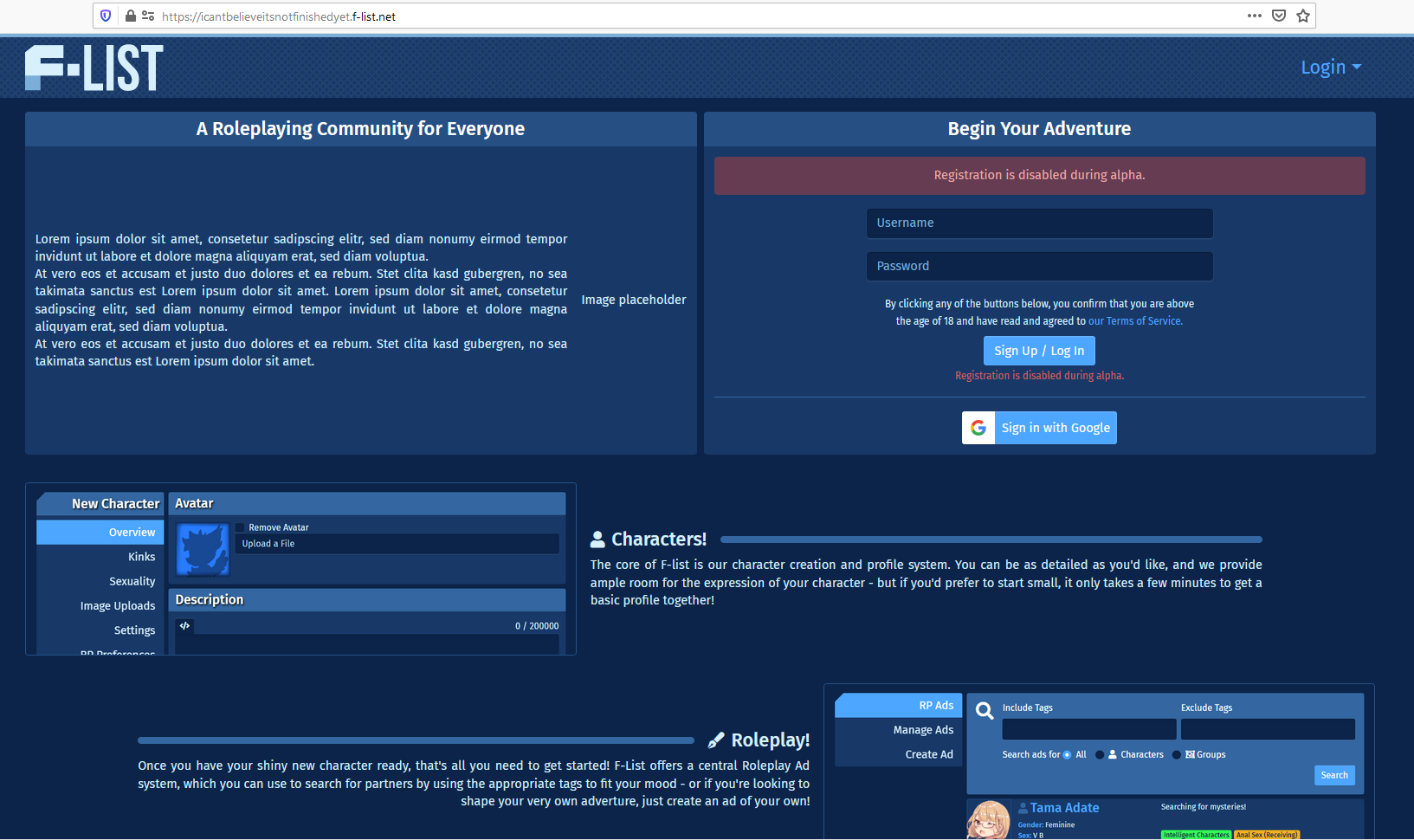
Tested with:
Browser / Version: Firefox Nightly 81.0a1 (2020-08-16)
Operating System: Windows 10 Pro
@karlcow is there anything we can do in this case, based on the provided info?
 softvision-oana-arbuzov
on 17 Aug 2020
softvision-oana-arbuzov
on 17 Aug 2020
@LurkerHub without access to the service/source code we can't really investigate. This doesn't seem like the real website given the lorem ipsum there. but if you are the one in charge of this site, could you share the form page where the actual issue is.
 karlcow
on 20 Aug 2020
karlcow
on 20 Aug 2020
Unfortunately, this is not my site, I am just a user.
I emailed the developers and asked for an account that can be used to test the issue, but I am yet to receive a response.
LurkerHub
on 20 Aug 2020
I got a reply from the developers:
I've created a test account for this purpose. I would however advise against linking these credentials publicly, as it is simply a normal, blank account, and if there is any abusive activity on that account, we will have to remove it.
How do I send you the credentials?
LurkerHub
on 29 Aug 2020
@LurkerHub that is great, you can send it to my email address oana.[email protected].
We will only use the credentials internally for investigation and diagnosis.
softvision-oana-arbuzov
on 29 Aug 2020
Hi, developer of the site in question here!
After some testing, this appears to be caused by a breaking change in Firefox 80, where requests originating from iframes with an srcdoc attribute no longer send along SameSite cookies, despite the requests going to the matching domain. Chrome and pre-80 Firefox do not have this problem.
 MayaWolf
on 30 Aug 2020
MayaWolf
on 30 Aug 2020
Thanks @LurkerHub for the test account, I was able to reproduce the issue.
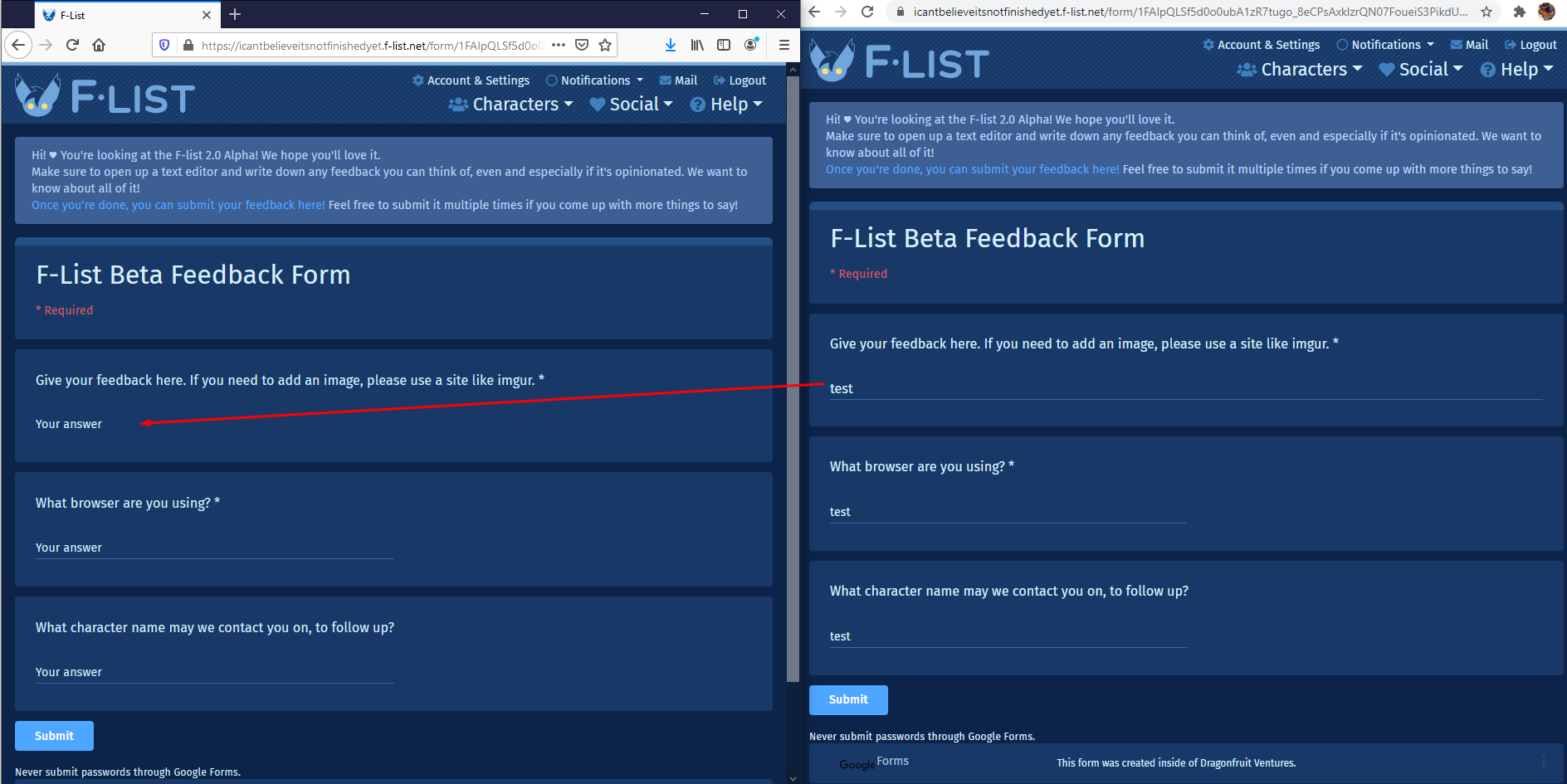
Affected area:
<div class="quantumWizTextinputPapertextareaContentArea exportContentArea">
    <textarea class="quantumWizTextinputPapertextareaInput exportTextarea" jsname="YPqjbf" data-rows="1" tabindex="0" aria-label="Your answer" jscontroller="gZjhIf" jsaction="input:Lg5SV;ti6hGc:XMgOHc;rcuQ6b:WYd;" disabled="" required="" dir="auto" data-initial-dir="auto" data-initial-value="" aria-labelledby="i1" aria-describedby="i2 i3"></textarea>
</div>
Console:
Tested with:
Browser / Version: Firefox Nightly 82.0a1 (2020-08-30)
Operating System: Windows 10 Pro
Moving to Needsdiagnosis for further investigation.
softvision-oana-arbuzov
on 31 Aug 2020
Thanks @LurkerHub for the test account
Thanks @MayaWolf for the test account
LurkerHub
on 31 Aug 2020
@MayaWolf Here for the SameSite
- https://hacks.mozilla.org/2020/08/changes-to-samesite-cookie-behavior/
- https://web.dev/samesite-cookie-recipes/
Does it break in Chrome Canary?
See also https://www.chromium.org/updates/same-site/test-debug
karlcow
on 8 Sep 2020
I tried setting network.cookie.sameSite.laxByDefault.disabledHosts to icantbelieveitsnotfinishedyet.f-list.net, docs.google.com but it doesn't seem to work.
What am I missing?
LurkerHub
on 8 Sep 2020
@karlcow the issue is not reproducible on Chrome Canary 87.0.4265.0
Tested with:
Operating System: Windows 10 Pro
softvision-oana-arbuzov
on 16 Sep 2020
If this is a SameSite issue, shouldn't setting network.cookie.sameSite.laxByDefault.disabledHosts overcome it?
I tried filling it with every relevant domain I could think of and still get the FLS and __cfduid cookies rejection in the log.
I am at my wits end, can somebody please help?
LurkerHub
on 16 Sep 2020
we should probably run a mozregression in between Firefox 79 and 80, as it seems to be the breaking point for @LurkerHub
karlcow
on 17 Sep 2020
list of current known open srcdoc issues https://bugzilla.mozilla.org/buglist.cgi?quicksearch=srcdoc&list_id=15415900
something close https://bugzilla.mozilla.org/show_bug.cgi?id=1567970 but not sure this is it.
Also in these https://bugzilla.mozilla.org/buglist.cgi?quicksearch=iframe%20csp&list_id=15415907
karlcow
on 17 Sep 2020
@karlcow I've run mozregression and below is the result:
Last good revision: 35ea60e019d1210c9b2094801549963398bb1ad3
First bad revision: 3ffee99572221e5541d694cf762c427395fd391a
Bugzilla issues:
https://bugzilla.mozilla.org/show_bug.cgi?id=1641905
softvision-oana-arbuzov
on 17 Sep 2020
Related issues
 IngrownMink4
·
3Comments
IngrownMink4
·
3Comments
 GeorgeWL
·
5Comments
GeorgeWL
·
5Comments
 webcompat-bot
·
5Comments
karlcow
·
5Comments
webcompat-bot
·
5Comments
karlcow
·
5Comments
 Ezio916
·
4Comments
Ezio916
·
4Comments
Most helpful comment
@karlcow I've run mozregression and below is the result:
Last good revision: 35ea60e019d1210c9b2094801549963398bb1ad3
First bad revision: 3ffee99572221e5541d694cf762c427395fd391a
Pushlog: https://hg.mozilla.org/integration/autoland/pushloghtml?fromchange=35ea60e019d1210c9b2094801549963398bb1ad3&tochange=3ffee99572221e5541d694cf762c427395fd391a
Bugzilla issues:
https://bugzilla.mozilla.org/show_bug.cgi?id=1641905