Web-bugs: www.latimes.com - Login form is not opened
URL: https://www.latimes.com/#
Browser / Version: Firefox Mobile 71.0
Operating System: Android
Tested Another Browser: Yes Chrome
Problem type: Site is not usable
Description: Unable to login
Steps to Reproduce:
Login button does absolutely nothing. Unable to sign in to my account so I can continue reading the news I have paid for.
Browser Configuration
- None
_From webcompat.com with ❤️_
 Aranjedeath
All 11 comments
Thank for the report. Unfortunately, a special account is needed to sign in.
Could you please update to the latest Firefox version, and give it another try?
Also could you try clearing cache/data/cookies, disable Ad-blocker (if available), or use a clean profile, and check again?
 softvision-sergiulogigan
on 31 Dec 2019
softvision-sergiulogigan
on 31 Dec 2019
Hi - no special account is needed to verify. The literal actual form does not appear and this can be verified by anyone. I am using Firefox Preview (as the version indicates in my report), and I am already using the latest available version. Yes, I have cleared caches. I do not have extensions or ad blockers. The privacy features are disabled.
I do not know what a clean profile is in the context of an Android phone Firefox, so I don't know how to do that.
Aranjedeath
on 1 Jan 2020
Hi
I attempted to reproduce the issue, and was able to get the log in form to appear. Could you maybe try again? If it still does not work, could you provide precise steps to reproduce the issue?
 mozilla829
on 11 Jan 2020
mozilla829
on 11 Jan 2020
mozilla829
on 11 Jan 2020
mozilla829
on 11 Jan 2020
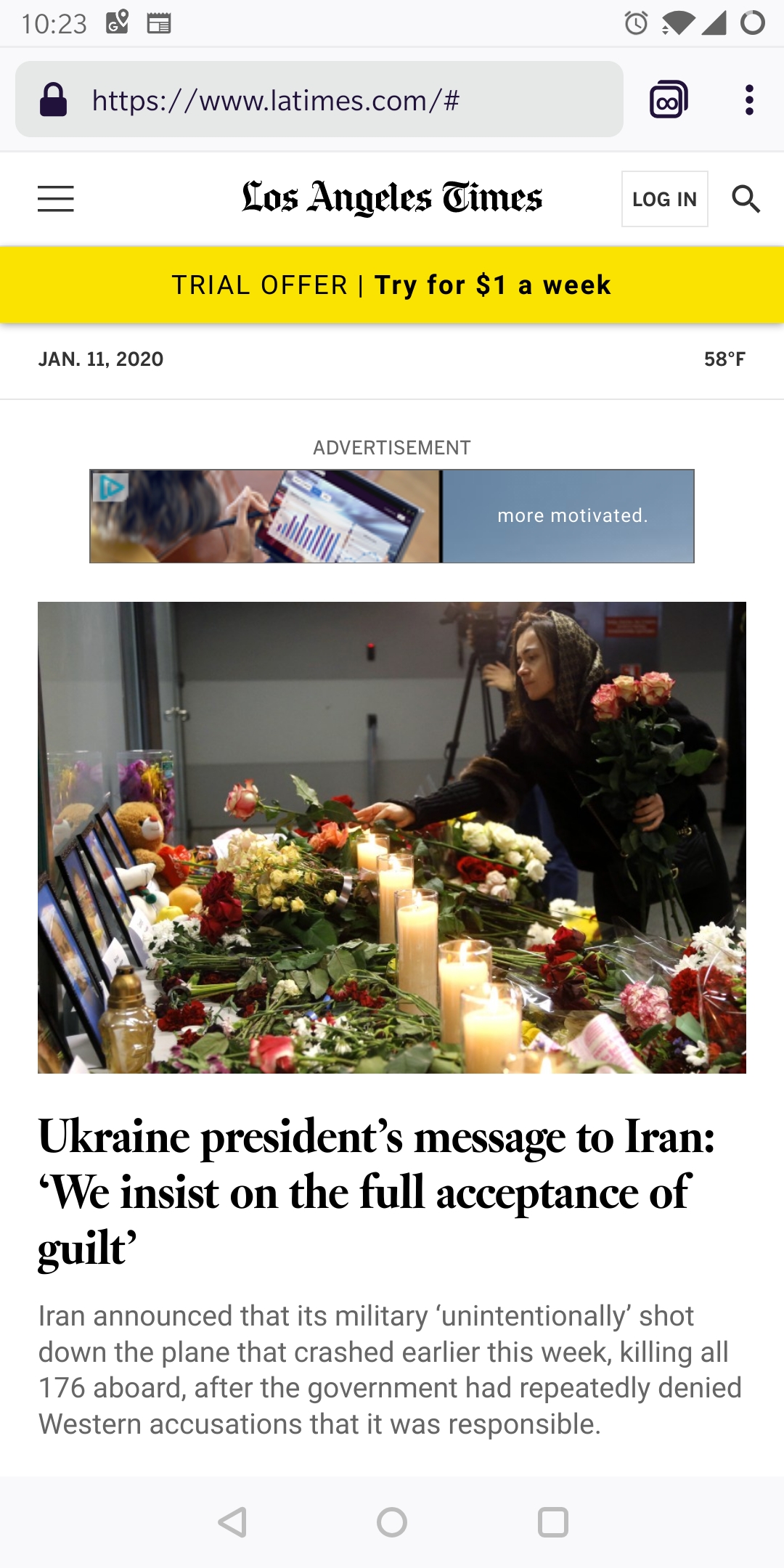
You can see the box around the login button where it is selected but nothing pops up.
Aranjedeath
on 11 Jan 2020
The hash in the URL is added when I tap it as well, probably the JavaScript that is supposed to pop it does that. But no login form.
Aranjedeath
on 11 Jan 2020
Thanks, @Aranjedeath
I'm able to reproduce the issue even with TP OFF.
Tested with:
Browser / Version: Firefox Preview Nightly 200112 (🦎 74.0a1-20200110095023)
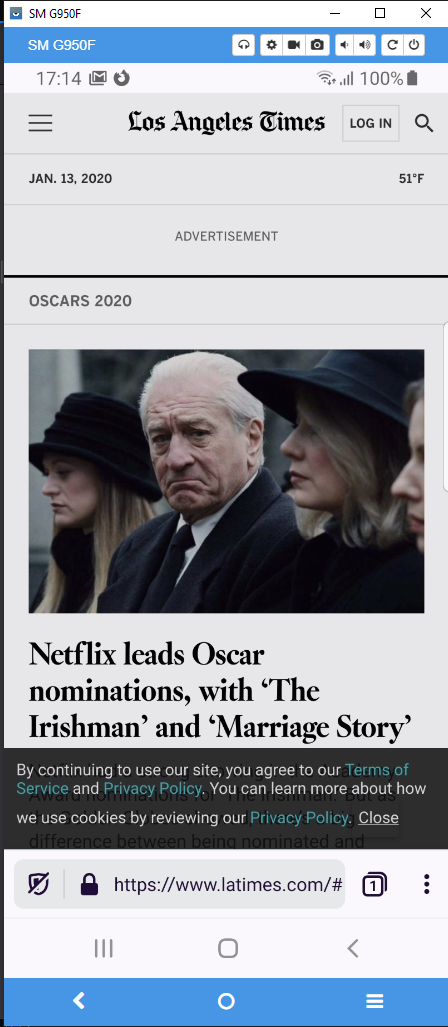
Operating System: Samsung Galaxy S8 (Android 9) - 1440 x 2960 pixels, 18.5:9 ratio (~570 ppi density)
Moving to Needsdiagnosis.
softvision-sergiulogigan
on 13 Jan 2020
ok this is the message we get on the console when we tap the log in text.
09:37:26.834 TypeError: can't access property 1, u.match(...) is null latspot.min.js:1:3784
    checkCompatible https://ssor.platform.californiatimes.com/reg/tribune/latspot.min.js:1
    _link https://ssor.platform.californiatimes.com/reg/tribune/latspot.min.js:1
    signInHandler https://ssor.platform.californiatimes.com/reg/tribune/latspot.min.js:1
    t https://ssor.platform.californiatimes.com/reg/tribune/latspot.min.js:1
    jQuery 2
    fireMouseEvent resource://devtools/server/actors/emulation/touch-simulator.js:289
    dispatchMouseEvents resource://devtools/server/actors/emulation/touch-simulator.js:264
    (Async: setTimeout handler)
    handleEvent resource://devtools/server/actors/emulation/touch-simulator.js:259
    (Async: EventListener.handleEvent)
    handleEvent resource://devtools/server/actors/emulation/touch-simulator.js:243
    (Async: EventListener.handleEvent)
    start resource://devtools/server/actors/emulation/touch-simulator.js:68
    forEach self-hosted:235
    start resource://devtools/server/actors/emulation/touch-simulator.js:65
    setTouchEventsOverride resource://devtools/server/actors/emulation/responsive.js:244
    handler resource://devtools/shared/protocol/Actor.js:154
    handler self-hosted:878
    onPacket resource://devtools/server/debugger-server-connection.js:380
    receiveMessage resource://devtools/shared/transport/child-transport.js:66
    (Async: MessageListener.receiveMessage)
    _addListener resource://devtools/shared/transport/child-transport.js:40
    ready resource://devtools/shared/transport/child-transport.js:57
    _onConnection resource://devtools/server/debugger-server.js:463
    connectToParent resource://devtools/server/debugger-server.js:337
    onConnect resource://devtools/server/startup/frame.js:62
    makeInfallible resource://devtools/shared/ThreadSafeDevToolsUtils.js:111
    (Async: MessageListener.receiveMessage)
    <anonymous> resource://devtools/server/startup/frame.js:95
    <anonymous> resource://devtools/server/startup/frame.js:177
which relates to
        checkCompatible: function (t, n) {
          return /Android/.test(u) && !/Chrome/.test(u) && parseFloat(u.match(/Android ((\d\.)+)/) [1]) < 4.4 ? t ? (e('.reg-title, form > :not(.reg-cancel)', t).addClass('disabled'), void e('.reg-content', t).prepend('<div class="reg-disabled">' + (e('html').is('[data-dss-meterup]') ? 'Premium subscription access and other advanced features are not supported' : 'You must log in or register to continue, but we do not support this feature') + ' in the version of Android Browser you are using due to a security flaw. Please use the <a href="https://play.google.com/store/apps/details?id=com.android.chrome" target="_blank" rel="noopener">Google Chrome</a> browser or upgrade your Android operating system to continue.</div>'))  : d.showMessageDialog()  : !0
        },
so user agent sniffing and given I had breakpoints already set there. I'm pretty sure this is a duplicate. Let's see.
parseFloat(u.match(/Android ((\d\.)+)/) [1])
The Los Angeles Times assume that Android can be only Major.Minor version number for Android. But Firefox sends only the major version number.
 karlcow
on 17 Jan 2020
karlcow
on 17 Jan 2020
I'll move this to needscontact until I find again the duplicate issue for it.
karlcow
on 17 Jan 2020
Hi -- I can report the site is currently working (the login modal pops, and works). Something changed in the past week to allow this. I am Firefox Preview 3.0.2 currently, which according to Google Play Store updated on Jan 8th so is likely not the cause. I assume LAT fixed something on their end.
Please verify it is not just me :) Thank you all for troubleshooting and verification assistance.
Aranjedeath
on 25 Jan 2020
Thanks a lot for the followup.
karlcow
on 22 May 2020
Related issues
 webcompat-bot
·
5Comments
webcompat-bot
·
5Comments
 bvanrijn
·
4Comments
webcompat-bot
·
5Comments
bvanrijn
·
4Comments
webcompat-bot
·
5Comments
 scheinercc
·
6Comments
scheinercc
·
6Comments
 IngrownMink4
·
3Comments
IngrownMink4
·
3Comments
Most helpful comment
Hi -- I can report the site is currently working (the login modal pops, and works). Something changed in the past week to allow this. I am Firefox Preview 3.0.2 currently, which according to Google Play Store updated on Jan 8th so is likely not the cause. I assume LAT fixed something on their end.
Please verify it is not just me :) Thank you all for troubleshooting and verification assistance.