Web-bugs: questionsareactions.airfrance.fr - Video doesn't play
URL: https://questionsareactions.airfrance.fr/video/je-peux-devenir-pilote-si-je-porte-des-lunettes
Browser / Version: Firefox Mobile 65.0
Operating System: Android 8.1.0
Tested Another Browser: Yes
Problem type: Video or audio doesn't play
Description: Video doesn't play
Steps to Reproduce:
Navigate the plane onto a cloud, the video should start automatically.
Browser Configuration
- None
Reported by @caugner
_From webcompat.com with ❤️_
 caugner
All 13 comments
✔️ Works in Chrome Mobile.
✔️ Works in Firefox Desktop.
:x: Doesn't work in Firefox Mobile.
:x: Doesn't work in Firefox Focus.
PS: I'm using Nightlies.
caugner
on 18 Feb 2019
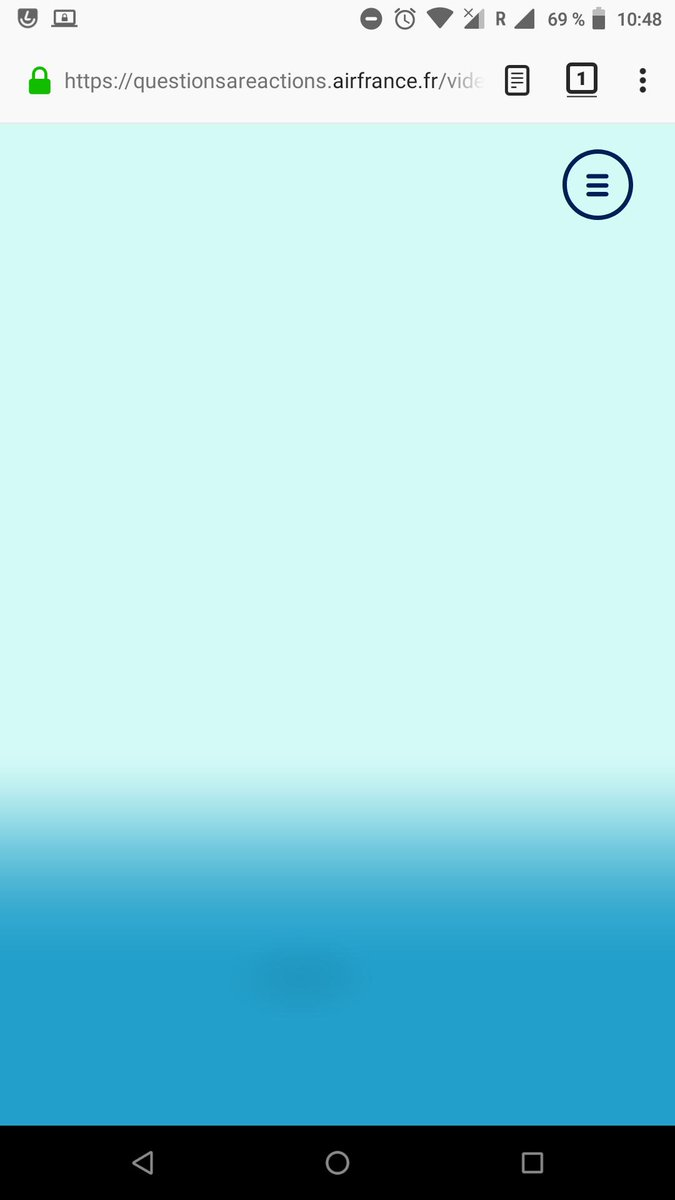
- Screenshot (Firefox Focus):
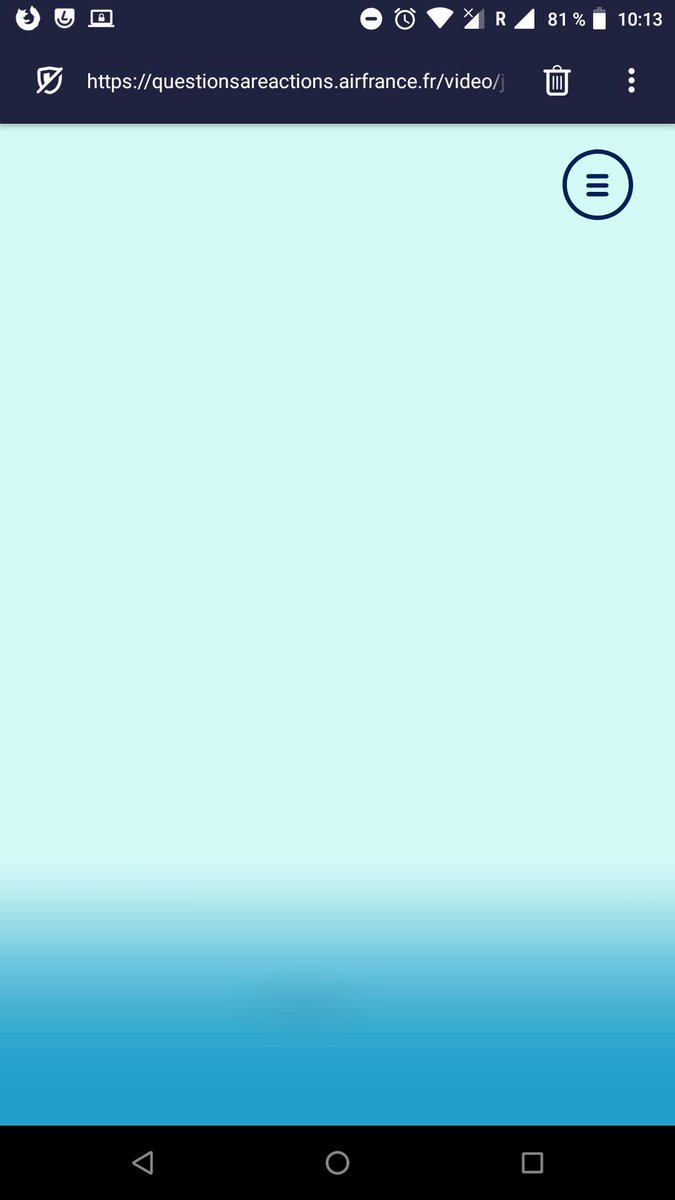
- Screenshot (Firefox Mobile):
caugner
on 18 Feb 2019
Thanks for the report, I was able to reproduce the issue.
Tested with:
Browser / Version: Firefox Nightly 67.0a1 (2019-02-17), Firefox Focus 8.0.8 (Build #330452036 🦎 65.0.20190125143011)
Operating System: LG G5 (Android 7.0) - 1440 x 2560 pixels (~554 ppi pixel density), Samsung Galaxy S7 Edge (Android 8.0.0) - Resolution 1440 x 2560 pixels (~534 ppi pixel density)
Moving to Needsdiagnosis for further investigation.
 softvision-oana-arbuzov
on 18 Feb 2019
softvision-oana-arbuzov
on 18 Feb 2019
Thanks @caugner
Yes I tried to play a bit with it yesterday when I have seen the report on twitter, and I didn't manage to find the issue yet. There is no specific console error for this. The UI with the plan is working until we drop the plane on a cloud and it is supposed to start a video explaining the question.
 karlcow
on 19 Feb 2019
karlcow
on 19 Feb 2019
The html of this page.
<div
class="c-popin-video u-pointer-auto u-absolute u-pos-tl u-fit u-flex u-align-items-c u-justify-content-c u-overflow-h c-view u-absolute u-fit u-pos-tl u-pointer-none is-active is-video-appear"
>
<div
data-v-15930f0c=""
class="c-video u-flex u-justify-content-c c-popin-video-content u-absolute u-pos-tl u-fit"
>
<div
data-v-15930f0c=""
class="c-video-inner u-relative u-fit-h | u-height-auto@md u-fit-w@md"
>
<video
data-v-15930f0c=""
poster=""
playsinline=""
webkit-playsinline=""
class="u-cursor-pointer u-relative u-fit-h | u-height-auto@md u-fit-w@md"
>
<source
data-v-15930f0c=""
src="https://airfrance-kids.cdn.prismic.io/airfrance-kids%2F7d9c9655-d89c-4d20-b30d-98bba29964f9_je-peux-devenir-pilote-si-je-porte-des-lunettes_1.mp4"
type="video/mp4"
/></video
><img
data-v-15930f0c=""
src="/img/play.9ef07b1b.png"
alt="play"
class="c-video-play-mobile"
/>
<div data-v-15930f0c="" class="video-title">
Je peux devenir pilote si je porte des lunettes ?
</div>
<svg
data-v-15930f0c=""
width="65px"
height="65px"
viewBox="0 0 66 66"
xmlns="http://www.w3.org/2000/svg"
class="c-video-spinner u-absolute u-pos-center u-pointer-none is-video-ready"
>
…
</svg>
<div
data-v-15930f0c=""
class="c-video-timeline u-absolute u-pos-bl u-fit-w u-overflow-h"
>
<div
class="c-video-timeline-inner u-absolute u-pos-tl u-fit u-bg--white"
style="transform: translateX(-252px) translateZ(0px);"
></div>
</div>
<div
data-v-15930f0c=""
class="c-video-timer u-absolute u-pos-bl t-text--xs u-uppercase u-font-heading u-color--white u-flex u-align-items-c"
>
<button data-v-15930f0c="" class="c-video-play-pause u-relative t-btn">
<div
data-v-15930f0c=""
class="c-video-play u-absolute u-pos-center u-flex u-align-items-c u-justify-content-c"
>
<div data-v-15930f0c="" class="c-video-play-icon"></div>
</div>
<div
data-v-15930f0c=""
class="c-video-pause u-absolute u-pos-center u-flex u-align-items-c u-justify-content-c"
>
<div data-v-15930f0c="" class="c-video-pause-icon"></div>
</div>
</button>
<div data-v-15930f0c="" class="t-text--xs u-marg-l-md">
00:00 / 00:20
</div>
</div>
<button
data-v-15930f0c=""
class="c-video-sound t-btn u-absolute u-pos-br u-flex u-justify-content-sb is-active"
>
<span
data-v-15930f0c=""
class="c-video-sound-line c-video-sound-line--0 u-pointer-none"
></span
><span
data-v-15930f0c=""
class="c-video-sound-line c-video-sound-line--1 u-pointer-none"
></span
><span
data-v-15930f0c=""
class="c-video-sound-line c-video-sound-line--2 u-pointer-none"
></span></button
><img
data-v-15930f0c=""
src="/img/video-left-4.0d0a0688.svg"
alt=""
class="c-wave-0 u-absolute u-pos-tl u-fit-h | u-hide@md"
width="2307"
height="2220"
/><img
data-v-15930f0c=""
src="/img/video-right-4.4e5a4b0f.svg"
alt=""
class="c-wave-1 u-absolute u-pos-tr u-fit-h | u-hide@md"
width="2082"
height="2021"
/>
</div>
</div>
<a
href="/"
class="c-popin-video-close u-cursor-pointer t-btn u-absolute u-pos-tr u-marg-t-md u-marg-r-md | u-marg-t-lg@sm router-link-active"
></a>
<div class="u-absolute u-pos-tl u-fit u-pointer-none lottie-video">
<div
class="js-object-fit u-absolute u-pos-tl u-fit"
style="width: 1138px; height: 640px; transform: translate(-389px, 0px) translateZ(0px);"
>
<svg
xmlns="http://www.w3.org/2000/svg"
viewBox="0 0 2560 1440"
width="2560"
height="1440"
style="width: 100%; height: 100%; transform: translate3d(0px, 0px, 0px);"
preserveAspectRatio="xMidYMid meet"
>
…
</svg>
</div>
</div>
</div>
ok when the video is visible there is a .is-active
.c-popin-video {
    z-index: 10;
    visibility: hidden;
}

.c-popin-video.is-active {
    visibility: visible;
}
And the video is working on tap. So something is not setting .is-active and is-video-appear.
These are the class values when
- no video
c-popin-video u-pointer-auto u-absolute u-pos-tl u-fit u-flex u-align-items-c u-justify-content-c u-overflow-h c-view u-absolute u-fit u-pos-tl u-pointer-none - video
c-popin-video u-pointer-auto u-absolute u-pos-tl u-fit u-flex u-align-items-c u-justify-content-c u-overflow-h c-view u-absolute u-fit u-pos-tl u-pointer-none is-active is-video-appear
Let's try to find what is setting what.
is-active is difficult to discriminate which code is responsible (too many matches), but on the other hand is-video-appear is easy to find.
This is done in Video.vue
var render = function() {
  var _vm = this;
  var _h = _vm.$createElement;
  var _c = _vm._self._c || _h;
  return _c(
    "div",
    {
      staticClass:
        "c-popin-video u-pointer-auto u-absolute u-pos-tl u-fit u-flex u-align-items-c u-justify-content-c u-overflow-h",
      class: { "is-active": _vm.isVideo, "is-video-appear": _vm.displayVideo }
    },
    [
      _vm.question && _vm.question.data.video.url
        ? _c(
            "video-player",
            {
              staticClass: "c-popin-video-content u-absolute u-pos-tl u-fit",
              attrs: {
                title: _vm.question.data.title[0].text,
                src: _vm.question.data.video.url,
                autoplay: true,
                "on-ended": _vm.onVideoEnded,
                "on-meta-data-loaded": _vm.onMetaDataLoaded
              }
            },
            [
              _c("img", {
                staticClass: "c-wave-0 u-absolute u-pos-tl u-fit-h | u-hide@md",
                attrs: {
                  src: require("../assets/video-left-4.svg"),
                  alt: "",
                  width: "2307",
                  height: "2220"
                }
              }),
              _c("img", {
                staticClass: "c-wave-1 u-absolute u-pos-tr u-fit-h | u-hide@md",
                attrs: {
                  src: require("../assets/video-right-4.svg"),
                  alt: "",
                  width: "2082",
                  height: "2021"
                }
              })
            ]
          )
        : _vm._e(),
      _c("router-link", {
        staticClass:
          "c-popin-video-close u-cursor-pointer t-btn u-absolute u-pos-tr u-marg-t-md u-marg-r-md | u-marg-t-lg@sm",
        attrs: { to: "/" },
        nativeOn: {
          click: function($event) {
            _vm.sounds.click.play();
          }
        }
      }),
      _c(
        "core-object-fit",
        {
          staticClass: "u-absolute u-pos-tl u-fit u-pointer-none lottie-video",
          attrs: { width: 2560, height: 1440 }
        },
        [
          _c("div", {
            ref: "lottie",
            staticClass: "js-object-fit u-absolute u-pos-tl u-fit"
          })
        ]
      )
    ],
    1
  );
};
var staticRenderFns = [];

export { render, staticRenderFns };
I wonder if it's related to this:
mounted() {
      var params = {
        container: this.$refs.lottie,
        renderer: "svg",
        loop: false,
        autoplay: false,
        animationData: transitionVideoData
      };

      this.videoAnim = lottie.loadAnimation(params);

      this.videoAnim.addEventListener("enterFrame", frame => {
        if (frame.currentTime > frame.totalTime / 3) {
          this.displayVideo = true;
        } else {
          this.displayVideo = false;
        }
      });

      this.init();
    },
Unrelated but this also
The resource from “https://questionsareactions.airfrance.fr/video/node_modules/@webcomponents/webcomponentsjs/webcomponents-loader.js” was blocked due to MIME type (“text/html”) mismatch (X-Content-Type-Options: nosniff).
karlcow
on 19 Feb 2019
This is the part which initializes the video.
        methods: {
            ...mapActions('main', [
                'toggleVideo',
                'updateQuestionView',
            ]),

            init() {
                if(!this.pageViewSent){
                    gtag('event', 'page_view', { 'send_to': window.UAID, 'page_path': this.$route.path });
                    this.pageViewSent = true;
                }
                if(!this.questions) return;

                let index;

                let question = this.questions.filter((question, i) => {
                    if(question.uid === this.$route.params.uid) {
                        index = i;
                        return true
                    }
                });

                if(!question.length) {
                    question = this.easterEggs.filter((easterEgg, i) => {
                        if(easterEgg.uid === this.$route.params.uid) {
                            index = i;
                            return true;
                        }
                    });
                }

                if (!question.length) return;

                this.question = question[0];

                this.updateQuestionView(index);

                // this.$nextTick(() => {
                //     this.videoAnim.setDirection(1);
                //     this.videoAnim.play();
                // });
            },

            onVideoEnded() {
                this.$router.push('/');
            },

            onMetaDataLoaded() {
                this.metaDataLoaded = true;

                this.toggleVideo(true);

                this.videoAnim.setDirection(1);
                if (isDirectRoute) this.displayVideo = true;
                else this.videoAnim.play();
                sounds.voluteIn.play();
            }
        },
I wonder it is not initialized on Firefox Android only.
There is a
InvalidStateError: An attempt was made to use an object that is not, or is no longer, usable
but without details.
I see also a lot of WebGL issues.
10:21:32.432 THREE.WebGLRenderer 101 index.js:45848
10:21:38.175 THREE.WebGLRenderer: EXT_shader_texture_lod extension not supported. index.js:39259
10:21:37.366 Error: WebGL warning: clear: Framebuffer not complete. (status: 0x8cd6) COLOR_ATTACHMENT0Attachment has an effective format of RGB16F, which is not renderable. index.js:46273
10:21:37.367 Error: WebGL warning: clear: Framebuffer must be complete. index.js:46273
10:21:37.398 Error: WebGL warning: drawElements: Framebuffer not complete. (status: 0x8cd6) COLOR_ATTACHMENT0Attachment has an effective format of RGB16F, which is not renderable. index.js:39476
10:21:37.399 Error: WebGL warning: drawElements: Framebuffer must be complete. index.js:39476
10:21:39.263 Error: WebGL warning: clear: Framebuffer not complete. (status: 0x8cd6) COLOR_ATTACHMENT0Attachment has an effective format of RGB16F, which is not renderable. index.js:46273
10:21:39.263 Error: WebGL warning: clear: Framebuffer must be complete. index.js:46273
10:21:39.267 Error: WebGL warning: drawElements: Framebuffer not complete. (status: 0x8cd6) COLOR_ATTACHMENT0Attachment has an effective format of RGB16F, which is not renderable. index.js:39476
10:21:39.267 Error: WebGL warning: drawElements: Framebuffer must be complete. index.js:39476
10:21:39.473 Error: WebGL warning: clear: Framebuffer not complete. (status: 0x8cd6) COLOR_ATTACHMENT0Attachment has an effective format of RGB16F, which is not renderable. index.js:46273
10:21:39.473 Error: WebGL warning: clear: Framebuffer must be complete. index.js:46273
10:21:39.473 Error: WebGL warning: drawElements: Framebuffer not complete. (status: 0x8cd6) COLOR_ATTACHMENT0Attachment has an effective format of RGB16F, which is not renderable. index.js:39476
10:21:39.474 Error: WebGL warning: drawElements: Framebuffer must be complete. index.js:39476
10:21:39.561 Error: WebGL warning: clear: Framebuffer not complete. (status: 0x8cd6) COLOR_ATTACHMENT0Attachment has an effective format of RGB16F, which is not renderable. index.js:46273
10:21:39.562 Error: WebGL warning: clear: Framebuffer must be complete. index.js:46273
10:21:39.563 Error: WebGL warning: drawElements: Framebuffer not complete. (status: 0x8cd6) COLOR_ATTACHMENT0Attachment has an effective format of RGB16F, which is not renderable. index.js:39476
10:21:39.563 Error: WebGL warning: drawElements: Framebuffer must be complete. index.js:39476
10:21:39.804 Error: WebGL warning: clear: Framebuffer not complete. (status: 0x8cd6) COLOR_ATTACHMENT0Attachment has an effective format of RGB16F, which is not renderable. index.js:46273
10:21:39.805 Error: WebGL warning: clear: Framebuffer must be complete. index.js:46273
10:21:39.805 Error: WebGL warning: drawElements: Framebuffer not complete. (status: 0x8cd6) COLOR_ATTACHMENT0Attachment has an effective format of RGB16F, which is not renderable. index.js:39476
10:21:39.805 Error: WebGL warning: drawElements: Framebuffer must be complete. index.js:39476
10:21:39.902 Error: WebGL warning: clear: Framebuffer not complete. (status: 0x8cd6) COLOR_ATTACHMENT0Attachment has an effective format of RGB16F, which is not renderable. index.js:46273
10:21:39.902 Error: WebGL warning: clear: Framebuffer must be complete. index.js:46273
10:21:39.902 Error: WebGL warning: drawElements: Framebuffer not complete. (status: 0x8cd6) COLOR_ATTACHMENT0Attachment has an effective format of RGB16F, which is not renderable. index.js:39476
10:21:39.902 Error: WebGL warning: drawElements: Framebuffer must be complete. index.js:39476
10:21:39.983 Error: WebGL warning: clear: Framebuffer not complete. (status: 0x8cd6) COLOR_ATTACHMENT0Attachment has an effective format of RGB16F, which is not renderable. index.js:46273
10:21:39.983 Error: WebGL warning: clear: Framebuffer must be complete. index.js:46273
10:21:39.984 Error: WebGL warning: drawElements: Framebuffer not complete. (status: 0x8cd6) COLOR_ATTACHMENT0Attachment has an effective format of RGB16F, which is not renderable. index.js:39476
10:21:39.984 Error: WebGL warning: drawElements: Framebuffer must be complete. index.js:39476
10:21:40.084 Error: WebGL warning: clear: Framebuffer not complete. (status: 0x8cd6) COLOR_ATTACHMENT0Attachment has an effective format of RGB16F, which is not renderable. index.js:46273
10:21:40.084 Error: WebGL warning: clear: Framebuffer must be complete. index.js:46273
10:21:40.085 Error: WebGL warning: drawElements: Framebuffer not complete. (status: 0x8cd6) COLOR_ATTACHMENT0Attachment has an effective format of RGB16F, which is not renderable. index.js:39476
10:21:40.085 Error: WebGL warning: drawElements: Framebuffer must be complete. index.js:39476
10:21:40.085 Error: WebGL: No further warnings will be reported for this WebGL context. (already reported 32 warnings) index.js:39476
Maybe there is a memory issue.
karlcow
on 19 Feb 2019
Let's close for now as a tentative duplicate of this bugzilla issue.
karlcow
on 19 Feb 2019
Close as duplicate of #1451287 (Mozilla)
karlcow
on 19 Feb 2019
Thanks a lot, @softvision-oana-arbuzov and @karlcow, I really appreciate your effort. 😃
caugner
on 19 Feb 2019
Re-tested this morning in the latest Nightly on Firefox Android and working.
It was fixed in https://bugzilla.mozilla.org/show_bug.cgi?id=1524804
karlcow
on 20 Feb 2019
Wow, I didn't expect a fix this early! 😃
caugner
on 20 Feb 2019
This issue has been automatically locked since there has not been any recent activity after it was closed. Please open a new issue at https://webcompat.com/issues/new if you are experiencing a similar problem.
![lock[bot] picture](https://avatars1.githubusercontent.com/in/6672?v=4&s=40) lock[bot]
on 27 Feb 2019
lock[bot]
on 27 Feb 2019
Related issues
 scheinercc
·
6Comments
scheinercc
·
6Comments
 christantoan
·
4Comments
christantoan
·
4Comments
 lolrepeatlol
·
4Comments
lolrepeatlol
·
4Comments
 GeorgeWL
·
5Comments
GeorgeWL
·
5Comments
 massic80
·
5Comments
massic80
·
5Comments