Web-bugs: tezos.com - Bottom of page is chopped off
URL: https://tezos.com/team
Browser / Version: Firefox 54.0
Operating System: Mac OS X 10.12.5 (Sierra)
Problem type: Something else - I'll add details below
Steps to Reproduce
- Navigate to: https://tezos.com/team
- Scroll down to bottom of the page
Expected Behavior:
You should be able to scroll to the bottom with the lower names and globe icons visible, e.g. on Vivaldi and Safari.
Actual Behavior:
The page ends abruptly, chopping off the globe icons below the last row of names.

_From webcompat.com with ❤️_
 tagawa
All 7 comments
Here's how it looks on Vivaldi:

tagawa
on 21 Jun 2017
Thanks @tagawa I can reproduce this issue in Firefox 56 for OSX, doesn't appear in Chrome / Safari.
Without getting too far into it, I can see that adding overflow: scroll to the drawer div, we see a second scrollbar appear and that bottom content is visible.
<div id="drawer" class="drawerActive">
 adamopenweb
on 21 Jun 2017
adamopenweb
on 21 Jun 2017
It's the combination of an element with 100% height and 100px bottom-padding that's throwing things off. Firefox doesn't count extra padding-bottom the same way that Chrome does in this case.
Regardless, the effect they want to pull off should be done in a different way, otherwise the scrollbar will look strange in all browsers (going past the bottom of the page).
What they want to do is not to add 100px padding-bottom, but to have a height of 100% - 100px:
#drawer #d_content > div {
   height: calc(100% - 100px);
   padding-bottom:0px; /* not 100px */
}
That should render the same way across browsers these days, including keeping the scrollbars looking reasonable, so I'd suggest they make that change.
 wisniewskit
on 21 Jul 2017
wisniewskit
on 21 Jul 2017
I wonder if @murbard or @vbmithr can help us contact the right person at @tezos?
adamopenweb
on 23 Nov 2017
Thanks, I will let them know.
 murbard
on 23 Nov 2017
murbard
on 23 Nov 2017
After retesting the issue I received this error message after I accessed the provided link.
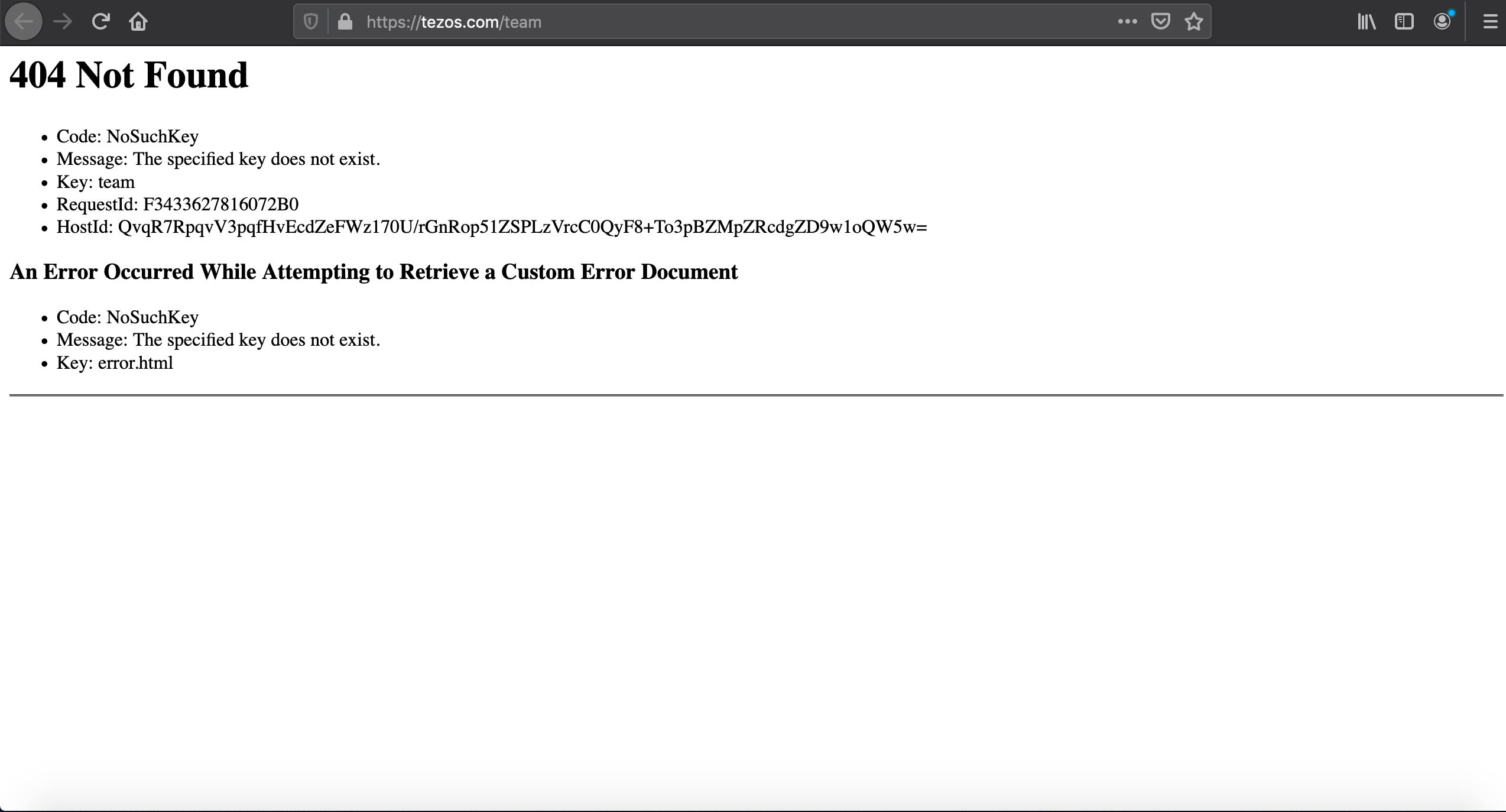
Tested with:
Browser / Version: Firefox Nightly 70.0a1 (2019-08-13)
Operating System: macOS 10.14.6
Closing as invalid.
 cipriansv
on 16 Aug 2019
cipriansv
on 16 Aug 2019
Thanks for checking, @cipriansv. Yes, looks like they've removed that page so no longer an issue.
tagawa
on 16 Aug 2019
Related issues
 karlcow
·
5Comments
karlcow
·
5Comments
 massic80
·
5Comments
massic80
·
5Comments
 webcompat-bot
·
5Comments
webcompat-bot
·
5Comments
 IngrownMink4
·
3Comments
IngrownMink4
·
3Comments
 Ezio916
·
4Comments
Ezio916
·
4Comments