Waveboxapp: Slack Sign-In goes forever
- Wavebox Version: [4.10.1]
- Operating System & Version: [Windows 10]
- Account type: [Slack]
Expected: Add Slack service, Sign in, Service added. This worked with 2 slack workspaces
Actual: Add slack service, Sign in, Circle loading forever
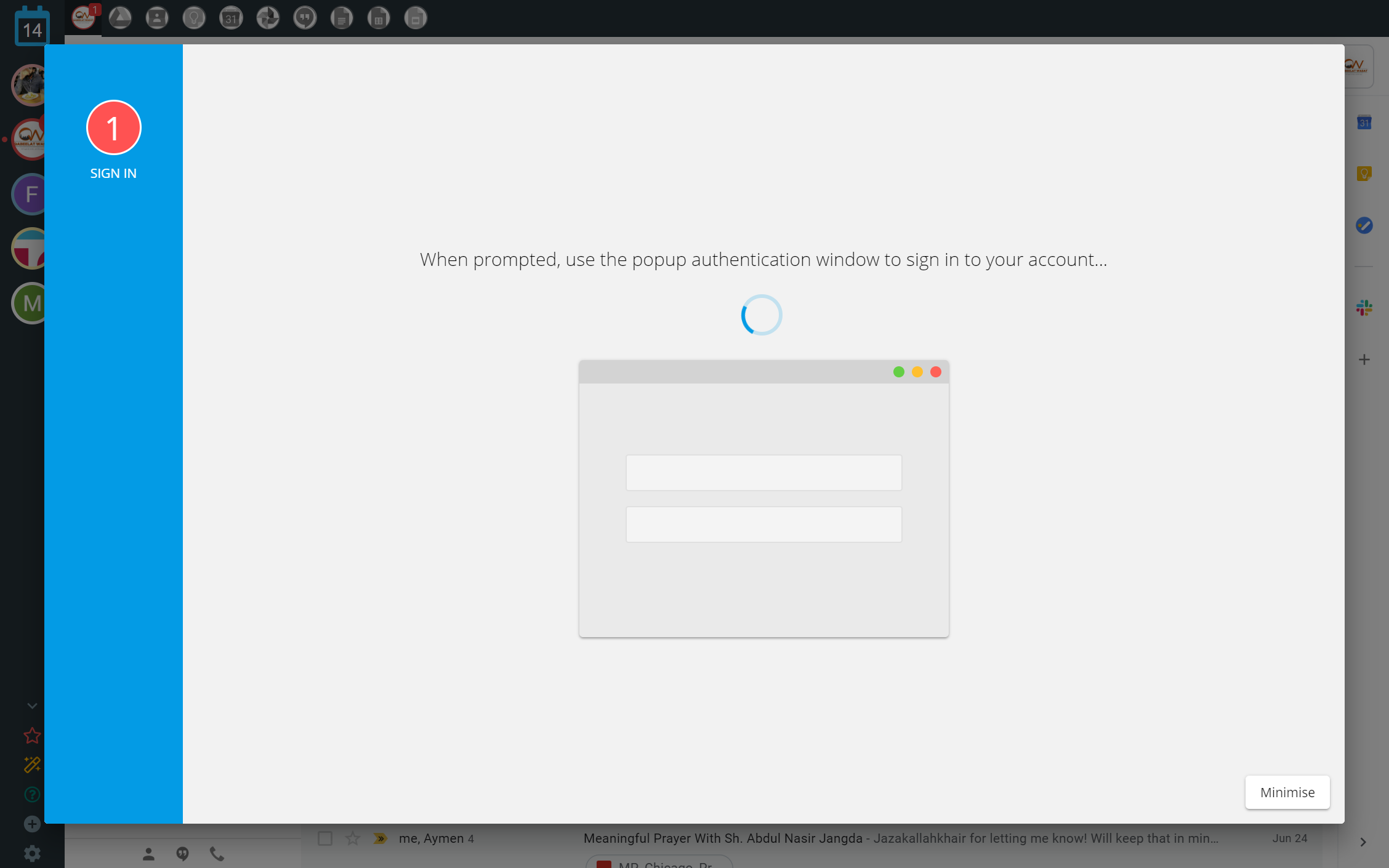
This workspace is the same style as other 2. Not SSO. So don't know what is causing issue
Is the bug persistent or intermittent?
It only happens with this workspace with my login. I tried a different account on same workspace and credentials were accepted. My login works everywhere else
Screenshots
Screenshots often help us narrow down a bug more easily.
Additional information
Add any other context about the problem here.
 zbhoy
zbhoy
All 26 comments
When i minimize and then add service again it has me singed into the workspace. The wavebok just wont add that account into credentials
zbhoy
on 15 Jul 2019
If you delete the account and add it back in again does it work? Just wondering if it was a glitch or a failed load from Slack :-/
 Thomas101
on 15 Jul 2019
Thomas101
on 15 Jul 2019
At first I was adding to an account that had Gmail already signed in. Like add as a service to that account. After not working a few times I deleted account and readded and tried again. Didn't work.
I even tried adding the account and starting with slack. Didn't work
zbhoy
on 15 Jul 2019
Managed to get to the bottom of it. Version 4.10.4 has just shipped with a fix for this, updating should fix adding the Slack account :). Thanks for reporting!
Thomas101
on 15 Jul 2019
Fixed! Amazing customer service @Thomas101. Think you just got yourself a paying subscriber!
zbhoy
on 15 Jul 2019
I am getting this exact same issue zbhoy had, but on Mac.
Wavebox Version: [4.10.5]
Operating System & Version: [10.14.5]
 kdsub1
on 26 Jul 2019
kdsub1
on 26 Jul 2019
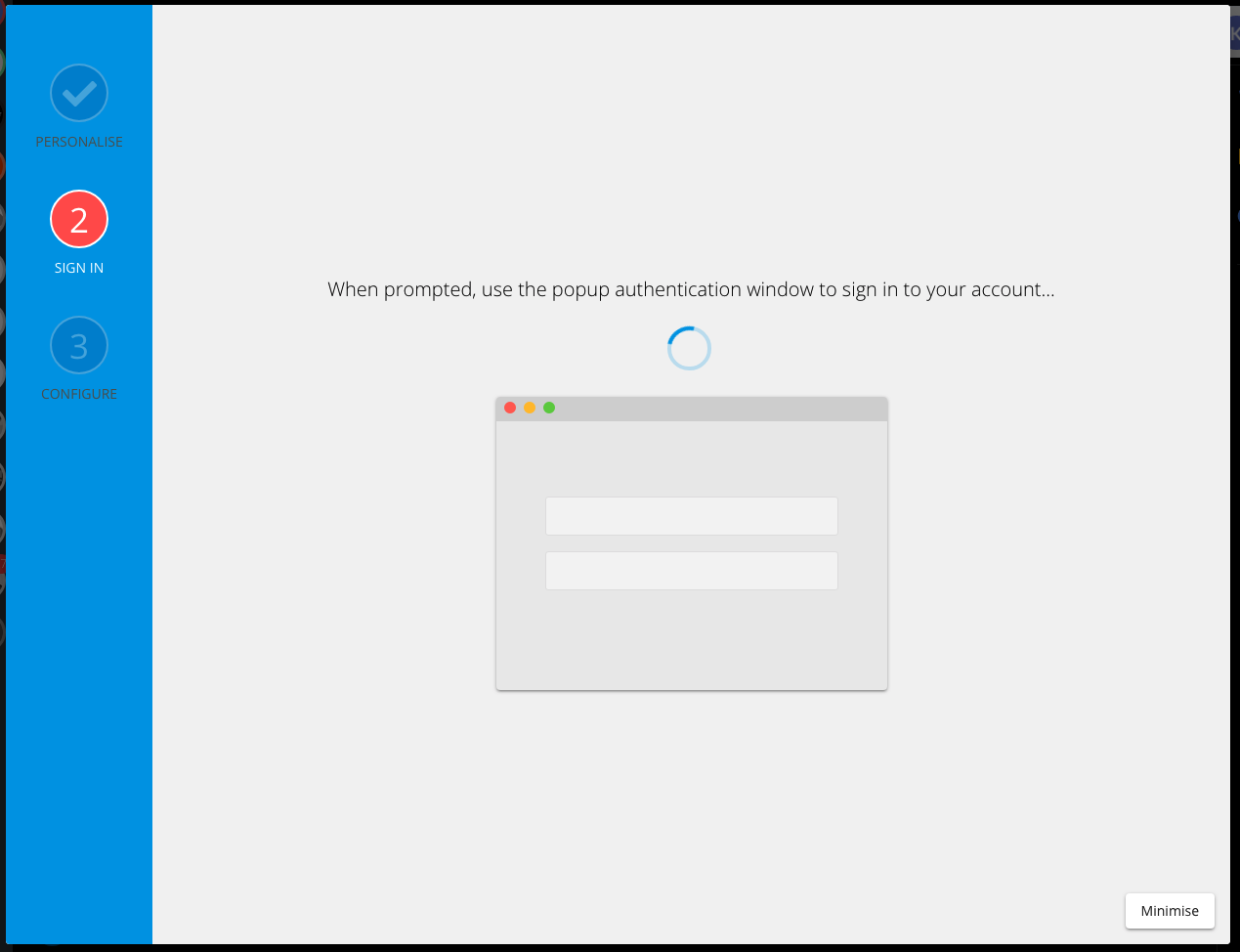
Also I deleted the Slack account on Wavebox because whenever I would "reauthenticate" it would load Slack in a separate window to the main Wavebox window.
I can't even log back in now. If we can fix both issues, would be great!
kdsub1
on 26 Jul 2019
@kdsub1 do you know if you're using the enterprise grid version of Slack, or is this a personal/team slack that you're trying to sign into?
Thomas101
on 26 Jul 2019
hi @Thomas101 , it's a team version.
kdsub1
on 27 Jul 2019
@kdsub1 would you be able to give it a try with 4.10.7 beta, this has some improved handling for sign-in. There's some info on how to change to the beta channel here https://wavebox.io/kb/beta-channel
Thomas101
on 29 Jul 2019
I came here to report the same. Updating to latest version fixed it for me :)
 VarunAgw
on 29 Jul 2019
VarunAgw
on 29 Jul 2019
updating to 4.10.7 fixed the problem on my end too! thanks a lot @Thomas101
kdsub1
on 30 Jul 2019
I can also confirm 4.10.7 fixed the same issue for me
 j0hnm4r5
on 3 Aug 2019
j0hnm4r5
on 3 Aug 2019
Thanks for the feedback everyone, the fix for this has just gone out to the stable channel in version 4.11.0
Thomas101
on 5 Aug 2019
This is happening to me again on 4.11.3.
Restarting didn't help, but I was able to completely log out of the service (by clicking the name of my workspace in the top right of the login window, then logging out from the account from the window that popped up). After that, trying to authenticate again did in fact work.
j0hnm4r5
on 3 Sep 2019
@j0hnm4r5 does this still happen (i.e. was it a transient issue)? Is it just with one Slack account or are you seeing it with multiple?
Thomas101
on 4 Sep 2019
It’s hard to tell, because it’s always been intermittent. I’ll probably get
logged out again in the next couple days, so I’ll be sure to follow up.
On Wed, Sep 4, 2019 at 4:09 AM Thomas Beverley notifications@github.com
wrote:
@j0hnm4r5 https://github.com/j0hnm4r5 does this still happen (i.e. was
it a transient issue)? Is it just with one Slack account or are you seeing
it with multiple?—
You are receiving this because you were mentioned.Reply to this email directly, view it on GitHub
https://github.com/wavebox/waveboxapp/issues/1058?email_source=notifications&email_token=AA3Z4LAPGZYLMJDEM32G7LDQH5UMTA5CNFSM4IDTEJ7KYY3PNVWWK3TUL52HS4DFVREXG43VMVBW63LNMVXHJKTDN5WW2ZLOORPWSZGOD52XUTA#issuecomment-527792716,
or mute the thread
https://github.com/notifications/unsubscribe-auth/AA3Z4LAAWJKONXTFEYYBU3DQH5UMTANCNFSM4IDTEJ7A
.>
—
John Mars
http://M4R5.io http://m4r5.io/
j0hnm4r5
on 4 Sep 2019
I'm having this problem as well. Ubuntu 18.04, latest version. I cannot add new slacks. It hangs at the same window in the stop comment.
 collincusce
on 15 Jan 2020
collincusce
on 15 Jan 2020
@collincusce which version of Wavebox are you using?
Thomas101
on 17 Jan 2020
this is back...
MacOS Catalina 10.15.3 (19D76)
Wavebox Wavebox 10.0.69
[edit]
Managed to have it work once I have cleared all browsing data in privacy and security
 nolazybits
on 13 Feb 2020
nolazybits
on 13 Feb 2020
Having this issue as well when trying to add slack.
MacOS Catalina 10.15.3
Wavebox 4.11.11 and 4.11.12beta (tried both)
I also did settings > data & sync > clear all browsing data, clear all extension data, clean expired accounts
This also happens for any account that I have and try to add Slack to.
 jmicrobe
on 20 Feb 2020
jmicrobe
on 20 Feb 2020
@jmicrobe It looks like this is down to the third party cookie shakeup that's happening with Chrome.
We launched Wavebox 10 at the end of last year, which is built directly on Chromium so doesn't have some of the same issues that the Wavebox 4 (based on Electron) has in its network architecture.
I'd recommend giving it a try, there's so more info on how to switch here and some info about the underlying changes here.
You can download the latest version here
Thomas101
on 20 Feb 2020
@Thomas101 oh thanks! I thought I had updated to 10 but looks like I had not - what a difference! Works great, and 10 is awesome! Great work and thanks 👏
jmicrobe
on 26 Feb 2020
Didn't know about V10 either. Everything on slack works fine now. V10 looks great!
kdsub1
on 28 Feb 2020
this is acting up again today for me. i am on version 4.11.11
 joelpeabody
on 19 Mar 2020
joelpeabody
on 19 Mar 2020
@joelpeabody more info -> https://github.com/wavebox/waveboxapp/issues/1058#issuecomment-589234449
Thomas101
on 23 Mar 2020
Related issues
Thomas101
·
3Comments
 dctucker
·
4Comments
dctucker
·
4Comments
 Tahini-123
·
4Comments
Tahini-123
·
4Comments
 cdeutsch
·
3Comments
cdeutsch
·
3Comments
 tnaseem
·
4Comments
tnaseem
·
4Comments