Open-shell-menu: Can not access network location _\.
Describe the bug
When I try to install OpenShell versions 4.4.160 and 4.4.152 it has an error about "Can not access network location _."
To Reproduce
Get to "Creating Shortcuts" in any installation.
Expected behavior
I thought it was gonna... what do you think would happen? Install the damn shortcuts!
Screenshots
https://i.gyazo.com/e49bcf82c976e30fbf8edb3846190ce7.png
Version:
- Open-Shell: 4.4.160 & 4.4.153
- OS: Windows 10 Home 1909
Additional context
None
 iiDk-the-actual
All 14 comments
Open-Shell installer is not supposed to access any network locations.
Try to run installer with following parameters:
/l* log.txt
It should create log.txt log file. Please attach it for further investigation.
 ge0rdi
on 26 Nov 2020
ge0rdi
on 26 Nov 2020
@ge0rdi @iiDk-the-actual
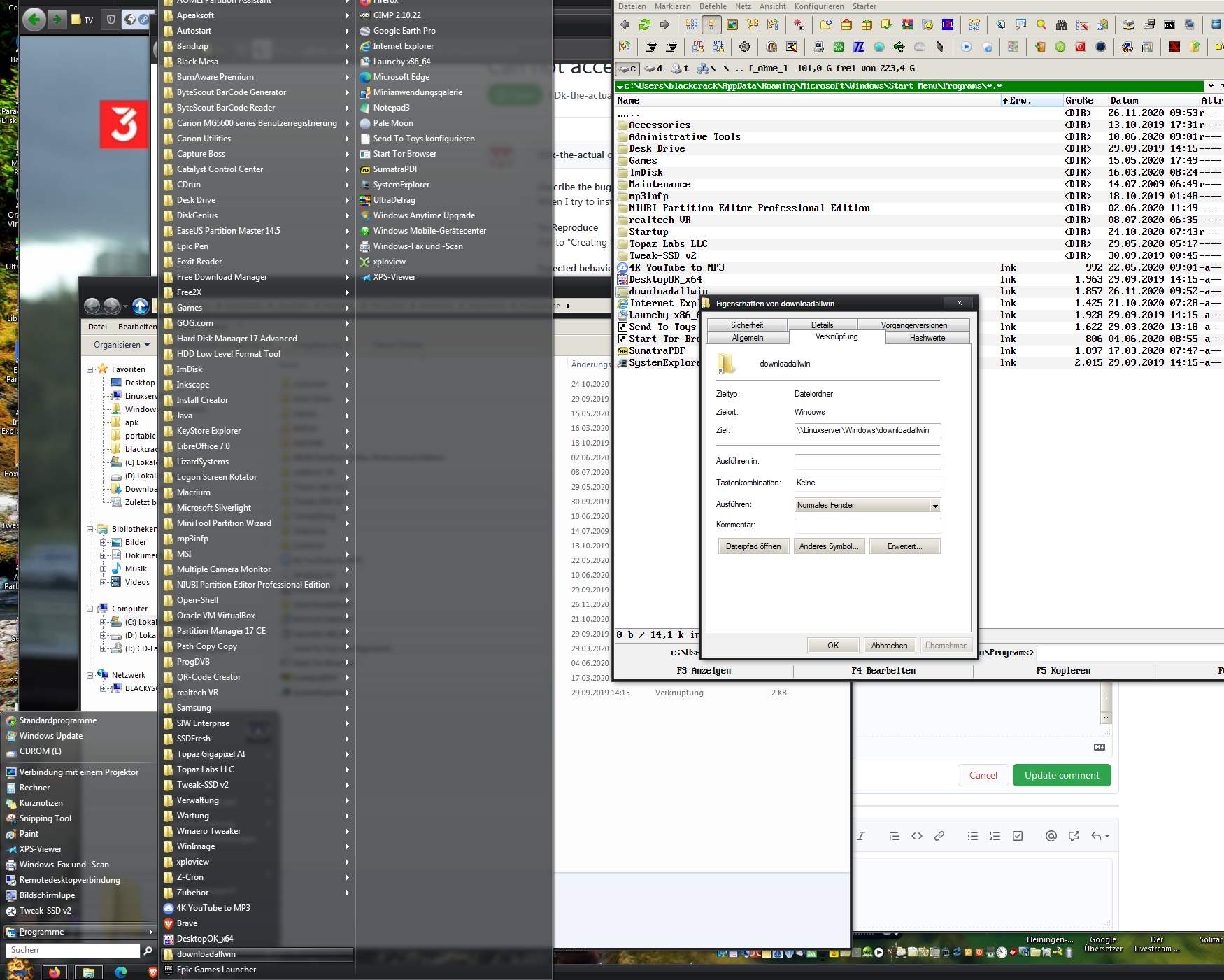
firewall ?
who have a network location with "_\." ?
it is maybe a Win10 Bug ?
all Openshell Versions installed over network in Win7pro ...
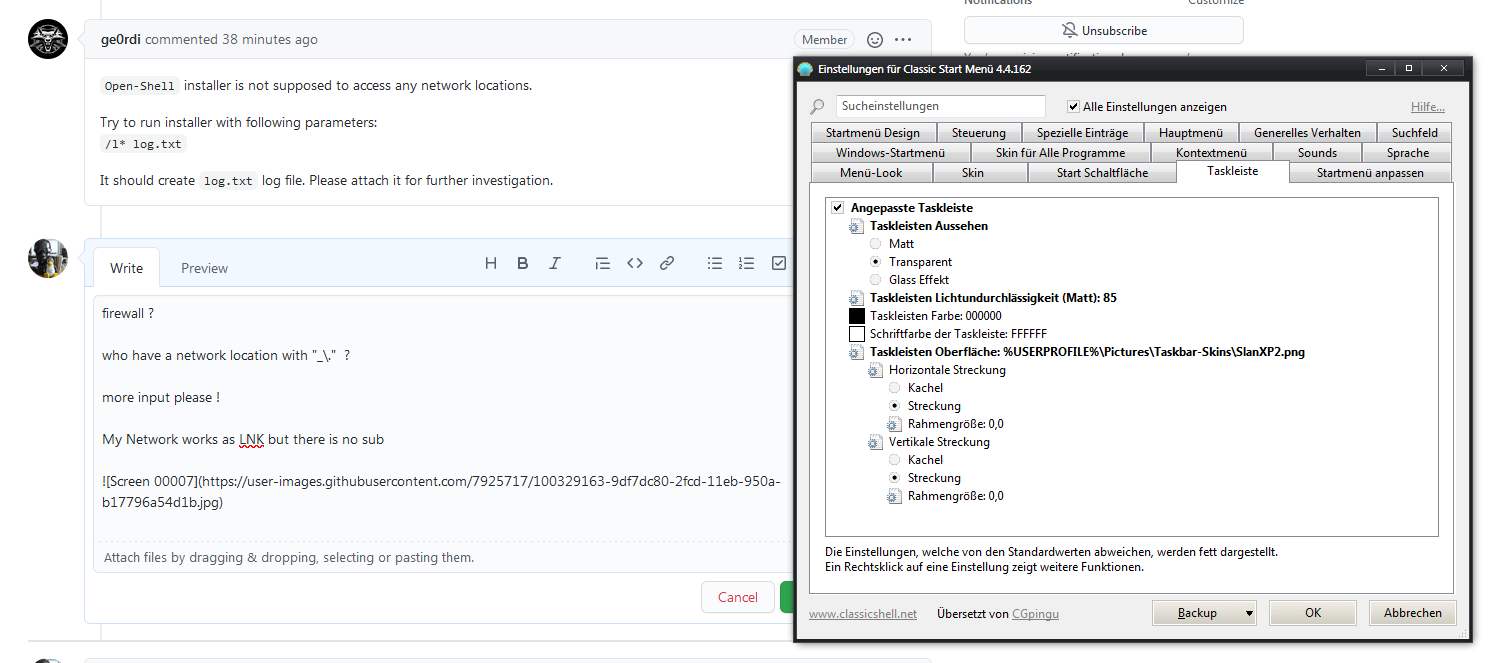
My Network works as LNK but there is no sub
 blackcrack
on 26 Nov 2020
blackcrack
on 26 Nov 2020
Just my two cents, it sounds like more of an issue with the installer service than Open-Shell specifically. I would see if you get similar errors on other installers.
 bonzibudd
on 26 Nov 2020
bonzibudd
on 26 Nov 2020
monney monney monney, bring it on, any cent count's @bonzibudd ! :grin:
blackcrack
on 26 Nov 2020
Just my two cents, it sounds like more of an issue with the installer service than Open-Shell specifically. I would see if you get similar errors on other installers.
yes, infact. blocksworld, adventure academy, probably autodesk, most other windows installers.
at least i installed mc before this bug existed
iiDk-the-actual
on 26 Nov 2020
Open-Shellinstaller is not supposed to access any network locations.Try to run installer with following parameters:
/l* log.txtIt should create
log.txtlog file. Please attach it for further investigation.
iiDk-the-actual
on 26 Nov 2020
@iiDk-the-actual
Hmm, I don't see anything useful in the log.
Please, try to create _verbose_ log using this switch:
/lvx* log.txt
ge0rdi
on 27 Nov 2020
@iiDk-the-actual
Hmm, I don't see anything useful in the log.Please, try to create _verbose_ log using this switch:
/lvx* log.txt
log.txt verb log
iiDk-the-actual
on 27 Nov 2020
It seems that SHGetFolderPath API returned wrong path for _Startup_ folder.
It returned _ (instead of real path).
Please check Startup value in HKEY_CURRENT_USER\SOFTWARE\Microsoft\Windows\CurrentVersion\Explorer\User Shell Folders registry key.
By default it should be %USERPROFILE%\AppData\Roaming\Microsoft\Windows\Start Menu\Programs\Startup.
ge0rdi
on 27 Nov 2020
It seems that
SHGetFolderPathAPI returned wrong path for _Startup_ folder.
It returned_(instead of real path).Please check
Startupvalue inHKEY_CURRENT_USER\SOFTWARE\Microsoft\Windows\CurrentVersion\Explorer\User Shell Foldersregistry key.
By default it should be%USERPROFILE%\AppData\Roaming\Microsoft\Windows\Start Menu\Programs\Startup.
didn't work and i may have corrupted by registry data. what is it supposed to be
iiDk-the-actual
on 27 Nov 2020
I wrote it should have value %USERPROFILE%\AppData\Roaming\Microsoft\Windows\Start Menu\Programs\Startup.
ge0rdi
on 27 Nov 2020
I wrote it should have value
%USERPROFILE%\AppData\Roaming\Microsoft\Windows\Start Menu\Programs\Startup.
can u still help me with this tho
iiDk-the-actual
on 27 Nov 2020
Download and extract this file:
StartupFix.reg.zip
Then apply extracted .reg file (just double click on it).
ge0rdi
on 27 Nov 2020
Download and extract this file:
StartupFix.reg.zipThen apply extracted .reg file (just double click on it).
it worked! tysmmmm
iiDk-the-actual
on 28 Nov 2020
Related issues
 coddec
·
25Comments
coddec
·
25Comments
 kamyk2000
·
21Comments
kamyk2000
·
21Comments
 Crazydoub
·
18Comments
Crazydoub
·
18Comments
 Gittyperson
·
46Comments
Gittyperson
·
46Comments
 paraworlds2
·
28Comments
paraworlds2
·
28Comments
Most helpful comment
monney monney monney, bring it on, any cent count's @bonzibudd ! :grin: