Notepad3: Stop highlighting in large text
See the screenshot
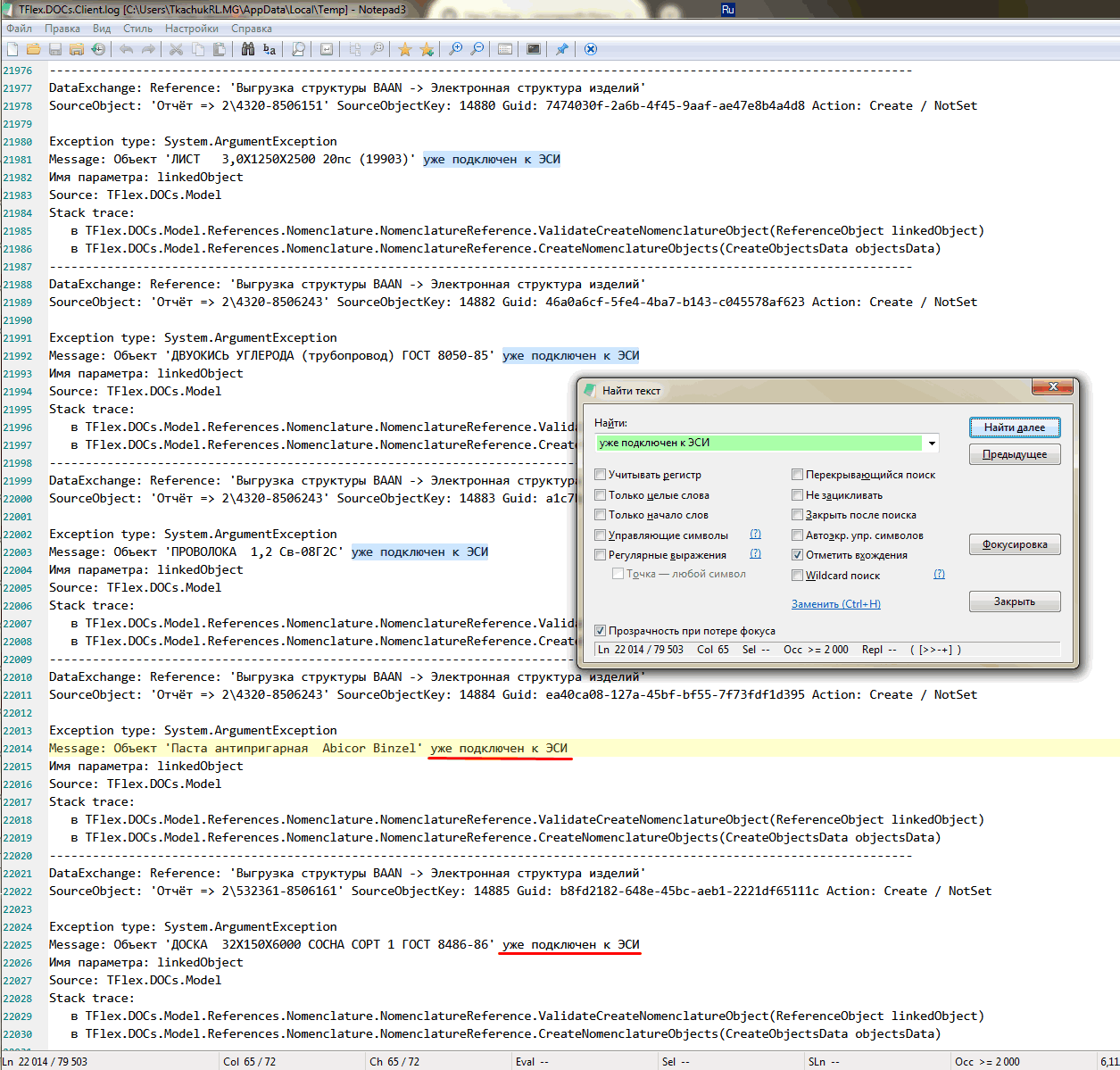
Search highlightings end after 22003 line, no highlights on 22014 and for next.
Seems it isn't a bug, but it was so unexpected, I'd prefer it for my task.
 RomanLT
All 5 comments
Hello @RomanLT ,
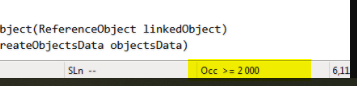
Standard the maximum occurrences is limited to "2000 occurrences"
To bypass this, go in Notepad3.ini --> Settings2 --> Uncomment this key and modify the value : ;MarkOccurrencesMaxCount=2000
 hpwamr
on 16 Sep 2020
hpwamr
on 16 Sep 2020
This limiting setting has been deprecated in current (release) version, so it should not happen.
Reason for deprecating: The Focused-View feature (and correlated Bookmarking of Occurrence Indicators).
(Disadvantage: In very long text files, the Occurrence Indicating will take some time - switching to "Match Visible Only" will help in that case).
 RaiKoHoff
on 16 Sep 2020
RaiKoHoff
on 16 Sep 2020
Yes, "Notepad3 (x64) v5.20.915.1" is good about it. And 10000 occurences seems invisibly fast.
Thanks!
RomanLT
on 16 Sep 2020
I was previously changing this setting to 30000 with no noticeable performance impact.
 craigo-
on 16 Sep 2020
craigo-
on 16 Sep 2020
Standard the maximum occurrences is limited to
"2000 occurrences"
To bypass this, go in Notepad3.ini --> Settings2 --> Uncomment this key and modify the value :;MarkOccurrencesMaxCount=2000
This limiting setting has been deprecated in current (release) version, so it should not happen.
I was previously changing this setting to 30000 with no noticeable performance impact.
As @RaiKoHoff noted above, the key MarkOccurrencesMaxCount=2000 has been removed from: Notepad3_5.20.822.1_beta
hpwamr
on 16 Sep 2020
Related issues
 omega32
·
3Comments
craigo-
·
4Comments
omega32
·
3Comments
craigo-
·
4Comments
 ggordon-vispero
·
3Comments
craigo-
·
3Comments
ggordon-vispero
·
3Comments
craigo-
·
3Comments
 bravo-hero
·
3Comments
bravo-hero
·
3Comments
Most helpful comment
This limiting setting has been deprecated in current (release) version, so it should not happen.
Reason for deprecating: The
Focused-Viewfeature (and correlated Bookmarking of Occurrence Indicators).(Disadvantage: In very long text files, the
Occurrence Indicatingwill take some time - switching to "Match Visible Only" will help in that case).