Maybe not possible with what neovim currently provides, but have you looked into whether scrolling could be smoothly animated on a sub-line basis? Has been one of my main annoyances with vim+most current GUIs for it.
 szbergeron
All 28 comments
I have thought about it, but I don't think its possible :(
Neovim GUIs receive screen data on a set grid. This includes scrolling of the screen and when windows move around. Basically the updated portions of the window get sent to the client which translates the text cells into graphics on the screen. More details can be found here: https://github.com/neovim/neovim/blob/master/runtime/doc/ui.txt#L243
This means that on the Neovide side, we don't have the actual text contained in a vim buffer. We just get a view into that buffer which is visible in the vim window. So smooth scrolling isn't really possible.
One sort of hack I have considered (which I think would have a bunch of downsides) would be to animate transitions for https://github.com/neovim/neovim/blob/master/runtime/doc/ui.txt#L363 which is used to move a portion of the screen a set distance in a given direction. This would give the illusion of smooth scrolling, but at the cost of it not always working, and delaying the actual animation of text moving on the screen. I think it would be a poor substitute.
To really implement smooth scrolling, one would have to completely manage entire buffers on the gui side and draw them ourselves. Unfortunately although theoretically possible, I think that would break the don't change things philosophy I'm trying to follow with neovide. I want it to be pretty, but change as little as possible.
Does that make sense? I'm definitely down for exploring more creative ideas for how to achieve it! I sure don't know all of the possibilities. I'm just getting started!
 Kethku
on 28 Jan 2020
Kethku
on 28 Jan 2020
Might be something to ping justinmk over, sounds like something they'd want to support if feasible
szbergeron
on 28 Jan 2020
You might be right. I will ask him on twitter or maybe gitter.
Kethku
on 28 Jan 2020
Sounds good, not something I'm at all familiar with the workings of but would be happy to try to dig into at some point
szbergeron
on 28 Jan 2020
I'd love the help. I'm going to need all the assistance I can get :P
Kethku
on 28 Jan 2020
I have asked here: https://gitter.im/neovim/neovim. We'll see.
Kethku
on 28 Jan 2020
Welp. Didn't get much of a response :P
Kethku
on 28 Jan 2020
I was asleep when you asked, sorry :] This is definitively something which core neovim wants to support better. It should be feasible to have an UI option to render N extra screenlines above and below the current logical viewport. Togheter with win_viewport event https://github.com/neovim/neovim/pull/11748, properly timed, the UI should be able to piece together multiple updates to a smooth scrolling experience.
 bfredl
on 28 Jan 2020
bfredl
on 28 Jan 2020
Adding my gitter response:
As for smooth scrolling, that sounds like an interesting approach, but I'm worried about the details. I feel like it would be relatively easy to get something which approximates a natural scrolling experience, but ends up feeling uncanny in practice. A classic example would be the jump cursor position commands. In that situation jumping the cursor to the bottom of the screen would inadvertently scroll it by a number of lines which would be fairly unnerving. That could be fixed by only setting the scroll buffer while actively scrolling but then the window would need to grow and shrink on demand which may be strange in other ways...
Sent with GitHawk
Kethku
on 28 Jan 2020
To achive smooth scrolling I use vim-smoothie you dont have to add this to a gui display. This works with all flavors of vim/nvim.
 EdenEast
on 28 Jan 2020
EdenEast
on 28 Jan 2020
To achive smooth scrolling I use vim-smoothie you dont have to add this to a gui display. This works with all flavors of vim/nvim.
Unfortunately that doesn't allow smoothly animating within individual lines, only allows animating jumps quantized by individual lines. What I'd like to be possible is smooth+precise scrolling such that scroll increments of less than a character tall are possible, and so that scrolling with a mousewheel allows smoothly animating through states that include partial lines.
For an example of this, see firefox with xinput2 enabled or firefox on wayland using a touchpad
szbergeron
on 28 Jan 2020
So it seems like the recommended solution is to wait until https://github.com/neovim/neovim/pull/11748 and the viewport size functions and then try to create a buffer on either side which can be used to scroll more smoothly. I'm still kinda worried about how to make this work especially on small buffers, but it can be something that is iterated on.
Kethku
on 28 Jan 2020
Might be possible to just checkerboard immediately as a PoC, even if not the best UX
szbergeron
on 28 Jan 2020
Sorry what does checkerboard mean?
Sent with GitHawk
Kethku
on 28 Jan 2020
Term originally from how safari would show a checkerboard pattern for areas of web pages that weren't yet rendered, basically just means allowing a transform and displaying something other than content (maybe just background color) if the content isn't yet available/ready
szbergeron
on 28 Jan 2020
Oh I see. Yeah that could work. We could even render unhighlighted lines for those parts... In any case this is definitely blocked behind multi grid support
Kethku
on 28 Jan 2020
We could even render unhighlighted lines for those parts..
That gets tricky with 'wrap', 'breakindent', etc. But checkerboard is a great idea.
 justinmk
on 28 Jan 2020
justinmk
on 28 Jan 2020
Noticed that https://github.com/neovim/neovim/pull/11748 was merged FWIW
 jberryman
on 29 Nov 2020
jberryman
on 29 Nov 2020
Multi Grid support has finally been merged (for now behind a command line argument/environment variable until upstream bugs are fixed). This means I can start thinking about these smooth scrolling features.
Kethku
on 24 Dec 2020
My current thinking is that I will take advantage of the scroll position from https://github.com/neovim/neovim/blob/master/runtime/doc/ui.txt#L597 the window viewport to animate the old text out of view and a new target texture into view. For now I won't do anything with the intervening space other than possibly just render the background color.
My hope is that the window will smoothly animate to new scroll positions rather than the current jarrying jump cut. If this works out, I think this will be the last of my original set of feature ideas for a more reasonable vim experience, so I'm excited to try things out :)
Kethku
on 24 Dec 2020
This is a feature I'm particularly interested in contributing to. Are there any areas you can use support in this direction, @Kethku ?
 tim-harding
on 28 Dec 2020
tim-harding
on 28 Dec 2020
I would love to hear your thoughts about an early version of this in the smooth-scrolling branch. I implemented just the positioning of the current view based on the viewport events and then animating the window into view based on that.
Heres a gif of the experience in that branch. The experience is much smoother than the gif makes it look:
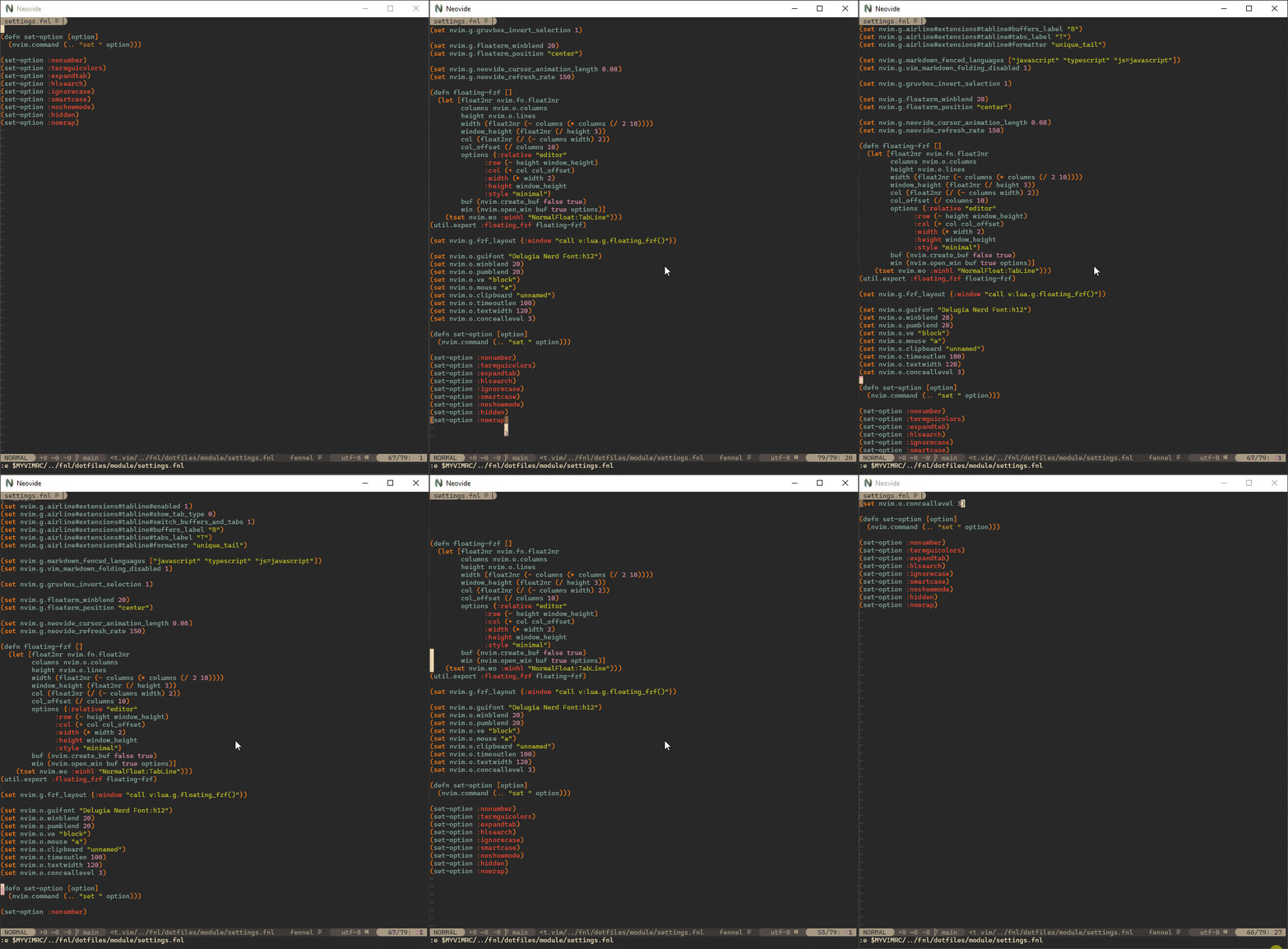
My current thinking is that this is awesome, but has a few issues:
- with the default animation time of 0.3 seconds it feels buttery smooth, but reveals the fact that I'm cheating and just rendering the destination text rather than the intermediate text. So this shows a gap at the top or bottom when scrolling repeatedly. I have an idea for how we could paper over the majority of this issue when scrolling line by line by saving intermediate snapshots before jumping the viewport, but this won't solve the issue for larger scroll jumps.
- Cursor position is borked. I actually think this is solvable, but will require some fiddling
- Places outside of the current rendering region draw no background color. This means that the background bars and things render through. Its not visible in the gif, but window dividers peak through weirdly in the render gap
- This doesn't handle horizontal scrolling. This is a limitation of the information passed from the viewport event. Fixing this will require upstream changes.
All that said, I'm interested in your thoughts. Does this get close enough if I can address some of the issues above? Should we shoot for something more complicated? I'm sorta inclined to just fix this up and merge it because its a big improvement as is :D
Kethku
on 28 Dec 2020
@bfredl I'm rereading your comment above. Were you suggesting that the ui would request neovim to provide rendering outside of the bounds of rendered windows? I think that would totally solve problem number 1 in the above comment for the majority of cases. I don't know how to implement that in the neovim codebase though, but I'd be happy to try if somebody would be able to give some guidance.
Kethku
on 28 Dec 2020
Something like an option to tell neovim to render n extra lines would be perfect for this use case. Most of the time the extra lines would get clipped, but when scrolling it would become useful.
Kethku
on 28 Dec 2020
The relevant code should be in win_update in screen.c. What we need to do is to allocate the grid height to be 2n larger than the wp_w_height_inner and guesstimate how many buflines we need to go up to to fill n extra screenlines (i think this should be able bo be done quite accurately, using existing helper functions). I think some logic could be shared with window border, which also needs to make the grid bigger than the internal size, I hope to look into that myself quite soon :]
bfredl
on 28 Dec 2020
I have fixed issues 1 and 3.
- I fixed this by storing snapshots of the buffers right before updating the viewport. These snapshots retain the current viewport information and are rendered before drawing the current background and foreground images at the previous scroll position. This way we draw the previous text rendered at that location rather than just blank screen. With this in place, the only time scrolling results in a gap is when you jump to a location that hasn't been rendered before.
I think this is functionally as good as we are going to get and doesn't require any upstream changes to implement. Further any upstream changes we might make are unlikely to solve the large gap problem because it would require rendering an entire screen or more of extra text before and after the current screen which feels very wasteful. I believe the current solution is a good middle ground.
- When a gap does show up, before the grid underneath would show up which would often mean weird lines from behind. So to solve that I just draw a rectangle with the default background color to ensure that we don't have unnecessary gaps. This doesn't work perfectly in floating windows because the background color may be different, but I think it definitely crosses the good enough bar.
Remaining issues are 2 (cursor position is borked) and 4 (horizontal scrolling is unhandled). I believe problem 4 is an upstream issue and should be solved by enabling horizontal scrolling in the viewport events. However I don't really care about horizontal smooth scrolling, so I'm going to just punt on it as a won't fix.
Problem 2 is very solvable, and my plan is to set the cursor position by grid in the renderer rather than reconstructing the top level grid cursor position in the editor. This is actually much simpler in the end and how I should have implemented it in the first place, so I think it should be pretty simple.
Beyond that I think its look really good. Very excited to land this soon.
Kethku
on 29 Dec 2020
I just fixed problem 2. At this point I think I'm gonna make a pull request and merge it.
Kethku
on 30 Dec 2020
Smooth scrolling has been implemented behind the multigrid flag. Details in the main readme
Kethku
on 5 Jan 2021
Related issues
 pranphy
·
36Comments
pranphy
·
36Comments
 mdudzinski
·
60Comments
mdudzinski
·
60Comments
 ssxwcz
·
50Comments
ssxwcz
·
50Comments
 SirJson
·
22Comments
SirJson
·
22Comments
 ABitMoreDepth
·
25Comments
ABitMoreDepth
·
25Comments
Most helpful comment
My current thinking is that I will take advantage of the scroll position from https://github.com/neovim/neovim/blob/master/runtime/doc/ui.txt#L597 the window viewport to animate the old text out of view and a new target texture into view. For now I won't do anything with the intervening space other than possibly just render the background color.
My hope is that the window will smoothly animate to new scroll positions rather than the current jarrying jump cut. If this works out, I think this will be the last of my original set of feature ideas for a more reasonable vim experience, so I'm excited to try things out :)