Material-theme-jetbrains: Plugin Material Theme UI Download or Install failed Pycharm Pro 2019.1.1
Pycharm Professional Edition 2019.1.1
Ubuntu 18.04.2
I was able to install it last night! But today it fails!
UPDATE
fails on Windows 10 too
 amirhfarzaneh
All 17 comments
same for phpstorm 2019.1 and webstorm 2019.1
 Nothing-Works
on 8 Apr 2019
Nothing-Works
on 8 Apr 2019
Same for the Intellij 2019.1
When I tried to install it from the market place, the following error message popped up: Request failed with status code 404
Platform:
macOS 10.14.4
 martin-luo
on 8 Apr 2019
martin-luo
on 8 Apr 2019
same problem with DataGrip 2019.1
 Fenoman
on 8 Apr 2019
Fenoman
on 8 Apr 2019
Will try to reupload later on, but it looks like an issue with jetbrains. You can still download the plugin from the plugin page
 mallowigi
on 8 Apr 2019
mallowigi
on 8 Apr 2019
@mallowigi FYI, I am having the same issue (well, assuming it is the same issue) in macOS w/ PHPStorm

 mikeerickson
on 8 Apr 2019
mikeerickson
on 8 Apr 2019
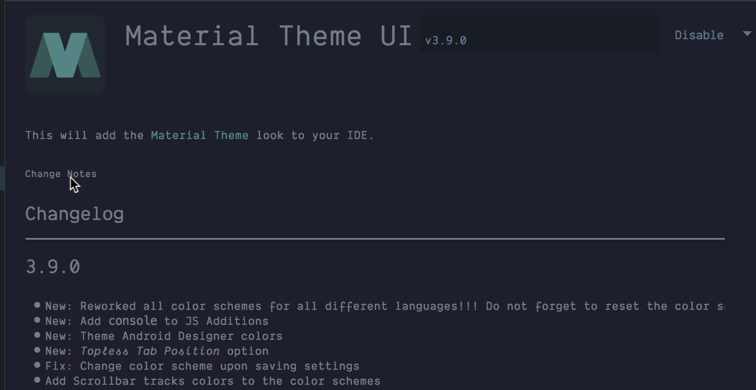
@mallowigi Just tried installing it manually and all is right in the world.
mikeerickson
on 8 Apr 2019
Will try to reupload later on, but it looks like an issue with jetbrains. You can still download the plugin from the plugin page
Yes it's true we can download it from the website and then load it into Intellij, unfotrunately, when we restart the IDE, other error messages will show up.
martin-luo
on 8 Apr 2019
Ok I've tried twice and it still doesnt work. It is definitely a problem from Jetbrains. I'll contact them sooner or later.
mallowigi
on 8 Apr 2019
Funnily enough, when I copy the URL which 404'd into my browser, it downloads the file right away (which I can then install via the UI). Very weird!
 chrisaligent
on 8 Apr 2019
chrisaligent
on 8 Apr 2019
Same with Webstorm 2019.1
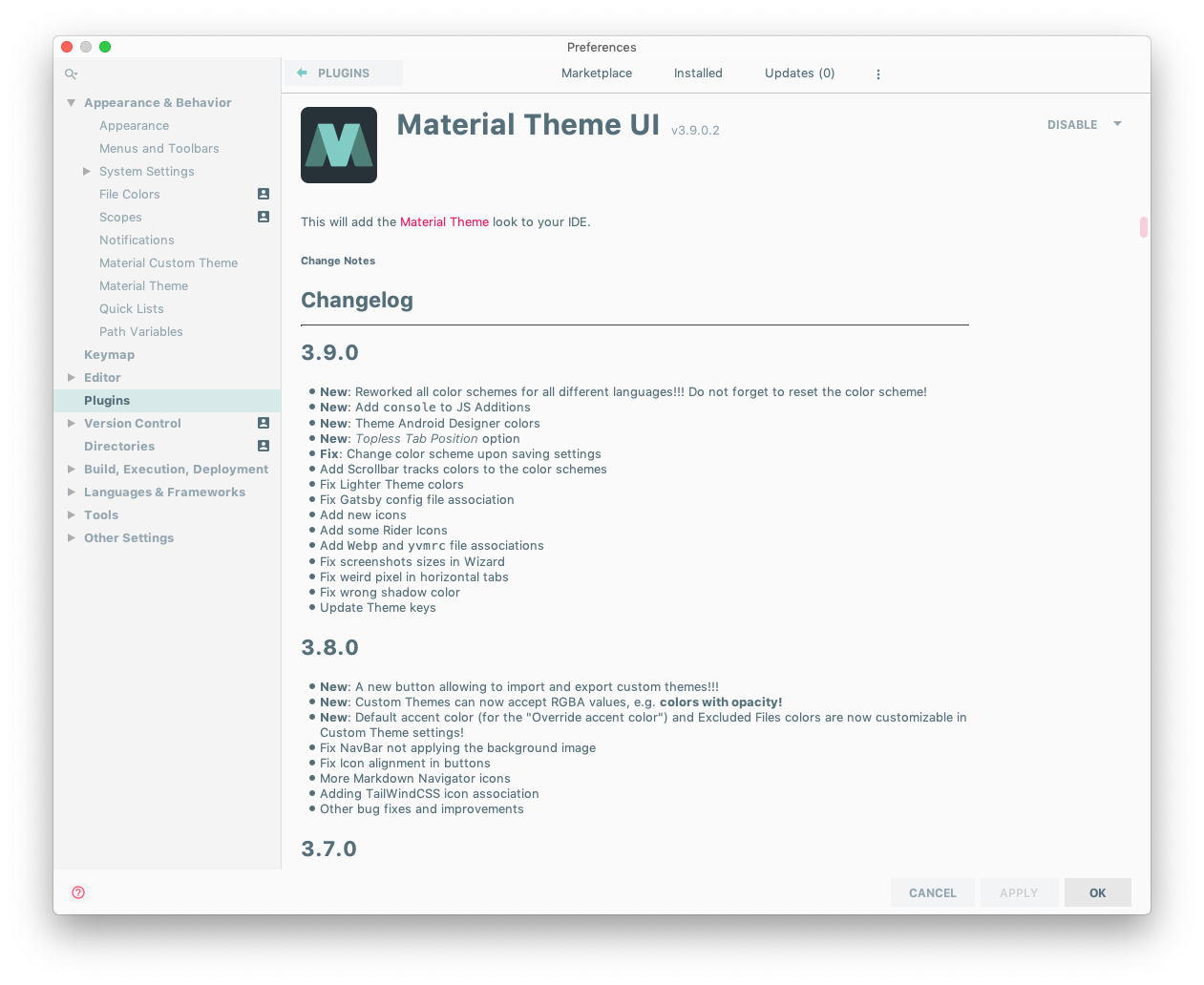
Temporary workaround here:
- manually download latest version from Jetbrains plugins page
- uninstall old version from
IDE/preference/plugins - select "Install Plugin from Disk"
 zazido
on 8 Apr 2019
zazido
on 8 Apr 2019
Same with Webstorm 2019.1
I uninstalled it
finally, I cannot install it anyway.
 anyuxuan
on 8 Apr 2019
anyuxuan
on 8 Apr 2019
Same here for Goland 2019.1.
 relloyd
on 8 Apr 2019
relloyd
on 8 Apr 2019
Facing the similar issue with Goland
 thebedroomprogrammer
on 8 Apr 2019
thebedroomprogrammer
on 8 Apr 2019
same issue with PhpStorm 2019.1
 BryanMootoosamy
on 8 Apr 2019
BryanMootoosamy
on 8 Apr 2019
Please follow status there: https://youtrack.jetbrains.com/issue/MP-2197
mallowigi
on 8 Apr 2019
Ok, it works now. Thanks for your patience!
mallowigi
on 8 Apr 2019
@mallowigi Thanks for attending to this :-)
amirhfarzaneh
on 8 Apr 2019
Related issues
 nammaianh
·
3Comments
nammaianh
·
3Comments
 uar-zlatko-alomerovic
·
3Comments
uar-zlatko-alomerovic
·
3Comments
 vbasem
·
4Comments
vbasem
·
4Comments
 CeramicTitan
·
3Comments
CeramicTitan
·
3Comments
 MiracleWisp
·
3Comments
MiracleWisp
·
3Comments
Most helpful comment
Ok, it works now. Thanks for your patience!