Material-theme-jetbrains: Commit/Push button on Git VCS UI missing in PyCharm 2018.1
Summary
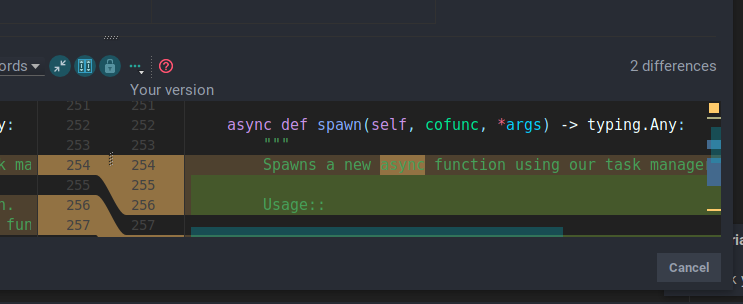
The commit button is missing on the commit window.
Expected behavior
It wouldn't be missing.
Without the plugin: 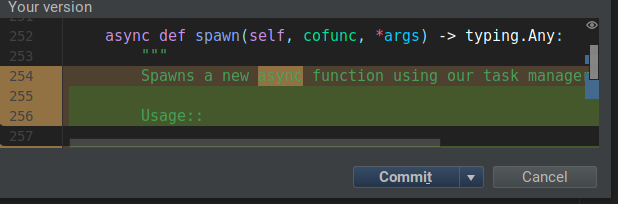
Actual behavior
It is.
Environment
PyCharm 2018.1 EAP (Professional Edition)
Build #PY-181.3263.12, built on January 30, 2018
PyCharm EAP User
Expiration date: March 1, 2018
JRE: 1.8.0_152-release-1136-b5 amd64
JVM: OpenJDK 64-Bit Server VM by JetBrains s.r.o
Linux 4.14.13-1-ARCH
 Fuyukai
All 10 comments
+1, please fix this
 roboslone
on 1 Feb 2018
roboslone
on 1 Feb 2018
I'm seeing this in IntelliJ IDEA as well.
EDIT: As a work around, CTRL+Enter obviously still works. I was confused at first because I assumed on Mac the shortcut would have been CMD+Enter.
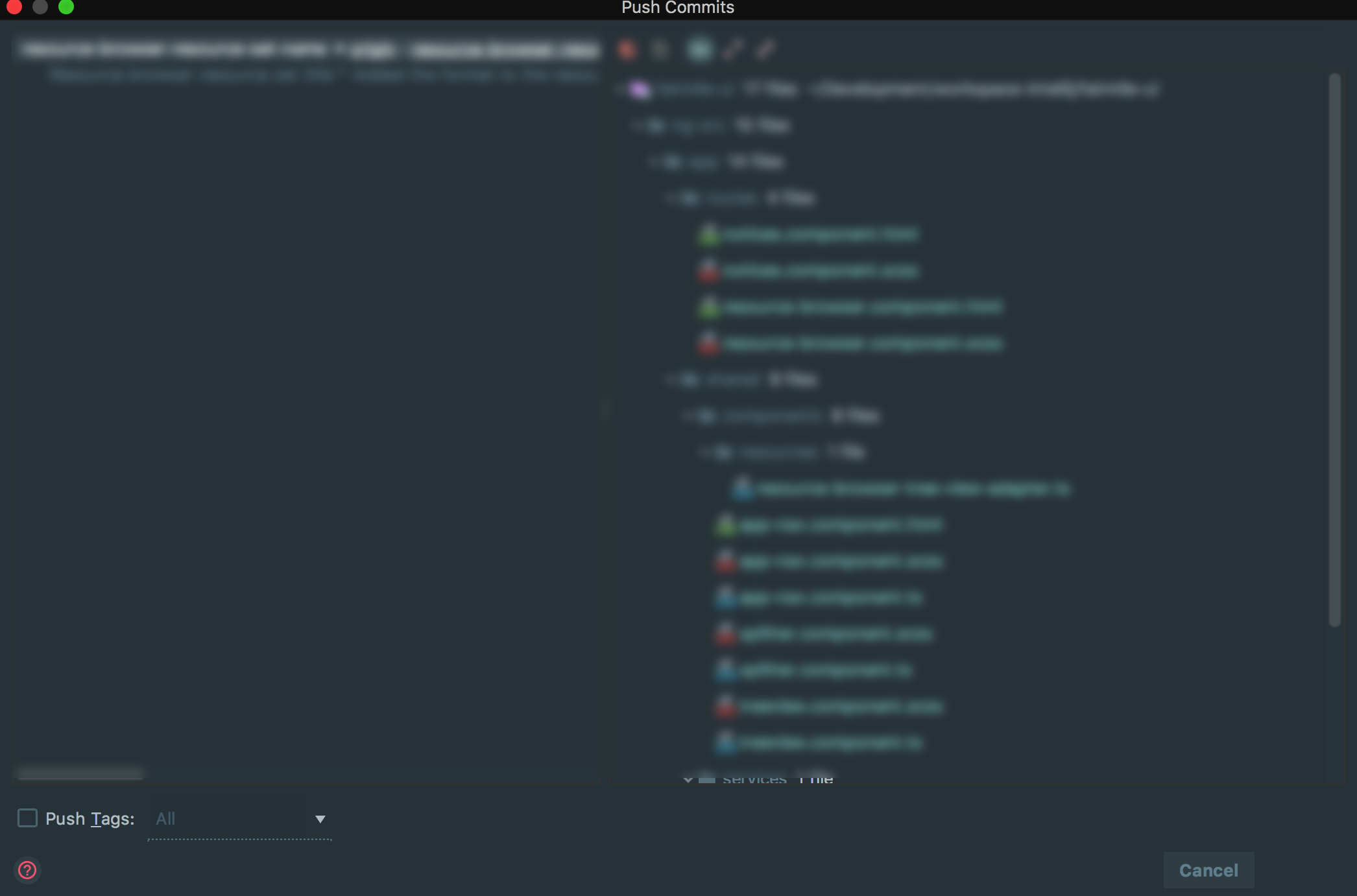
EDIT 2: This also seems to affect the push dialog. See screenshot.
 sowelie
on 1 Feb 2018
sowelie
on 1 Feb 2018
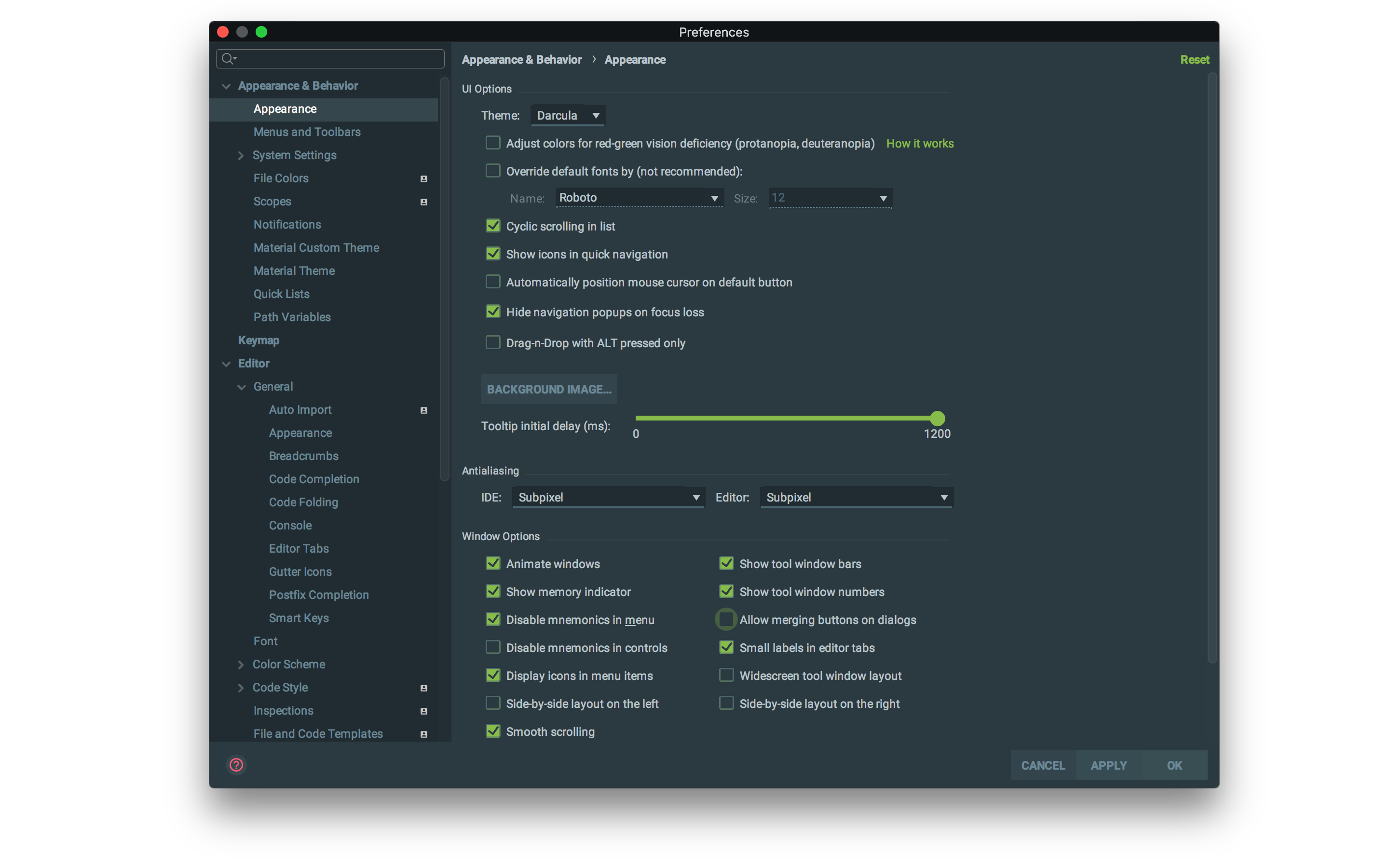
You can disable the "merge buttons" option on the settings as well.
I don't know what is the cause of that, probably something new they introduced that broke the previous API
 mallowigi
on 2 Feb 2018
mallowigi
on 2 Feb 2018
@mallowigi @sowelie how did you get those awesome black window frames?
Also, @mallowigi, your buttons look different (all caps and custom font), is there some setting in Material UI for that?
roboslone
on 2 Feb 2018
For the first question, it’s the “themed title bar” setting.
And if you’re talking about the upper case buttons, it’s a feature upcoming in the next version, which is planned in a few weeks
mallowigi
on 2 Feb 2018
1
mallowigi
on 6 Feb 2018
Is this closed? I just downloaded 2018.1 and I cannot see the merged button.
 NikosVlagoidis
on 11 Apr 2018
NikosVlagoidis
on 11 Apr 2018
Just enable material components
mallowigi
on 12 Apr 2018
thank you!
NikosVlagoidis
on 12 Apr 2018
it works,thanks
 sprzhing
on 8 May 2018
sprzhing
on 8 May 2018
Related issues
 dg00GT00
·
3Comments
dg00GT00
·
3Comments
 cryzed
·
4Comments
cryzed
·
4Comments
 jpap
·
3Comments
jpap
·
3Comments
 MiracleWisp
·
3Comments
MiracleWisp
·
3Comments
 ovr
·
3Comments
ovr
·
3Comments
Most helpful comment
You can disable the "merge buttons" option on the settings as well.
I don't know what is the cause of that, probably something new they introduced that broke the previous API