Live-share: Syntax Errors Not Showing On Collaborator's Screen
Product and Version [VS/VSCode]: VS Code
OS Version [macOS/Windows]: Windows 10
Live Share Extension Version: 0.2.307
Target Platform or Language [e.g. Node.js]: C++
My information is the same as my friend's information.
Steps to Reproduce / Scenario:
- Unsure.
- I know the programming errors, just unsure of the visual issue.
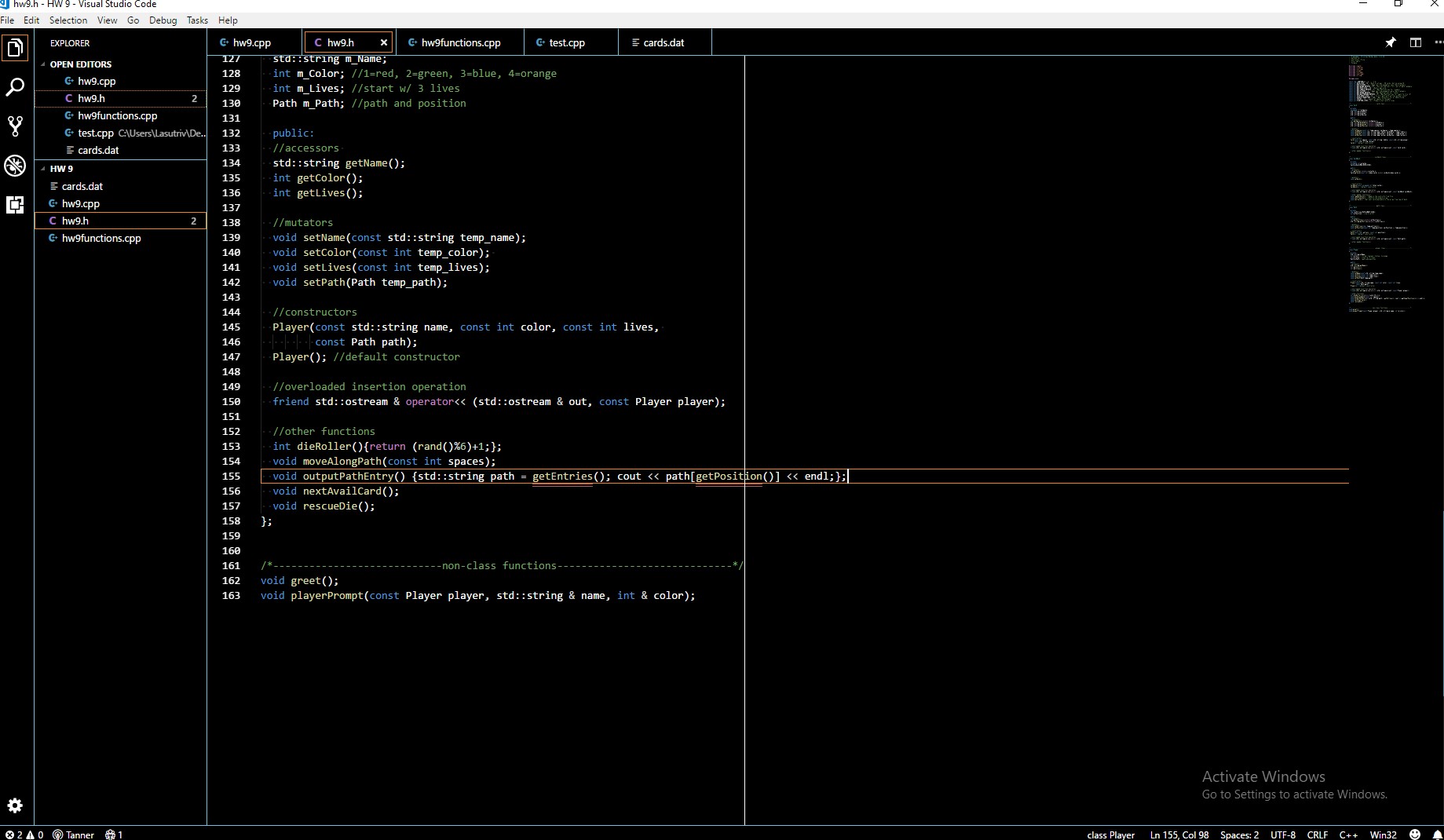
My Screen:
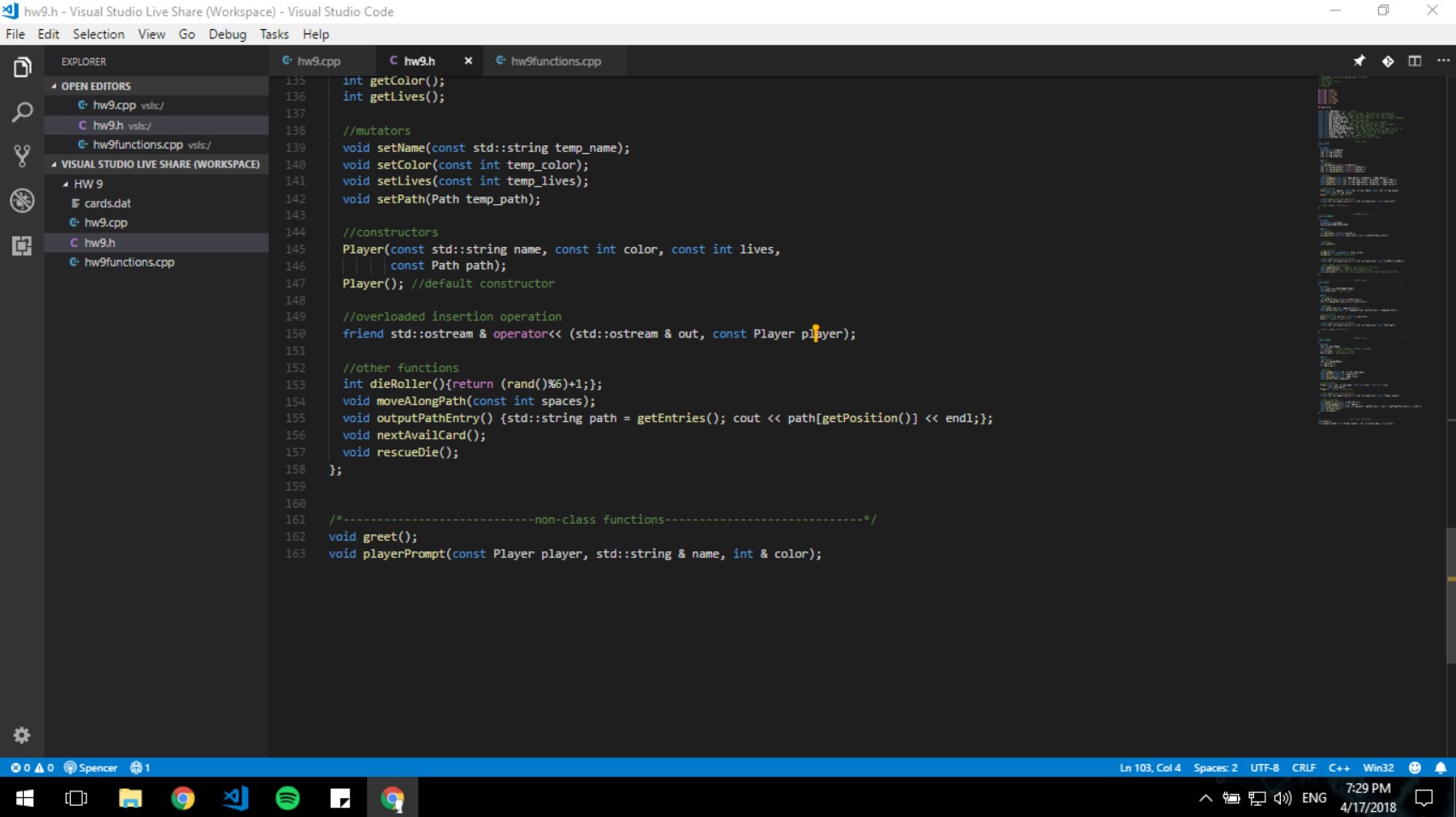
My Friend's Screen:
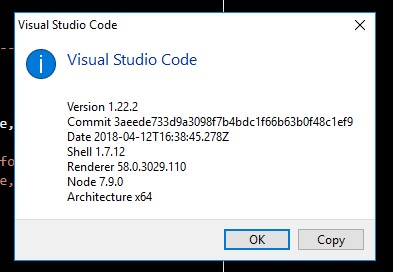
VS Code Info:
My Exported Logs:
Logs Exported.zip
My Friend's Exported Logs:
Friends Logs Exported.zip
 Lasutriv
All 4 comments
@Lasutriv does your friend have the same C/C++ extension installed in their VSCode?
 codycraven
on 18 Apr 2018
codycraven
on 18 Apr 2018
This sounds along the same lines as #59
codycraven
on 18 Apr 2018
@lasutriv @codecraven Live Share doesn’t currently share any errors from the host (syntax, build, linters, etc.), but that is something we’re working on! The general user scenario is currently being tracked via #165.
Does it seem reasonable to close this issue as a duplicate of #165, and track the discussion there?
 lostintangent
on 18 Apr 2018
lostintangent
on 18 Apr 2018
Yes, thank you for your time.
Lasutriv
on 18 Apr 2018
Related issues
 Chuxel
·
3Comments
Chuxel
·
3Comments
 mpearon
·
4Comments
mpearon
·
4Comments
 roblourens
·
4Comments
roblourens
·
4Comments
 PranavGPR
·
3Comments
Chuxel
·
3Comments
PranavGPR
·
3Comments
Chuxel
·
3Comments
Most helpful comment
@lasutriv @codecraven Live Share doesn’t currently share any errors from the host (syntax, build, linters, etc.), but that is something we’re working on! The general user scenario is currently being tracked via #165.
Does it seem reasonable to close this issue as a duplicate of #165, and track the discussion there?