Gltf-blender-io: Apply Modifier seems to have effect on "Auto Smooth" of the final GLB Exported
Describe the bug
Related to Auto Smooth,
To Reproduce
Have a 3D mesh that takes advantage of Auto Smooth, then when exporting GLB, turn on Apply Modifier and see the Auto Smooth seems unchecked on all other mesh(s)! Surprised.
Expected behavior
Expecting Apply Modifier to have no effect whatsoever on the Auto Smooth of other objects in the scene.
Screenshots


.blend file/ .gltf
auto_smooth_bug_002.blend.zip
Version
- OS: MacOS Catalina 10.15.2 Beta (19C46a)
- Blender Version 2.81 official, November 21, 2019
Additional context
I found out about this while working on a project BLEND that requires both Apply Modifier, but I am losing a lot of "Auto Smooth" and lots of objects become ... edgy.
 enzyme69
All 11 comments
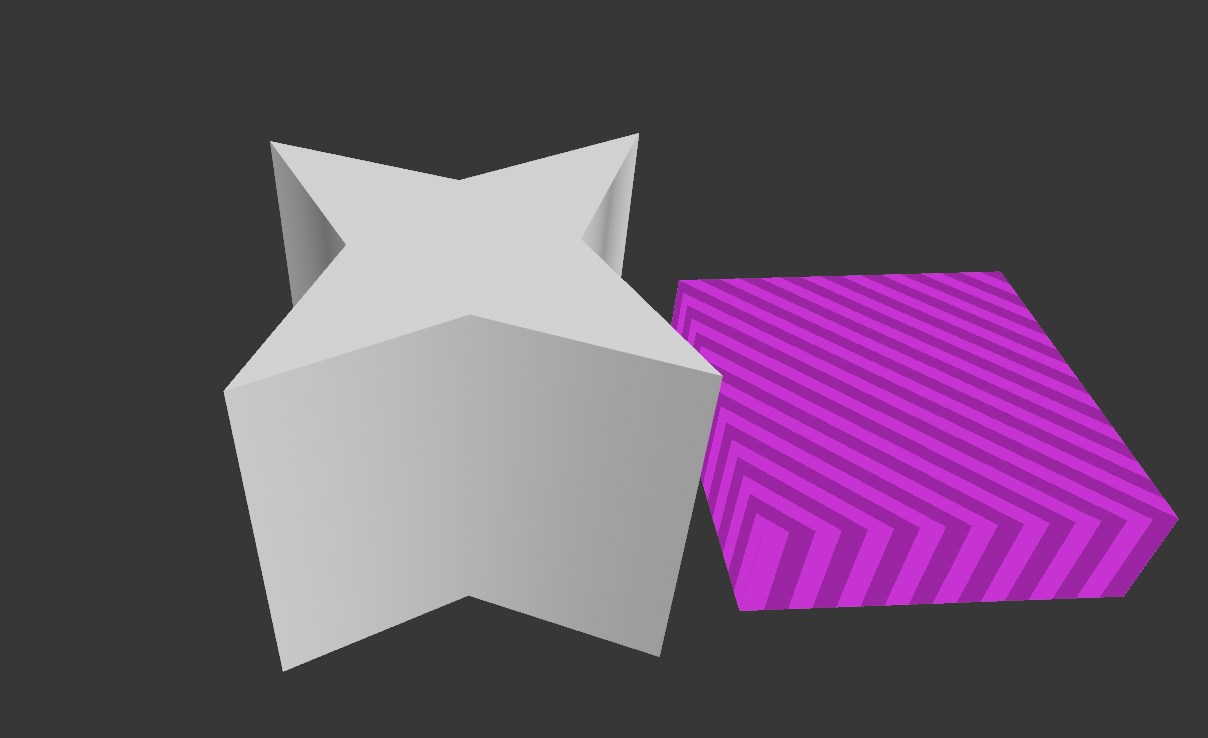
As GLB and as well as USDZ, below you can see:
With "Apply Modifier" turned on, somewhat it affects the Auto Smooth (OFF)
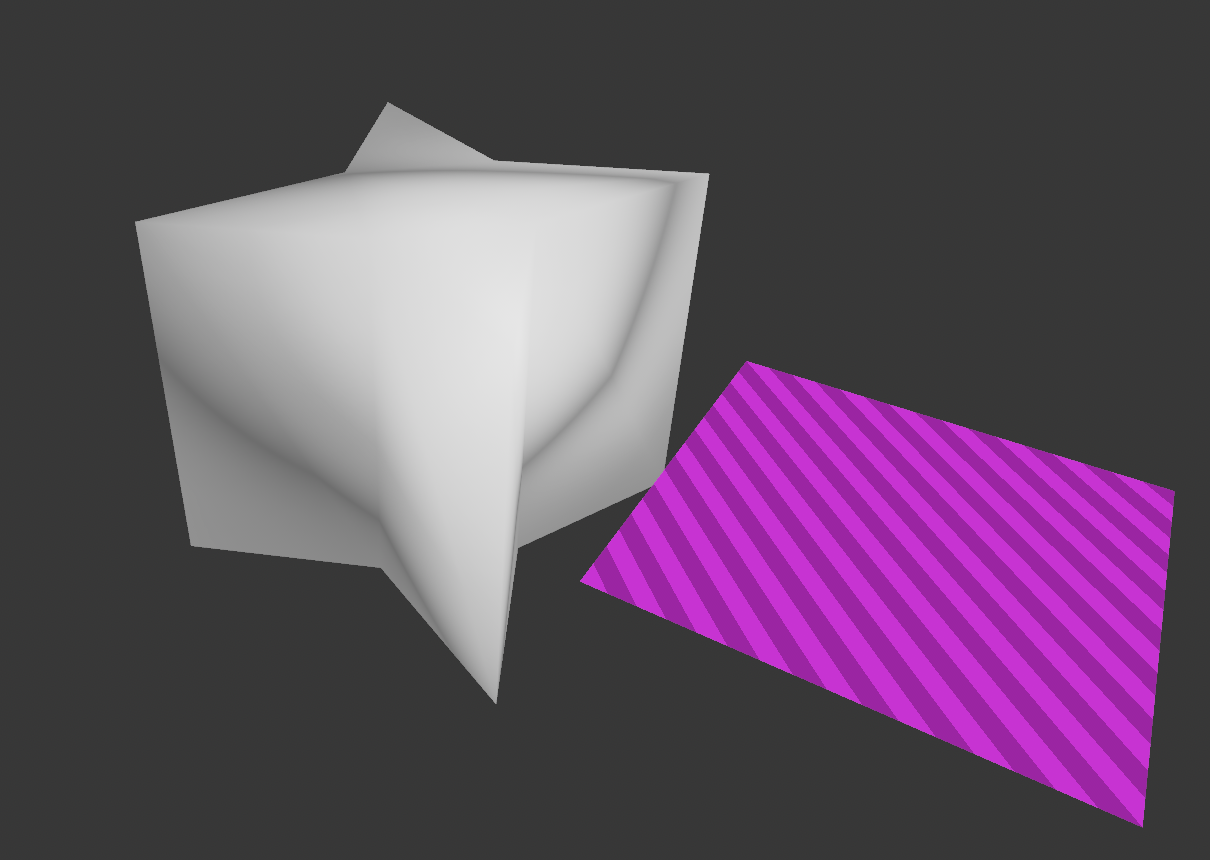
With "Apply Modifier" turned off, somewhat it affects the Auto Smooth (ON, as expected)
enzyme69
on 25 Nov 2019
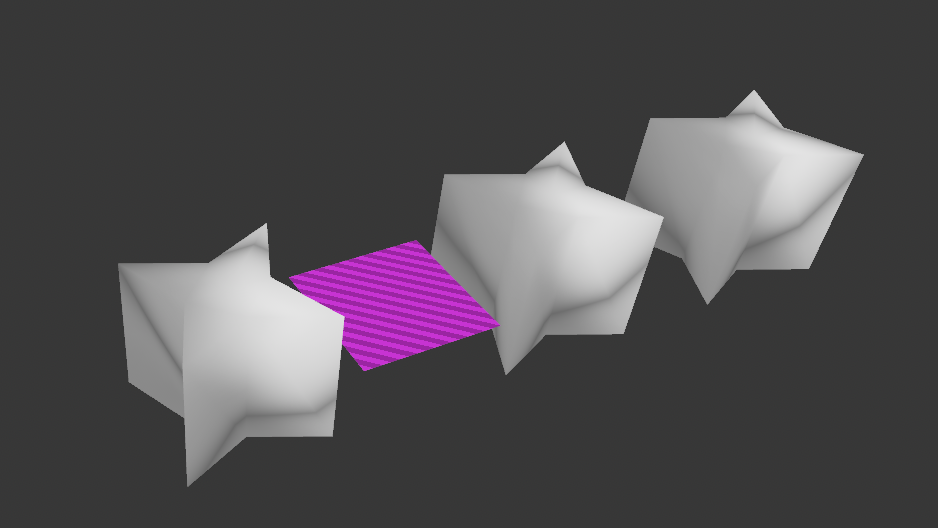
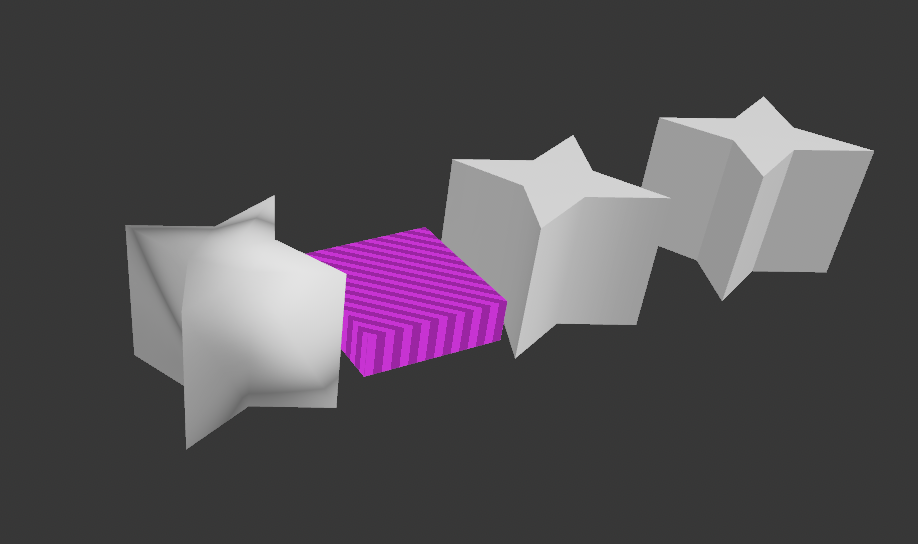
One more time, more obvious:
- pink object has Solidify Modifier, and I like to Apply Modifier and it is affecting Auto Smooth
enzyme69
on 25 Nov 2019
enzyme69
on 25 Nov 2019
Related to #761? Did you test with that fix included?
 emackey
on 25 Nov 2019
emackey
on 25 Nov 2019
Tested on alpha 2.82:
Blender:
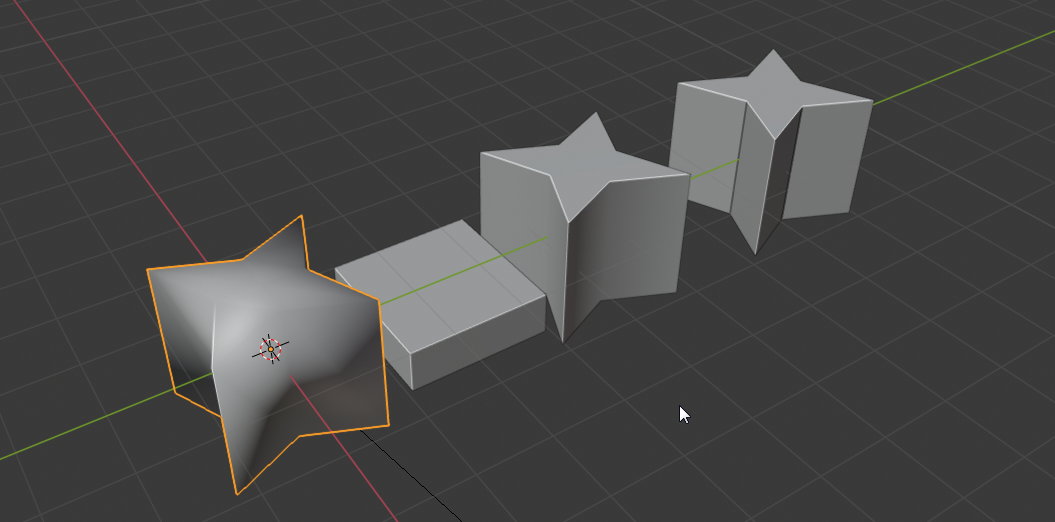
glb with Apply modifier not checked:
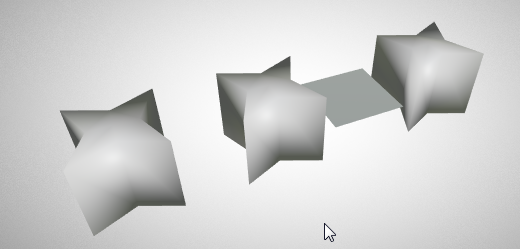
glb with Apply modifier checked:
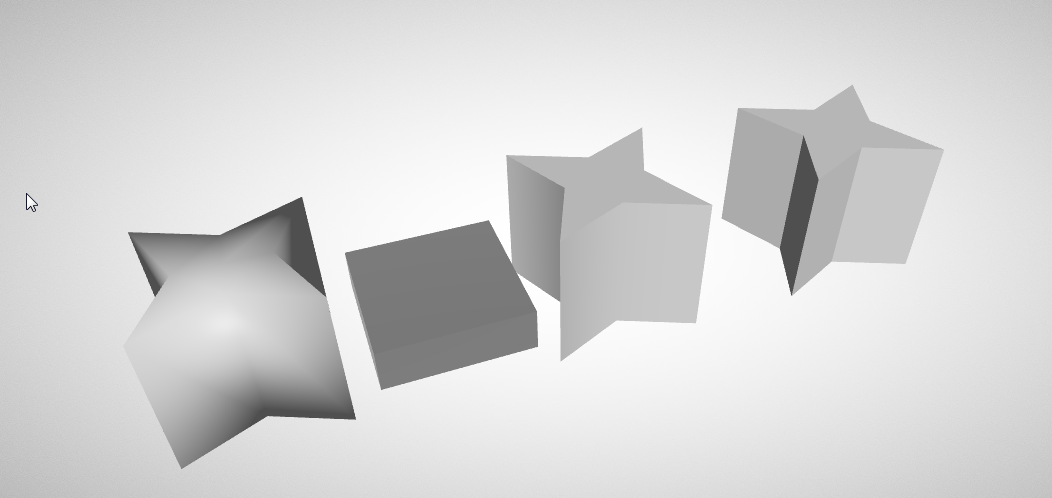
blend file after export (no changes):
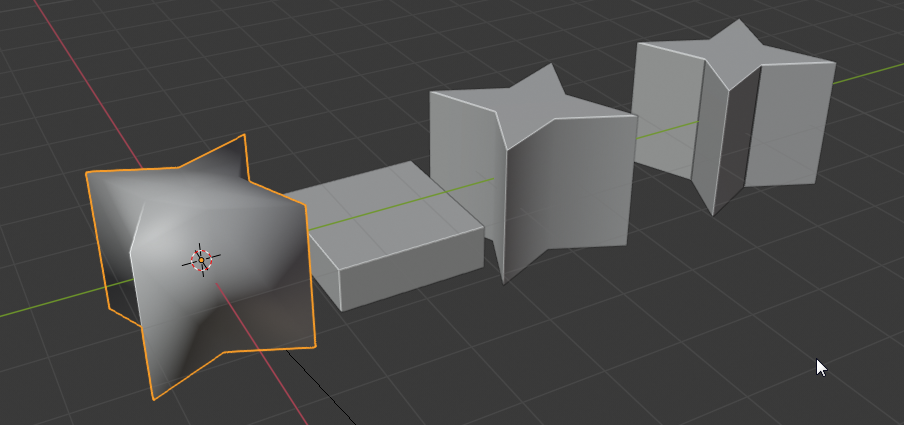
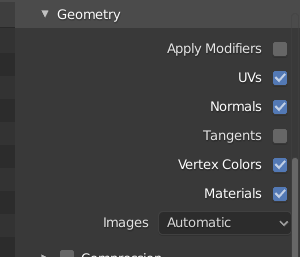
- Checked in code: AutoSmooth (with angle or with custom normals) are managed like a modifier, so they are exported only when "Apply modifier" is checked
So ... Not sure to understand what is exactly your problem.
can you please test again with blender 2.82 alpha? And display screenshots from blender before / glb on https://gltf-viewer.donmccurdy.com/ / blender after?
Thanks :)
 julienduroure
on 26 Nov 2019
julienduroure
on 26 Nov 2019
So ... Not sure to understand what is exactly your problem.
I think the enabled Auto Smooth blender option should produce a gltf with a same normals as the blender renders and the viewport. There is no blender modifier involved, hence the "Apply Modifiers" option should be irrelevant.
Tested https://github.com/capnm/b8TransportRobot/tree/master/blender81
with the current gltf tip (1.1.16) + blender 2.81:

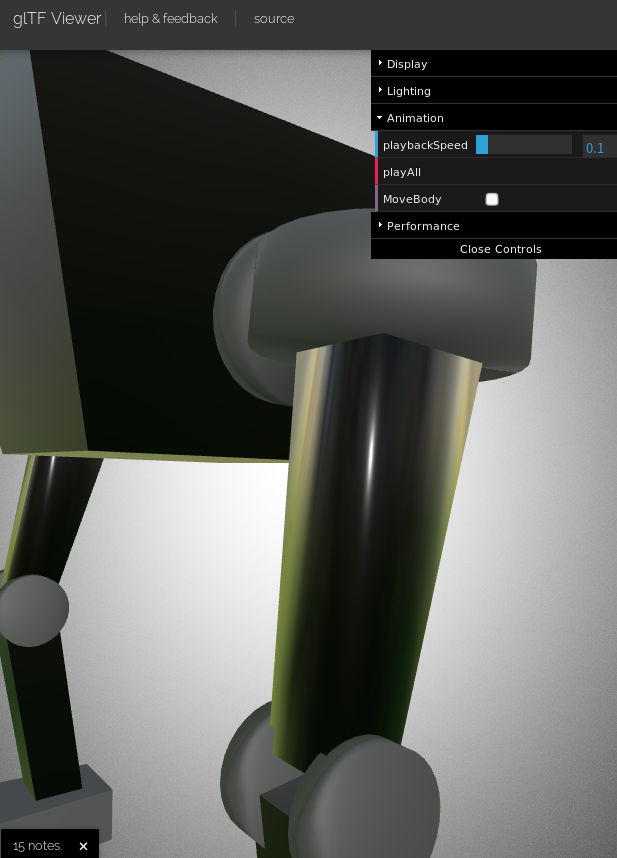
 capnm
on 29 Nov 2019
capnm
on 29 Nov 2019
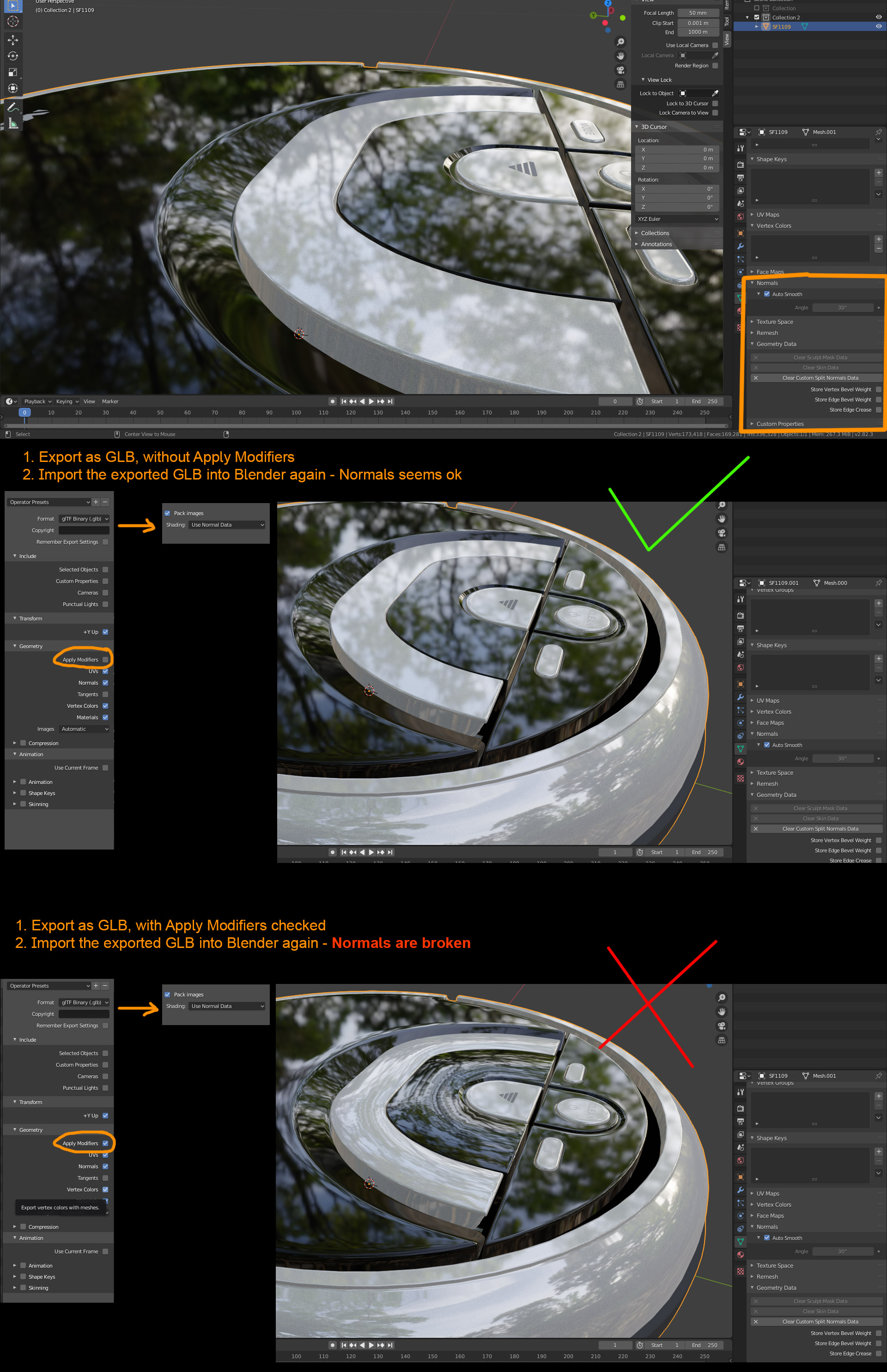
Tested with Blender 2.82.3 and 2.80.75
Normals are broken when exporting with apply Modifiers checked. See image below.
No additional modifiers on mesh.
 NEONFIVE
on 4 Dec 2019
NEONFIVE
on 4 Dec 2019
This is not the same case, because you seems to have some custom normals, where the previous example was about using auto-smooth with split angle (without custom normals)
Can you please provide the .blend file?
(We should try reimporting it not in Blender too, to be sure that the bug is not in blender importer)
julienduroure
on 6 Dec 2019
I agree with @capnm , currently the default setting for the GLTF exporter does not export a visually identical mesh as the blender viewport since it does not respect the 'autosmooth' setting. There is a workaround which is to add a custom split normal, which seems to bake the 'autosmooth' setting into the geo.
 mikepan
on 6 Dec 2019
mikepan
on 6 Dec 2019
This appears to be fixed in master (by #1127 probably).
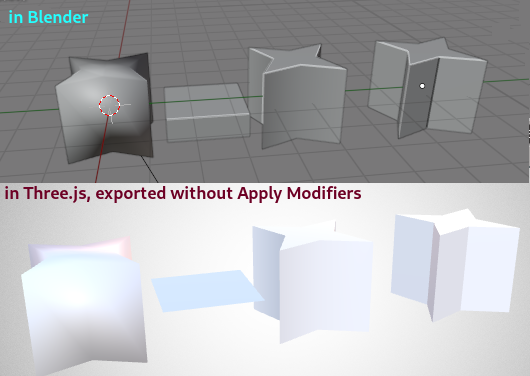
capnm's file is also fixed.
 scurest
on 13 Aug 2020
scurest
on 13 Aug 2020
@scurest Thanks, perfect work!
I can confirm this is fixed in the current beta of b9 (v1.3.48).
capnm
on 13 Aug 2020
Related issues
 spiraloid
·
3Comments
spiraloid
·
3Comments
 Ali-RS
·
3Comments
Ali-RS
·
3Comments
 cstfan
·
4Comments
spiraloid
·
5Comments
cstfan
·
4Comments
spiraloid
·
5Comments
 donmccurdy
·
5Comments
donmccurdy
·
5Comments
Most helpful comment
@scurest Thanks, perfect work!
I can confirm this is fixed in the current beta of b9 (v1.3.48).