Files: Windows 'under-construction' UWP File explorer
To open the app -
Open Start and enter this code -
explorer shell:AppsFolder\c5e2524a-ea46-4f67-841f-6a9465d9d515_cw5n1h2txyewy!App
Click or press enter on first result. The app opens.
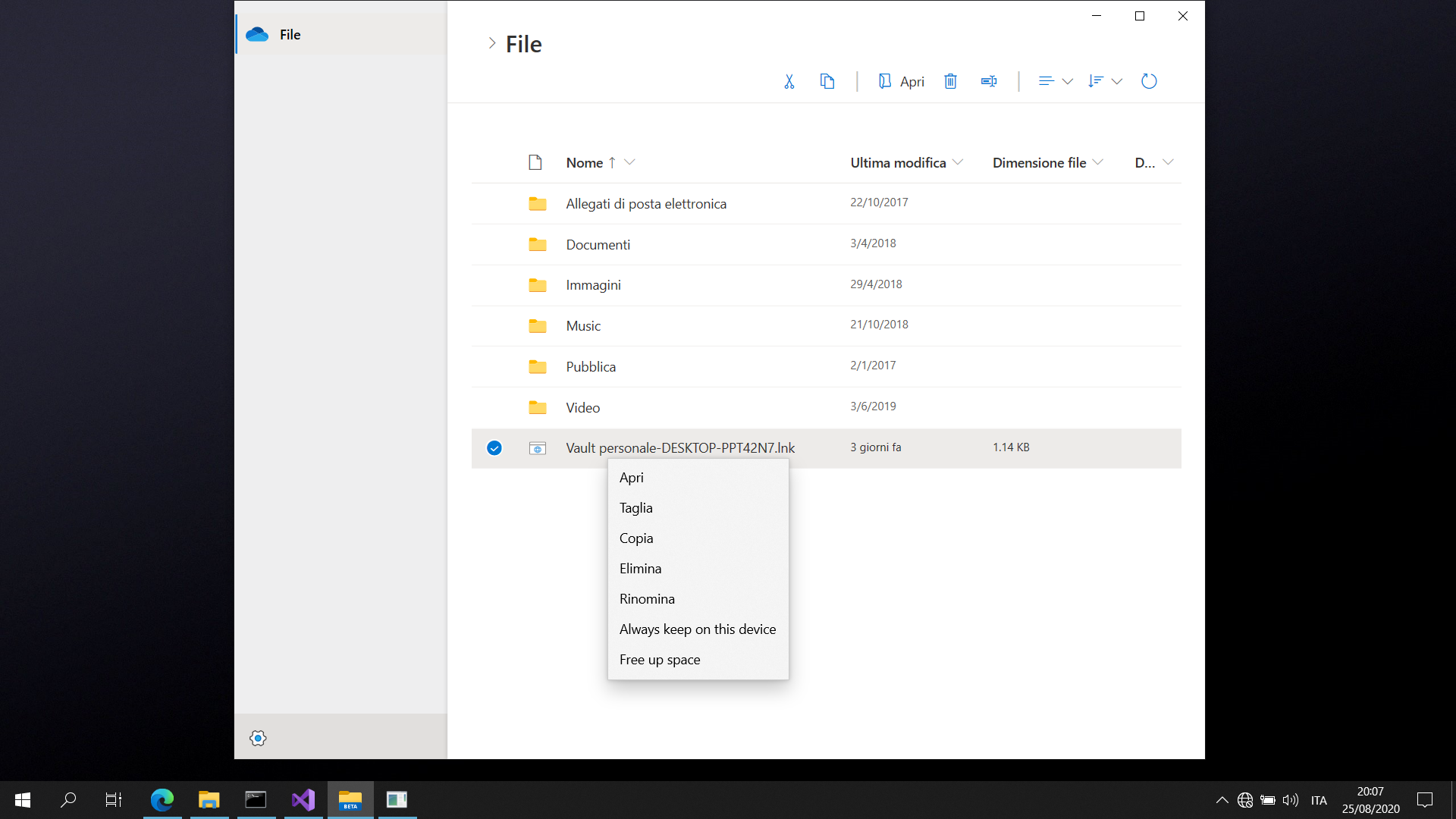
Attaching screenshot of app

 Cyberdroid1
All 5 comments
Issue-Label Bot is automatically applying the label bug to this issue, with a confidence of 0.86. Please mark this comment with :thumbsup: or :thumbsdown: to give our bot feedback!
Links: app homepage, dashboard and code for this bot.
![issue-label-bot[bot] picture](https://avatars2.githubusercontent.com/in/27079?v=4&s=40) issue-label-bot[bot]
on 25 Aug 2020
issue-label-bot[bot]
on 25 Aug 2020
There is also the new File Explorer beta that is found on Windows 10X emulator, it looks a lot like Files UWP :)
 gave92
on 25 Aug 2020
gave92
on 25 Aug 2020
There is also the new File Explorer beta that is found on Windows 10X emulator, it looks _a lot_ like Files UWP :)
The Windows 10X File Explorer looks 💩 imo. Files UWP looks so much better + it has tab support
 d2dyno1
on 25 Aug 2020
d2dyno1
on 25 Aug 2020
The only thing I like more in Windows 10X is the shortcuts buttons in the toolbar, but other than that I prefer Files UWP by Miles
 SOI7
on 25 Aug 2020
SOI7
on 25 Aug 2020
Thanks for the positive feedback. I'll close this now.
 duke7553
on 26 Aug 2020
duke7553
on 26 Aug 2020
Related issues
 XPoppyX
·
36Comments
XPoppyX
·
36Comments
 zbalkan
·
25Comments
zbalkan
·
25Comments
 Crocodile73
·
84Comments
Crocodile73
·
84Comments
 TyJOrtiz
·
36Comments
TyJOrtiz
·
36Comments
 calloncampbell
·
28Comments
calloncampbell
·
28Comments
Most helpful comment
The Windows 10X File Explorer looks 💩 imo. Files UWP looks so much better + it has tab support