Facebook-for-woocommerce: Products not been Synced, count goes to negative
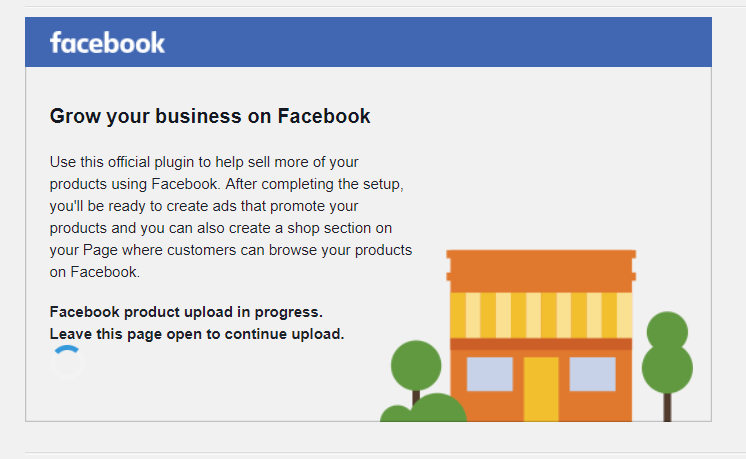
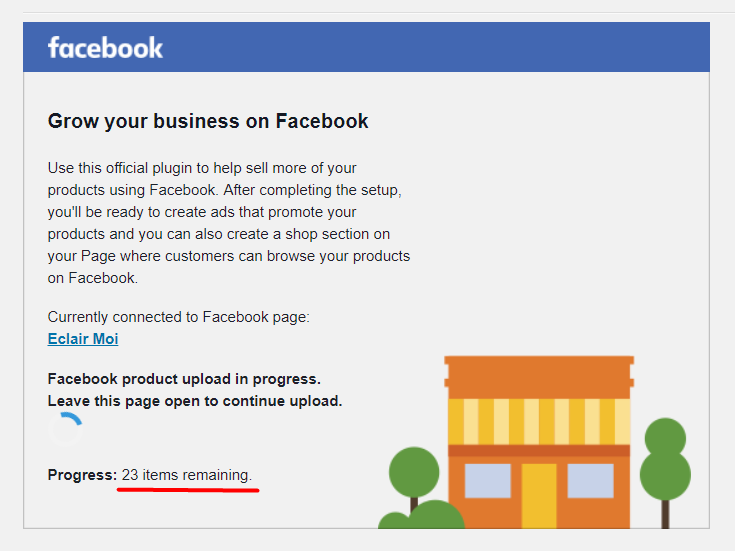
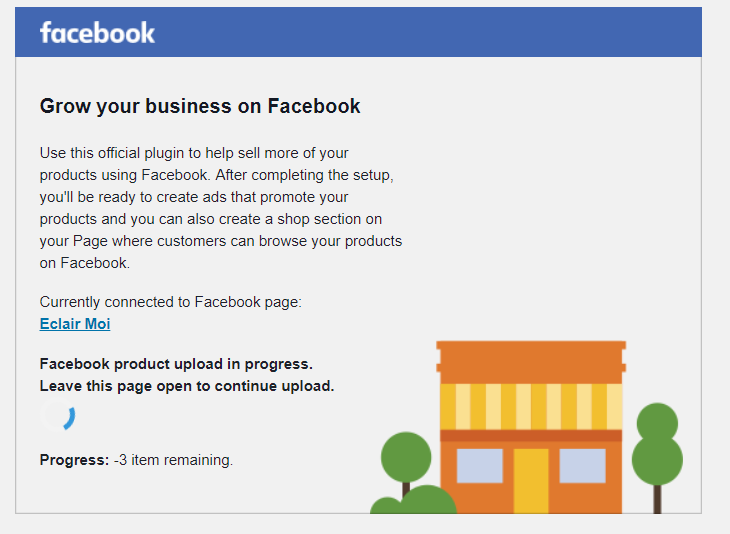
This is the third time i'm trying to sync the products, and the number of products left goes down to 0, and keeps going to -1, -2, -3...
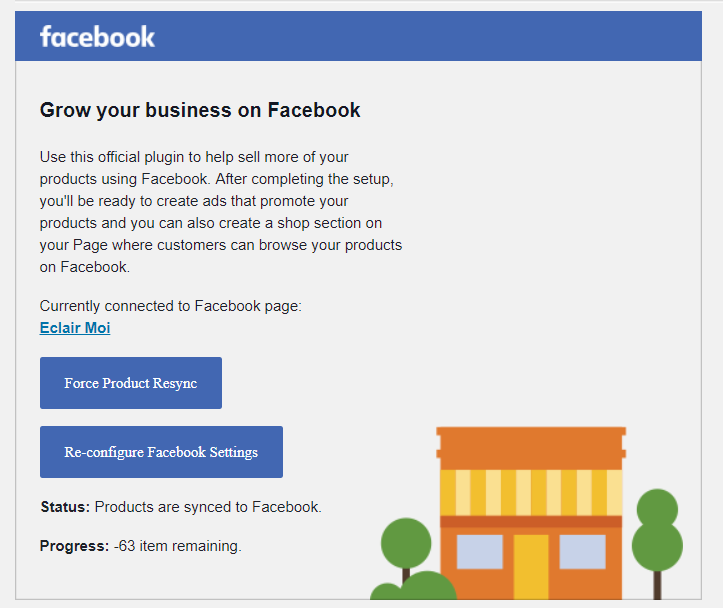
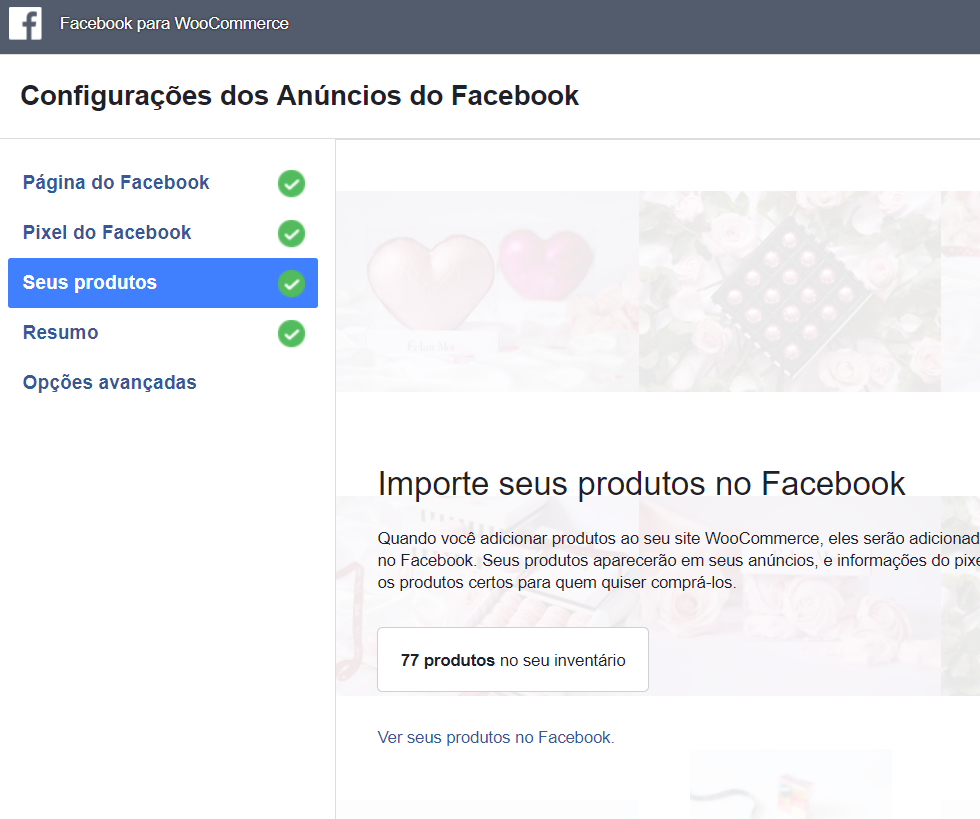
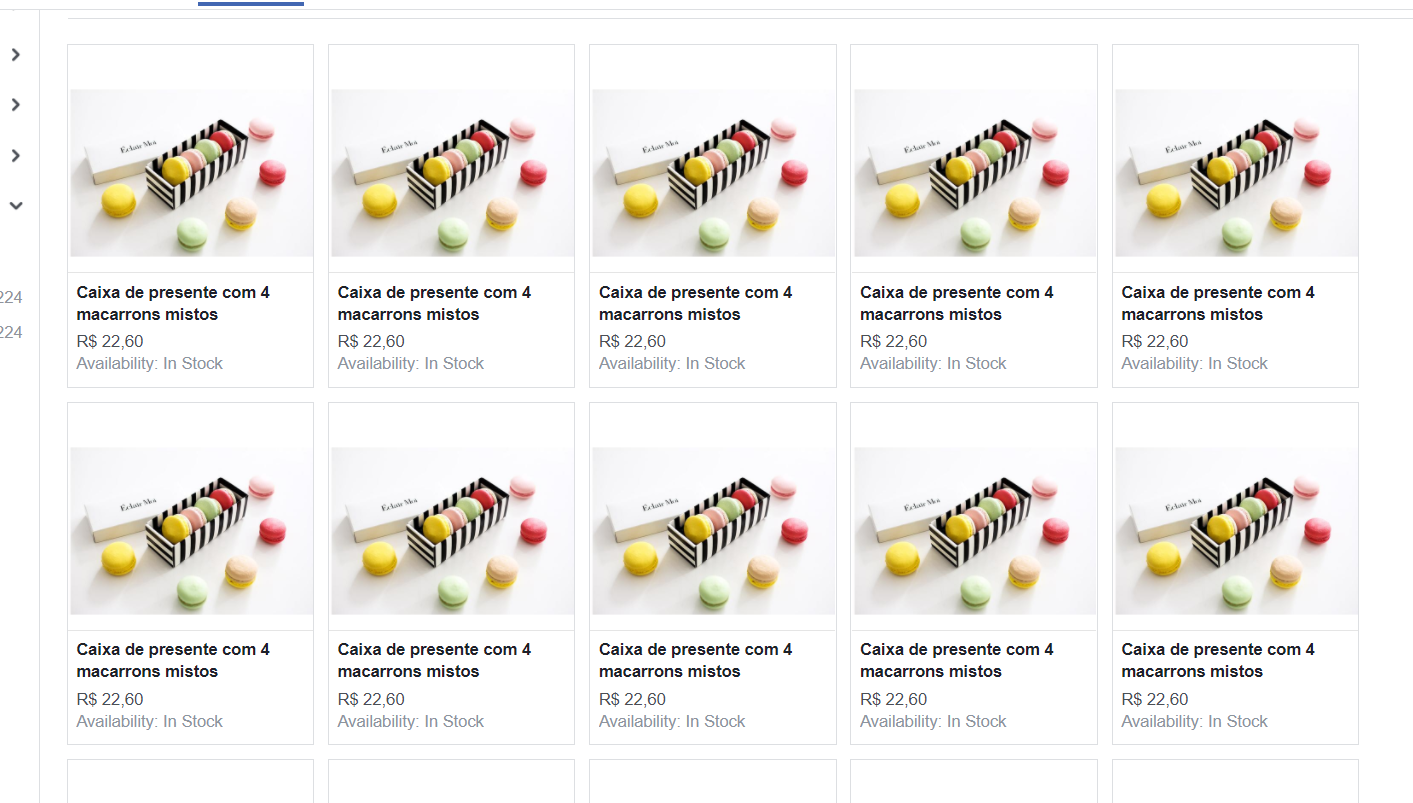
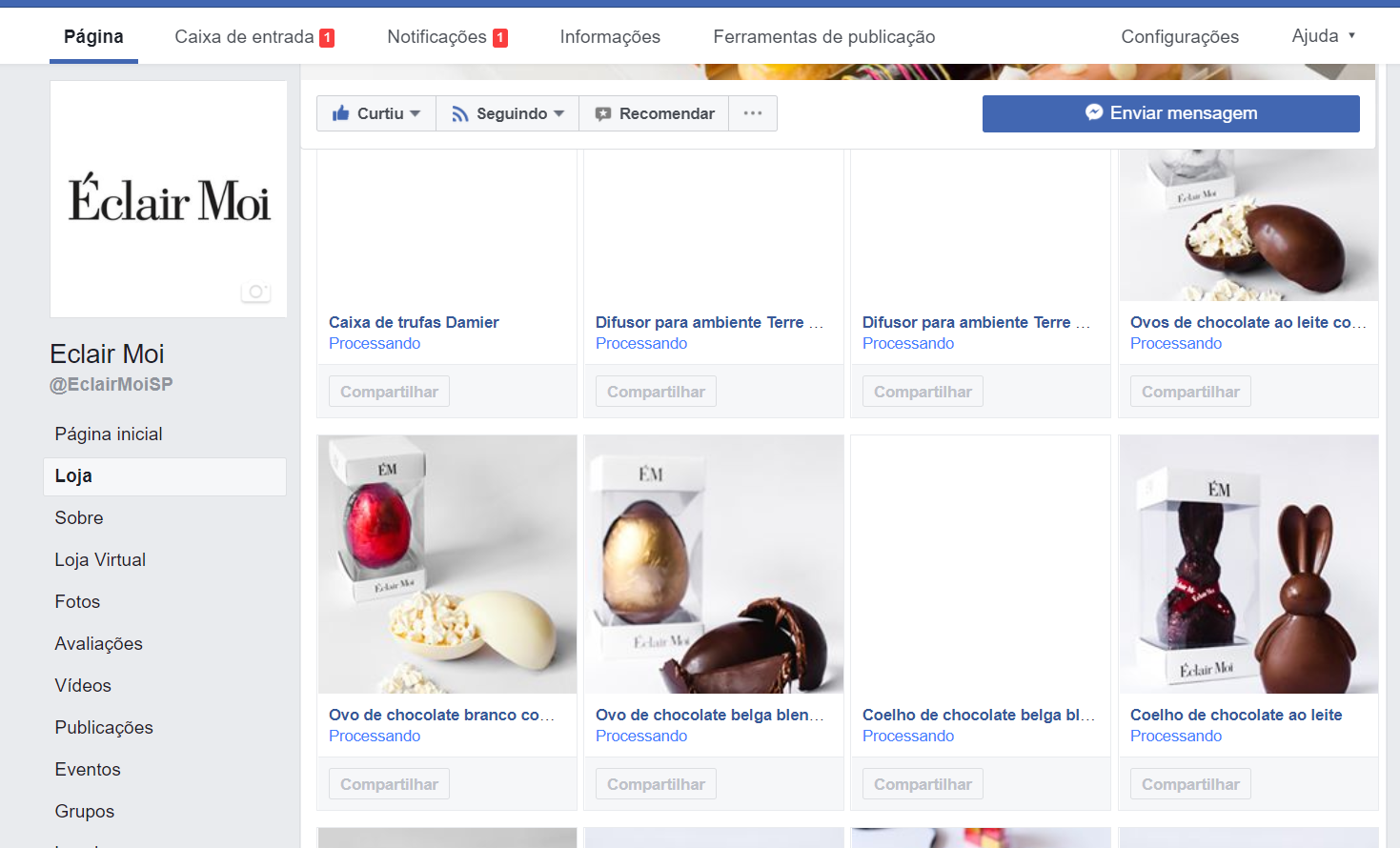
It says that I have all my 77 products synced, but after it started going <0, it starts syncing a lot of the same product
And when I try to Force Product Resync, it still goes from <0
Facebook for Woocommerce plugin version: 1.8.4
Facebook shop page: https://www.facebook.com/pg/EclairMoiSP/shop/?ref=page_internal
Woocommerce shop page: https://eclairmoi.com/loja/
Catalog ID: 158817084797464
 BlankSuporte5
All 10 comments
Thanks for reporting. That is so weird. We are looking into it.
 sammul
on 11 Apr 2018
sammul
on 11 Apr 2018
Hello,
We've removed product count entirely in recent versions, 1.8.2. and above. It only exists now for backwards compatibility (if you installed an older version first) and it is really slow.
If it's causing you trouble or if you want to upgrade to the new method, please reset the plugin entirely, the new force resync sync method does not count down negative and is much much faster.
Edit : A reset can be accomplished by going to Reconfigure > Advanced Options > Delete.
 dmitridr
on 11 Apr 2018
dmitridr
on 11 Apr 2018
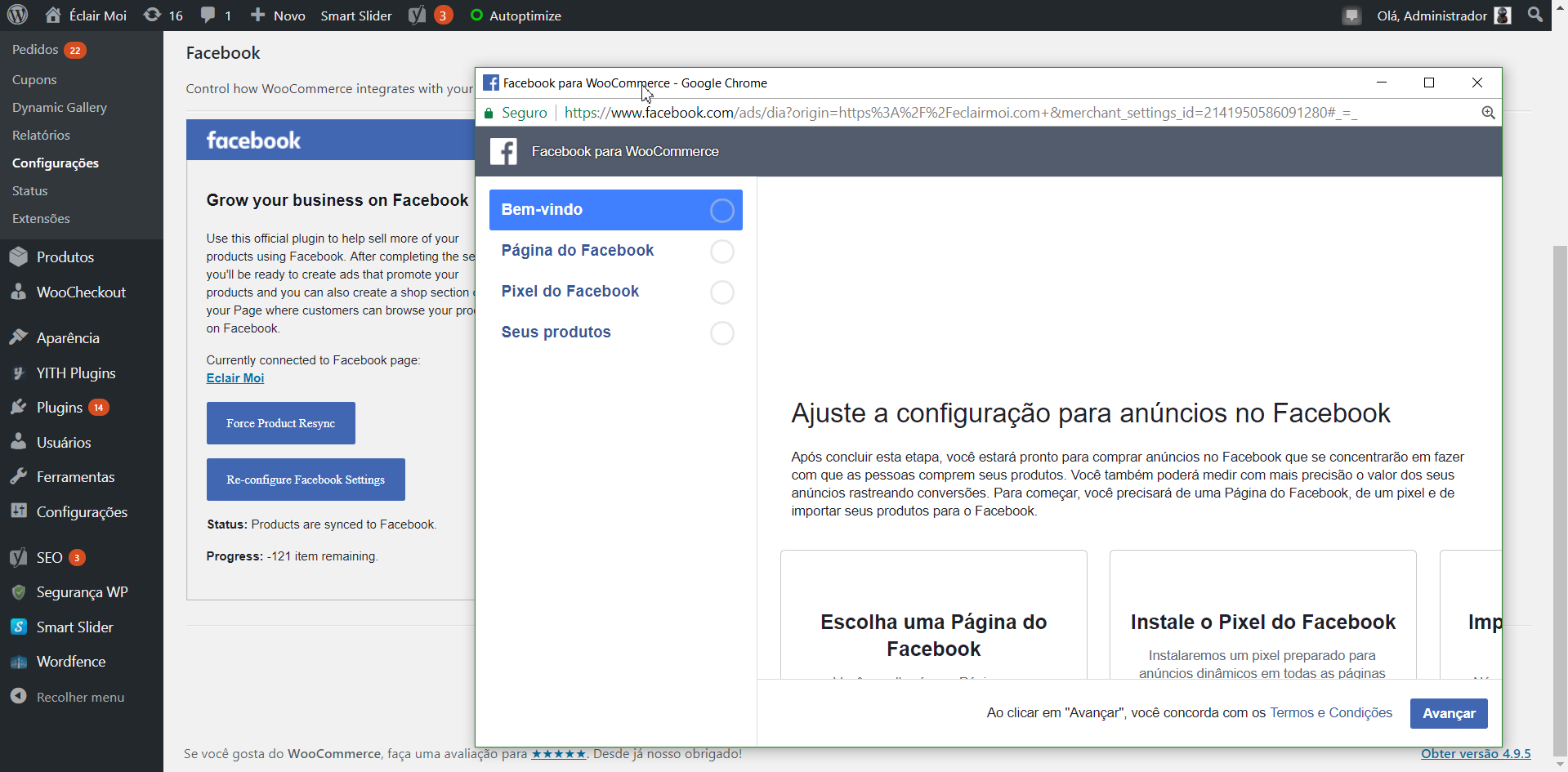
I've tried to reset it several times, it keeps happening
Screenshot:
BlankSuporte5
on 12 Apr 2018
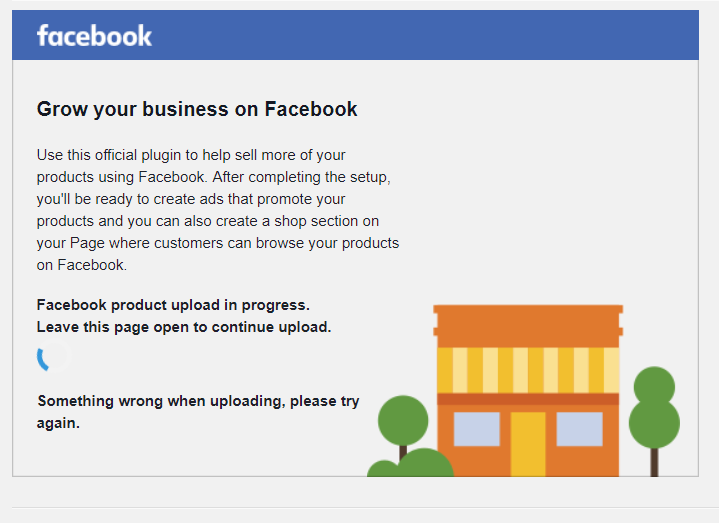
After reconfiguring and deleting again:
BlankSuporte5
on 12 Apr 2018
Update
I've updated WooCommerce and Wordpress to the lastest version, uninstalled Facebook for Woocommerce and installed over again, tried to sync, the same message appears: "Something wrong when uploading, please try again".
Then I refreshed (F5) the page and Forced Resync, and it seems to be working.
BlankSuporte5
on 12 Apr 2018
Oh god...
BlankSuporte5
on 12 Apr 2018
Hey again,
Pretty crazy that the negative numbers appeared again.
We do a curl to Facebook in order to upload the feed file, if the curl fails, we default back to the old upload method (with the negative numbers) that must be what you are seeing.
Does your server support curl? If it does not, that may be the cause.
dmitridr
on 12 Apr 2018
Update 2
Openning each product and updating it creates the product in facebook and it works
BlankSuporte5
on 17 Apr 2018
Great to hear that you've resolved the issue. Doing a quick-edit or bulk-edit should also work.
Regarding the same product keeps being uploaded issue that you mentioned above, this is just the way variants are displayed in that interface, they are uploaded to FB as different products (because they could have different price/etc). But in most cases they have the same image and name, so you may see a bunch of the same products, but that won't be what your users see in the shop.
Closing this out since it seems the issue is resolved, but if you continue to have issues feel free to open a new issue and reference this one.
dmitridr
on 25 Apr 2018
its been 3 years, plugin is still not fixed

 tagor3
on 7 Mar 2020
tagor3
on 7 Mar 2020
Related issues
 NicoleParberry
·
46Comments
NicoleParberry
·
46Comments
 t9fdservices
·
37Comments
t9fdservices
·
37Comments
 aluxh
·
48Comments
aluxh
·
48Comments
 jerome2612
·
30Comments
jerome2612
·
30Comments
 AVTMBijouterieNomade
·
24Comments
AVTMBijouterieNomade
·
24Comments