Dash-to-dock: Possible regression: dash-to-dock appears with Ubuntu dock simultaneously
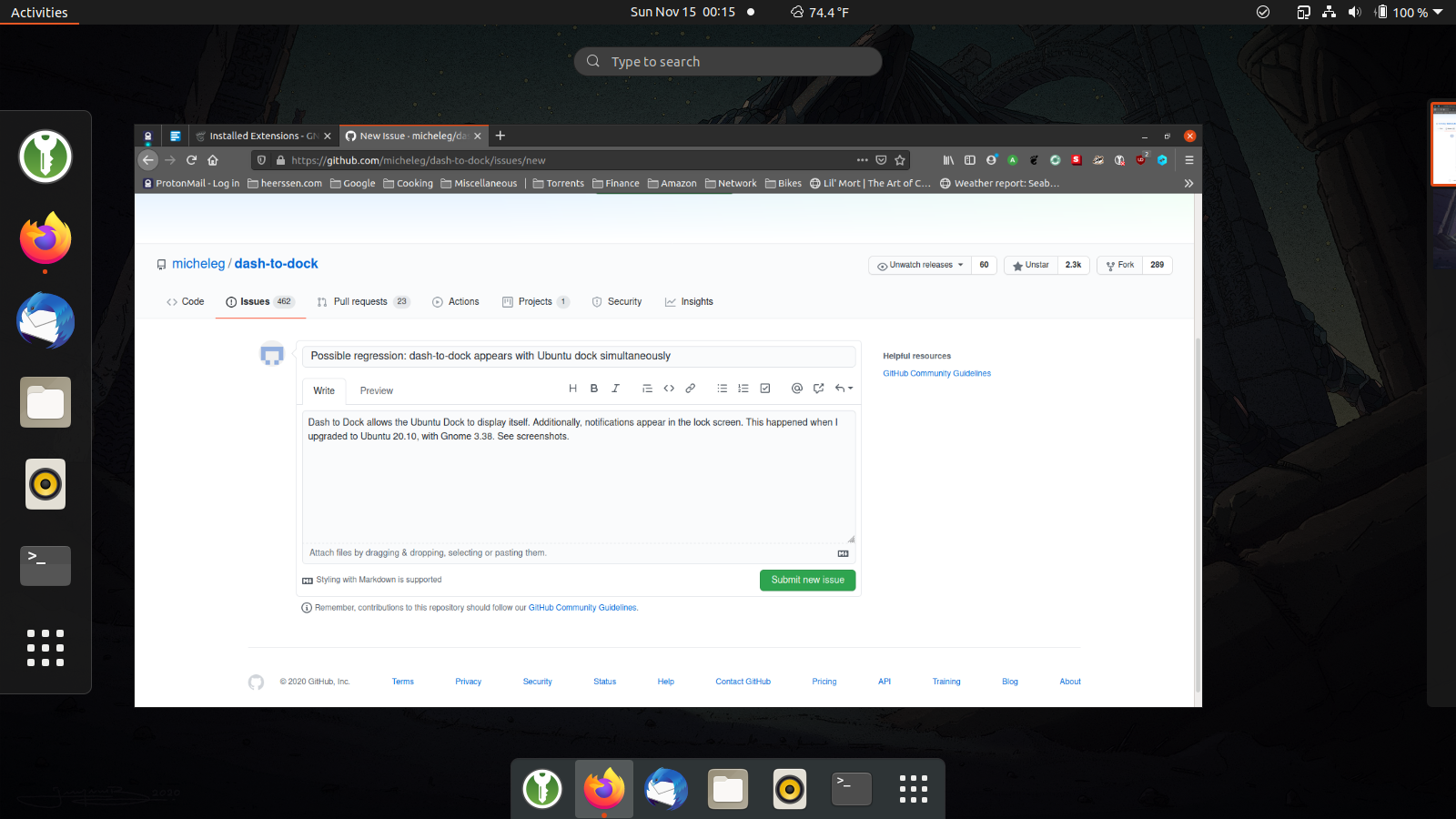
Dash to Dock allows the Ubuntu Dock to display itself. This happened when I upgraded to Ubuntu 20.10, with Gnome 3.38. See screenshot
.
 bheerssen
All 6 comments
Actually, I'm not sure about the Ubuntu dock thing. All I know is I have two docks visible in the overview, when I should have only one at the bottom. Restarting Gnome (via Alt-F2 -> r) fixes it until I lock the screen. When I unlock, I see the problem again.
bheerssen
on 15 Nov 2020
Same thing happening to me in the same ubuntu version. Right clicking the Show Application icon reveals that one dock corresponds to the dash to dock extension and the other one to the ubuntu dock.
 xusky69
on 20 Nov 2020
xusky69
on 20 Nov 2020
Actually, I'm not sure about the Ubuntu dock thing. All I know is I have two docks visible in the overview, when I should have only one at the bottom. Restarting Gnome (via Alt-F2 -> r) fixes it until I lock the screen. When I unlock, I see the problem again.
Same happening to me. Ubuntu version 20.04
 rafaela-queiroz
on 13 Dec 2020
rafaela-queiroz
on 13 Dec 2020
Any solution to this? is it possible that after screen lock is enabling the Ubuntu dock?
 ferjpi
on 11 Jan 2021
ferjpi
on 11 Jan 2021
The left one should not be Ubuntu dock. It seems it's default dash of GNOME
 validatedev
on 14 Jan 2021
validatedev
on 14 Jan 2021
The solution I did was to disable the Ubuntu dock
ferjpi
on 19 Jan 2021
Related issues
 nana-4
·
3Comments
nana-4
·
3Comments
 ynx1800
·
6Comments
ynx1800
·
6Comments
 swatquest
·
3Comments
swatquest
·
3Comments
 NikSays
·
5Comments
NikSays
·
5Comments
 pieplu
·
7Comments
pieplu
·
7Comments
Most helpful comment
Actually, I'm not sure about the Ubuntu dock thing. All I know is I have two docks visible in the overview, when I should have only one at the bottom. Restarting Gnome (via Alt-F2 -> r) fixes it until I lock the screen. When I unlock, I see the problem again.