Dash-to-dock: [Gnome 3.36] Issue with aplications menu with 2 monitors
Distro: Manjaro
Steps to replicate:
- dash-to-dock set to left side of the screen
- have 2 monitor setup
- set primary monitor
- directly below secondary, or
- to the right of secondary, but a little lower
- press applications button
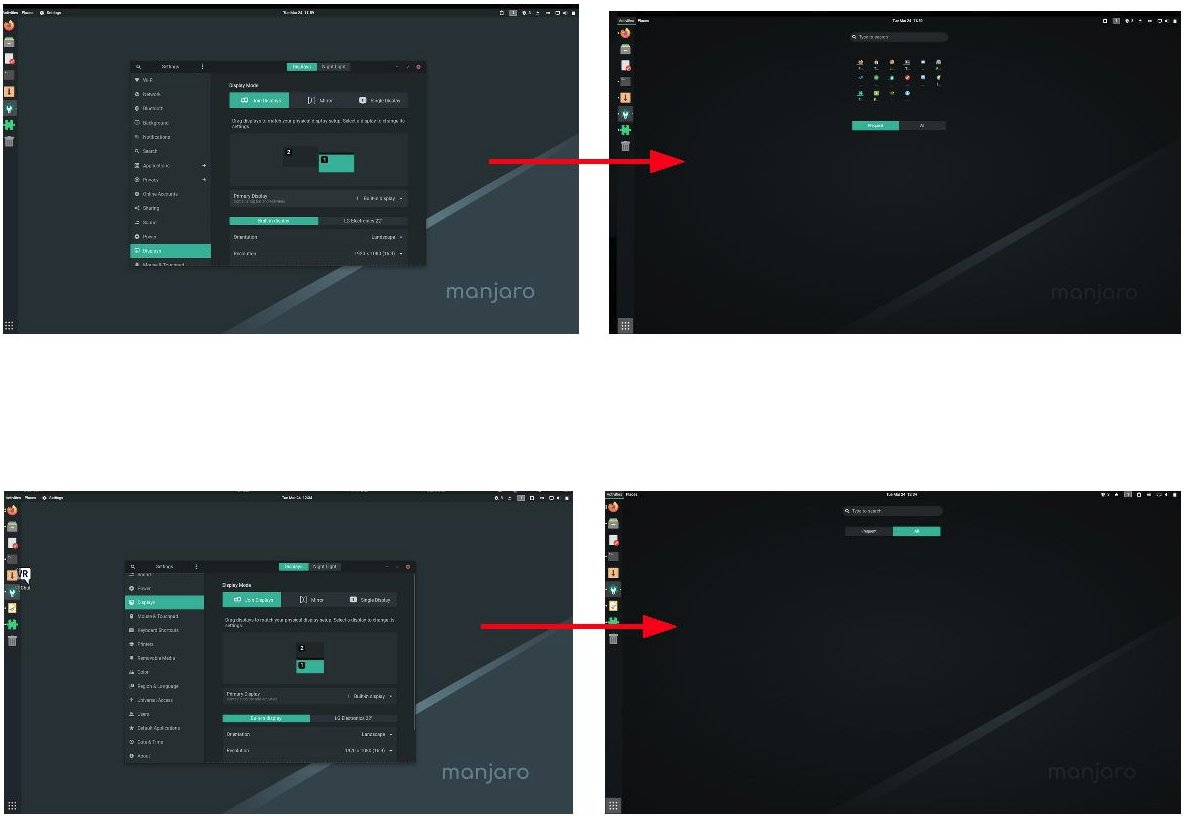
Issue: application menu becomes smaller or entirely disappears (depending on monitor setup)
 NikSays
All 5 comments
it happens only when "Panel mode: extend to the screen edge" is checked.
 gamedragon
on 25 Mar 2020
gamedragon
on 25 Mar 2020
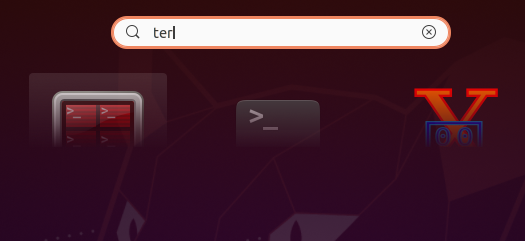
Icons are cropped in _Activites_ switcher:
Open windows are shown tiny:

It happens on both X and Wayland. Further, my two monitors have very different DPI/Scaling (maybe related to launchpad.net/gnome-shell-extension-ubuntu-dock#1826543).
This bug is tracked on launchpad.net/gnome-shell#1869571 and gitlab.gnome.org/gnome-shell#2528.
 darkdragon-001
on 17 Apr 2020
darkdragon-001
on 17 Apr 2020
Fixed in 20e2b6a3417c46f5495925da584f03d86a895465 (the fix is included in dash-to-dock 68)
 vanvugt
on 20 Apr 2020
vanvugt
on 20 Apr 2020
Please close this bug.
vanvugt
on 21 Apr 2020
This is still an issue with one monitor in portrait mode as shown below.
Distro: Manjaro
Dash to dock version: 67
Steps to replicate: landscape monitor (left), landscape monitor (middle), portrait monitor (right).
Same is true for 2 monitors; landscape (left and portrait (right). When the landscape monitor is the main monitor the activities switcher gets cropped etc.
This only happens when dock is docked top left and right and "Panel mode: extend to the screen edge" is checked. Thanks


 drshaggy
on 17 Jun 2020
drshaggy
on 17 Jun 2020
Related issues
 killown
·
3Comments
killown
·
3Comments
 swatquest
·
3Comments
swatquest
·
3Comments
 bheerssen
·
6Comments
bheerssen
·
6Comments
 yingw787
·
3Comments
yingw787
·
3Comments
 nana-4
·
3Comments
nana-4
·
3Comments
Most helpful comment
it happens only when "Panel mode: extend to the screen edge" is checked.