dash-to-dock glitches while in auto-hide setting
When "Auto-hide the Dock" is enabled and there is a maximized window, so that the dock is hidden, upon moving the mouse to the bottom of the screen, sometimes the dock glitches and initiates a hide-show animation without stopping instead from showing up until the cursor moves away from the dock.
This bug was first noticed after upgrading to ubuntu 20.04 from 19.10
Description: Ubuntu 20.04 LTS
Release: 20.04
gnome-shell-extension-ubuntu-dock:
Installed: 67ubuntu20.04.5
Candidate: 67ubuntu20.04.5
Version table:
67ubuntu20.04.5 500
500 http://gr.archive.ubuntu.com/ubuntu focal/main amd64 Packages
500 http://gr.archive.ubuntu.com/ubuntu focal/main i386 Packages
100 /var/lib/dpkg/status
ProblemType: Bug
ApportVersion: 2.20.11-0ubuntu27
Architecture: amd64
CasperMD5CheckResult: skip
CurrentDesktop: ubuntu:GNOME
DistroRelease: Ubuntu 20.04
InstallationDate: Installed on 2019-10-27 (204 days ago)
InstallationMedia: Ubuntu 19.10 "Eoan Ermine" - Release amd64 (20191017)
NonfreeKernelModules: nvidia_modeset nvidia
Package: gnome-shell-extension-ubuntu-dock 67ubuntu20.04.5
PackageArchitecture: all
ProcVersionSignature: Ubuntu 5.4.0-29.33-generic 5.4.30
Tags: focal
Uname: Linux 5.4.0-29-generic x86_64
UpgradeStatus: Upgraded to focal on 2020-05-09 (9 days ago)
UserGroups: adm cdrom dip lpadmin lxd plugdev sambashare sudo
_MarkForUpload: True
 georkapetanos
All 23 comments
OS: Pop!_OS 20.04 LTS
DE: Gnome 3.36.2
Package version: extensions.gnome.org-v68
Issue/Bug Description
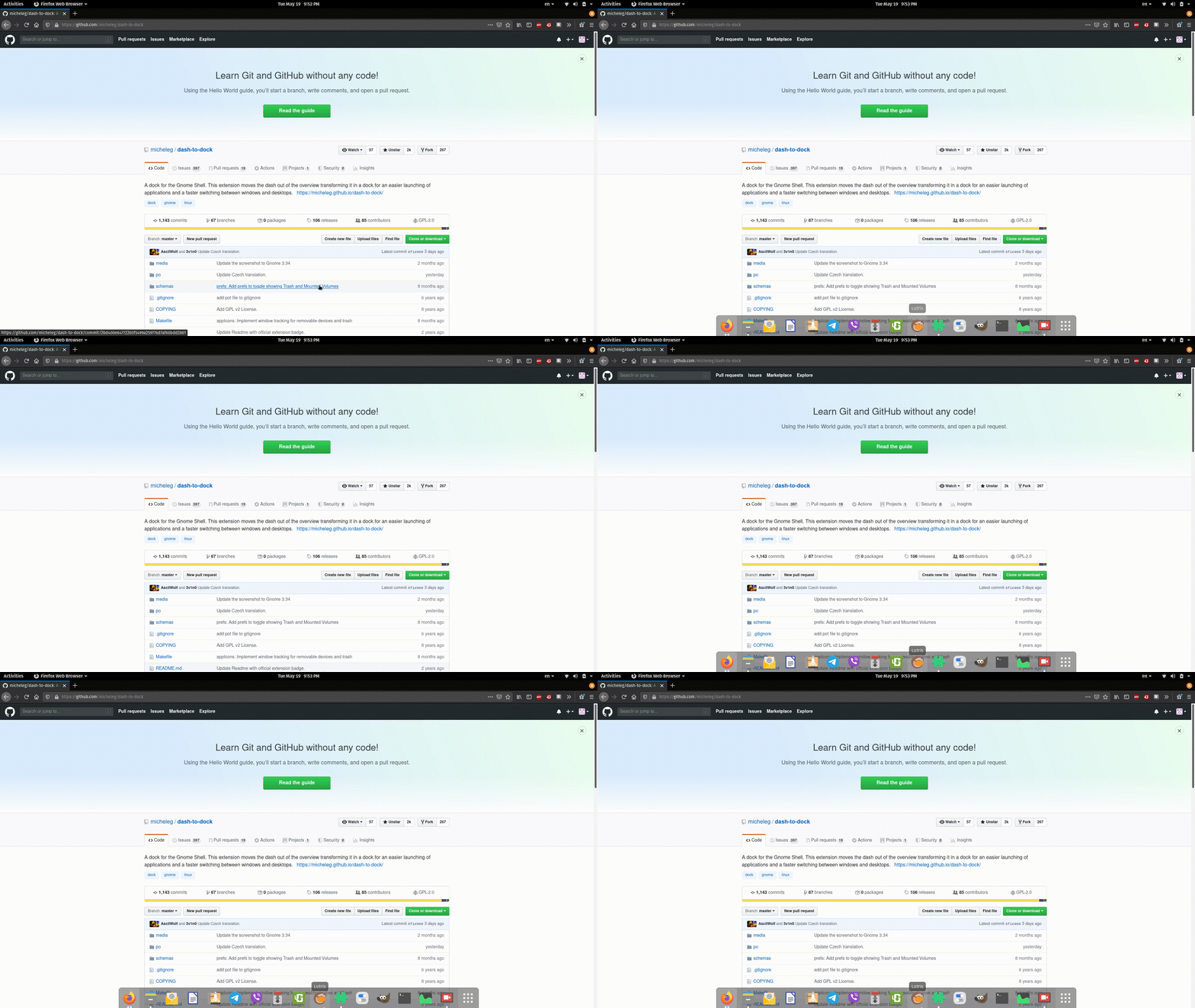
same here the dock jumps up and down when moving the cursor to where the dock is. it happens only when you place the dock on the bottom. this doesn't happen all the time but often enough.
how to reproduce:
1-place dock on the bottom
2-toggle on intelligent autohide
3-open maximized window
4-show and hide the dock multiple times (some times happens from the first time)
5-dock jumps up and down
other notes
happens with plank dock too when placed on the bottom if that matter
 zebest-potato
on 19 May 2020
zebest-potato
on 19 May 2020
Edit: Nevermind. Still reacts similarly in Wayland.
Having the same issue with mine. Running the same versions as zebest-potato on a fresh install. I've noticed it only does it using Xorg. Running in Wayland it doesn't appear to do it from what I've seen.
 jscombs91
on 20 May 2020
jscombs91
on 20 May 2020
Same problem on arch.
OS: Arch Linux
Gnome version: 3.36.2
Windowing system: X11
Extension version: 68
 TR-404
on 20 May 2020
TR-404
on 20 May 2020
i have the same problem on my Ubuntu 19.04 and this bug only appears when my mozilla firefox is on full screen i have tested it with chromium if the bug appears but it seems like (in my case) it only appears on mozilla being full screen
Gnome-version: 3.34.2
Extension-version: 37
 0xearl
on 23 May 2020
0xearl
on 23 May 2020
It's happening for me too:
Ubuntu 20.04 LTS
GNOME Shell 3.36.1 (x11)
GTK+ Version 3.24.18
Extension version: 68
 manuel-uberti
on 26 May 2020
manuel-uberti
on 26 May 2020
Same problem as #1207
 JensVanhooydonck
on 26 May 2020
JensVanhooydonck
on 26 May 2020
To which Gap option are you referring to in #1207?
manuel-uberti
on 26 May 2020
That's the gap which is added by the Pop Is shell (tiling manager extension for gnome).
JensVanhooydonck
on 26 May 2020
OK, thank you, but I'm not using either Pop nor the the tiling manager extension.
manuel-uberti
on 26 May 2020
If you move to the side of where the dock would open. Does your mouse change to the resize icon if you are at the bottom of the page? It looks like that when my mouse is resizing the window, it doesn't seem te be registered by Dash-to-Dock, and thus it thinks it's not on the dock itself..
JensVanhooydonck
on 26 May 2020
No, the mouse cursor doesn't change.
manuel-uberti
on 26 May 2020
Okey, Than that path is probably not the issue.
JensVanhooydonck
on 26 May 2020
Same issue. Ubuntu 20.04 LTS. GNOME version 3.36.2. Extension version 68.
 ceiphr
on 30 May 2020
ceiphr
on 30 May 2020
I've been having the same on Pop!_OS 20.04 and suspected the window tilling. It seems to be an issue when a window is close to the edge of the screen. I raised an issue over there:
https://github.com/pop-os/shell/issues/402#issue-628135373
 TC68
on 1 Jun 2020
TC68
on 1 Jun 2020
This issue seems to come from the "pressure push to show" feature, I have it only if I enable this feature. I'm unable to reproduce it without this feature enabled. I'm on Fedora 32, Gnome 3.36, Dash-to-Dock v68 RPM.
 Barazok
on 3 Jun 2020
Barazok
on 3 Jun 2020
Nevermind. The issue is still here even without pressure push.
Barazok
on 3 Jun 2020
I believe that this problem is solved by making the animation duration to 0.
 harunyasar
on 6 Jun 2020
harunyasar
on 6 Jun 2020
Indeed, I'm unable to reproduce the issue with animation duration set to 0 for both display and hide settings.
Barazok
on 6 Jun 2020
This is a good workaround and seems to help for me too.
TC68
on 7 Jun 2020
Thanks for the workaround, although the animation effect makes it look better IMHO.
manuel-uberti
on 7 Jun 2020
@TC68 @manuel-uberti I'm very glad to hear that the solution above also works for you.
harunyasar
on 7 Jun 2020
Same bug.
ubuntu 20.04 upgraded from 19.10.
GNOME Shell 3.36.2
GTK+ Version 3.24.32
Extension version: 68
 sedighi66
on 18 Jun 2020
sedighi66
on 18 Jun 2020
Setting animation duration to .075 with the other 2 settings at default seems to fix this for me. Going up to .099 triggered the bug again.
 ectogon
on 29 Jul 2020
ectogon
on 29 Jul 2020
Related issues
 NikSays
·
5Comments
NikSays
·
5Comments
 nana-4
·
3Comments
nana-4
·
3Comments
 sethen
·
4Comments
sethen
·
4Comments
 bheerssen
·
6Comments
bheerssen
·
6Comments
 guenter-r
·
6Comments
guenter-r
·
6Comments
Most helpful comment
Indeed, I'm unable to reproduce the issue with
animation durationset to0for both display and hide settings.