Caseflow: Document Viewer | Display error when documents don't load
Story
Currently when a document request fails we don't provide relevant UI to the user indicating that the document didn't load. Instead the user sees a gray page and the message: "loading document...".
AC
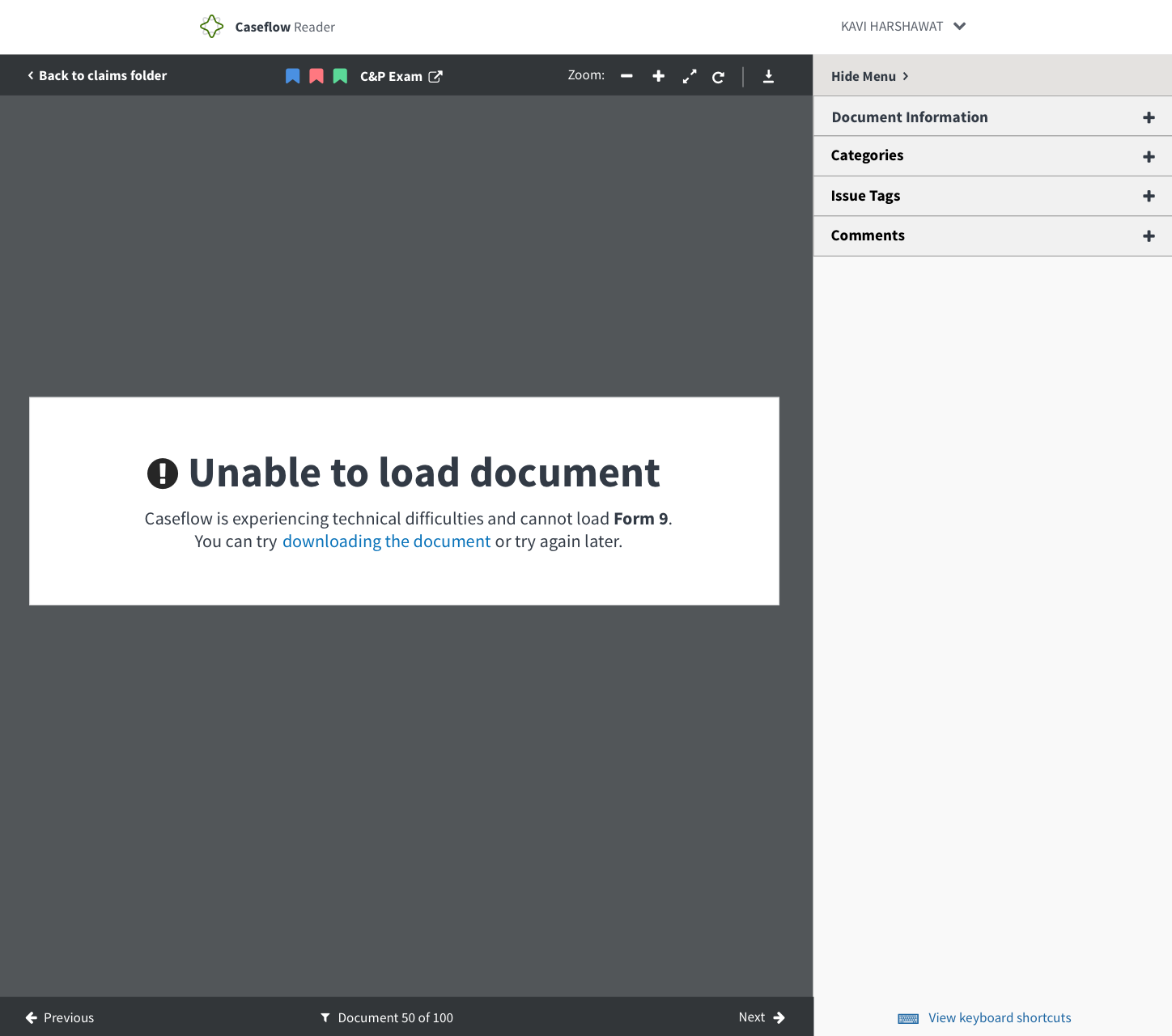
- Verify that when loading a document fails the user is shown the below UI.
- Type should be treated like status message from style guide
- Add the error alert icon in front of Title
Mock up
Copy
Title: Unable to load document
Description: Caseflow is experiencing technical difficulties and cannot load [Insert document type in bold]. You can try [downloading the document] (hyperlink to download) or try again later.
 mdbenjam
All 9 comments
Instead of "Please refresh this page" sentence, how about "You can try downloading the document", as refresh likely won't fix the issue.
 abbyraskinUSDS
on 2 Nov 2017
abbyraskinUSDS
on 2 Nov 2017
plus 1 Abby.
 gnakm
on 2 Nov 2017
gnakm
on 2 Nov 2017
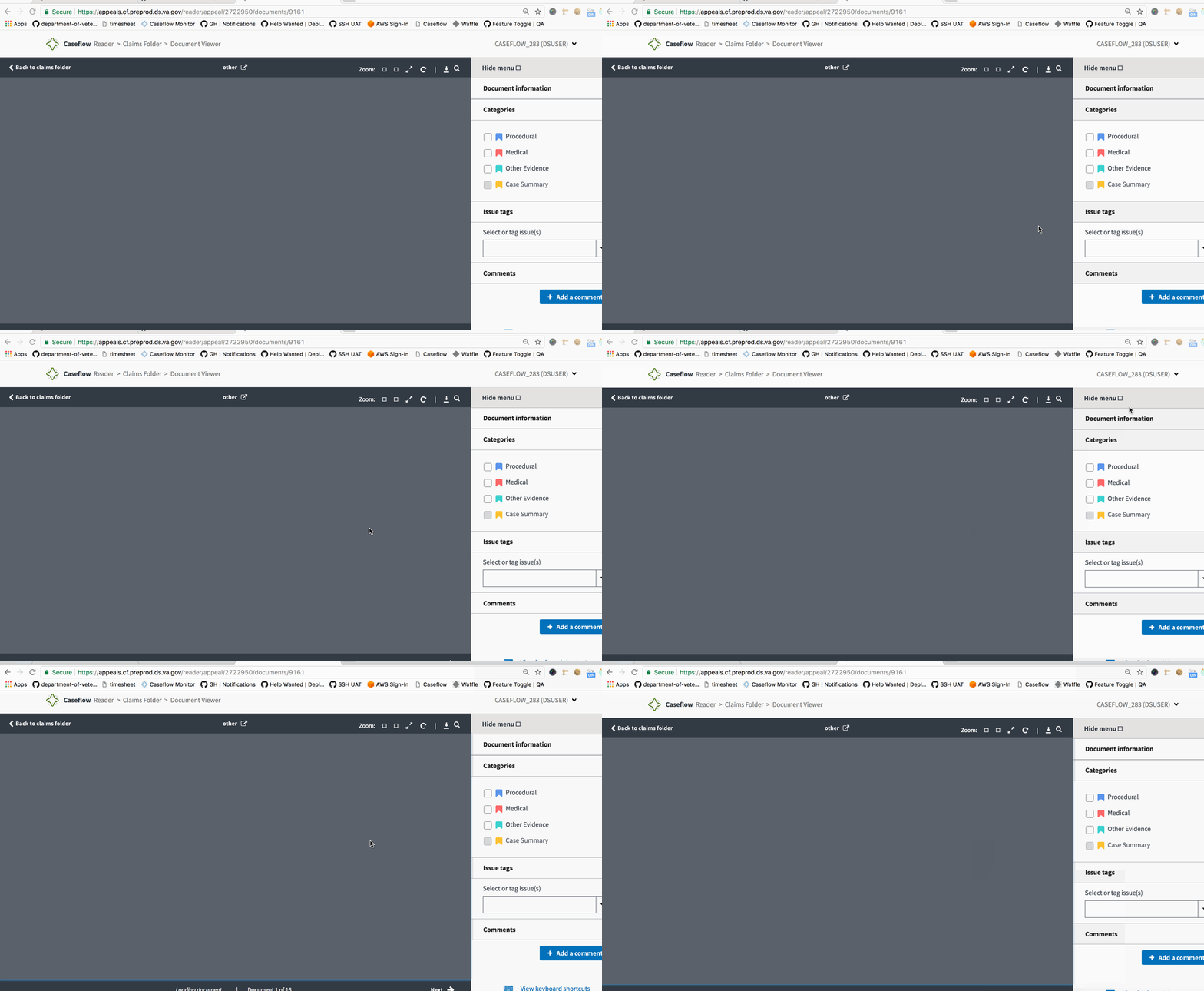
@lowellnava This message doesn't show up at all. The page is still stuck with the "loading documents" at the footer and the blank canvas in the background.
Validated: Chrome | Preprod
Current View:
 astewarttistatech
on 13 Nov 2017
astewarttistatech
on 13 Nov 2017
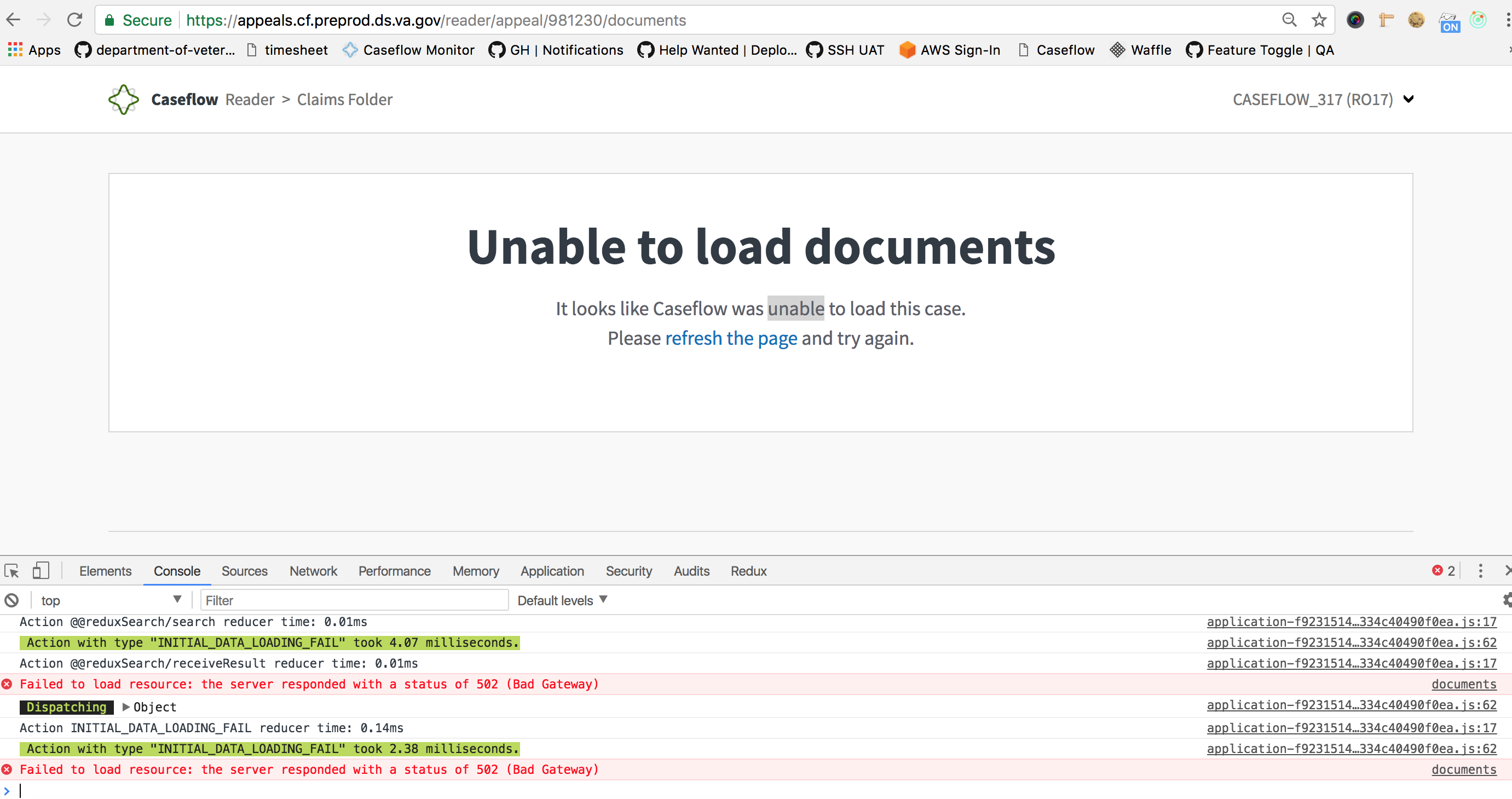
Blocked because of 5XX errors in Reader. Current View:
astewarttistatech
on 21 Nov 2017
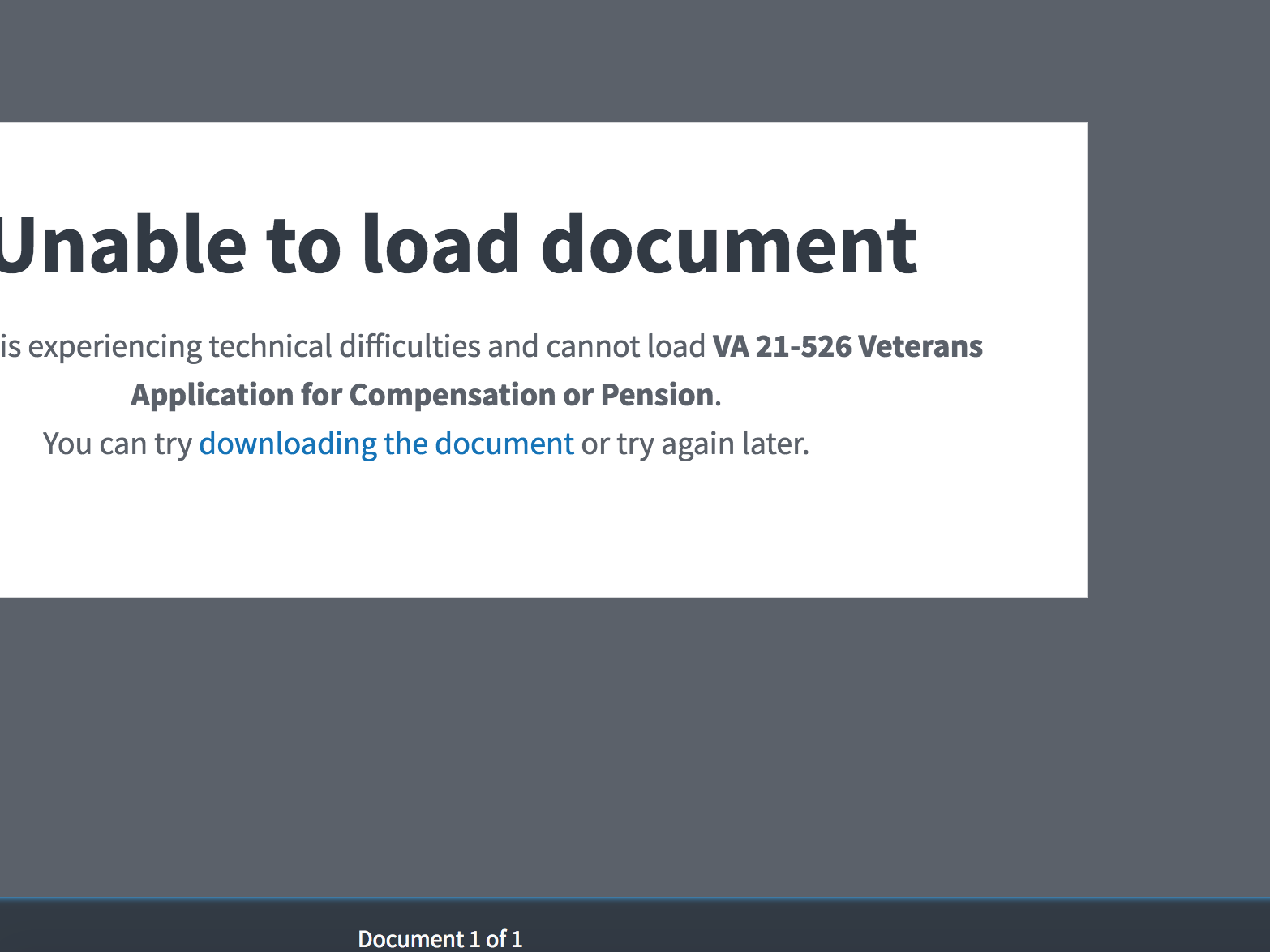
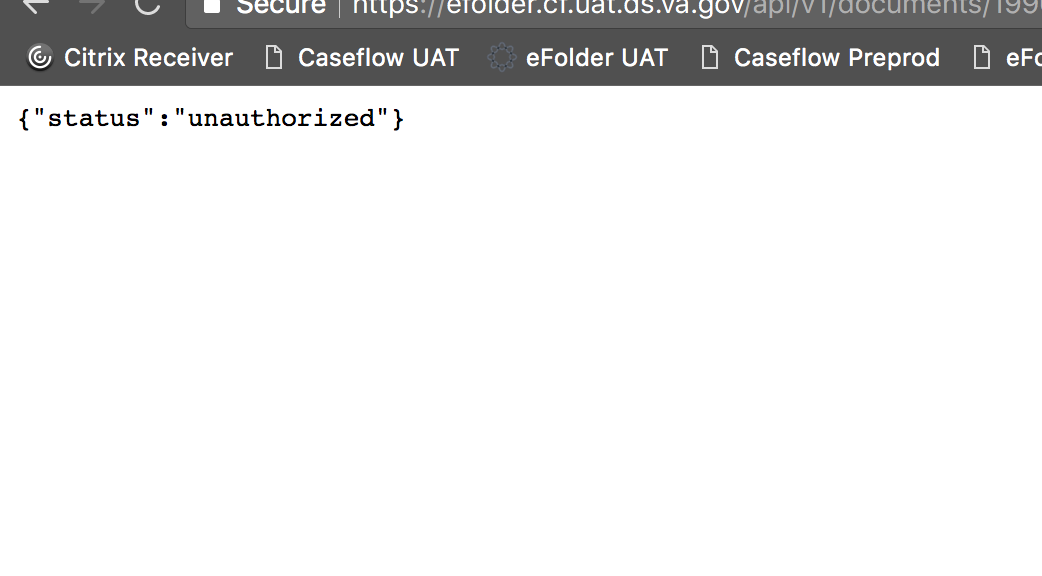
How is the download the documents page supposed to work?
 ghost
on 23 Nov 2017
ghost
on 23 Nov 2017
@kierachell I can't trigger that issue in my local dev environment (the download link in the dialogue and the download link in the PDF viewer both work) but perhaps that because of an issue with the dev environment not being an accurate replica of production and I'm having trouble accessing UAT right now (beplinktest-piv.vba.va.gov is not resolving).
The way the "downloading this document" link is supposed to work is that it is supposed to be a link to the document that is exactly the same as the download icon in the the PDF viewer UI. Is the icon download link working? Do the addresses of those link match (I suspect perhaps the one in the dialog box has part of it that is no URL encoded)?
 lowellrex
on 27 Nov 2017
lowellrex
on 27 Nov 2017
This happens when the user doesn't have appropriate access to eFolder (efolder 403 errors that you might've seen in Sentry)
ghost
on 27 Nov 2017
Since both of the links to download the document (icon and text link) are broken, that indicates that this change is not a regression, and I think that will need to be handled as part of a different ticket (perhaps https://github.com/department-of-veterans-affairs/caseflow-efolder/issues/742). If we need to hold off on releasing this ticket until the document download failure issue is addressed so we do not present reader users with meaningless calls to action, I am comfortable with that.
lowellrex
on 29 Nov 2017
PASSED
Link is there...kinda works... I guess
ghost
on 29 Nov 2017
Related issues
 leikkisa
·
4Comments
gnakm
·
5Comments
leikkisa
·
4Comments
gnakm
·
5Comments
 laurjpeterson
·
4Comments
laurjpeterson
·
4Comments
 pkarman
·
5Comments
laurjpeterson
·
5Comments
pkarman
·
5Comments
laurjpeterson
·
5Comments