Botframework-composer: Impossible to sign in to personal account to create a publish profile
Describe the bug
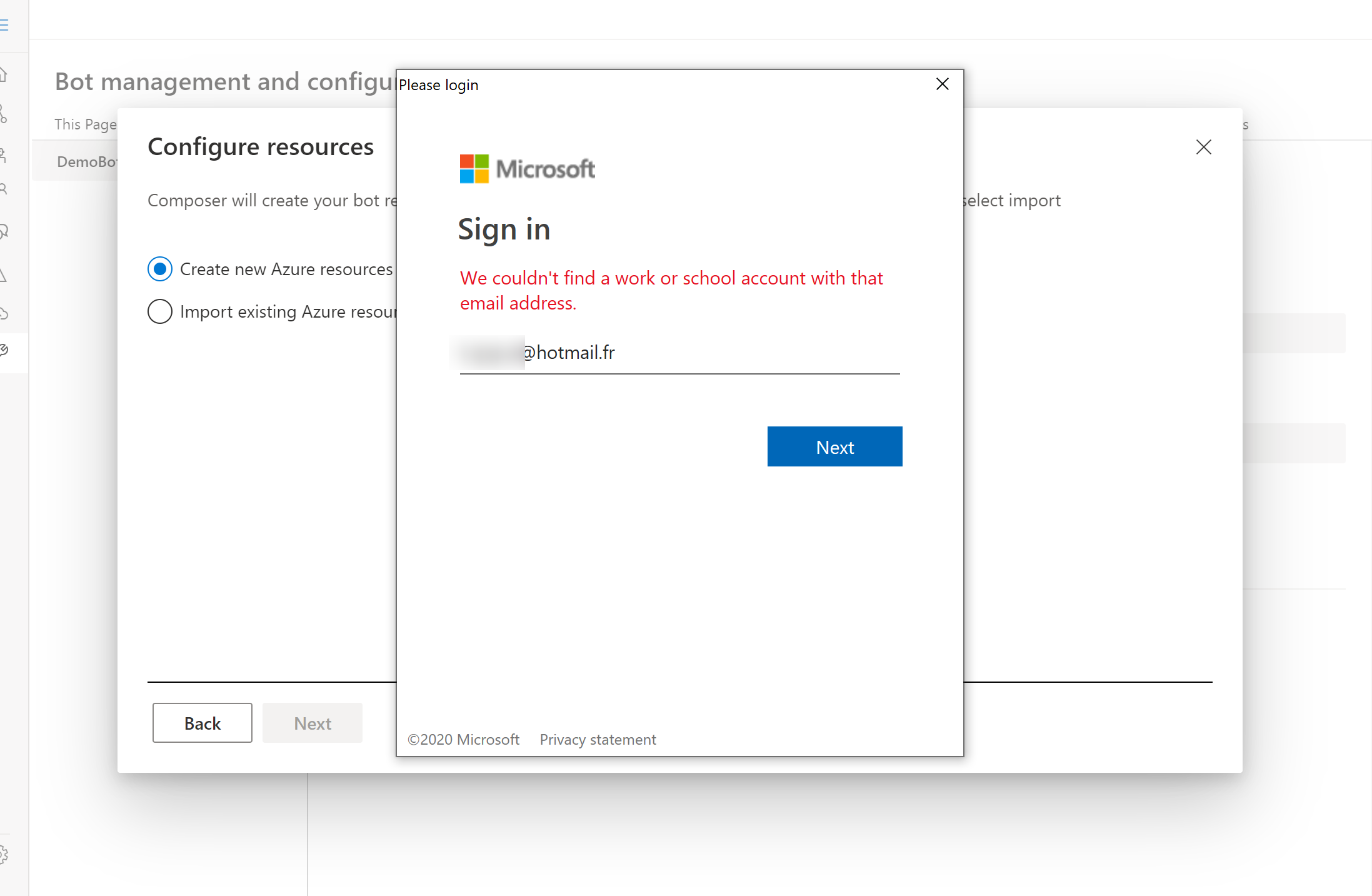
To publish the bot, I clicked on "Add new publish profile" in the configuration section. I selected the option to create new Azure resources which requires signing in.
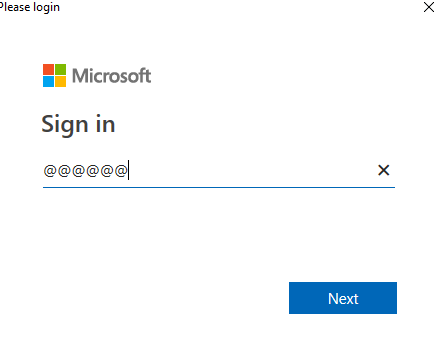
First bug is that the input doesn't take "@" as input for some reason, so I had to copy/paste my email address to enter it. I'm using my personal email address (@hotmail.fr)
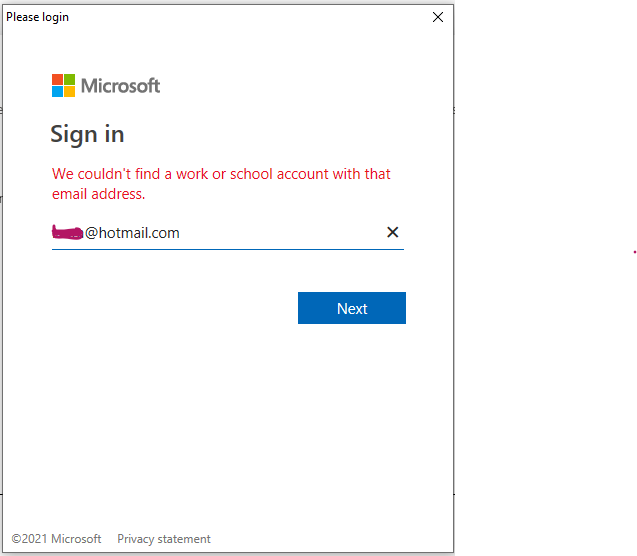
2nd and most important problem: I have a message saying "We couldn't find a work or school account with that email address."
I do have an Azure Subscription linked to that email address so I don't understand what's going on.
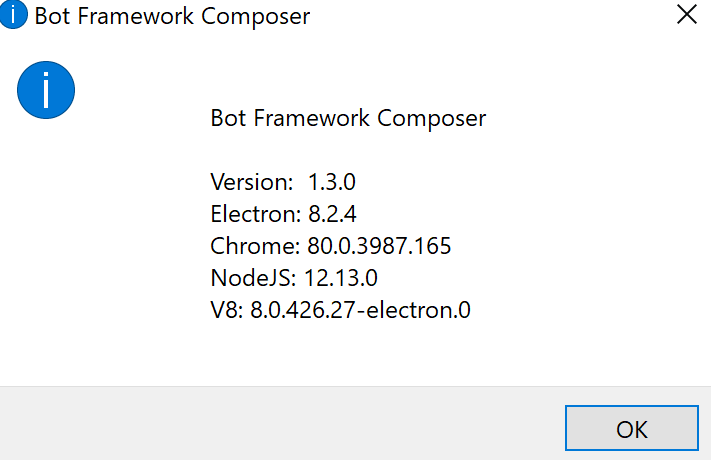
Version
v1.3.0
OS
- [ ] macOS
- [x] Windows
- [ ] Ubuntu
To Reproduce
Steps to reproduce the behavior:
- Create a bot on Composer (I used the LUIS + QnA template)
- Try creating a new publish profile
- Try signing in with a personal account
Expected behavior
I would expect to be able to sign in with my personal account linked to an Azure subscription.
Screenshot
 Kagigz
All 26 comments
@tonyanziano @carlosscastro any idea on this? does this relate to the first party app settings?
 luhan2017
on 21 Dec 2020
luhan2017
on 21 Dec 2020
@luhan2017 I just took a look at our settings and personal accounts are not enabled. I will submit a request for them to be enabled. I will update once the request has gone through.
 tonyanziano
on 21 Dec 2020
tonyanziano
on 21 Dec 2020
It looks like first party apps cannot change their supported account types once they have been registered. I'm going to need to talk to 1st party app support to figure out how we can resolve this.
tonyanziano
on 21 Dec 2020
Thanks for that!
There's also the problem of not being able to enter a "@" in the input field, which requires having to copy/paste.
Kagigz
on 21 Dec 2020
@Kagigz you can type any character except "@"? I can't reproduce this in my side.
luhan2017
on 22 Dec 2020
Any updates on this?
 veroneze
on 24 Dec 2020
veroneze
on 24 Dec 2020
Any update? It appears that it happens frequently and can easily be reproduced. Let's hope we can get some progress.
What is the point to use the composer if it wouldn't publish?
 MIkey007007
on 30 Dec 2020
MIkey007007
on 30 Dec 2020
Hello,
I'm trying to reach out to the internal First Party Apps team here at Microsoft to debug the issue, but I believe most of them are out of office until the new year.
I will update when I hear back from them.
@luhan2017 @benbrown is there a way users can publish manually using the az CLI as a workaround?
tonyanziano
on 30 Dec 2020
Thanks for the update!
MIkey007007
on 30 Dec 2020
Any new update? This problem happens frequently and can easily be reproduced. I have seen several other persons posts the same problem (phrase differently).
MIkey007007
on 9 Jan 2021
We are currently waiting on approval from a member of an external team.
tonyanziano
on 9 Jan 2021
I don't understand. What does it mean?
MIkey007007
on 9 Jan 2021
@luhan2017 yep that's right, cannot enter a '@' character. I have a French keyboard btw.
Kagigz
on 9 Jan 2021
It seems the product does not go through initial testing of basic functions before being introduced to the public.
 MoesLab
on 9 Jan 2021
MoesLab
on 9 Jan 2021
@luhan2017 yep that's right, cannot enter a '@' character. I have a French keyboard btw.
This could be completely incorrect as I'm not an expert on international keyboards, but perhaps can you try a "Right-Alt 2" to access the @ symbol? Looks like this might be how to do it with older French-Canadian mappings (worth a try!!!):

 ryan-daly-AgFCS
on 11 Jan 2021
ryan-daly-AgFCS
on 11 Jan 2021
@carlosscastro can you please jump in and share updates with the folks on this thread experiencing the personal account issue?
 cwhitten
on 12 Jan 2021
cwhitten
on 12 Jan 2021
Also have the personal account issue. Worked fine in 1.2.1, upgraded to 1.3 and now it doesn't work.
 JohnRobertGreen
on 15 Jan 2021
JohnRobertGreen
on 15 Jan 2021
Any news from the external team member yet?
MoesLab
on 15 Jan 2021
Can we get a new update? Can timetable? The same problem is still happening.
MIkey007007
on 21 Jan 2021
Hi everyone. We're very very close to having this addressed. The internal team that we were waiting on is actively fixing this for us. I expect this to be wrapped up in the next few business days.
Thank you for your patience.
cwhitten
on 21 Jan 2021
@cwhitten:
Really appreciate the update! I am looking forward to the fix. :-)
MIkey007007
on 21 Jan 2021
Hello, do you have any update? I am having the same issue.
Is there any workaround?
 Hacwikir
on 27 Jan 2021
Hacwikir
on 27 Jan 2021
Flagging this issue again @cwhitten @carlosscastro - have been trying workarounds but no luck.
 operatedcoin
on 28 Jan 2021
operatedcoin
on 28 Jan 2021
Hi, I have the same problem with deploying app to AZ. can't publish on my AZ account with working subscription because of type of account (not work or student). Bot composer v.1.3.0 on MacOS Mojave 10.14.6.
 dbfr1
on 28 Jan 2021
dbfr1
on 28 Jan 2021
I was thinking about what could be the reason(s) for a personal account in comparison with a commercial account technically, so one can be used but the personal one cause problem, but I did not get anywhere with it, maybe somebody can shed some light in this matter...
MoesLab
on 29 Jan 2021
I'm a beginner working in the space, but found an initial workaround through this thread https://github.com/microsoft/BotFramework-Composer/issues/3313. I was able to use the CLI to generate a new publishing profile and sign into Azure that way. The tenant ID seemed to enable me to get access in a way my account wouldn't. All the resources were generated in my portal but then the process pushed me back into composer to click Publish Bot and I got stuck with the same Sign In portal glitch and haven't been able to detect another CLI workaround.
operatedcoin
on 29 Jan 2021
Related issues
 selmi5
·
17Comments
selmi5
·
17Comments
 Samirun
·
13Comments
Samirun
·
13Comments
 cxbuilders
·
16Comments
cxbuilders
·
16Comments
 sujeongHeo
·
15Comments
sujeongHeo
·
15Comments
 gbelenky
·
22Comments
gbelenky
·
22Comments