Botframework-composer: Published Bot won't work via Direct Channel. Bot responds "Value cannot be null. (Parameter 'key')"
A bot created and published by the Bot Framework Composer will work fine with the default Web Chat channel.
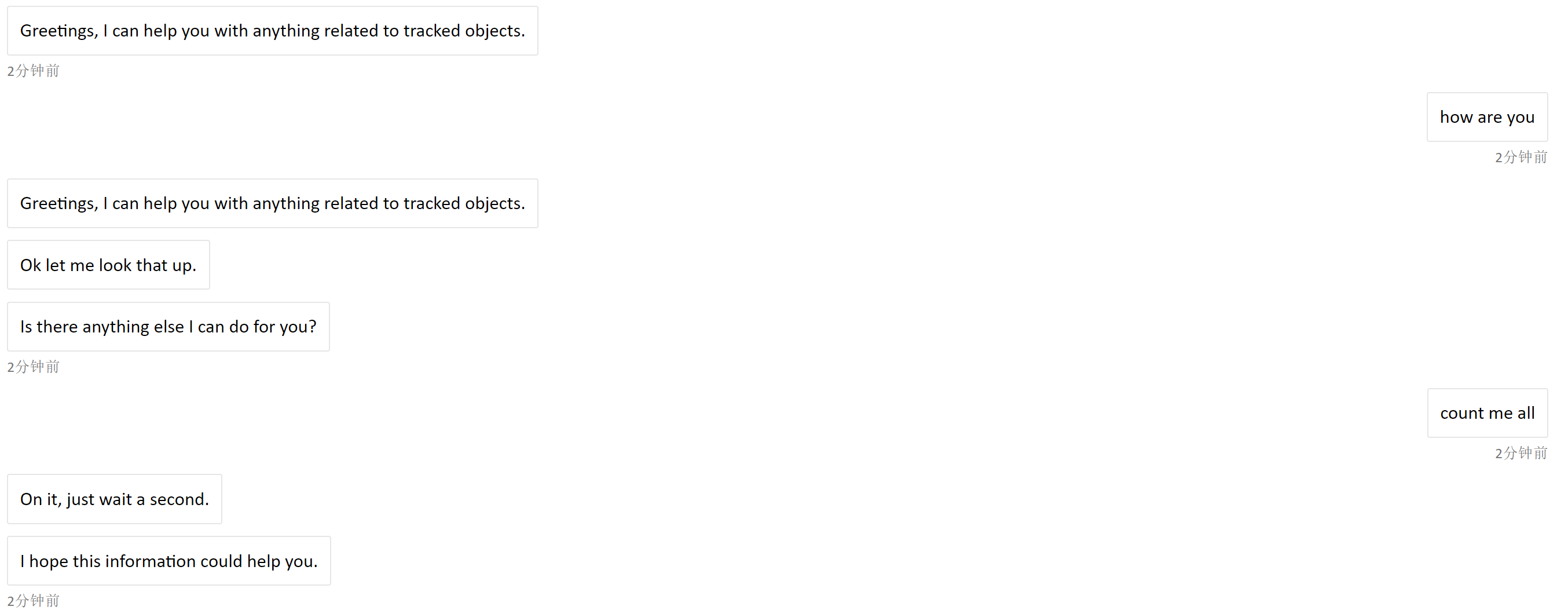
When adding the Direct Line channel and then performing requests against the API REST endpoint, the Bot will give the initial greeting and then onward responds only with "Value cannot be null. (Parameter 'key')".
Version
1.01
Browser
- [X] Electron distribution
- [ ] Chrome
- [ ] Safari
- [ ] Firefox
- [ ] Edge
OS
- [ ] macOS
- [X] Windows
- [ ] Ubuntu
To Reproduce
Steps to reproduce the behavior:
- download the Bot Composer project from this tutorial
- remove the two HTTP requests (they are not needed for testing this issue)
- deploy it accordingly and add the Direct Line channel
- do a conversation via Postman or other means to talk with Direct Line channel
Expected behavior
The bot should give proper response and not the error message.
Screenshots
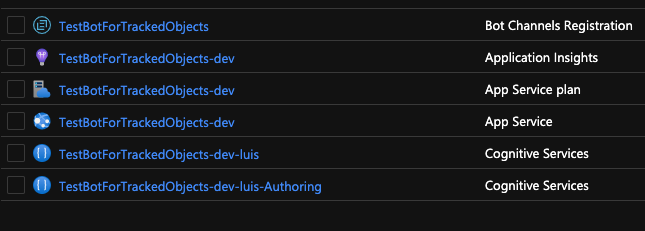
This is how the Resources on azure look like after deployment:
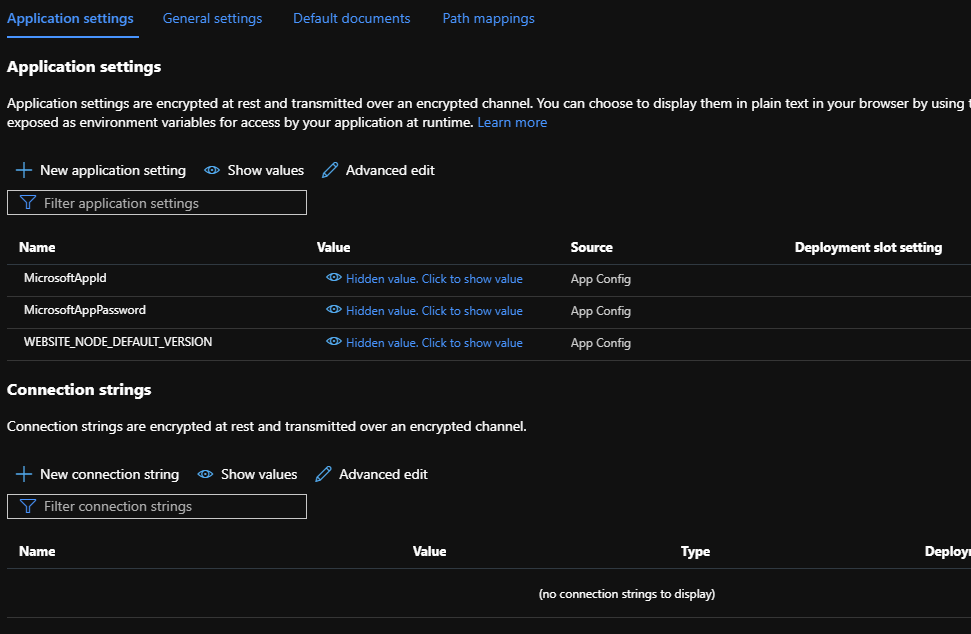
Could it be that an App setting is missing on the App Service?
Additional context
This is a continuation from this bug report: https://github.com/microsoft/BotFramework-Composer/issues/2240
 rubit0
All 7 comments
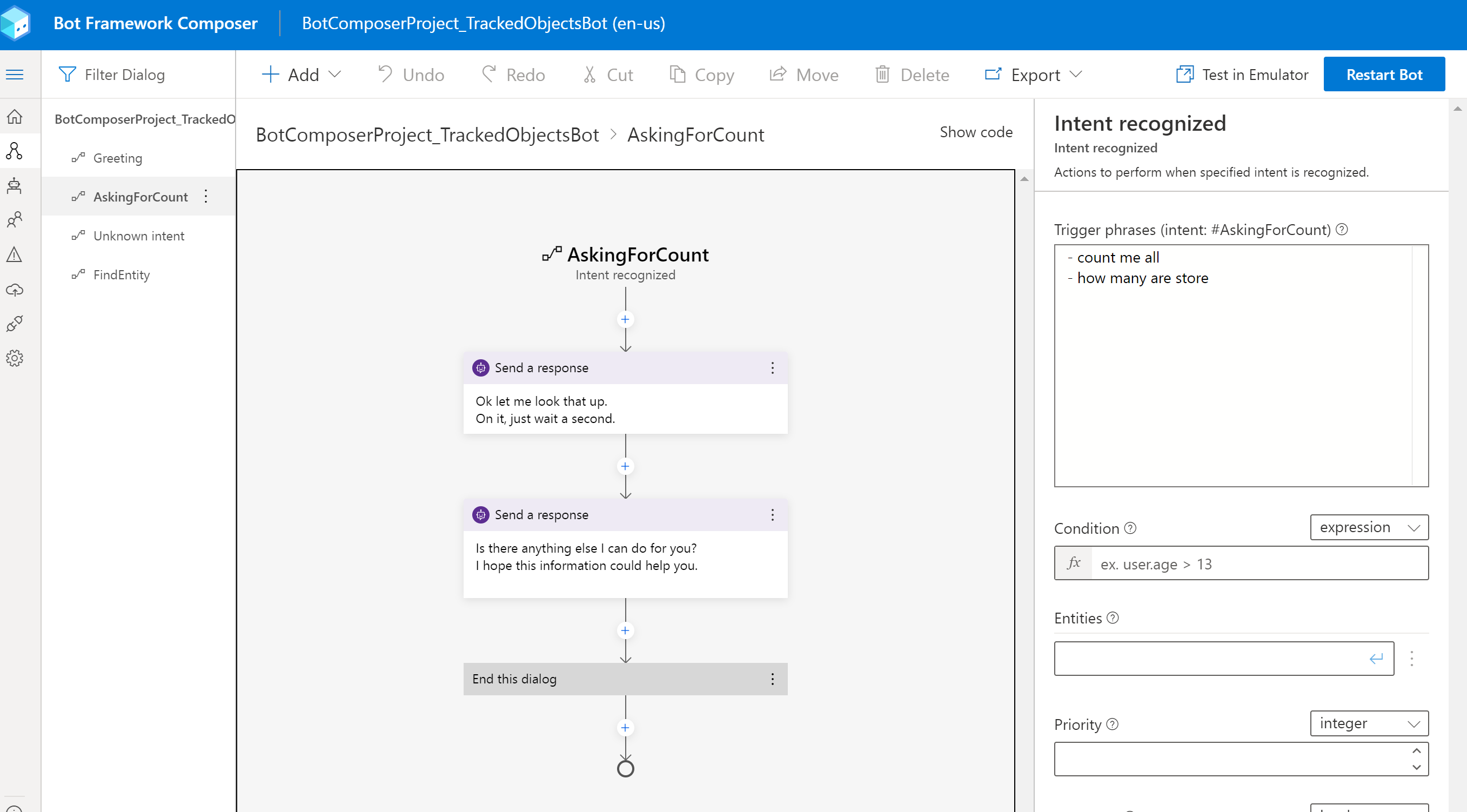
@rubit0 , I have dowloaded your bot and tested it. It works fine in my side, the only change I did is to remove the httpsteps to the azure functions, because I don't have a azure function example. Could the issue be caused by the http request to azure functions? could you share more details on that? do you use any key to access the azure function urls?
 luhan2017
on 3 Jul 2020
luhan2017
on 3 Jul 2020
Hey @rubit0 I was facing the exactly same issue for a couple of days and luckly I could find out why this morning.
In my case what fixed was adding the "locale" field in the json request body when creating an activity. Here is how my POST request looks like:
POST https://directline.botframework.com/v3/directline/conversations/{conversationId}/activities
{
"from": {
"id": "customId",
"name": "customName",
"role": "user"
},
"locale": "pt-BR",
"recipient": {
"id": "bot",
"name": "Bot",
"role": "bot"
},
"text": "some text",
"textFormat": "plain",
"type": "message"
}
Hope this helps you somehow
 viivalerio
on 3 Jul 2020
viivalerio
on 3 Jul 2020
@viivalerio Oh wow now it works! Thank you!
This is how the request body must look like when posting a new acticity:
{
"locale": "en-EN",
"type": "message",
"from": {
"id": "user1"
},
"text": "Hello bot."
}
rubit0
on 3 Jul 2020
@luhan2017 @@DDEfromOR I did submit the problem and solution to the documentation page: https://github.com/MicrosoftDocs/bot-docs/issues/1806
Big thanks again to @viivalerio in providing the fix!
rubit0
on 3 Jul 2020
@Danieladu @boydc2014 Do you have more comments for this issue ? sounds like LG language policy issue.
 hibrenda
on 6 Jul 2020
hibrenda
on 6 Jul 2020
https://github.com/microsoft/botbuilder-dotnet/issues/4219 sdk fixed the issues . composer will adopt latest sdk fix.
hibrenda
on 7 Jul 2020
composer has updated the sdk version to 4.10.0, so close this.
luhan2017
on 20 Aug 2020
Related issues
 selmi5
·
17Comments
selmi5
·
17Comments
 cxbuilders
·
15Comments
cxbuilders
·
15Comments
 Laxmi30
·
16Comments
cxbuilders
·
16Comments
Laxmi30
·
16Comments
cxbuilders
·
16Comments
 stephanbisser
·
21Comments
stephanbisser
·
21Comments
Most helpful comment
Hey @rubit0 I was facing the exactly same issue for a couple of days and luckly I could find out why this morning.
In my case what fixed was adding the "locale" field in the json request body when creating an activity. Here is how my POST request looks like:
POST https://directline.botframework.com/v3/directline/conversations/{conversationId}/activities
{
"from": {
"id": "customId",
"name": "customName",
"role": "user"
},
"locale": "pt-BR",
"recipient": {
"id": "bot",
"name": "Bot",
"role": "bot"
},
"text": "some text",
"textFormat": "plain",
"type": "message"
}
Hope this helps you somehow