Botframework-composer: Can't check for updates
Describe the bug
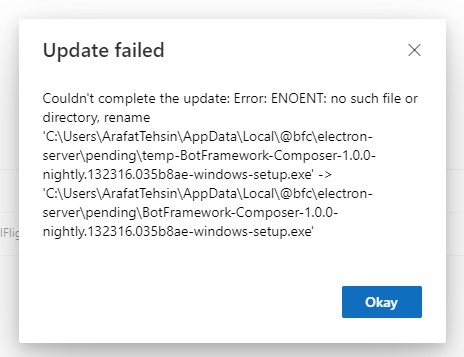
When I click on Check For Updates, it gives me an error
Version
1.0.0
Browser
- [ ] Chrome
- [ ] Safari
- [ ] Firefox
- [ ] Edge
- [x] Electron
OS
- [ ] macOS
- [x] Windows
- [ ] Ubuntu
To Reproduce
Steps to reproduce the behavior:
- Go to Help Menu
- Click on Check For Updates
Expected behavior
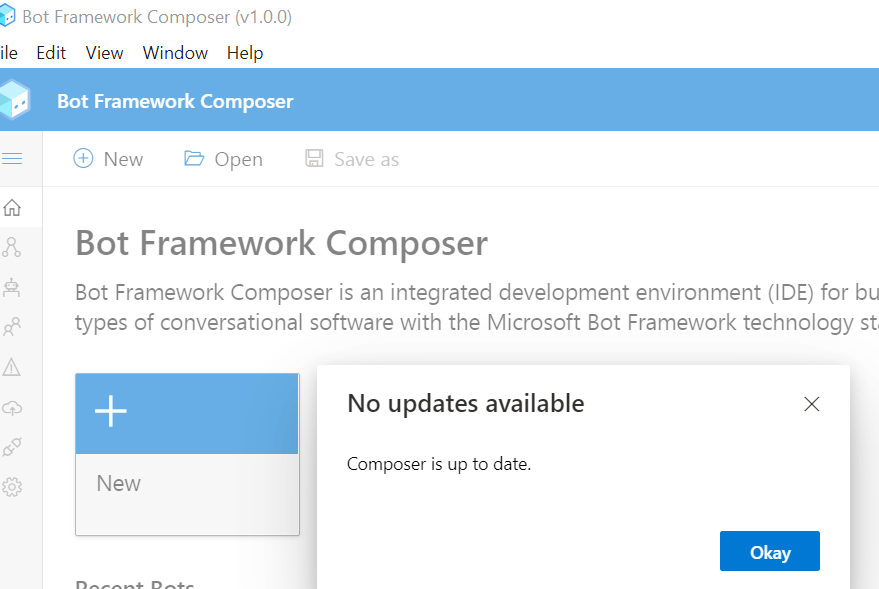
It should either update or give me a friendly message that my Bot Framework Composer is up to date.
Screenshots
Additional context
 arafattehsin
All 9 comments
@tonyanziano can you take a look ?
I could not repro.
 hibrenda
on 29 May 2020
hibrenda
on 29 May 2020
I'll look into this.
 tonyanziano
on 2 Jun 2020
tonyanziano
on 2 Jun 2020
@arafattehsin are you running Composer as administrator?
tonyanziano
on 2 Jun 2020
Hi @tonyanziano - No. I am not a System Administrator but after re-installing it and running it with Just for me I do not get an error. However, I also do not get any prompt as Composer is up to date but it gets updated at the backend.
Secondly, the latest Nightly build does not launch for the folks who are not Administrator :)
arafattehsin
on 3 Jun 2020
Hi @arafattehsin ,
Regarding the latest nightly, it's actually a bug that got checked in yesterday that is causing the startup to fail regardless of how you run the app (fails for me as well :)). A PR (#3280) just got checked in to fix that bug and tonight's nightly should continue to startup properly,
tonyanziano
on 3 Jun 2020
@tonyanziano It works great! Except.. there's something I'd still love to see. If the Bot Framework Composer is running and I click on check for updates (being a non Administrator), I still get the above error. However, if my composer is the most updated one then it does not show any pop up (even the successful one).
Happy to close this issue if you want to keep it separate.
arafattehsin
on 8 Jun 2020
Hi @arafattehsin,
Ok so the original issue has been solved, but you are saying that if you explicitly check for updates using "Help" -> "Check for updates" you are not receiving any feedback via a dialog?
If you have the "Auto update" setting toggled in the App Settings page then this is the expected behavior.
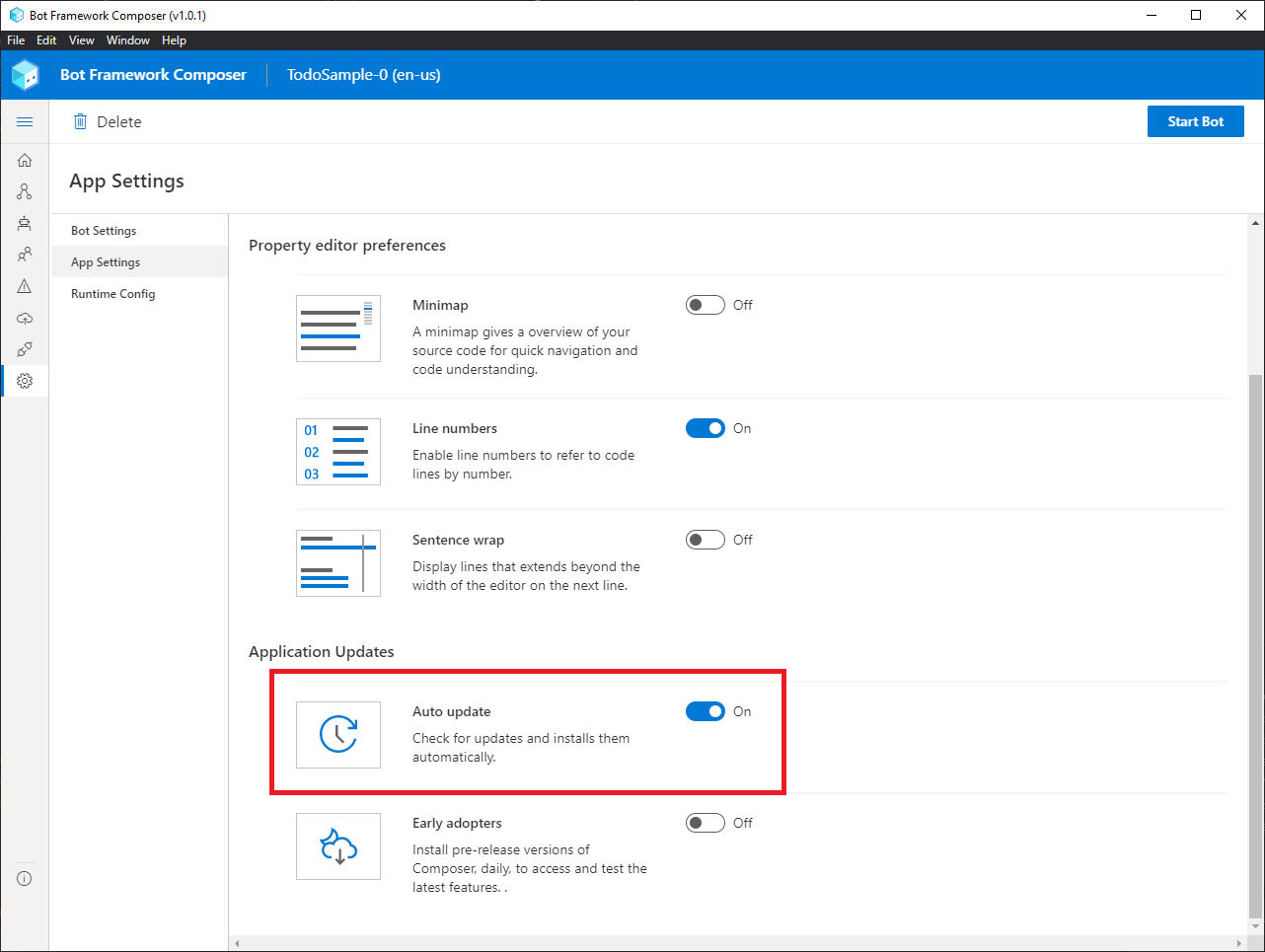
However, if you think this UX could be improved and that we should always show the user feedback when manually checking for an update regardless of whether that option is checked or not, I can speak with design and we can reevaluate this scenario.
tonyanziano
on 8 Jun 2020
@tonyanziano This is 100% correct. However, as you mentioned about the UX part. As a user, I will love to see a prompt even if I have setup the auto update option to true.
Secondly, as I mentioned earlier that if my Composer is not updated to the latest item, it shows me a dialog with the error I reported earlier in my issue.
arafattehsin
on 9 Jun 2020
Hi @arafattehsin ,
I'm going to go ahead and close this issue then. I've created a separate issue that will track the proposal to show feedback when explicitly checking for updates using the "Help -> Check for updates" menu item:
https://github.com/microsoft/BotFramework-Composer/issues/3357
tonyanziano
on 9 Jun 2020
Related issues
 yochay
·
15Comments
yochay
·
15Comments
 stephanbisser
·
21Comments
stephanbisser
·
21Comments
 jakeatmsft
·
21Comments
jakeatmsft
·
21Comments
 Kagigz
·
26Comments
Kagigz
·
26Comments
 gbelenky
·
22Comments
gbelenky
·
22Comments