Armory: Textures in materials are not visible in rendering with Armory "IS MISSING UV MAP"
Thank you for contributing to Armory!
Description
Hi, I have a scene with several materials.The materials are 1 texture and the main shader connected.The theme is that the textures are not seen, it is rare because it is a simple material.

In armory render path it is configured as MOVILE and as a rendering engine this CYCLES, although it would not have to influence the selected render engine, since armory uses a separate engine.
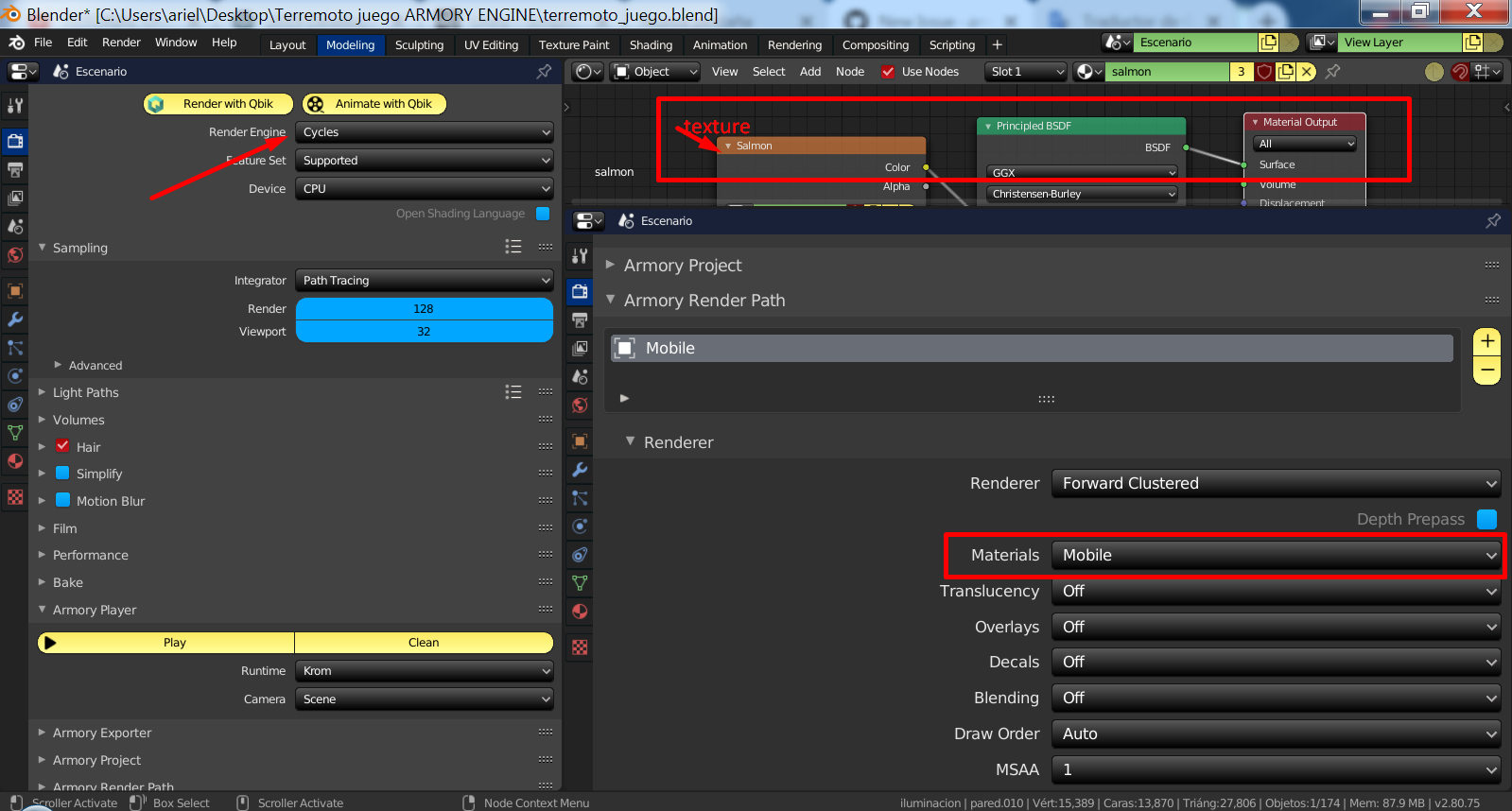
To Reproduce
Create one as if it were a house, add materials to the objects using the main BSD and a texture as color ... Then render and you will notice that the textures are not visible ... There are also rare transparencies that should not be.
Expected behavior
When rendering with armory engine, simple materials with textures would have to work correctly ... In any Game engine where I export this scene in GLTF format the materials work well, including godot engine or Unity.
System
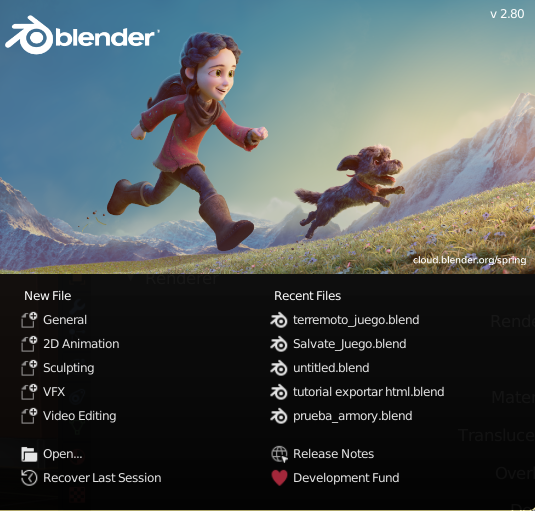
Blender:
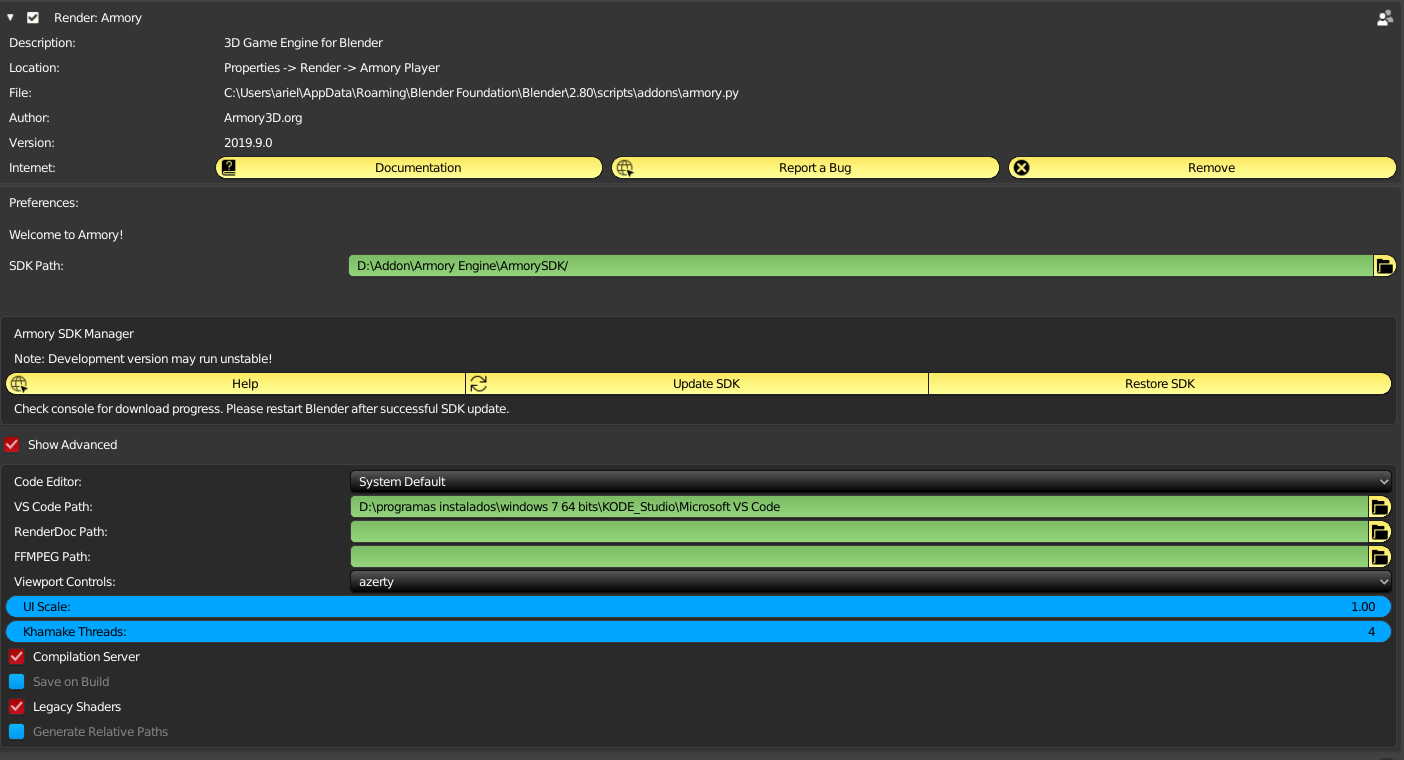
Armory:
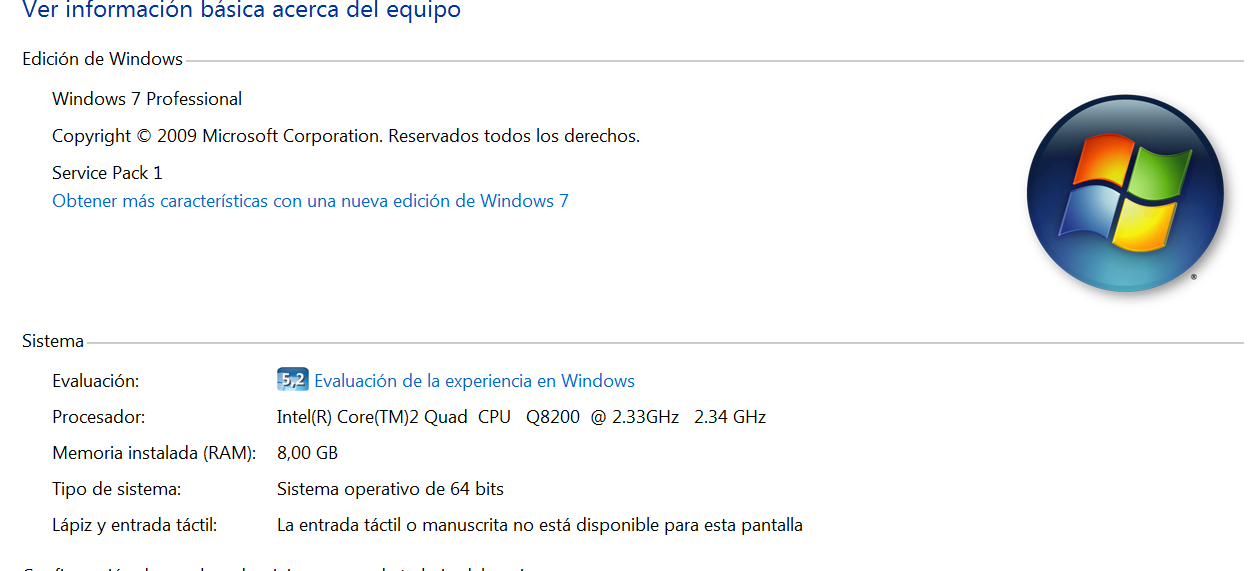
OS:
Graphics card:
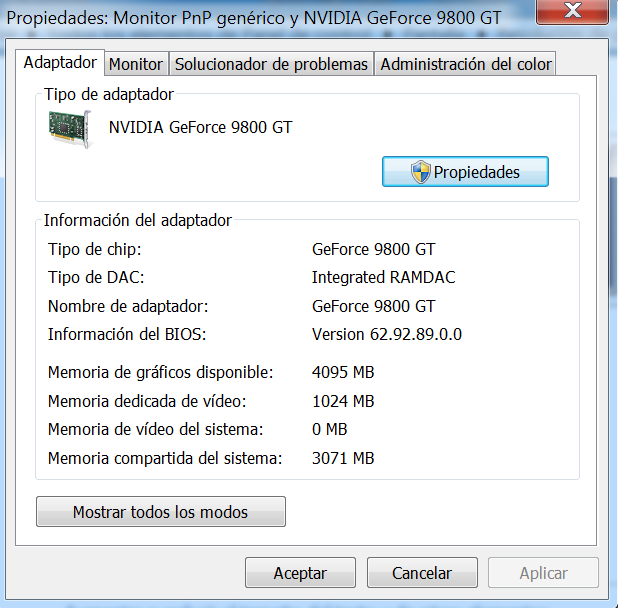
Test File
(drag & drop the zipped .blend file here)
terremoto_juego.zip
 kone9
kone9
All 13 comments
Can you toggle the system console by Window > Toggle System Console and check if there is any missing texture/image error message when you press Play?
In the zip file you provided there is no external assets included like images, so I assume you link them from an external folder, right?
 N8n5h
on 10 Sep 2019
N8n5h
on 10 Sep 2019
Can you toggle the system console by Window > Toggle System Console and check if there is any missing texture/image error message when you press Play?
In the zip file you provided there is no external assets included like images, so I assume you link them from an external folder, right?
console message
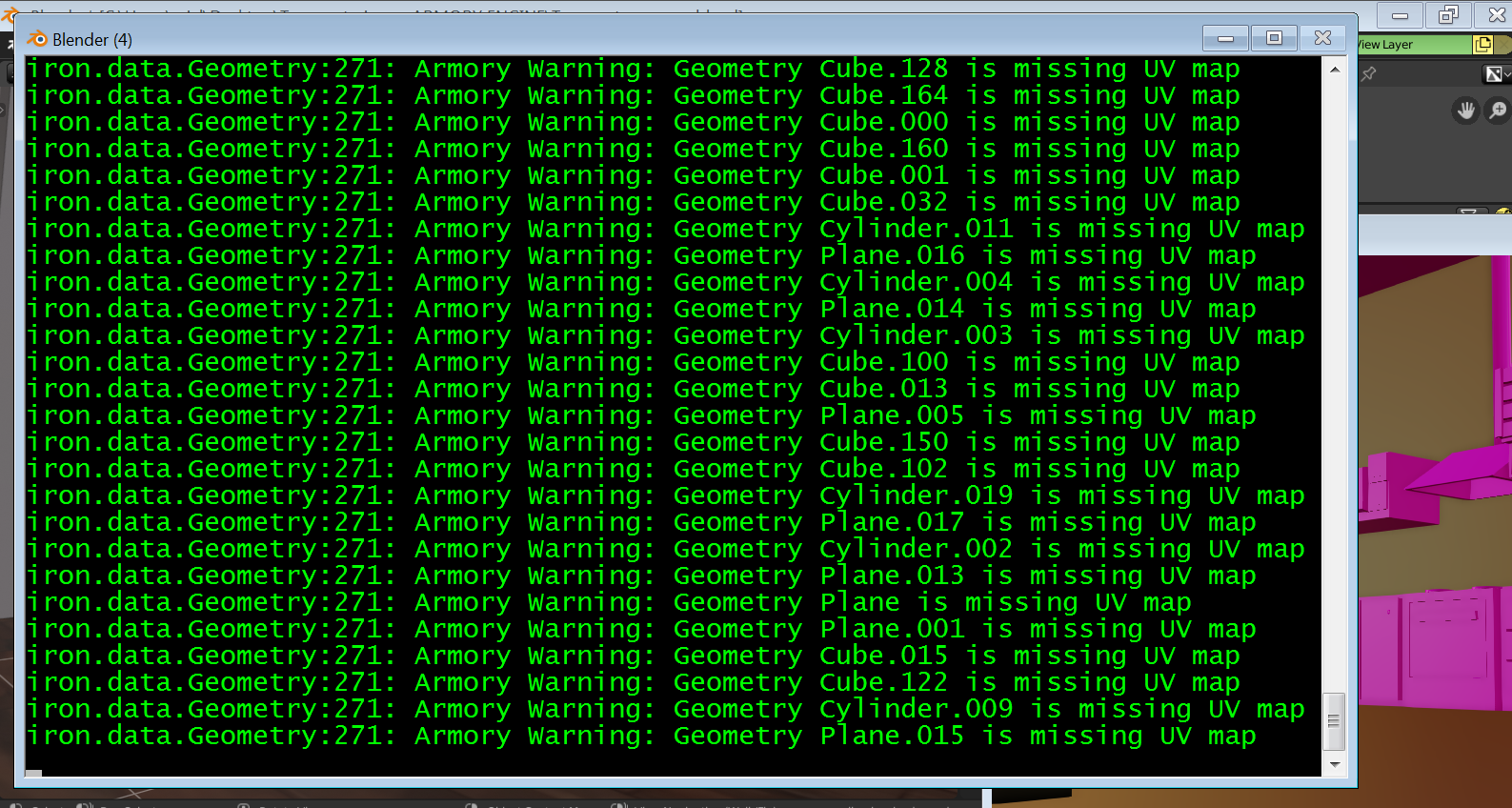
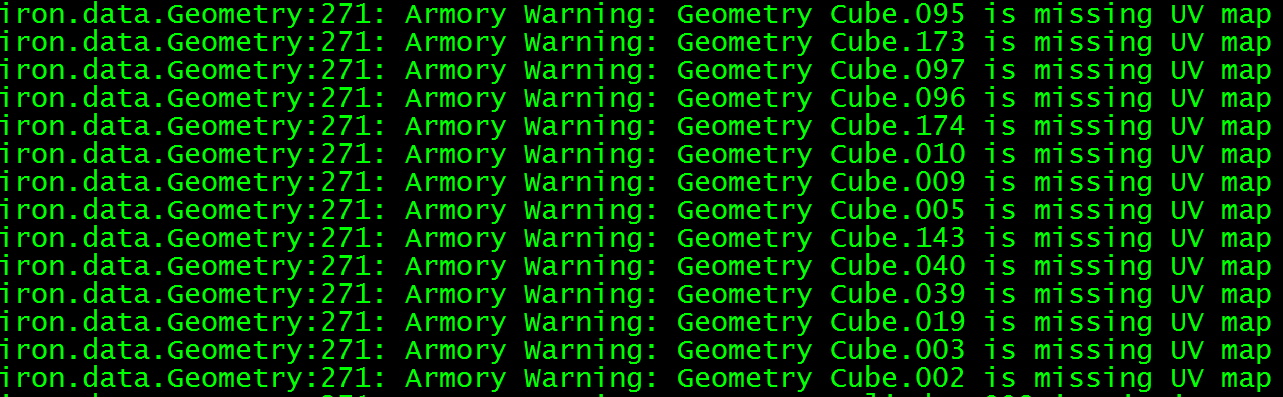

Textures are packaged in the .blend
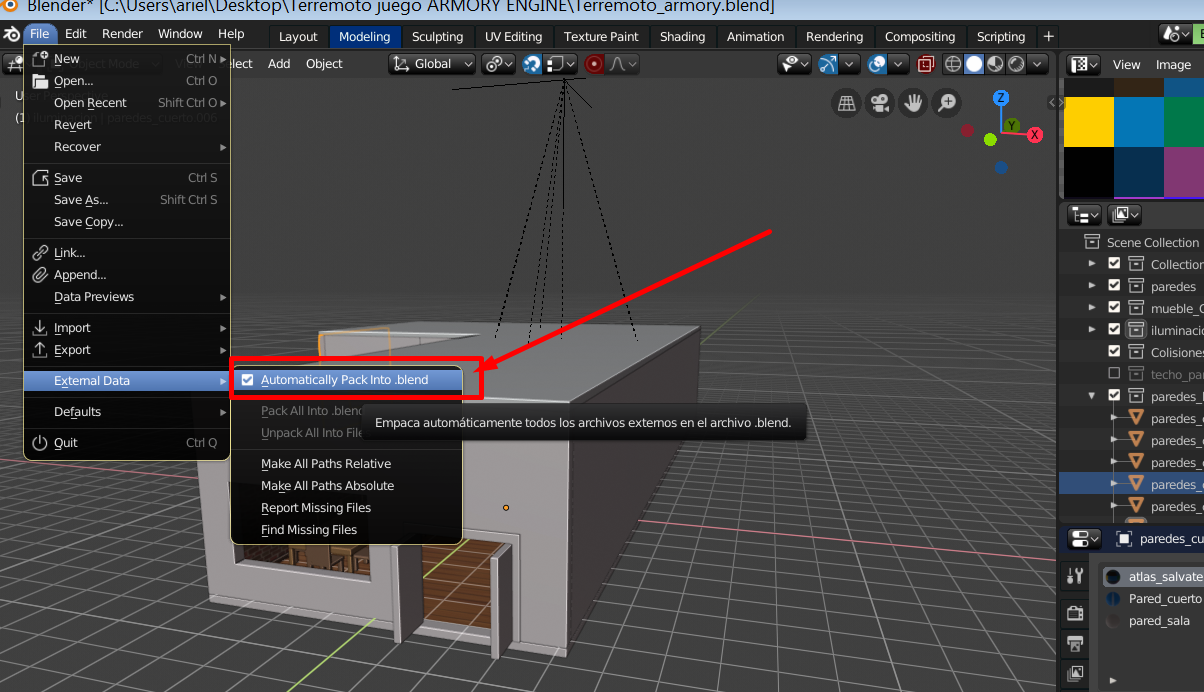
I send you the file again just in case but uploaded to google drive
In the project the textures are linked and are not in the same folder where the project is stored .... Is that the problem?
https://drive.google.com/open?id=1OLfZ8qzvyLVu7pN4_Do7B7GdT6oOlWdW
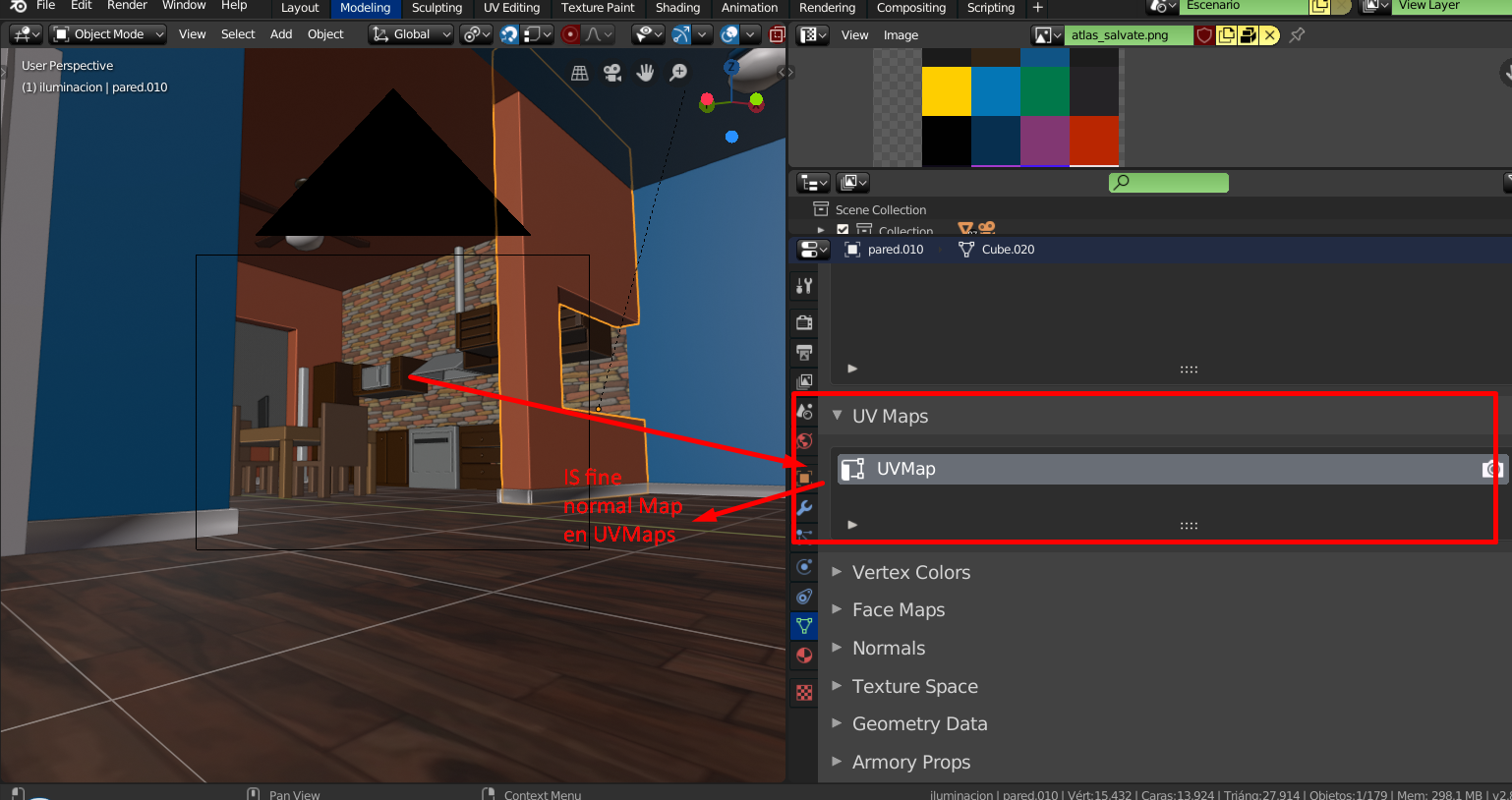
It seems that the problem is with UVMAP, but MAP uv are fine.
kone9
on 11 Sep 2019
Can you toggle the system console by Window > Toggle System Console and check if there is any missing texture/image error message when you press Play?
In the zip file you provided there is no external assets included like images, so I assume you link them from an external folder, right?
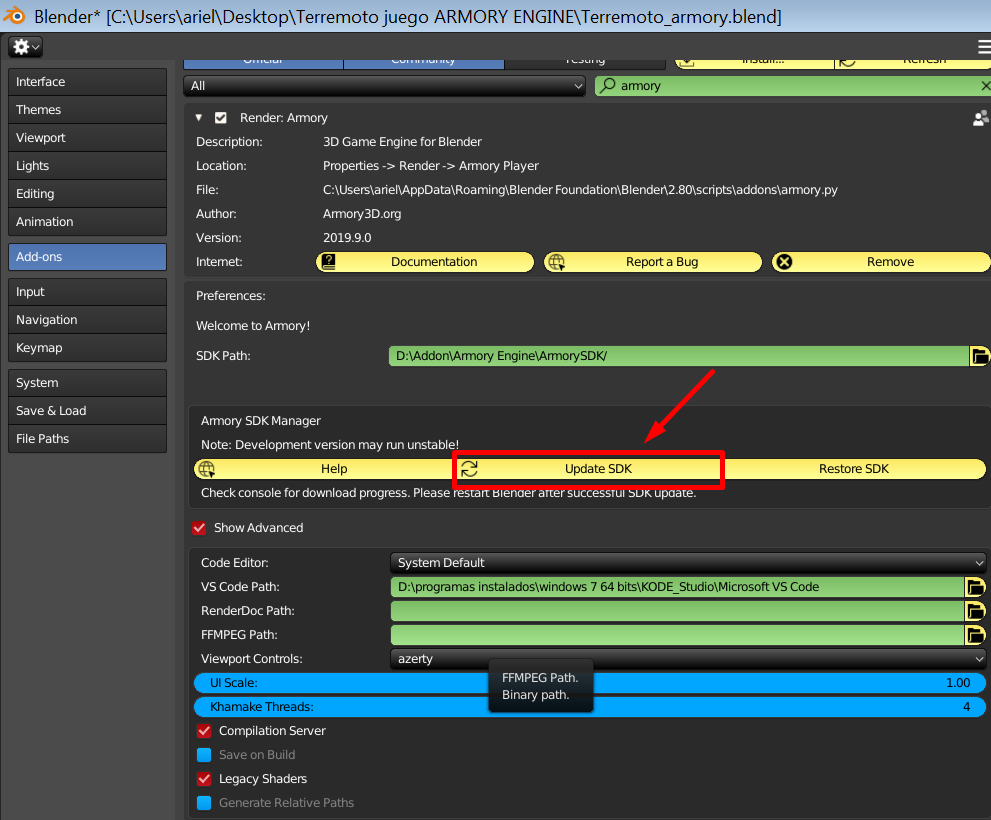
Also update the SDK with this button just in case, but it doesn't change, the result is the same.
kone9
on 11 Sep 2019
Can you toggle the system console by Window > Toggle System Console and check if there is any missing texture/image error message when you press Play?
In the zip file you provided there is no external assets included like images, so I assume you link them from an external folder, right?
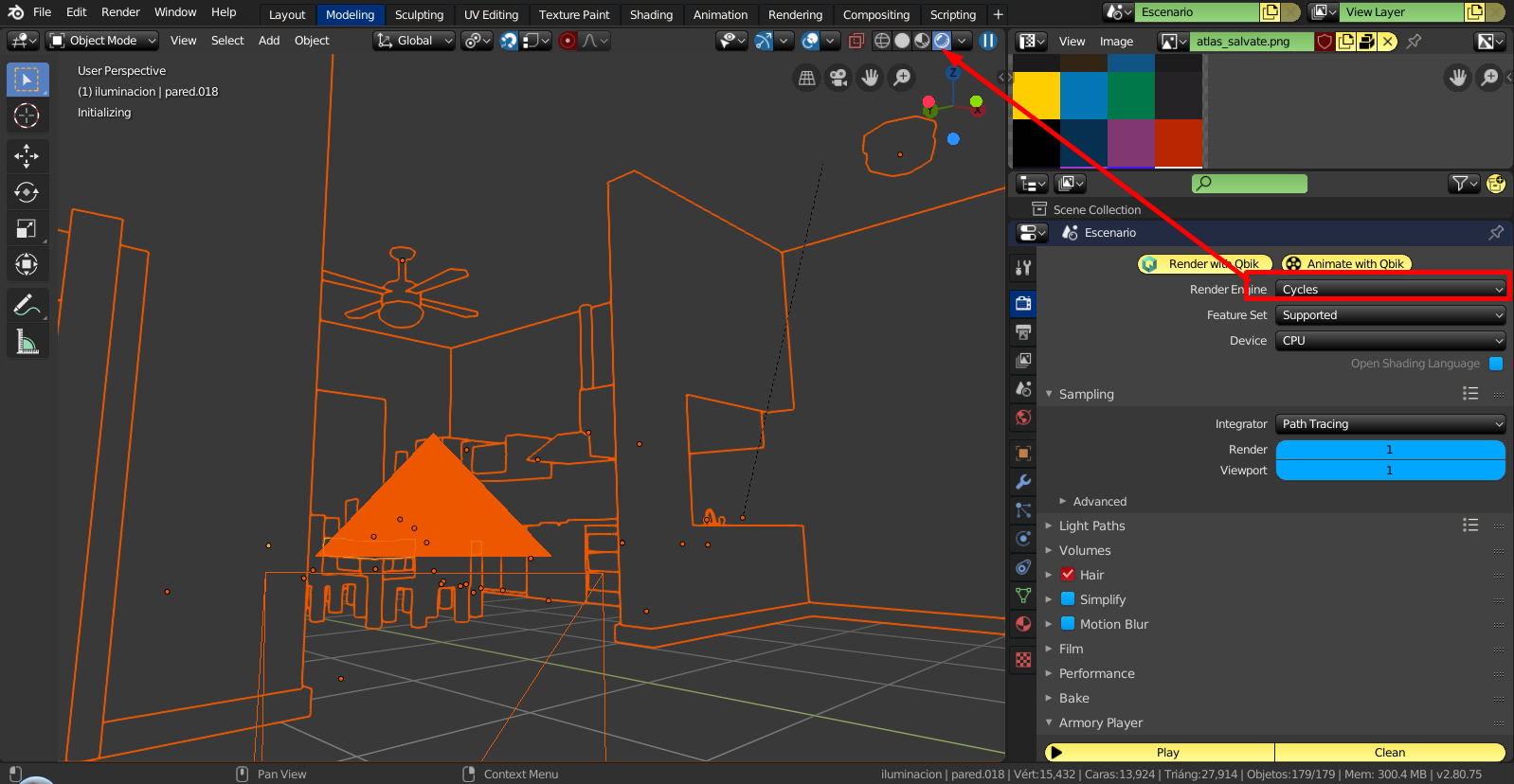
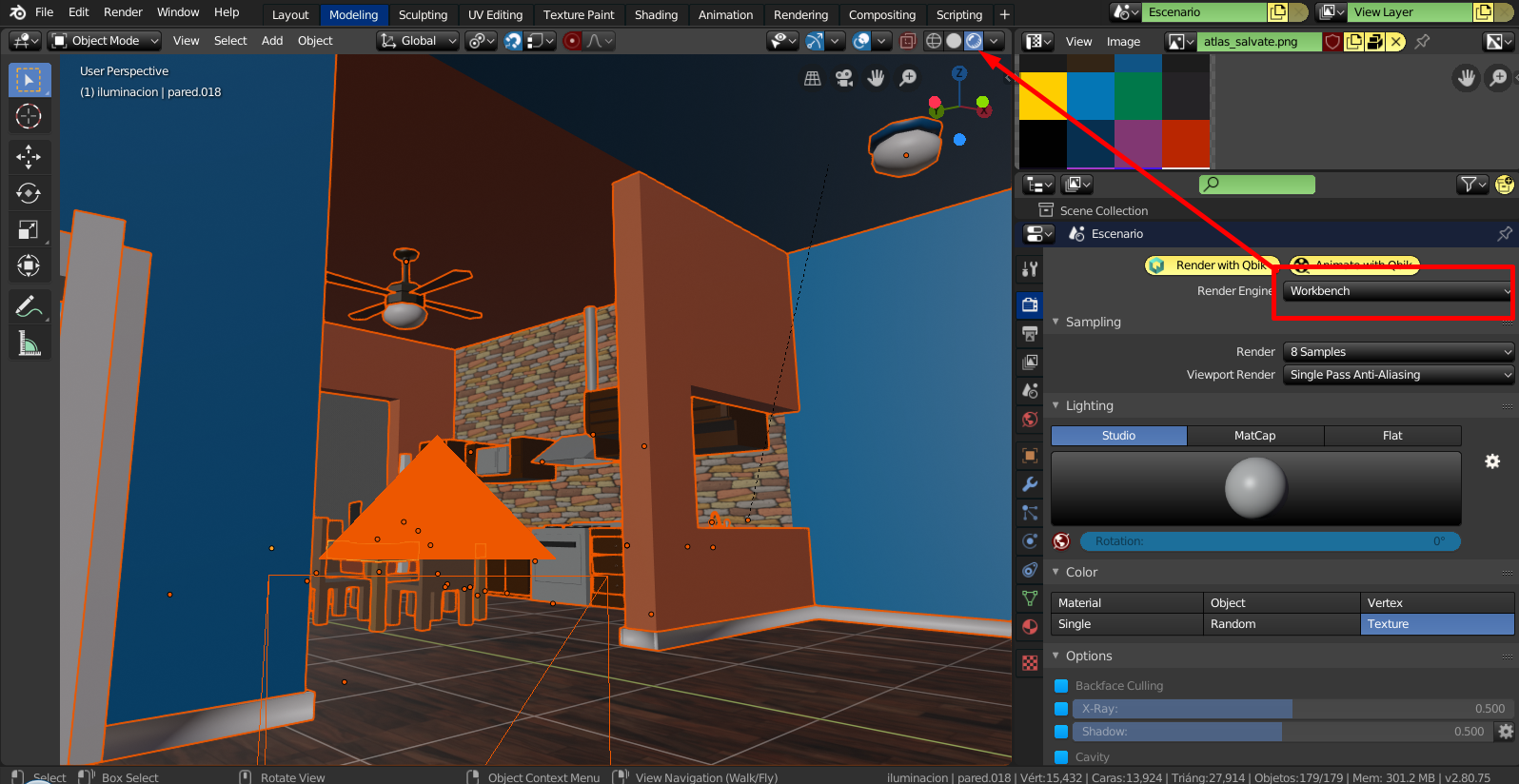
Similarly something strange happens, see what it looks like when I render using cycles ..
However with Eevee it looks good
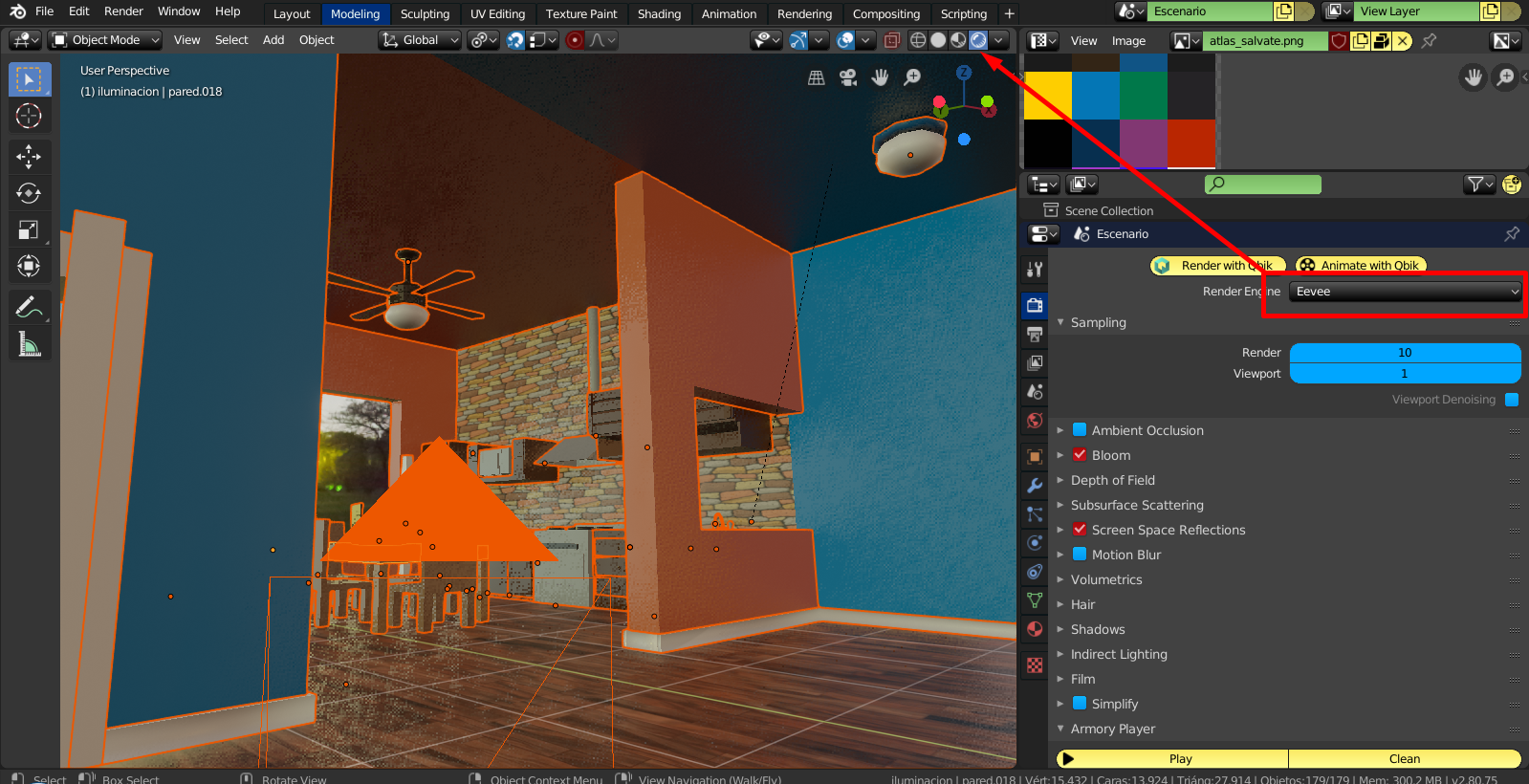
Workbench also works well
kone9
on 11 Sep 2019
as a workaround https://youtu.be/kFXqIprtF2Y?t=388 try the possible fixes shown in this video tutorial, the tutorial subject is unrelated but the video shows how to workaround or solve the issue with "missing uv map",
basically:
connect a uv map node to the texture map node,
disconnect and reconnect a texture map node to the main shader node (principled BSDF/armory PBR/etc),
have the uv editor open and press tab a few times.
N8n5h
on 11 Sep 2019
as a workaround https://youtu.be/kFXqIprtF2Y?t=388 try the possible fixes shown in this video tutorial, the tutorial subject is unrelated but the video shows how to workaround or solve the issue with "missing uv map",
basically:
connect a uv map node to the texture map node,
disconnect and reconnect a texture map node to the main shader node (principled BSDF/armory PBR/etc),
have the uv editor open and press tab a few times.
OK I'M GOING TO TRY IT AND TOMORROW I SEND YOU SOME PICTURES TO SEE IF I COULD BE SOLVED .... IF I SOLVED THE PROBLEM I WILL DO A TUTORIAL IN SPANISH ... SALUDOS
kone9
on 11 Sep 2019
Ok, investigating for a bit it seems that the problem is in this check https://github.com/armory3d/armory/blob/baac952ba24d400065e4ee66b396086898b3026b/blender/arm/exporter.py#L2128
export_uvs reports initially with false, so changing the default for true here https://github.com/armory3d/armory/blob/baac952ba24d400065e4ee66b396086898b3026b/blender/arm/props.py#L268
"solves" this issue, but I'm not sure of the purpose of export_uvs, @luboslenco?
N8n5h
on 13 Sep 2019
TUTORIAL PROBLEM SOLUTION UNTIL THE BUG IS CORRECTED
https://www.youtube.com/watch?v=myE4UkkhoaA&t=33s
kone9
on 13 Sep 2019
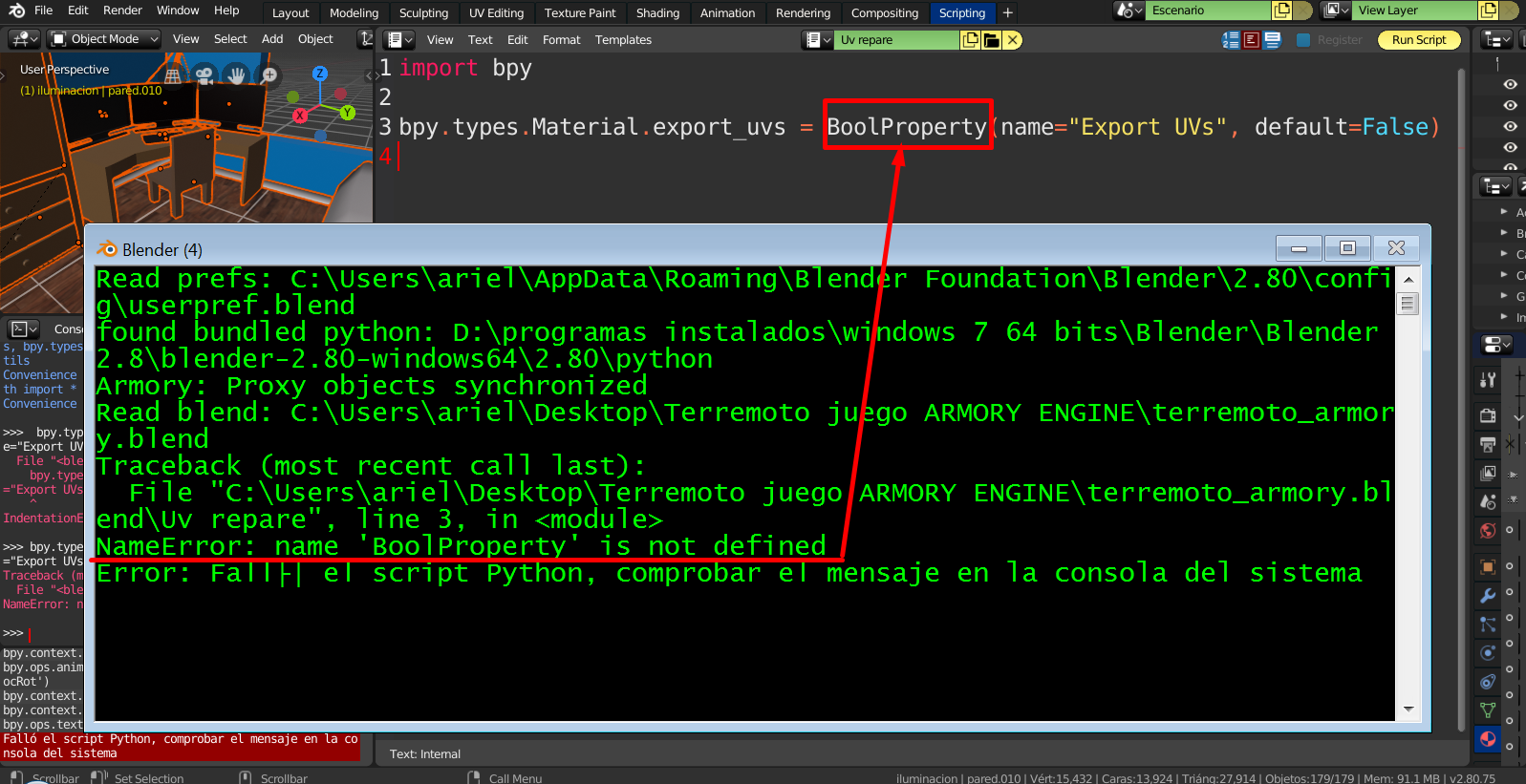
bpy.types.Material.export_uvs = BoolProperty(name="Export UVs", default=False)
kone9
on 13 Sep 2019
@N8n5h export_uvs property is supposed to tell whether the material uses UV map data or not. It's then used during geometry export in export_mesh_data. Need to investigate why it fails there, plus also seeing the weird cycles output.
 luboslenco
on 13 Sep 2019
luboslenco
on 13 Sep 2019
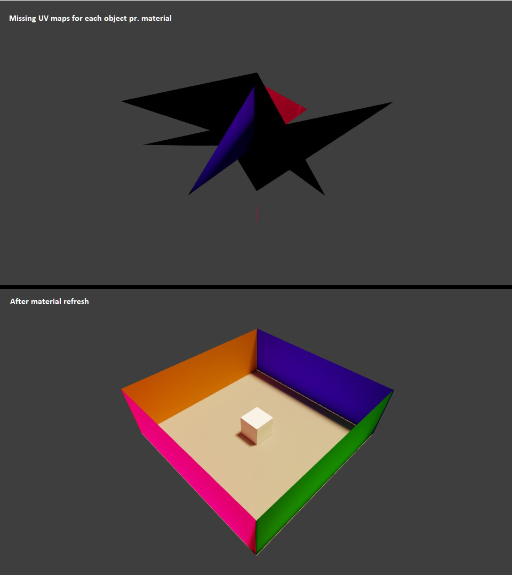
I've stumpled upon this problem too with various material-related addon projects, and I'm not entirely sure of the cause, but I suspect it might have something to do with somekind of caching or leftover datas somehow (maybe related to the new Blender EEVEE/PBR viewport) - In any case, I find that refreshing (tag for update) the materials and cleaning the Armory project afterwards helps on this by running:
import bpy, arm

for mat in bpy.data.materials:
        mat.update_tag()

arm.make.clean()
 Naxela
on 13 Sep 2019
Naxela
on 13 Sep 2019
Doing more tests, the problem seems to be with the dependency graph:
- Creating a new cube, applying a new material to the cube, and attaching a texture node to the material.
Then in the console:
>>>> bpy.data.objects['Cube'].to_mesh().materials[0].export_uvs
> False
>>>> bpy.data.objects['Cube'].evaluated_get(bpy.context.evaluated_depsgraph_get()).to_mesh().materials[0].export_uvs
> False


md5-bea2a084c276545c4d6ce6c4301a7bd1


>>>> bpy.data.objects['Cube'].to_mesh().materials[0].export_uvs
> True


md5-2d086343b20f135d801b109e9e40a3ef


>>>> bpy.data.objects['Cube'].evaluated_get(bpy.context.evaluated_depsgraph_get()).to_mesh().materials[0].export_uvs
> False
Thanks for the fix!
luboslenco
on 21 Dec 2019
Related issues
 Amir-Arsalan
·
4Comments
Amir-Arsalan
·
4Comments
 e1e5en-gd
·
3Comments
e1e5en-gd
·
3Comments
 BrahRah
·
3Comments
BrahRah
·
3Comments
 mushroomeo
·
4Comments
mushroomeo
·
4Comments
 DevMagicLord
·
3Comments
DevMagicLord
·
3Comments
Most helpful comment
I've stumpled upon this problem too with various material-related addon projects, and I'm not entirely sure of the cause, but I suspect it might have something to do with somekind of caching or leftover datas somehow (maybe related to the new Blender EEVEE/PBR viewport) - In any case, I find that refreshing (tag for update) the materials and cleaning the Armory project afterwards helps on this by running: