Armory: [SOLVED] Tilesheet nodes not working (v 0.5)
(drag & drop zipped .blend file here)
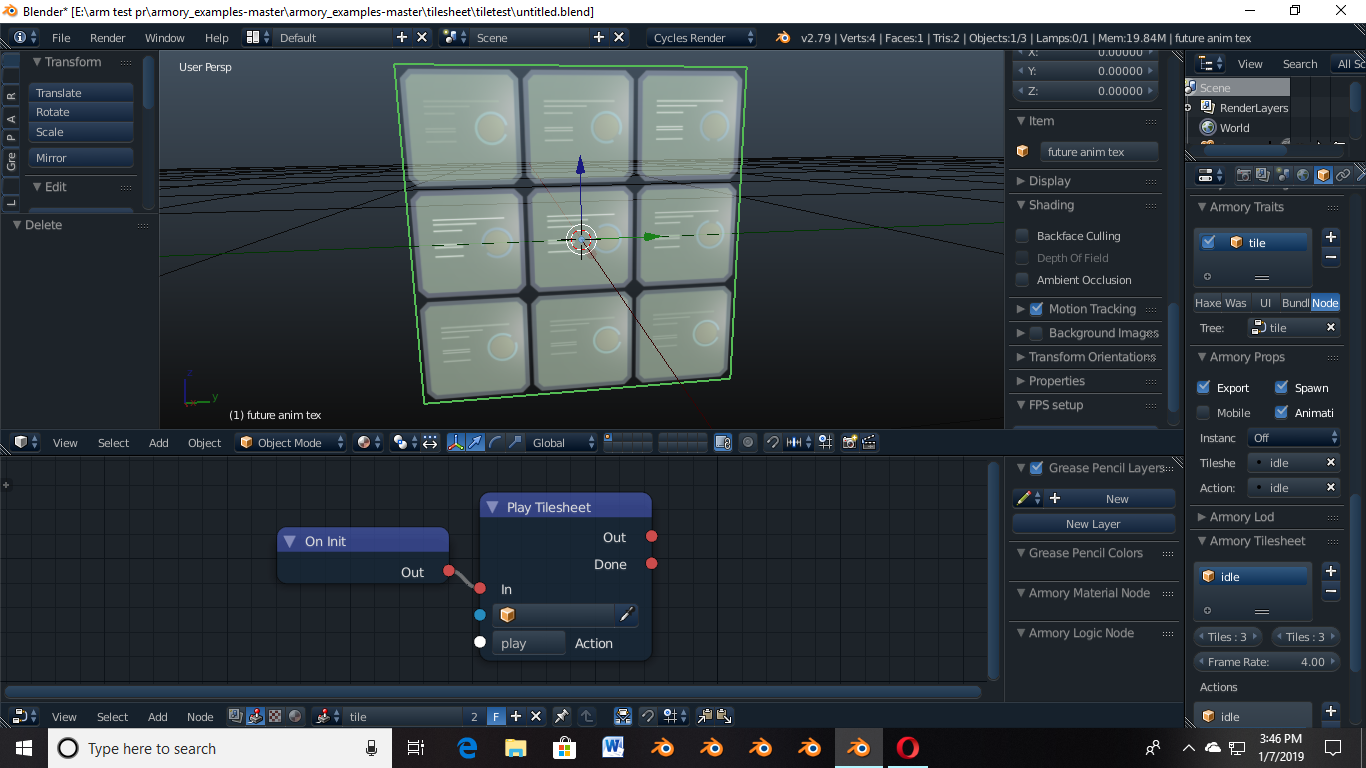
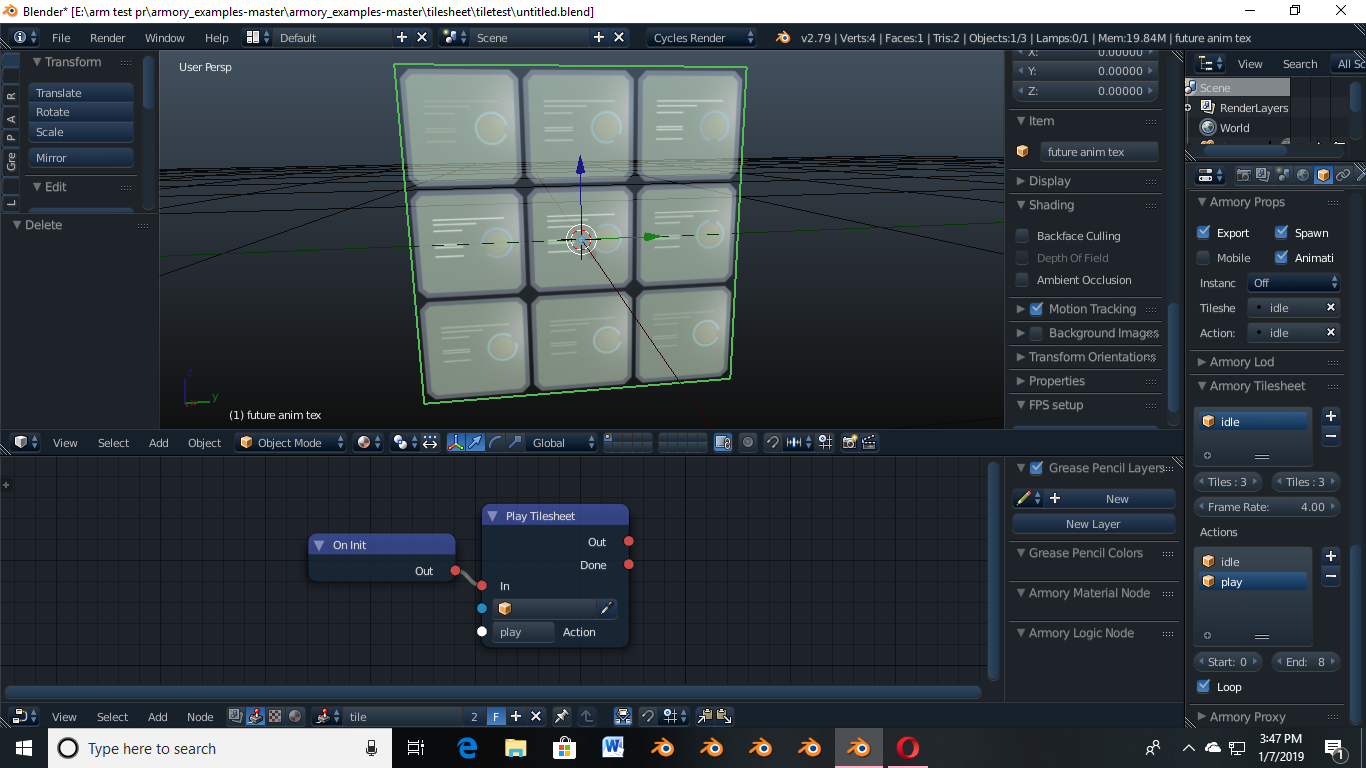
Tried everything the examples did incase of node setups, the tilesheet animation doesnt play
 Awesomeplayer
All 14 comments
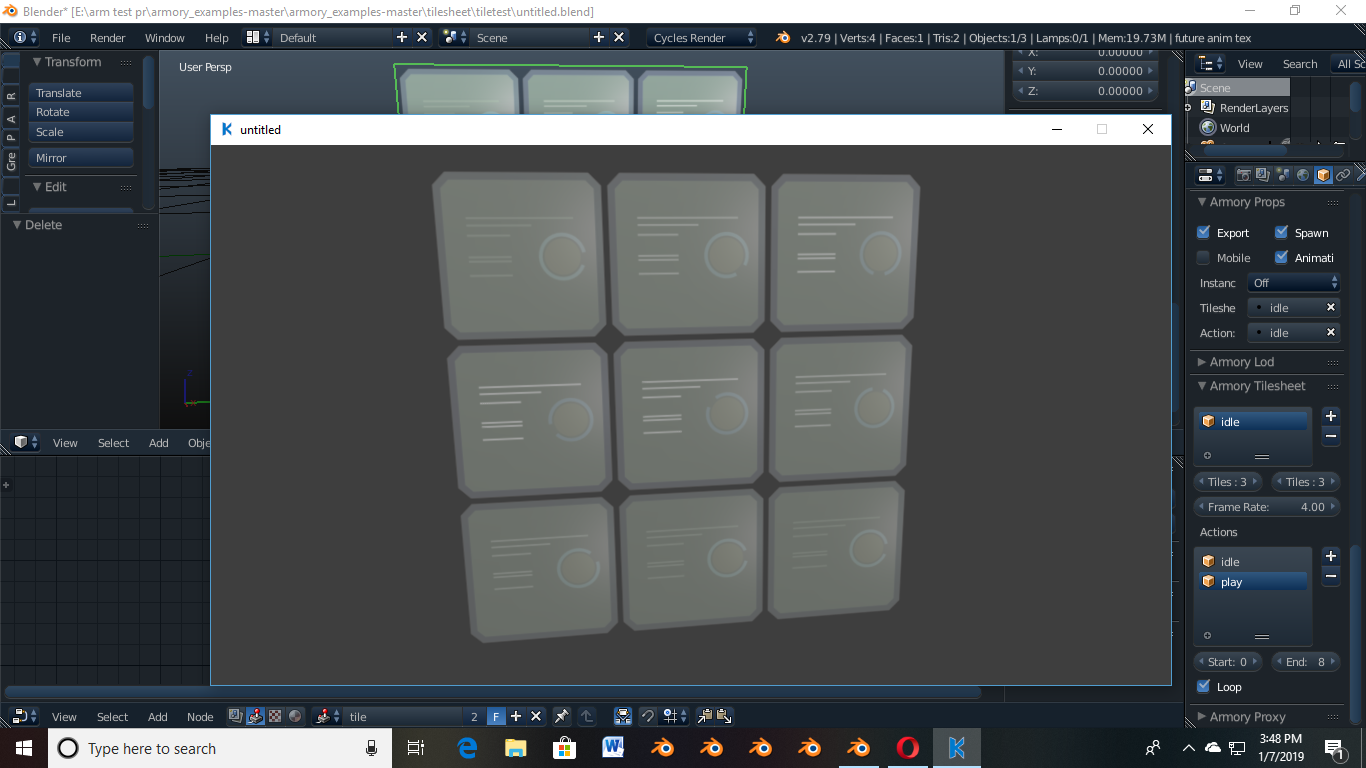
here take a look
Awesomeplayer
on 7 Jan 2019
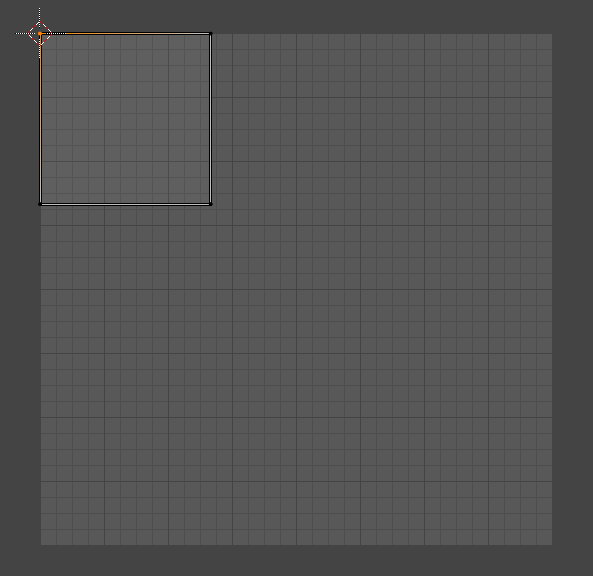
Maybe the issue is that UVs are not adjusted to single tile, ie.:
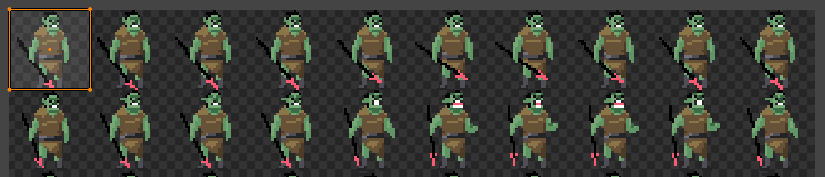
(from example https://github.com/armory3d/armory_examples/tree/master/tilesheet)
 luboslenco
on 12 Jan 2019
luboslenco
on 12 Jan 2019
How do you perfectly align the uv to match a tile?
Awesomeplayer
on 14 Jan 2019
What seemed to work for me is to place the cursor in the top-left corner and scale by (1 / number of tiles), with scaling pivot set to 2D cursor. You should also be able to select the vertices and do 'snap selection - pixels'. Hope that helps a little.
luboslenco
on 14 Jan 2019
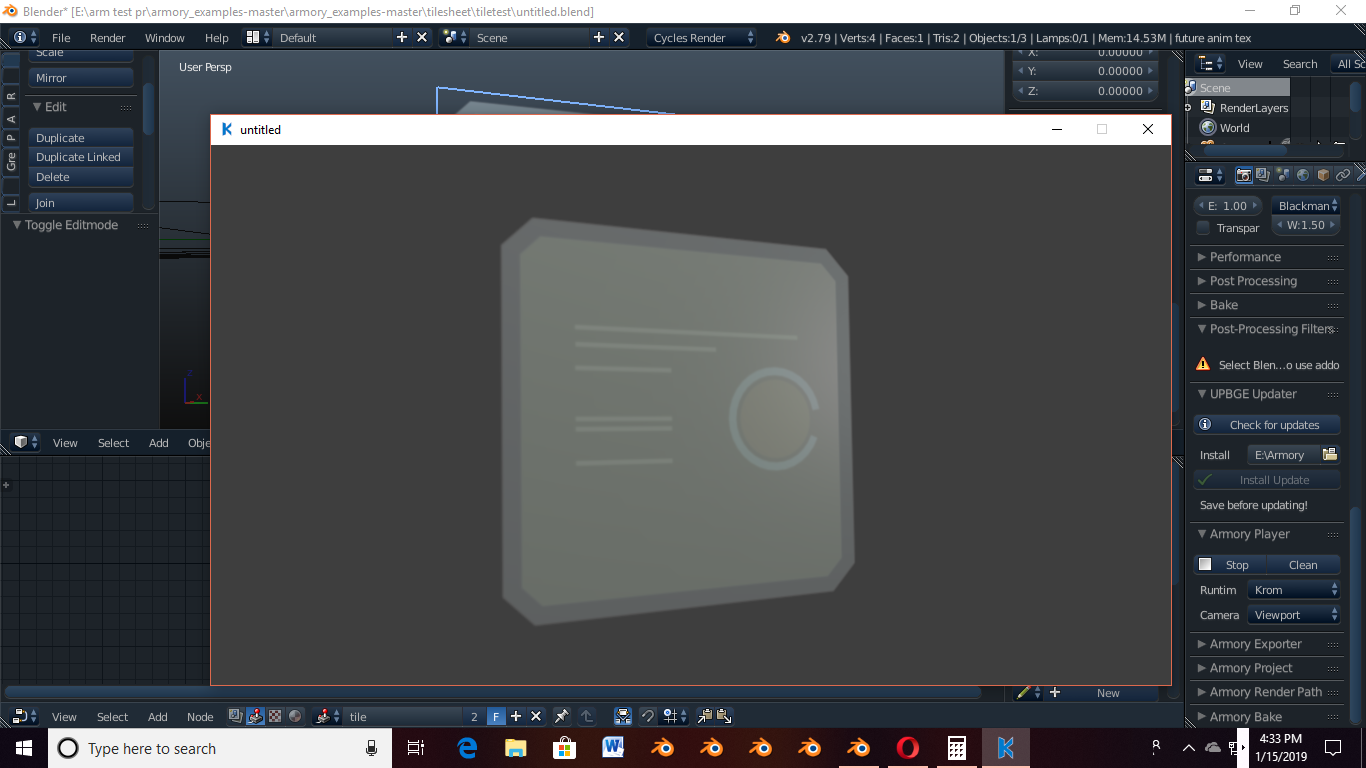
well it just sits there, doing nothing. is it something with the node setup?
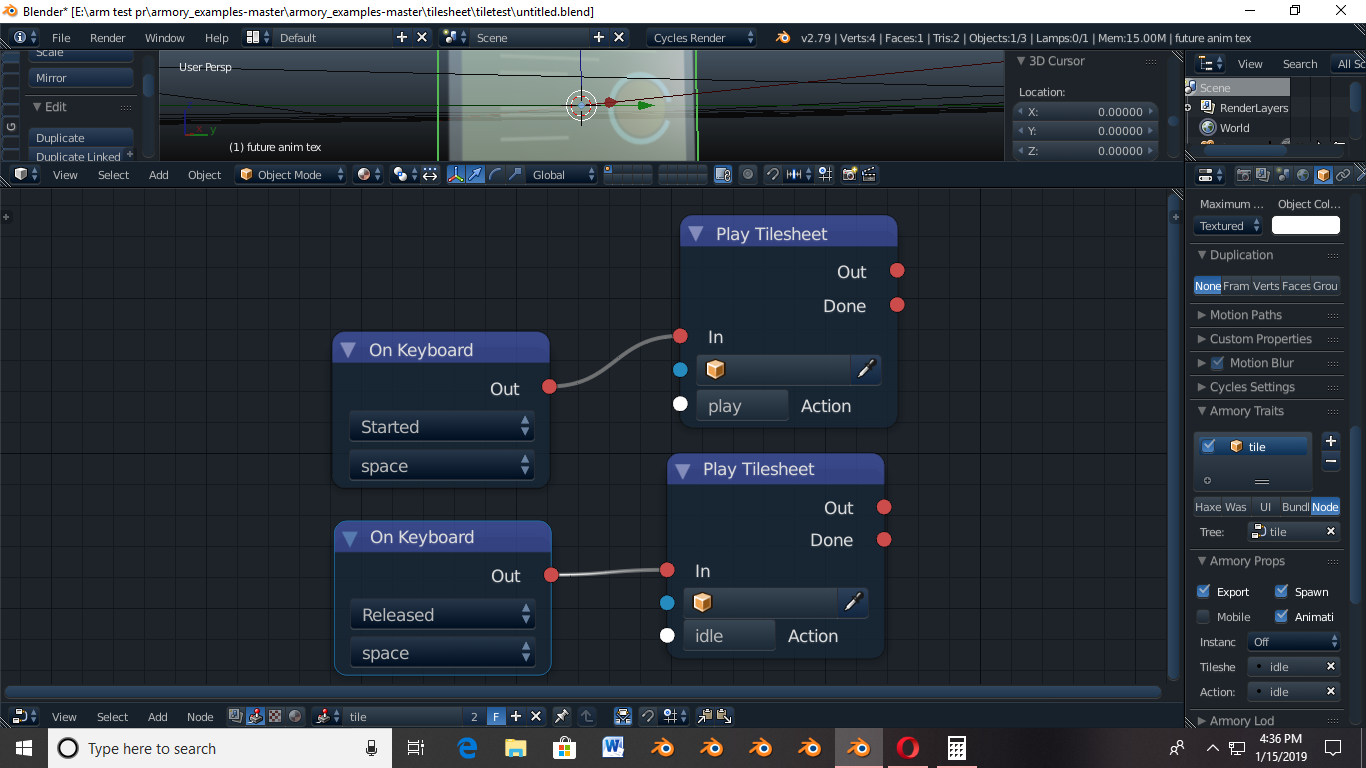
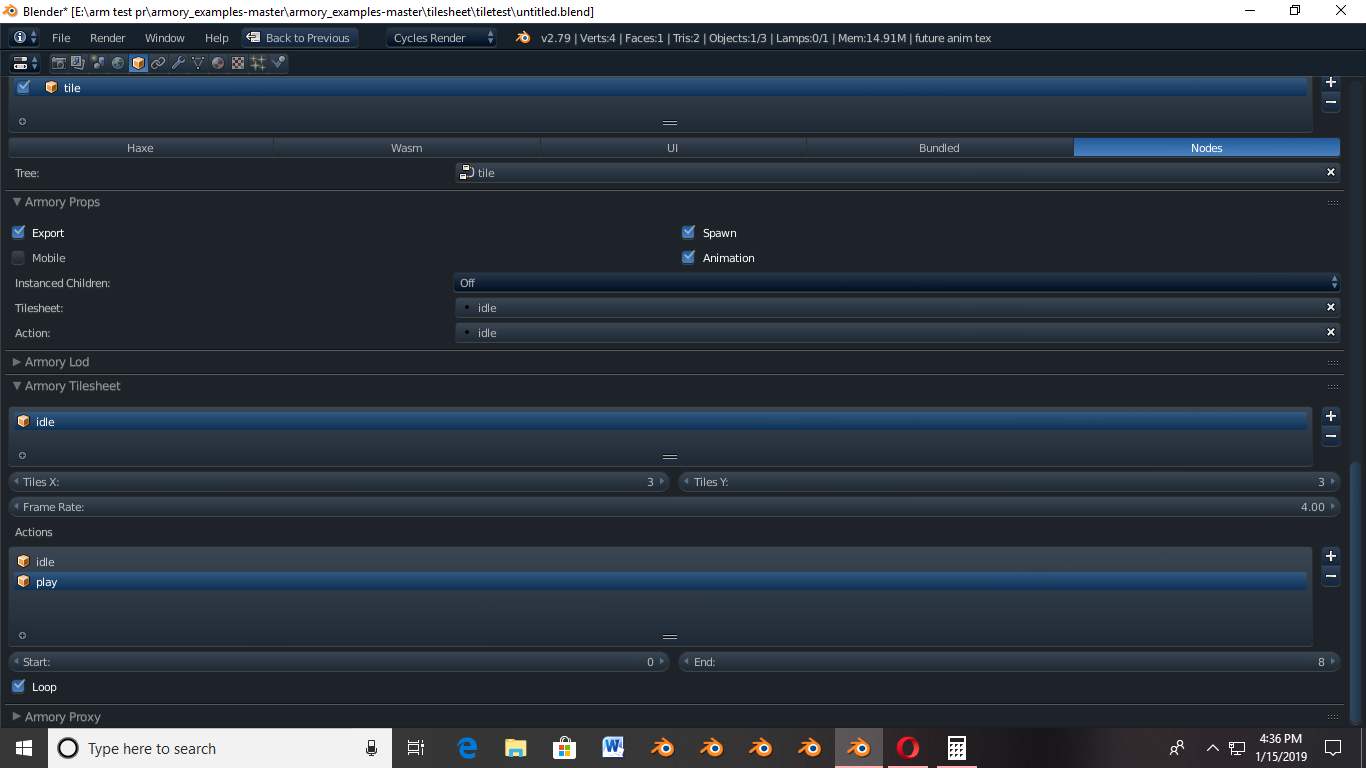
Awesomeplayer
on 15 Jan 2019
Sorry I am unable to tell what is wrong from the pictures, please paste the blend file if possible. Did the tilesheet example work for you? Maybe there is a bug?
luboslenco
on 15 Jan 2019
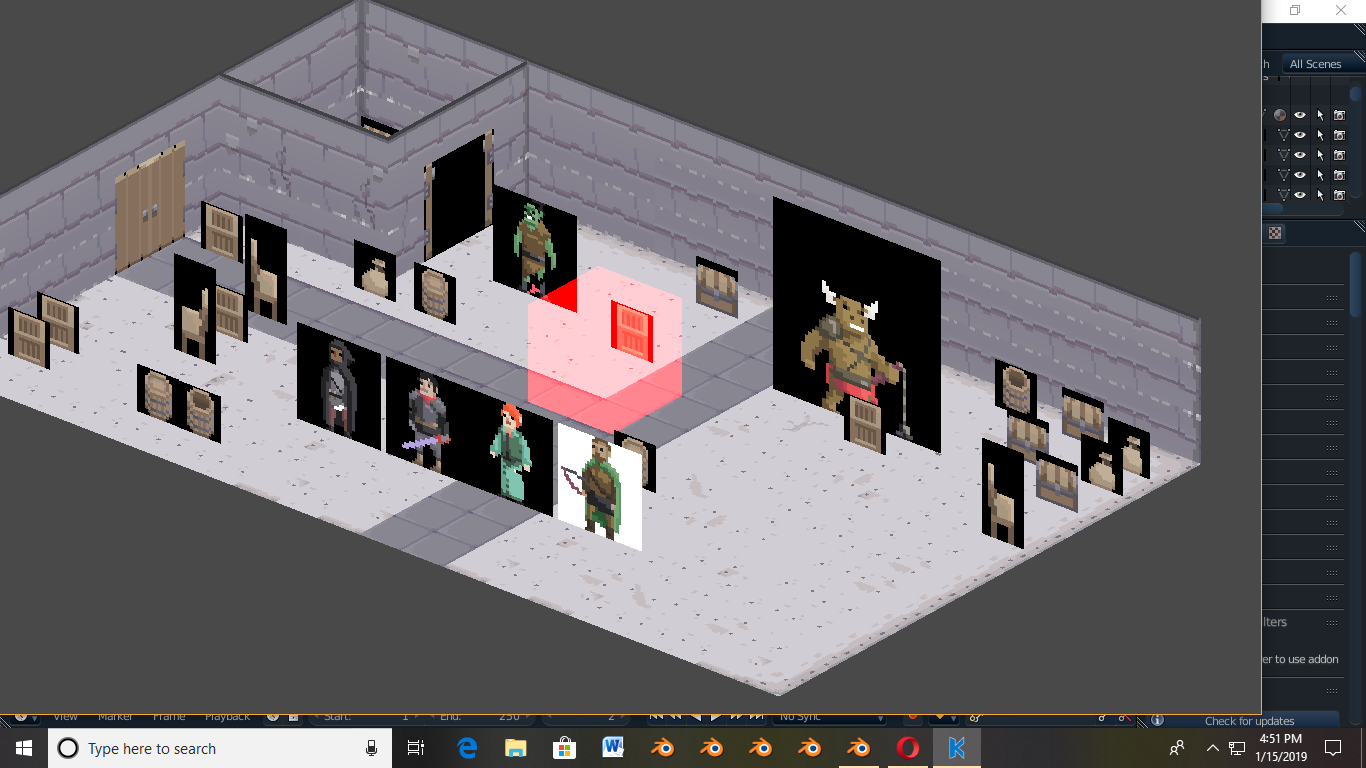
yes the tilesheet example (the one with the penguin) works as intended, I even added nodes to test it there myself and works as it should. its just that anything out of the examples dont work, theres also an example (one out of the three animated texture examples) that doesnt work. Its called tilesheet2d (this one ↘)
Awesomeplayer
on 15 Jan 2019
Awesomeplayer
on 15 Jan 2019
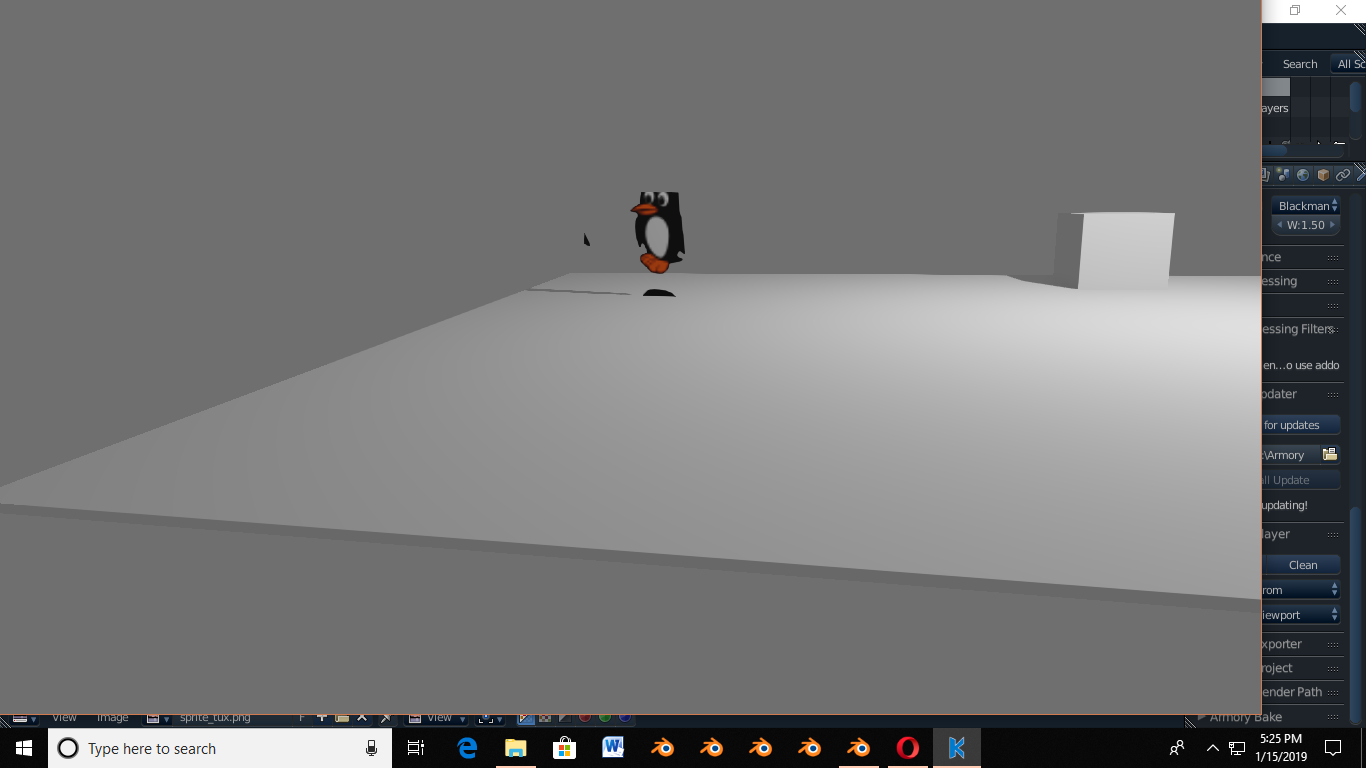
also it has nothing to do with how the uv is placed as it seems to work even if the uv is incorrect in the tux
Awesomeplayer
on 15 Jan 2019
it works in the example no matter what I do, and doesnt _outside_ no matter what I do
Awesomeplayer
on 15 Jan 2019
Please use the edit button whenever possible. 🙂 I will take a look, thanks for the blend file!
luboslenco
on 15 Jan 2019
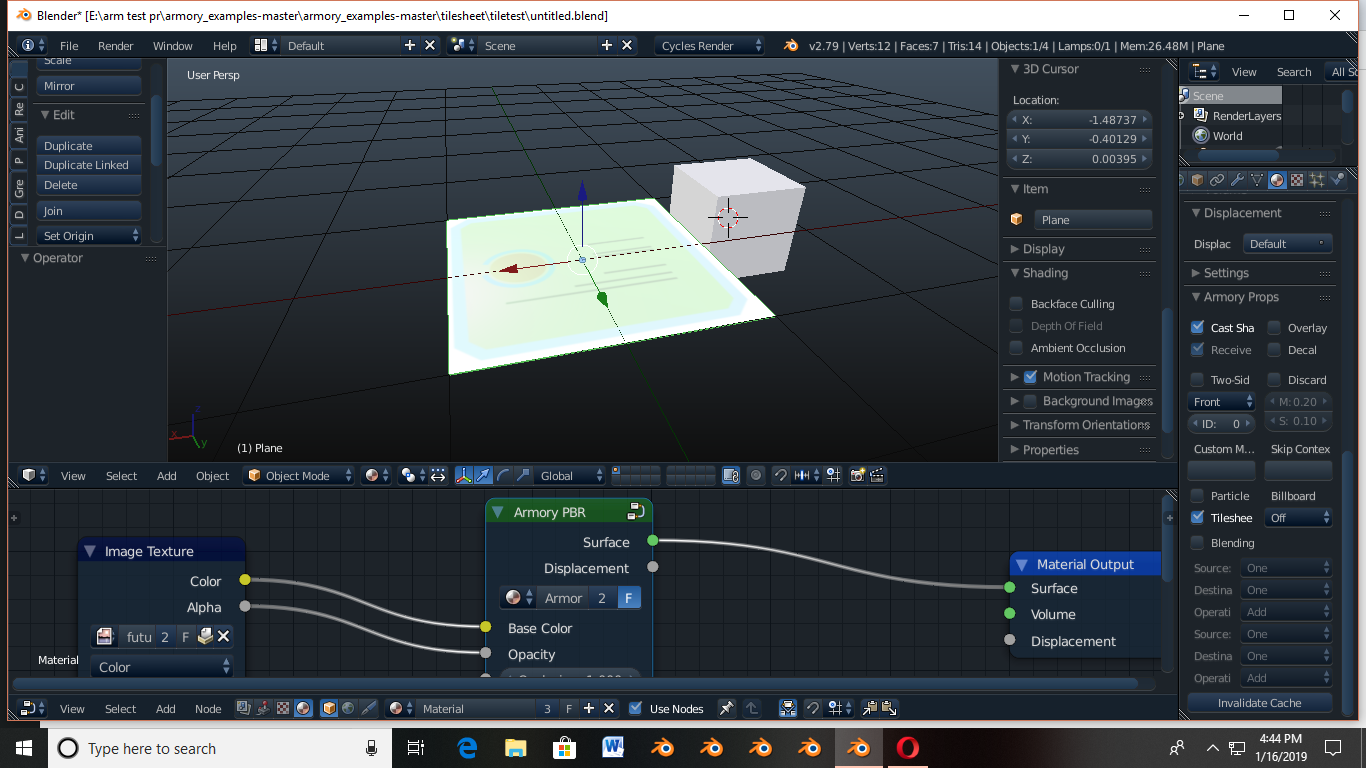
Thanks, well I think I know the issue source, I forgot to turn on Tilesheet in the materials tab, didnt know there was a button like that.
Awesomeplayer
on 16 Jan 2019
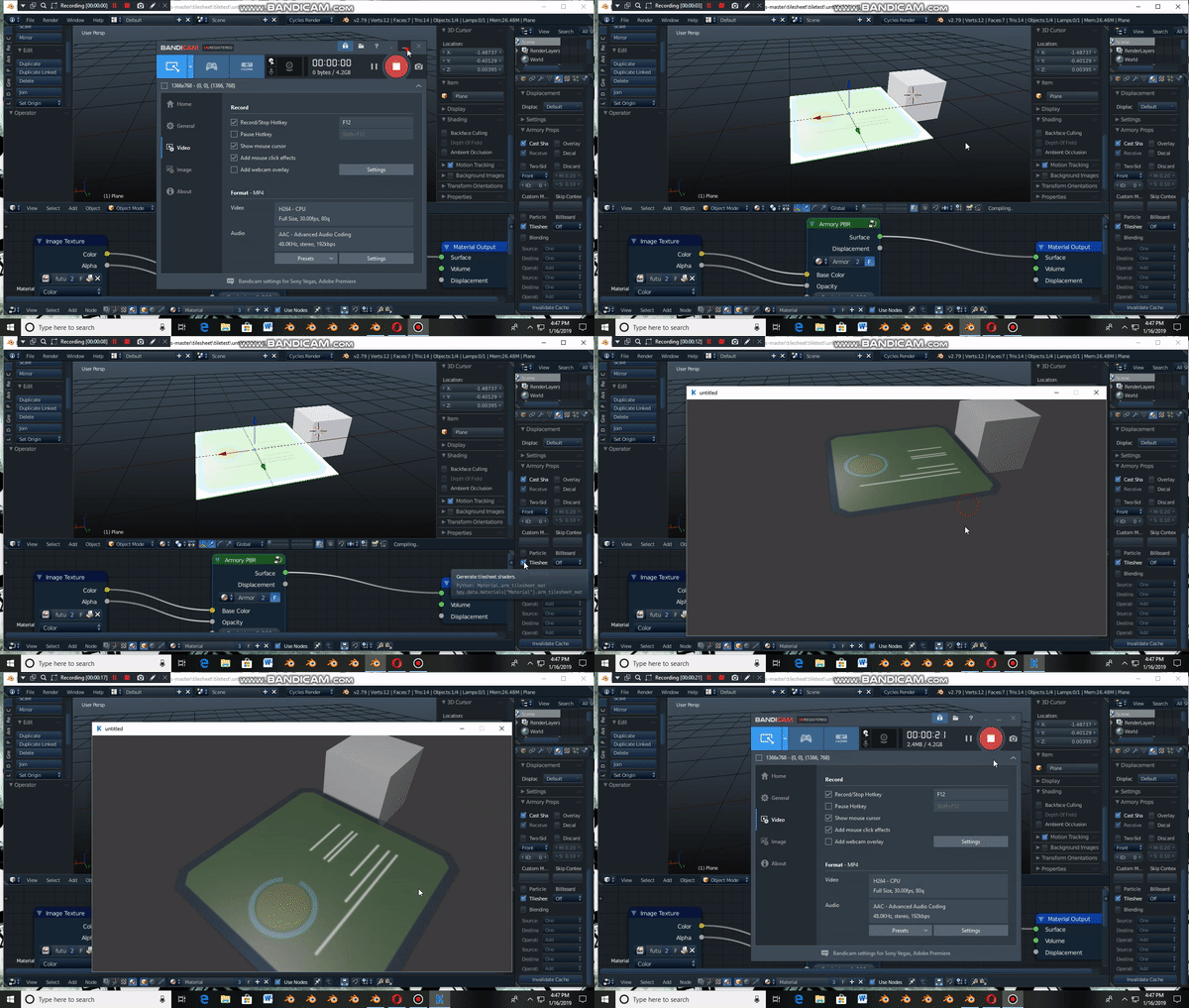
and voila
Awesomeplayer
on 16 Jan 2019
I have removed the Material - Tilesheet option in https://github.com/armory3d/armory/commit/c81d4949ca9e41647bad7a1d8906c01dc40f536b, it will now work out the box, no need to enable anything for the material. Thanks for report!
luboslenco
on 22 Jan 2019
Related issues
 mushroomeo
·
4Comments
mushroomeo
·
4Comments
 BrahRah
·
3Comments
BrahRah
·
3Comments
 donalffons
·
3Comments
donalffons
·
3Comments
 Bugsbane
·
3Comments
Bugsbane
·
3Comments
 Amir-Arsalan
·
4Comments
Amir-Arsalan
·
4Comments
Most helpful comment
and voila
