Zulip-desktop: Focus doesn't work properly on Linux/Windows
On Ubuntu 16.04, with the master branch, if you alt-tab to the window, you need to click into the window in order for any of our keyboard shortcuts to work, which is pretty annoying.
 timabbott
All 12 comments
I've been seeing the same thing today -- on Debian stretch, running GNOME.
 gnprice
on 1 Aug 2017
gnprice
on 1 Aug 2017
I didn't reproduce this issue on the master branch.
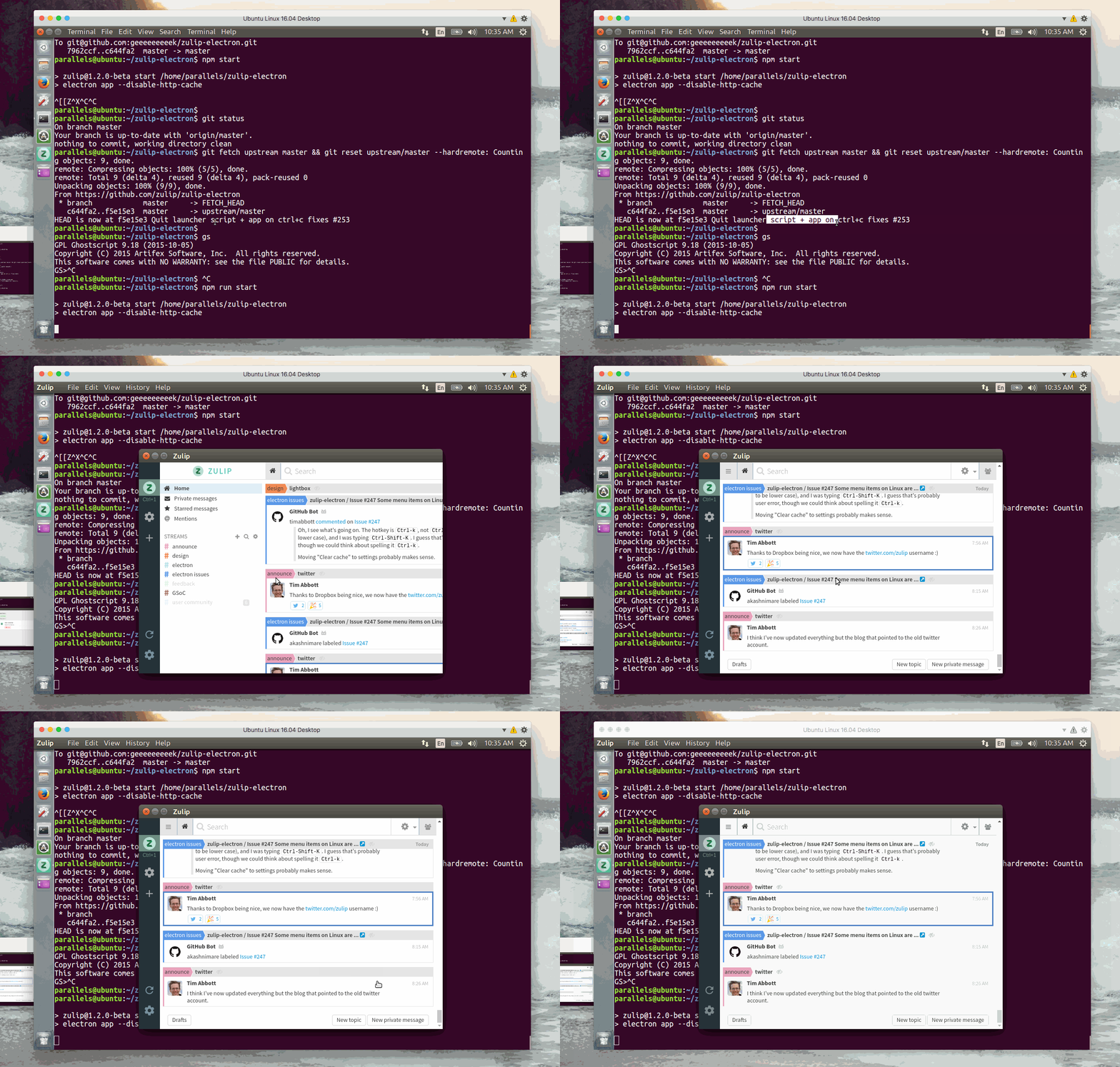
Steps:
- Focus on another app (terminal).
- Alt-tab to Zulip.
- Ctrl+1 -> Switch to first tab.
- Ctrl+=/Ctrl+- -> Zoom in/out webview.
 geeeeeeeeek
on 2 Aug 2017
geeeeeeeeek
on 2 Aug 2017
Interesting.
Instead of alt-tab, try mousing over the Zulip app? Or clicking on the
title bar.
For me the issue reproduces on any of mouse over (which I've set my window
manager to cause the window to be focused), click title bar, or alt-tab.
Only clicking inside the window succeeds in making the keyboard shortcuts
start working again.
gnprice
on 2 Aug 2017
I can't reproduce this either. @timabbott, @gnprice can you check if following steps works on your system -
Focus on another app (terminal).
Alt-tab to Zulip.
Ctrl+1 -> Switch to first tab.
Ctrl+=/Ctrl+- -> Zoom in/out webview.
 akashnimare
on 4 Aug 2017
akashnimare
on 4 Aug 2017
Those steps work fine. Ctrl-= and Ctrl-- successfully zoom the view, but
the webapp's shortcuts (even up/down to move between messages) have no
effect.
gnprice
on 5 Aug 2017
Okay, I can reproduce this now. I thought you guys were talking about the desktop shortcuts (Ctrl+1, Ctrl+= etc) which work on Alt+tab. @geeeeeeeeek try reproducing this using J and K which does not work when the window loses focus. I confirm that it's caused by https://github.com/zulip/zulip-electron/pull/241. The problem is when you focus other app and get back to Zulip using Alt + tab the browser window gets focus not the webview and that is why one has to click within the webview for the focus.
akashnimare
on 5 Aug 2017
@geeeeeeeeek we need to find a solution which fixes this as well as #216.
akashnimare
on 5 Aug 2017
Can you guys pull up window-focus-fix and check if this fixes #216 + #251?
Update - Well, it does not work as expected 😭
akashnimare
on 5 Aug 2017
I have pushed a fix again. I'm sure it should fix #216 + #251 😞
Can you guys please check again using window-focus-fix?
akashnimare
on 8 Aug 2017
akashnimare
on 8 Aug 2017
I verified it's working well for me. :tada: :rocket:
timabbott
on 8 Aug 2017
Works for me -- thanks @akashnimare !
gnprice
on 8 Aug 2017
Related issues
 anshumanv
·
6Comments
anshumanv
·
6Comments
 abhigyank
·
10Comments
abhigyank
·
10Comments
 dylnuge
·
5Comments
dylnuge
·
5Comments
 swallitsch
·
7Comments
swallitsch
·
7Comments
 brainwane
·
9Comments
brainwane
·
9Comments