Yaru: gnome-shell-extension-desktop-icons .file-item styling
@iainlane
The new shell extension styles the selected item color here:
https://gitlab.gnome.org/World/ShellExtensions/desktop-icons/blob/master/stylesheet.css#L12
Which can not be overridden by the shell theme ( I guess because the extension's stylesheet is taken after)

The border-radius for example is not styled in the extensions stylesheet, thus I can change it on our shell theme.
The problem I see with it being not a fork is that upstream gnome does not want to use that extension by default. Thus we can't request in the upstream gnome shell repo to add the styling because they don't need it.
I see two solutions:
a) fork it and remove the styling from the fork and add it to our theme
b) request at the extension's repo to search for the @ theme_selected_bg_color in the current theme
Any other ideas @clobrano @iainlane ?
 Feichtmeier
All 17 comments
Using variables from the theme would probably work - I checked that bg color and it's the same as @ theme_selected_bg_color with some transparency applied. I think if you have time and were to submit a MR that would hopefully be welcomed. :-)
 iainlane
on 8 Jan 2019
iainlane
on 8 Jan 2019
I see that I can work on that this Eve
I guess when I use the gnome-session I could test it
Feichtmeier
on 8 Jan 2019
@iainlane do you have any idea how I can import the colors?
Otherwise I'll better just open an issue on their repo
Feichtmeier
on 8 Jan 2019
ah yeah, it's the gnome-shell theme and not the gtk one. that one doesn't have defined public colours. Here's what I can see to do:
gnome-shell will try to load MODE.css (MODE defaults to "user" for upstream Shell), and then if that doesn't exist stylesheet.css for each extension, as well as using the main gnome-shell theme.
It should be possible to split the theme-specific bits (colours) out into user.css (make sure to @import url('stylesheet.css'); at the top), leaving the rest in stylesheet.css, and then style the colours in the main Yaru GNOME Shell theme. Might want to check with upstream if they think this is reasonable, before spending much effort on it though (issue or #nautilus on IRC).
iainlane
on 8 Jan 2019
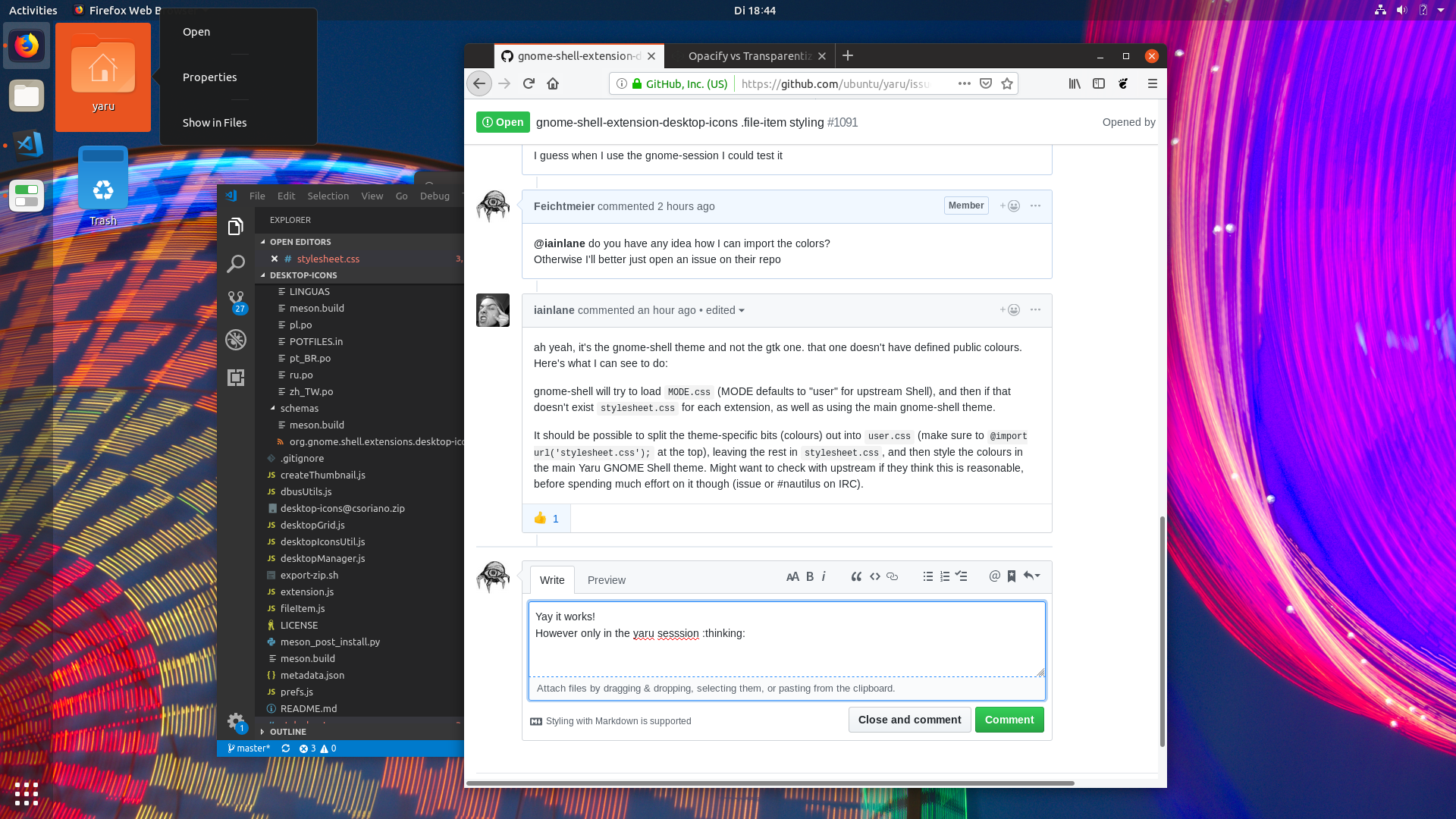
Yay it works!
However only in the yaru sesssion :thinking:
In the gnome-session it doesn't work
@import url('stylesheet.css');

.file-item {
    padding: 4px;
    border: 1px;
    margin: 1px;
}

.file-item:hover {
   background-color: rgba(238, 238, 238, 0.2);
}

.file-item:selected {
   background-color: $selected_bg_color;
   border-color: rgba(74, 144, 217, 0.8);
}

.rubber-band {
   background-color: rgba(74, 144, 238, 0.4);
}

.name-label {
    text-shadow: 1px 1px black;
    color: white;
    text-align: center;
}

.draggable {
    background-color: red;
}

.rename-popup {
    min-width: 300px;
    margin: 6px;
}
Any idea why this does not work for the default gnome shell theme in the gnome-session?
Feichtmeier
on 8 Jan 2019
Is that variable defined and is the file called /usr/share/gnome-shell/extensions/desktop-icons@csoriano/user.css?
iainlane
on 8 Jan 2019
We have that variable from upstream since our scss files are based on theirs. So $selected_bg_color is defined both in our CSS and in theirs
No that file is called stylesheet.css
https://gitlab.gnome.org/World/ShellExtensions/desktop-icons/blob/master/stylesheet.css#L12
Feichtmeier
on 9 Jan 2019
I suggested that you make a file called user.css. That will be used in the default GNOME mode, and should contain the colours specific to that. stylesheet.css should just have the bits that don't depend on the theme and will be used from user.css (via the import) and in Yaru, because it's the default css file if there's no MODE.css.
iainlane
on 9 Jan 2019
Hm, would be nice if someone else could do that. New project irl and quiet short on time currently. I'll open an issue on the extensions repo.
Feichtmeier
on 9 Jan 2019
I'd like to have a look myself.
 clobrano
on 9 Jan 2019
clobrano
on 9 Jan 2019
Cool, thanks! Still might be good checking with upstream if they will accept this before doing a lot of work on it though. :-)
iainlane
on 9 Jan 2019
Alright, so I can first open a correspondant ticket on gitlab, referring only the usage of theme css color
clobrano
on 9 Jan 2019
Awesome, thank you carlo!
Feichtmeier
on 9 Jan 2019
It turned out that there's already a bug opened about this
clobrano
on 9 Jan 2019
Great!
iainlane
on 10 Jan 2019
My understanding of @iainlane suggestion is (sorry in advance if it isn't right :D)
- create user.css in the extension (and add it to meson.build)
- import stylesheet.css in user.css and define colors (not sure how though:
@define-color ...I guess) - in stylesheet.css, use the variables defined in user.css
I am unsure because it didn't work.
clobrano
on 12 Jan 2019
The issue on Gitlab is progressing, so closing this for now since it's something Yaru can't do by itself.
clobrano
on 21 Jan 2019
Related issues
 chrisjbillington
·
3Comments
chrisjbillington
·
3Comments
 matthewpaulthomas
·
3Comments
matthewpaulthomas
·
3Comments
 pojntfx
·
3Comments
matthewpaulthomas
·
3Comments
Feichtmeier
·
3Comments
pojntfx
·
3Comments
matthewpaulthomas
·
3Comments
Feichtmeier
·
3Comments
Most helpful comment
Alright, so I can first open a correspondant ticket on gitlab, referring only the usage of theme css color