Wp-calypso: Coutoire Home Template: Page editor overlaps to the left
Steps to replicate
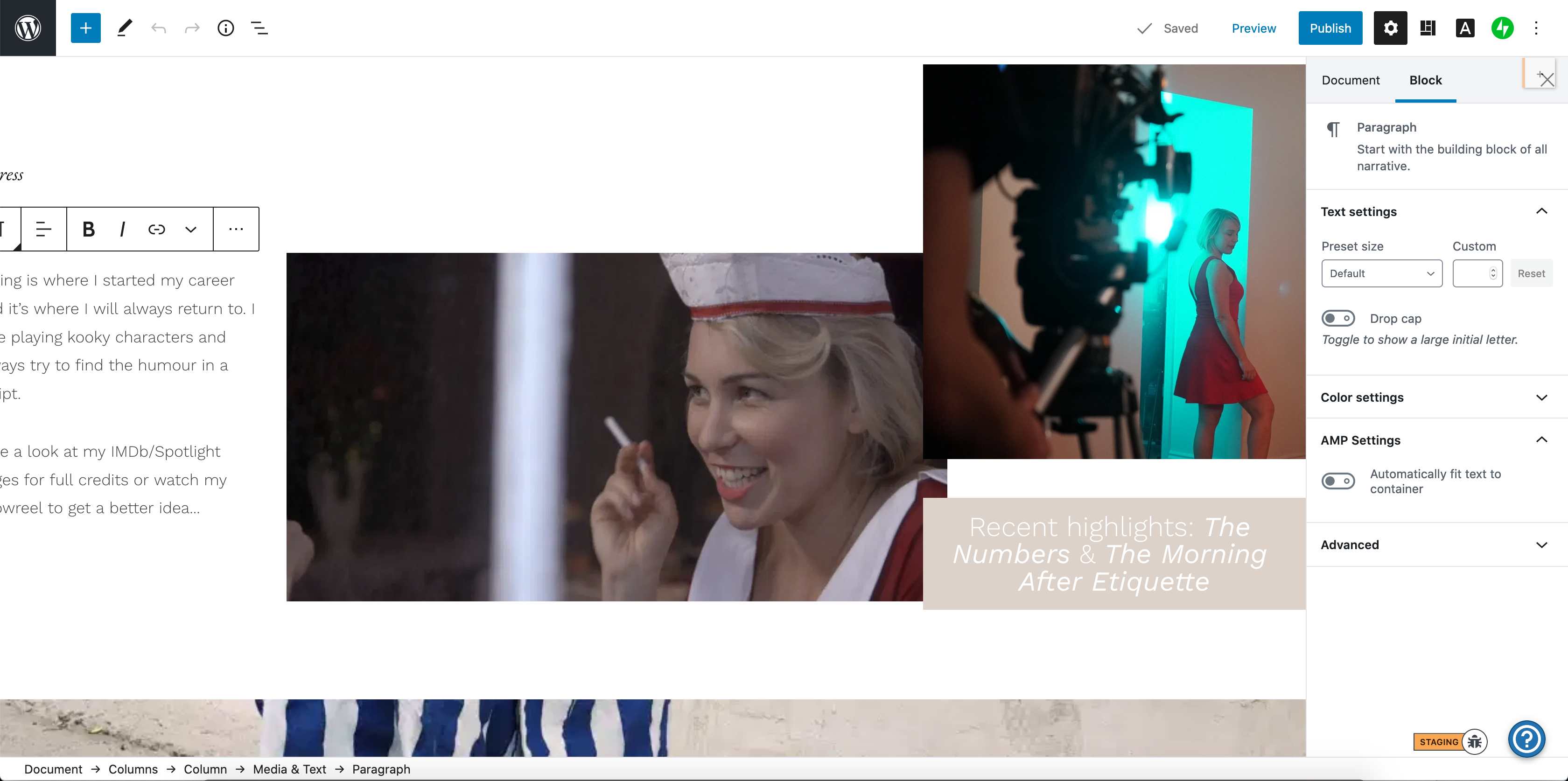
When trying to edit/add blocks to a page using the Coutoire theme, the editor loads content overlapped to the left, making it difficult to edit:
This was replicated by adding Coutoire to a test site, and the same occurs with demo content:
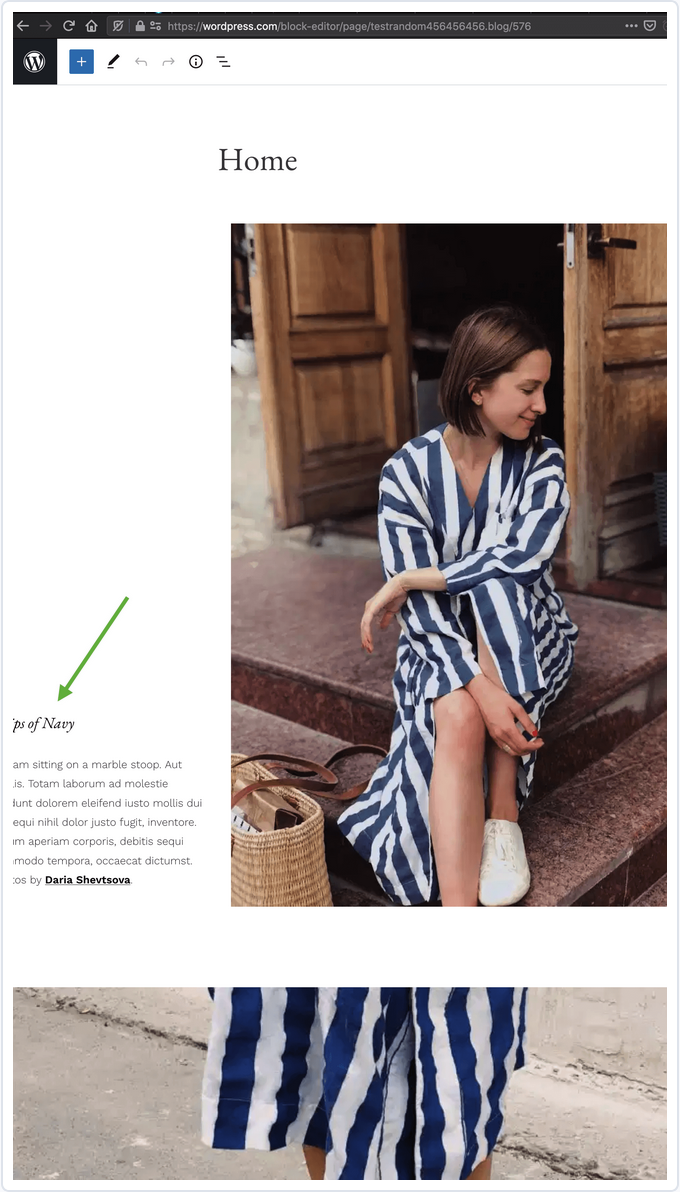
This behaviour was the same in both Chrome and Firefox.
Expected
Calypso editor should allow users to edit content for the Coutoire theme within the screen, and not overlap or cut off.
Also to note: when published, the content looks fine. This issue only occurs in the editor.
- User report: #3880801-hc
 geekinthegirl
All 7 comments
I'm only able to reproduce the problem in the Coutoire home page template. All other templates and blocks seem to work ok. Moving this to wp-calypso for page template bugs.
 tijosh
on 2 Apr 2020
tijosh
on 2 Apr 2020
Looks similar to /Automattic/themes/issues/1816
tijosh
on 2 Apr 2020
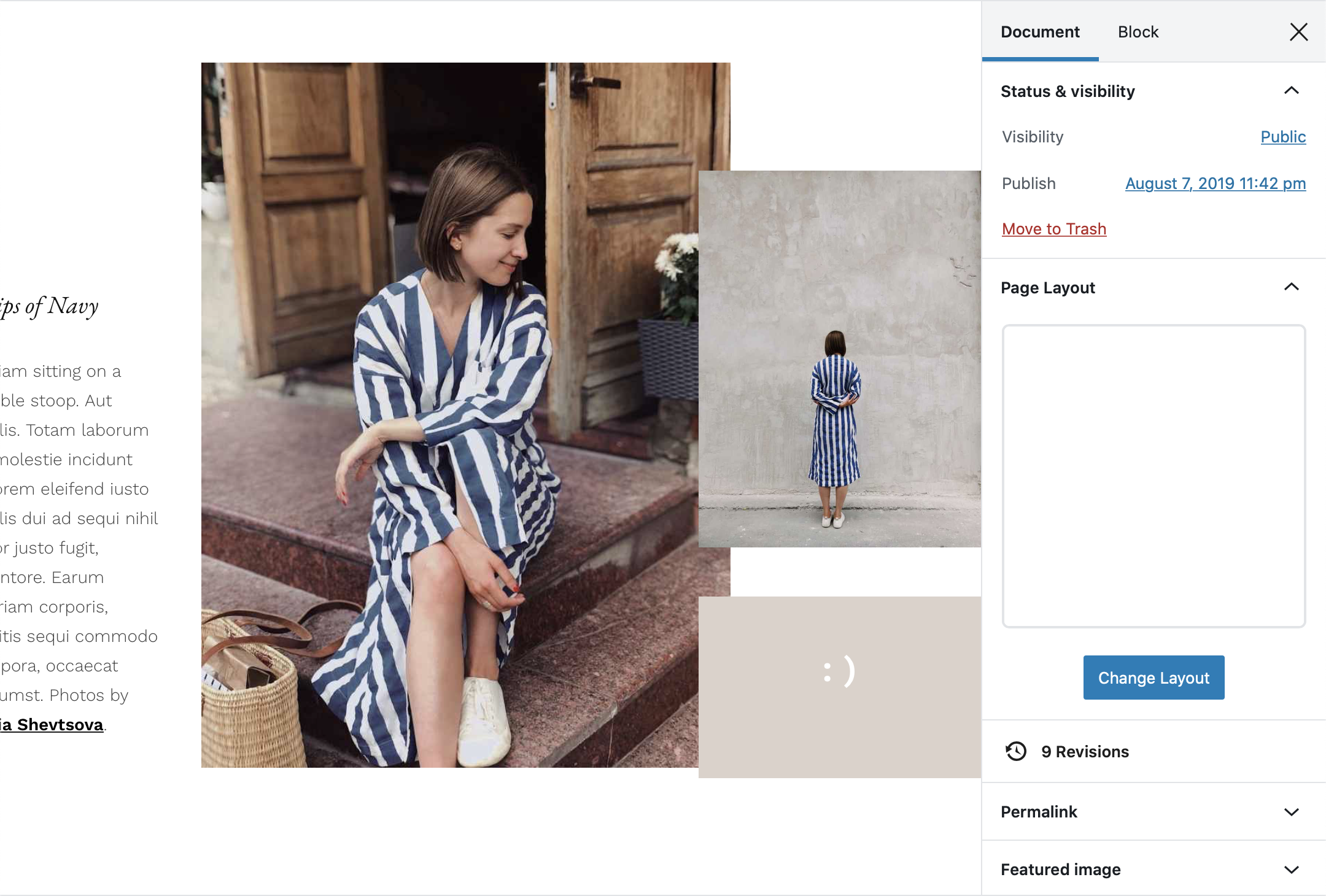
I think this issue is specific to Coutoire, and has to do with the fact that the Media & Text block on the left there is a full-width block inside of a column block. Changing it to a standard width eliminates the issue, and keeps the appearance the same on the front end:
Before
After
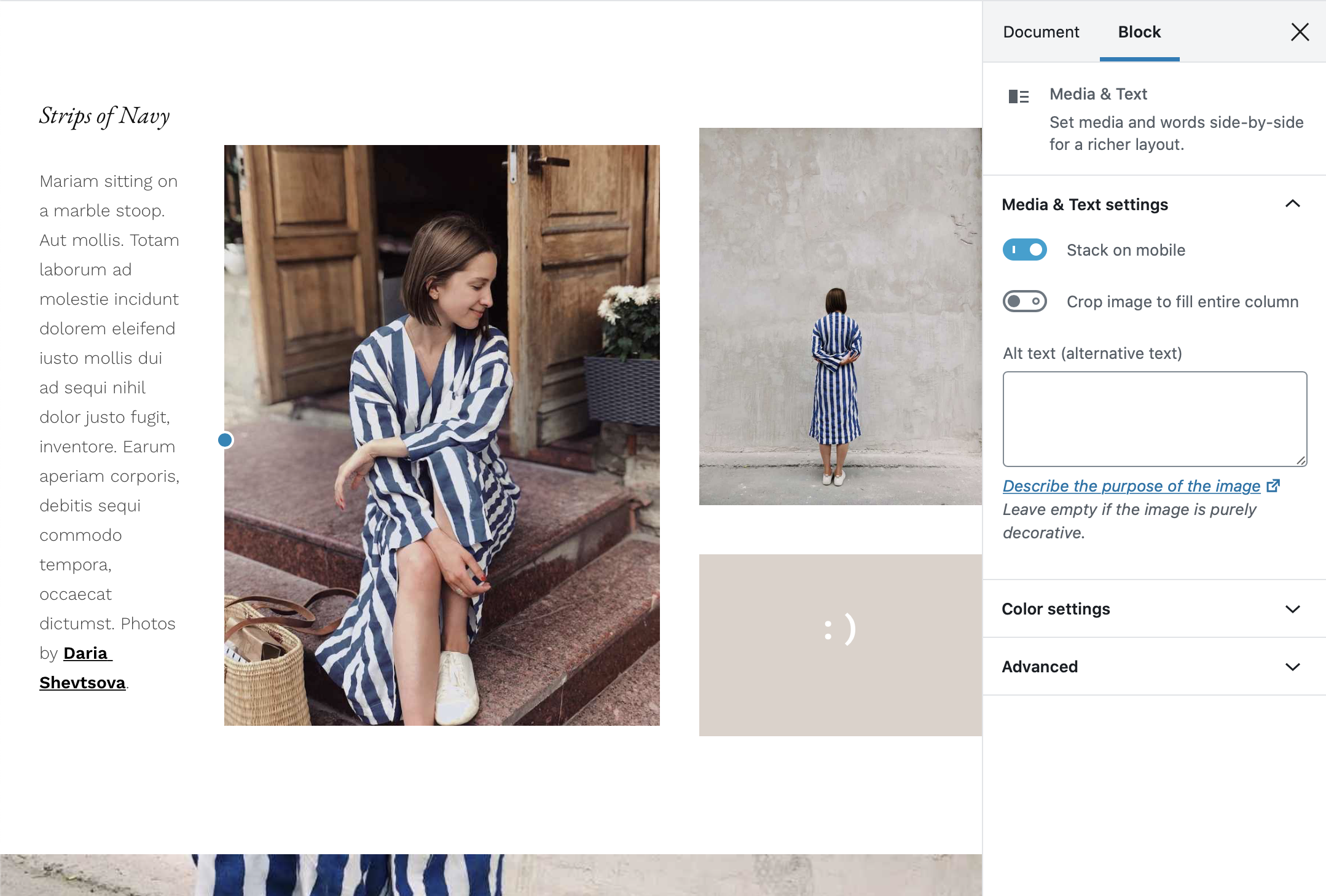
This may be something that can be fixed in the theme, but a quicker fix for now would be to just adjust that template to not use a full-width block there.
 kjellr
on 6 Apr 2020
kjellr
on 6 Apr 2020
a quicker fix for now would be to just adjust that template to not use a full-width block there
@ianstewart
 simison
on 8 Apr 2020
simison
on 8 Apr 2020
This _should_ be corrected now. I updated this homepage annotation just yesterday but … @obenland it looks like theme switching is still using the old annotation for the homepage layout? Anything we can do to update that?
 ianstewart
on 8 Apr 2020
ianstewart
on 8 Apr 2020
Homepage templates are cached for 24 hours. So either regenerate or wait
 obenland
on 8 Apr 2020
obenland
on 8 Apr 2020
Also just to follow up: https://github.com/Automattic/themes/pull/1902 should prevent this from happening in the future.
kjellr
on 9 Apr 2020
Related issues
 aduth
·
3Comments
aduth
·
3Comments
 jjchrisdiehl
·
3Comments
jjchrisdiehl
·
3Comments
 kellychoffman
·
3Comments
kellychoffman
·
3Comments
 ehg
·
3Comments
ehg
·
3Comments
 samouri
·
3Comments
samouri
·
3Comments