Wordpress-ios: [GlobalStep] Two Factor Authentication Screen is displayed as an Authenticator App is being used even when the method of choice is Text Messages.
Description
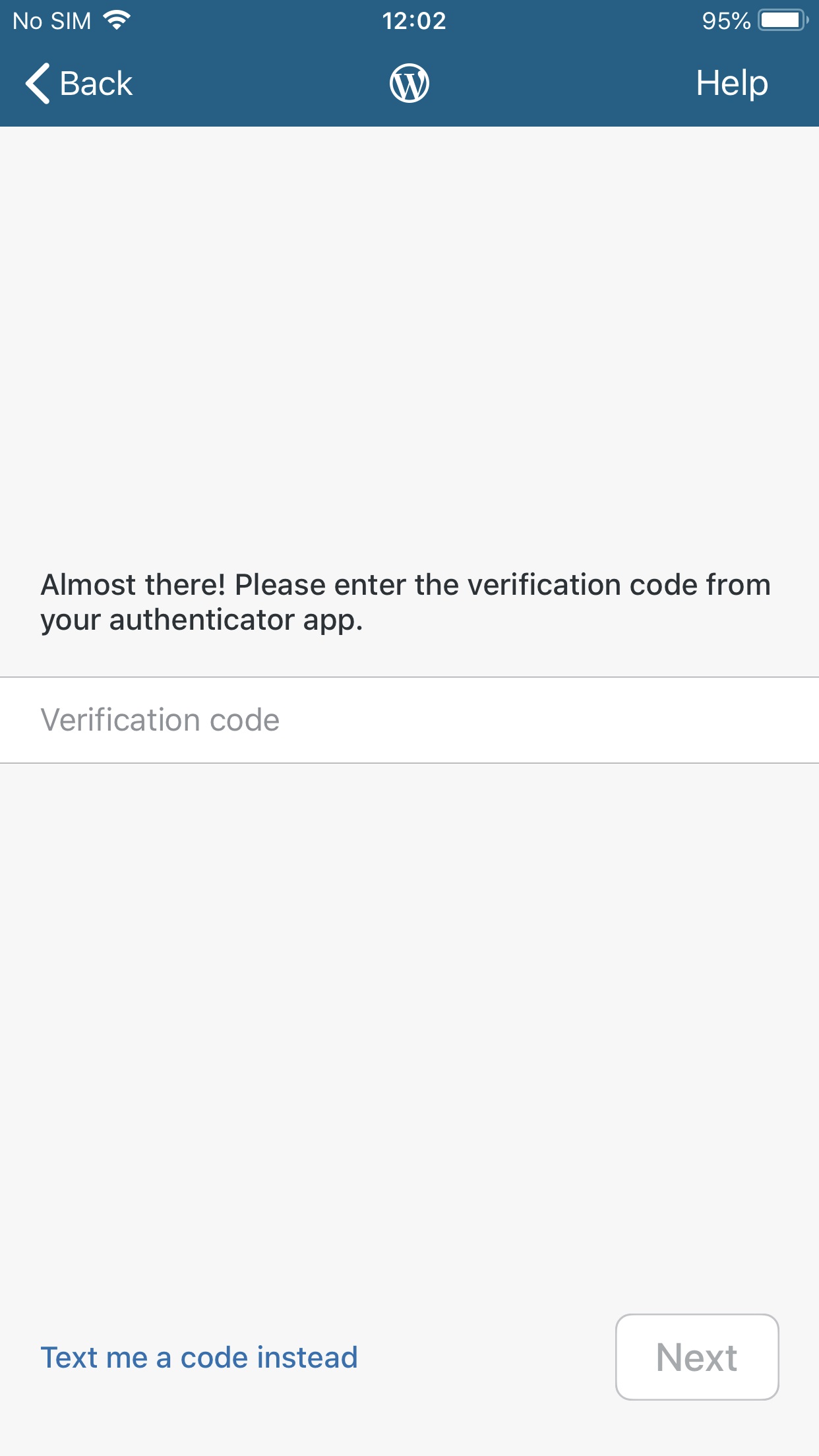
Applying Two Factor Authentication to an account and choosing Text Messages as the Authentication method before attempting to Login causes the message “Almost there! Please enter the verification code from your authenticator app.” and the button that reads “Text me a code instead” to be displayed, even though an Authenticator App is not being used and the text code was already sent.
Reproduction Rate
4/4 100%
Expected behaviour
The Two Factor Authentication screen should accurately reflect the Authentication method of choice.
Actual behaviour
The Two Factor Authentication screen is displayed as an Authenticator App is being used.
Steps to reproduce the behaviour
- Install and launch WordPress 14.7
- Activate Two Factor Authentication for an account and select Text Messages as the Authentication method.
- Enter the credentials for that account to reach the Two Factor Authentication Screen.
Tested on the following
iPhone 7+ (12.0.1)
Please see the attached screenshot for more information
Submitted by:
Luis Pimenta
 wptester9845
All 6 comments
Tested and confirmed using WPiOS 14.7.0.2 TestFlight beta.
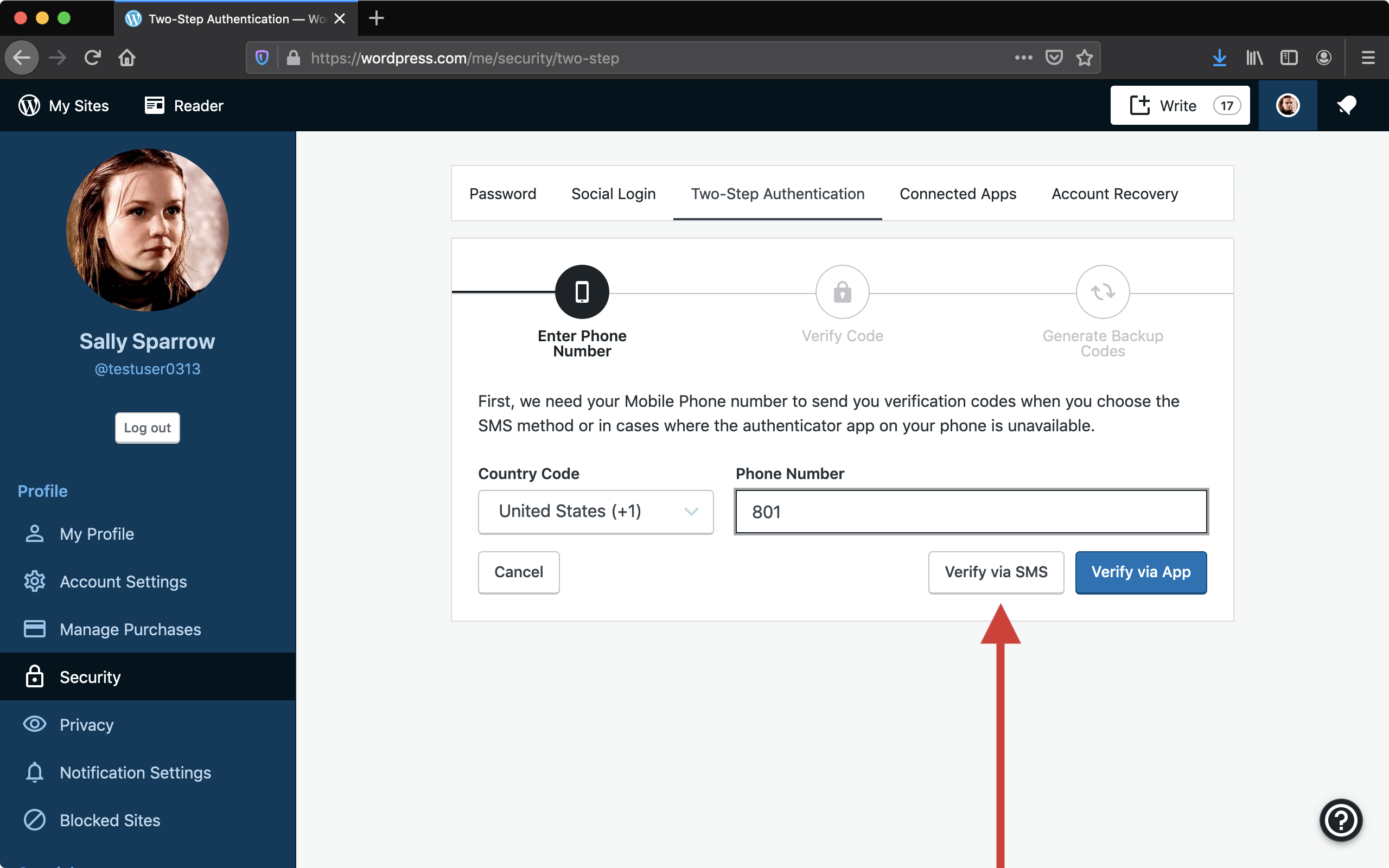
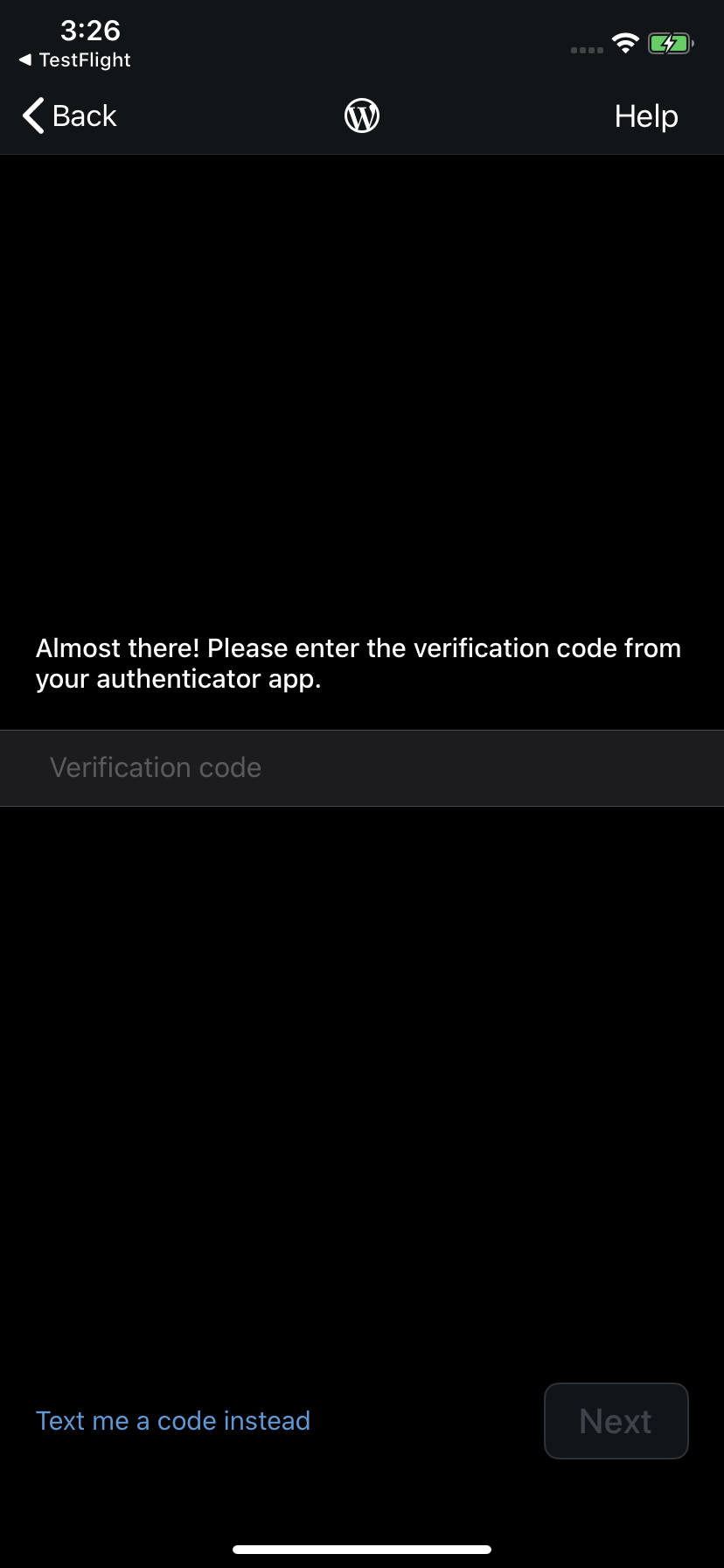
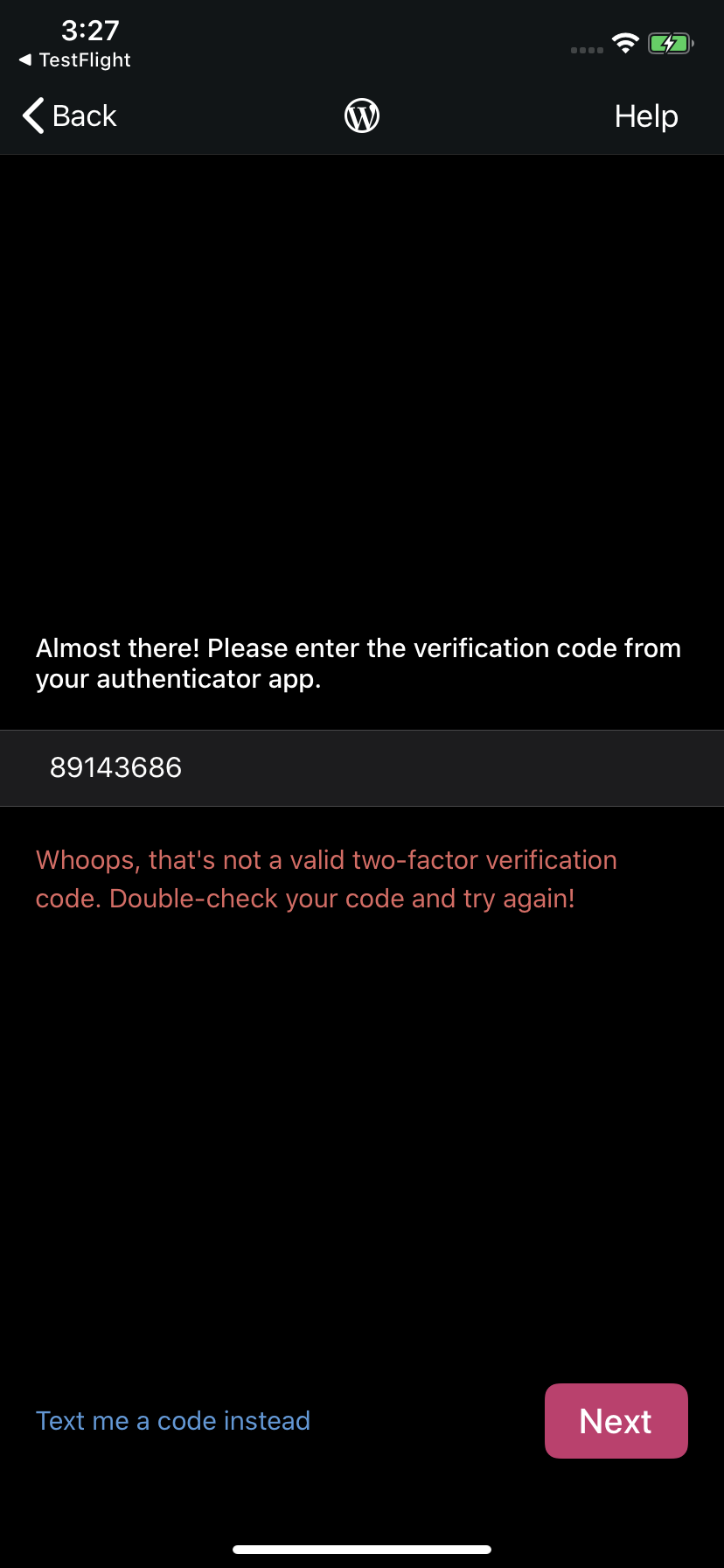
Tested with WPiOS 14.7.0.2 TestFlight beta on iPhone 11 iOS 13.4.1.
 designsimply
on 24 Apr 2020
designsimply
on 24 Apr 2020
Also reported for Android at https://github.com/wordpress-mobile/WordPress-Android/issues/11746.
designsimply
on 24 Apr 2020
Inquired about addressing as part of the Unified Login & Signup project.
(internal reference: pauD4L-Bb-p2#comment-639)
designsimply
on 24 Apr 2020
Is the login and signup going to be overhauled? So that means this bug can be ignored?
 gibtang
on 25 Apr 2020
gibtang
on 25 Apr 2020
Is the login and signup going to be overhauled?
Yes.
So that means this bug can be ignored?
I'd rather not just close it. It's not explicitly pointed out in the new design. So I'll add it to the project to verify we do address it. We'll close it at that time.
(cc @mindgraffiti )
 ScoutHarris
on 27 Apr 2020
ScoutHarris
on 27 Apr 2020
I did some research to see if we could detect what type of 2FA an account has so we can customize the display text. Right now, we cannot.
- We don't have any endpoints implemented for WP login that provides the 2FA type.
- The endpoint we are using simply fails with a generic message that a 2FA code is needed. (
/oauth2/token)
The social login endpoints do return the 2FA types (stored in SocialLogin2FANonceInfo). We _might_ be able to use the WP login equivalent (/wp-login.php). WPiOS does use this endpoint. However, there is this note in Blog.h: Can we use an OAuth2 token with wp-login.php?. That seems significant...
At this point, I'm not sure if there is an endpoint we can use to just query the 2FA types. Or if we can/should change the login endpoint. More research is required. This is out of scope for the ULS project, so I'm removing it. I can look at possibly improving/clarifying the messaging, but the ULS 2FA behavior will be the same as it is now.
cc @mindgraffiti
ScoutHarris
on 24 Jul 2020
Related issues
designsimply
·
3Comments
 jleandroperez
·
3Comments
wptester9845
·
3Comments
designsimply
·
3Comments
jleandroperez
·
3Comments
wptester9845
·
3Comments
designsimply
·
3Comments
 rclations
·
3Comments
rclations
·
3Comments
Most helpful comment
Yes.
I'd rather not just close it. It's not explicitly pointed out in the new design. So I'll add it to the project to verify we do address it. We'll close it at that time.
(cc @mindgraffiti )