Webiny-js: "image gallery component not found" when using the image gallery page element
This is:
- Bug
Specifications
- version: 4.4.0
- OS: Mac
- Browser: Chrome
Expected Behavior
- When drag&drop an
image gallerypage element, and clickAdd Imagesbutton and the upload view appears, the modal should be closed. - When selecting the images, and upload to the page, the images should show up.
Actual Behavior
- When drag&drop an
image gallerypage element, and clickAdd Imagesbutton and the upload view appears, the modal is staying open, only when we click outside the modal, or on thesavebutton, the modal closes. - When selecting the images, and upload to the page, the images are not showing on the page.
Steps to Reproduce the Problem
- Create a new page
- Add an
image gallerypage element - Add a couple of images and upload them.
Possible Solution
- Check on the
image galleryplugin type -> render function.
 AlbionaHoti
All 14 comments
@AlbionaHoti I have been having issues uploading images to page builder and trying to render them. Do you think this could be related to this issue? Check the console logs in these screenshots:
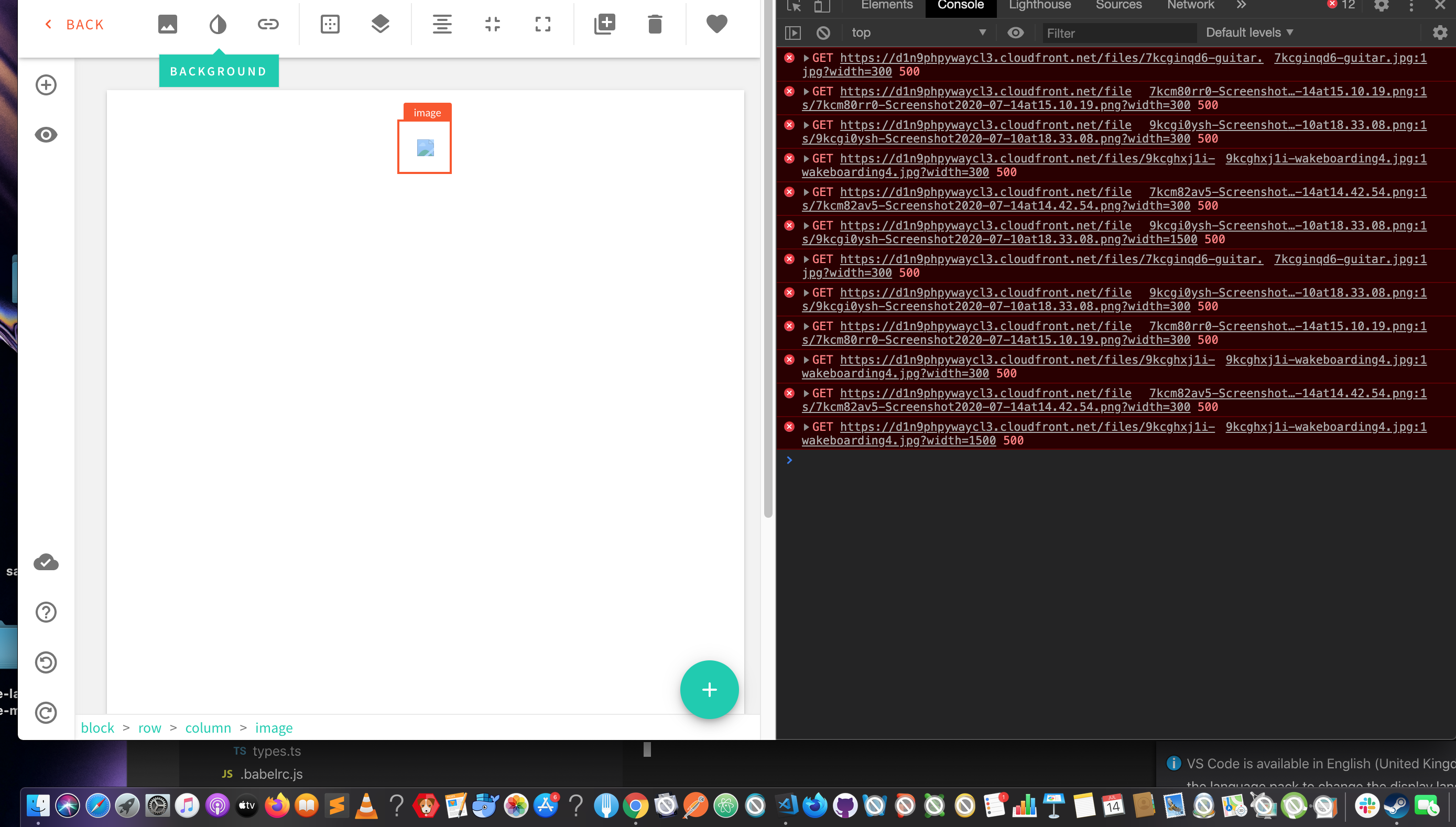
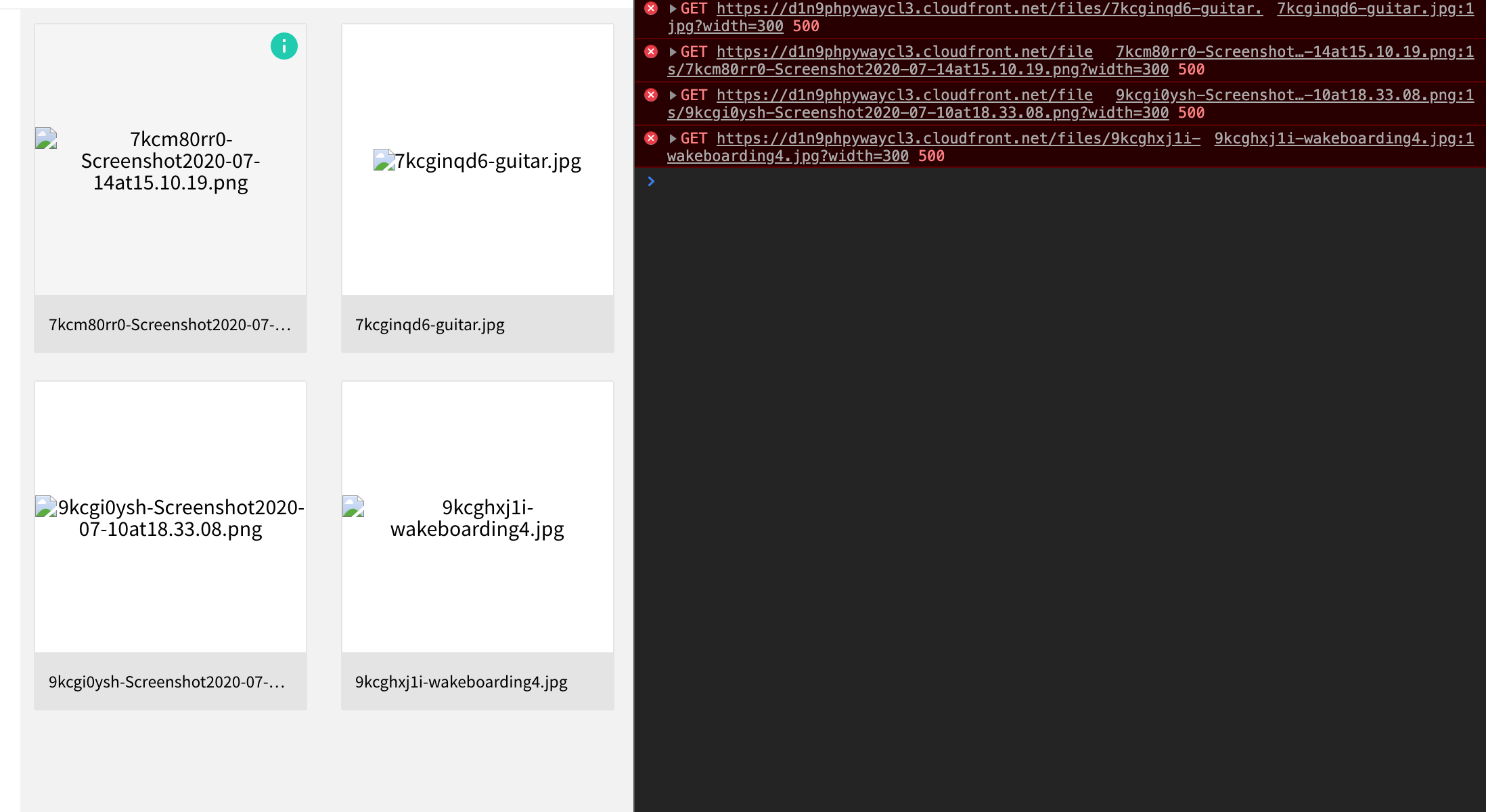
 TommyJackson85
on 14 Jul 2020
TommyJackson85
on 14 Jul 2020
Hi @TommyJackson85
The bug is occurring only with the image gallery page element.
If you are interested to jump in and see what is causing the bug, you are more than welcome :)
AlbionaHoti
on 16 Jul 2020
@AlbionaHoti yeah no problem :) I will look into this and create a PR on it if needs be.
TommyJackson85
on 19 Jul 2020
@AlbionaHoti so far I see your point, but I think the modal not closing is a separate issue to the images not showing. Regardless I am looking into both at the same time anyway. Thanks for highlighting this!
I am getting this issue when attempting to upload the images to document. This could be to do with images not being saved properly:

@Pavel910 should we create a separate issue for the uploading of images and keep this one related to closing of the modal?
TommyJackson85
on 20 Jul 2020
@TommyJackson85 yes, definitely split the issues 👍 Thanks!
 Pavel910
on 21 Jul 2020
Pavel910
on 21 Jul 2020
@Pavel910 @AlbionaHoti I created a separate issue for closing Modals (issue #1156). See the link above.
So feel free to edit this initial post to be more suited to the "image gallery component not found" issue.
TommyJackson85
on 22 Jul 2020
@Pavel910 @AlbionaHoti I created a PR for this but I am wondering is this just something related to data storage of images in development. Maybe I need to upgrade my AWS package to allow more image storage.
As I highlight above and in the newest PR, there is 500 errors with get requests of images.
TommyJackson85
on 27 Jul 2020
@TommyJackson85 it's definitely not related to any AWS limits on storage (there are no limits on AWS, except your wallet capacity :D ).
A potential explanation is that maybe your CDN URL in the database, doesn't match your actual API URL. Open your MongoDB client, go to Settings collection, find a record with key: "file-manager". See if the srcPrefix matches your actual API URL:
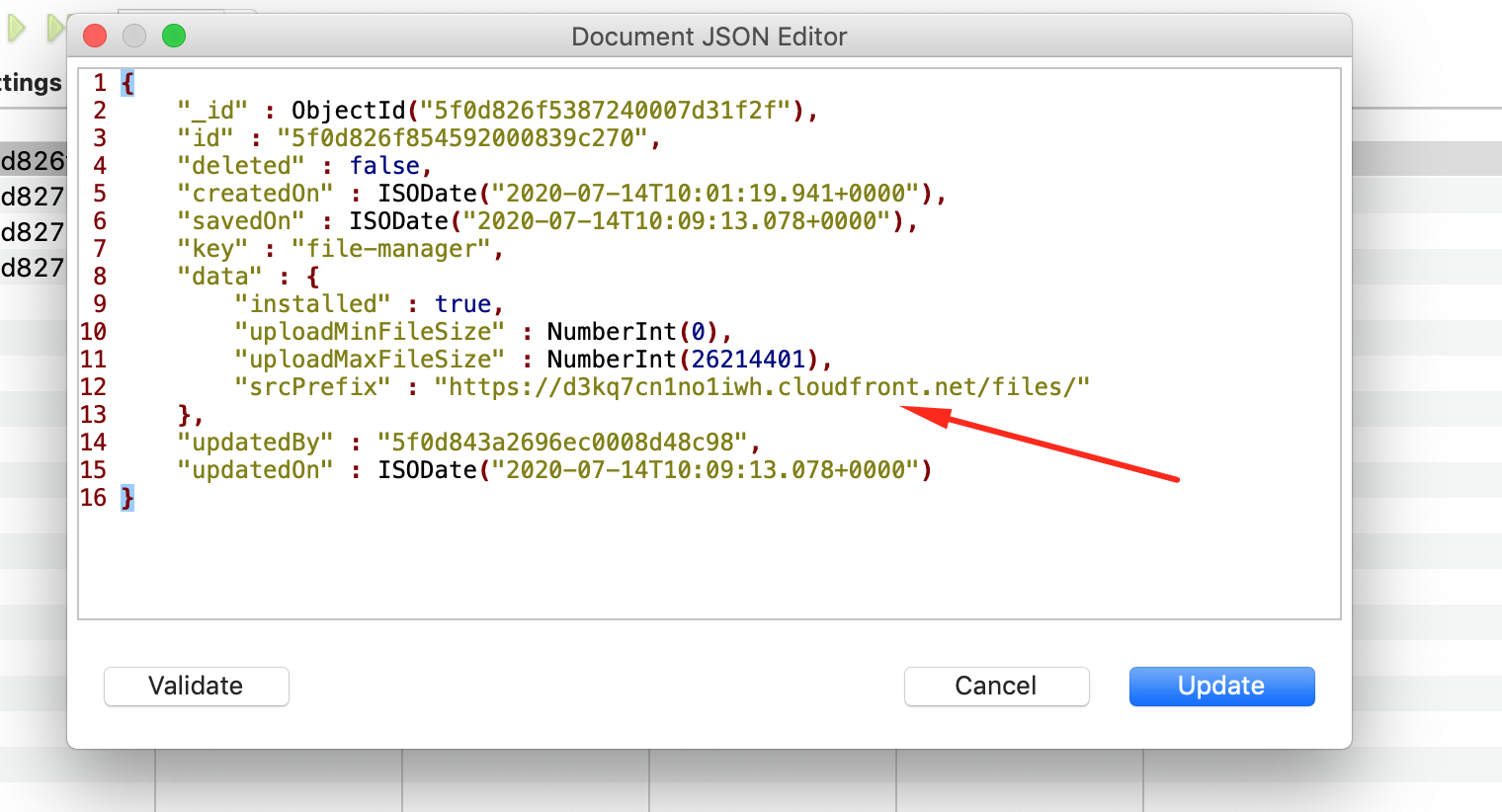
If not, update this value in the database to include your actual API URL.
Let me know how this goes.
Pavel910
on 27 Jul 2020
@Pavel910 yeah under file-manager in my Mongodb Atlas database I found this:
srcPrefix: "https://d1n9phpywaycl3.cloudfront.net/files/"
Where should my API URL be located in the local repository so I can find the correct URL?
TommyJackson85
on 29 Jul 2020
@TommyJackson85 it's your API CDN domain, just see where your React app is sending requests for the API.
Or, you can go to .webiny/state/api/local/Webiny.cdn.json and find it there.
Pavel910
on 29 Jul 2020
@Pavel910 after rerunning yarn webiny deploy api --env=local from the root folder I got the following links:
  🔗 Main GraphQL API: https://d34fijhsk92afx.cloudfront.net/graphql
  🔗 CMS API:
     - Content Delivery API: https://d34fijhsk92afx.cloudfront.net/cms/read/production
     - Content Preview API: https://d34fijhsk92afx.cloudfront.net/cms/preview/production
So you're correct, they are not matching with the Mongodb file manager srcPrefix! I will update the srcPrefix to https://d34fijhsk92afx.cloudfront.net/files.
TommyJackson85
on 29 Jul 2020
@Pavel910 It worked! After changing the url I ran yarn start from apps/admin again. The previous images I attempted to upload were uploaded to the database anyway, and are now appearing, which tells me it had issues loading the mongodb client link data :
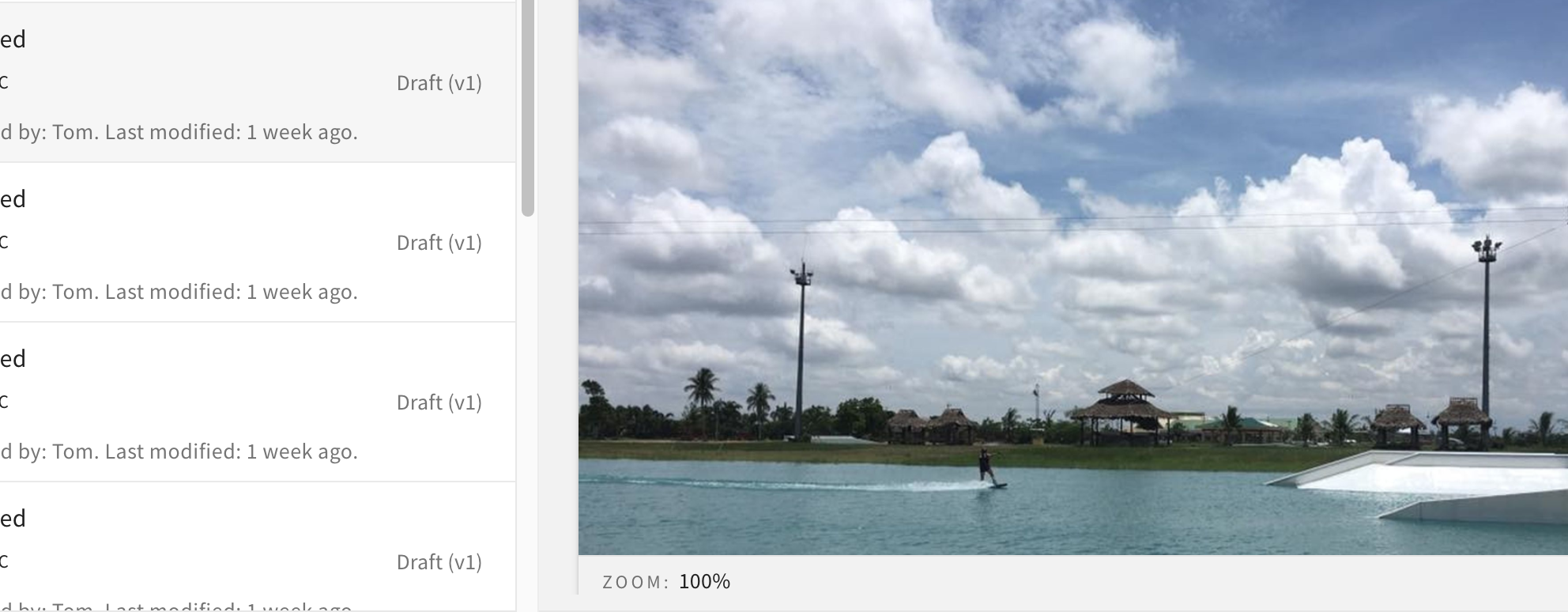
@AlbionaHoti can you try what I did to see if it works on your end?
TommyJackson85
on 29 Jul 2020
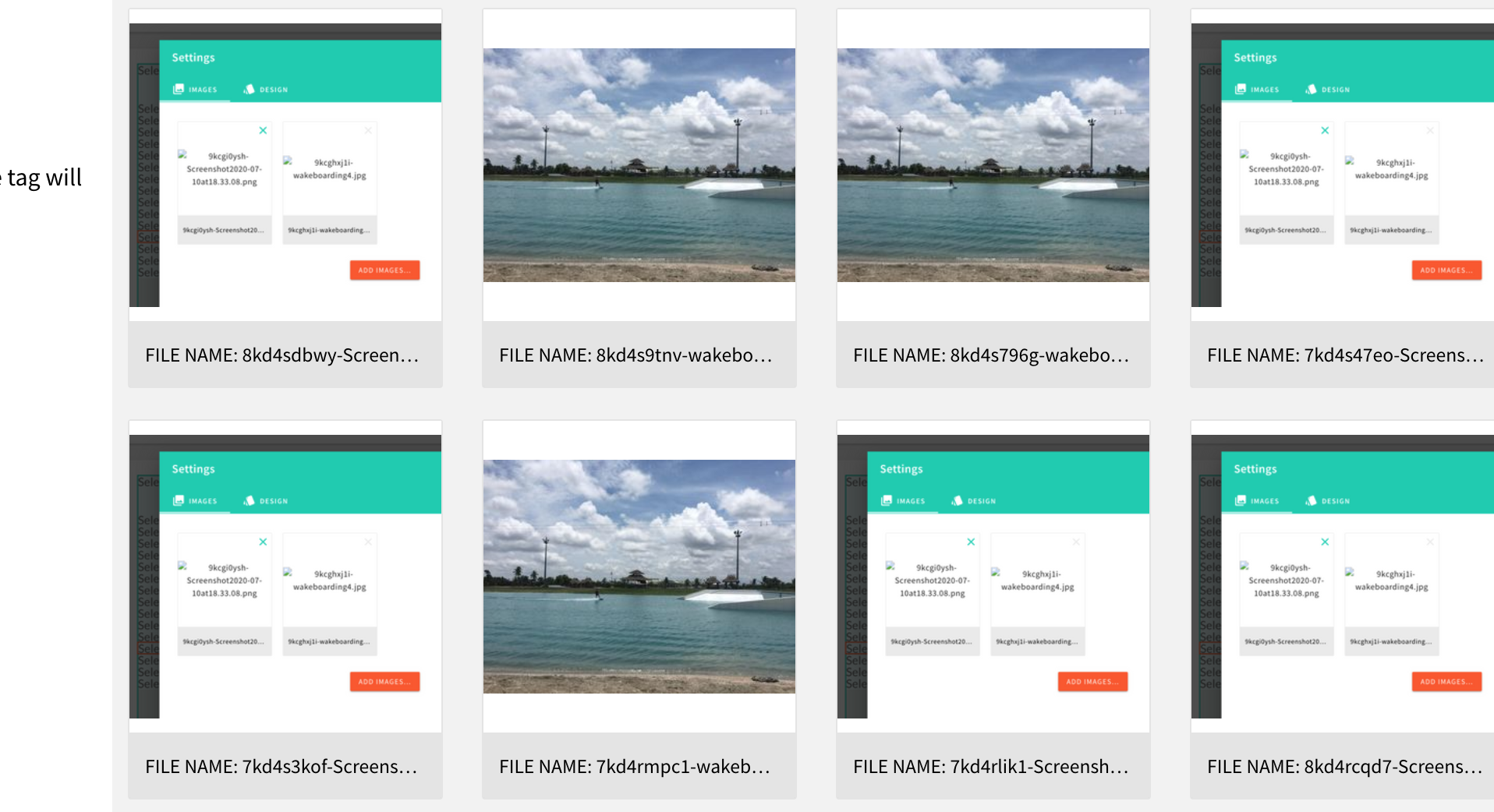
From the image library:
TommyJackson85
on 29 Jul 2020
@AlbionaHoti just realised "image gallery component not found" still appears in the editor when dropping a gallery in. Will take another look at this when I can.
In the mean time, the PR for this Issue is still relevant.
@Pavel910 please take another look at the PR.
TommyJackson85
on 4 Aug 2020
Related issues
 doitadrian
·
4Comments
doitadrian
·
4Comments
doitadrian
·
4Comments
doitadrian
·
4Comments
 EmilK15
·
5Comments
doitadrian
·
5Comments
TommyJackson85
·
6Comments
EmilK15
·
5Comments
doitadrian
·
5Comments
TommyJackson85
·
6Comments