Webiny-js: [MongoDB] Reset database in the simplest way without having to change vaiables
This is:
- Question
I am looking for the simplest way to completely reset my mongo database, without having to create a new cluster or mongodb connection link.
If I delete these files individually from Mongodb Atlas, will it create any unwanted errors?:
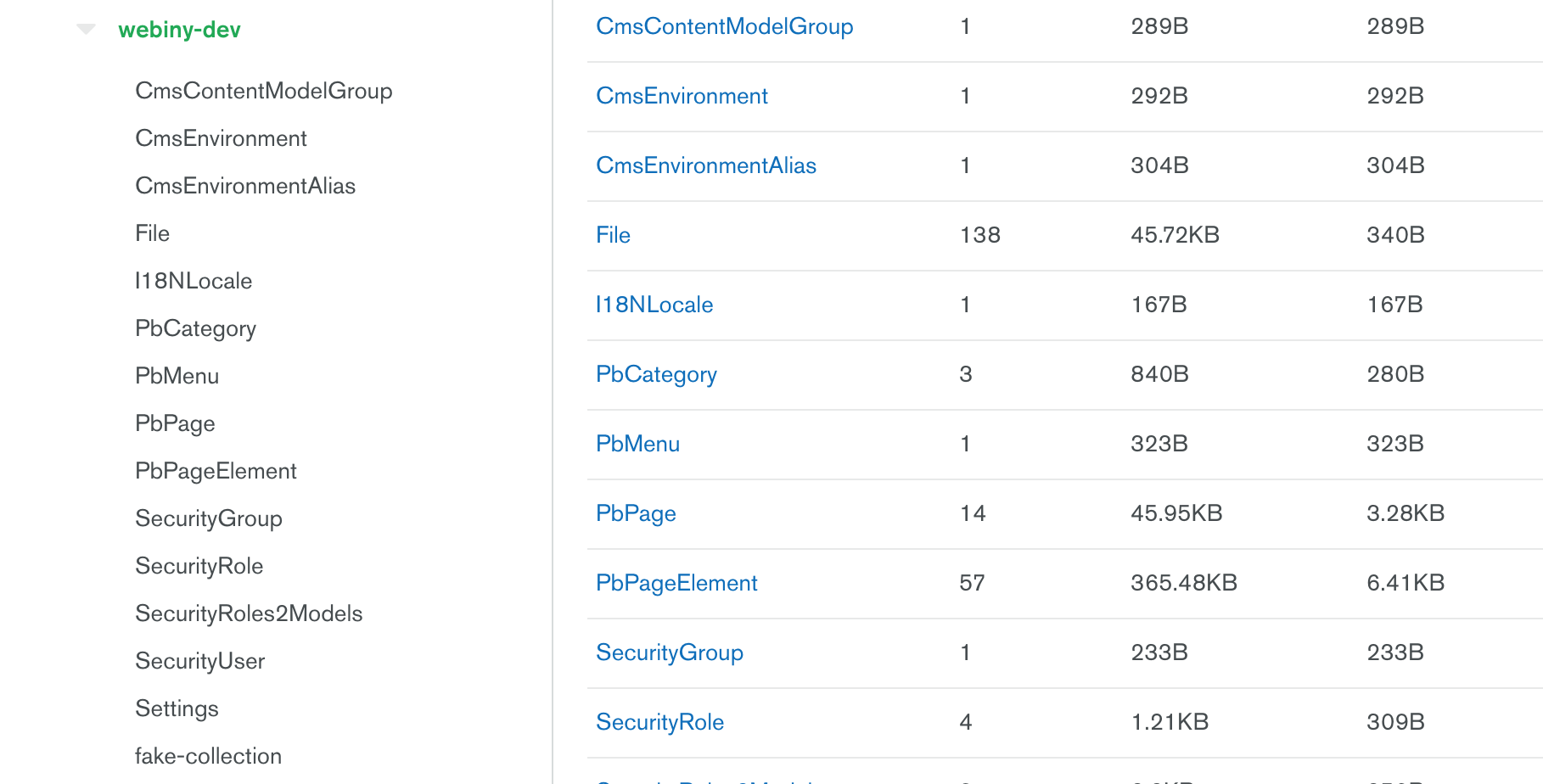
I am trying to do this because I think I have a database error when navigating to the page builder section.
The last thing I want to do it reset everything. Any advice would be great. :)
 TommyJackson85
All 6 comments
@TommyJackson85 You can delete the whole database and next time to refresh the browser, the installation wizard will start again. No need to create a new cluster, just drop/clear collections.
What is the error you’re getting btw.?
Also, for easier DB management, get a Studio 3T, they have a free tier for up to 3 DB connections.
 Pavel910
on 5 Jul 2020
Pavel910
on 5 Jul 2020
@Pavel910 When working on Pull Request 1075, I tested out deleting a category with a linked project, and there was an error picking up the category name data from navigating to page builder from all branches I was working on at the time.
So I deleted the entire 'webiny-dev' (this is what I named my database) mongo database, to reset it. When running yarn start on 'sample-project/apps/admin' it restarts the mongo db creating a 'settings' collection inside a new webiny-dev folder.
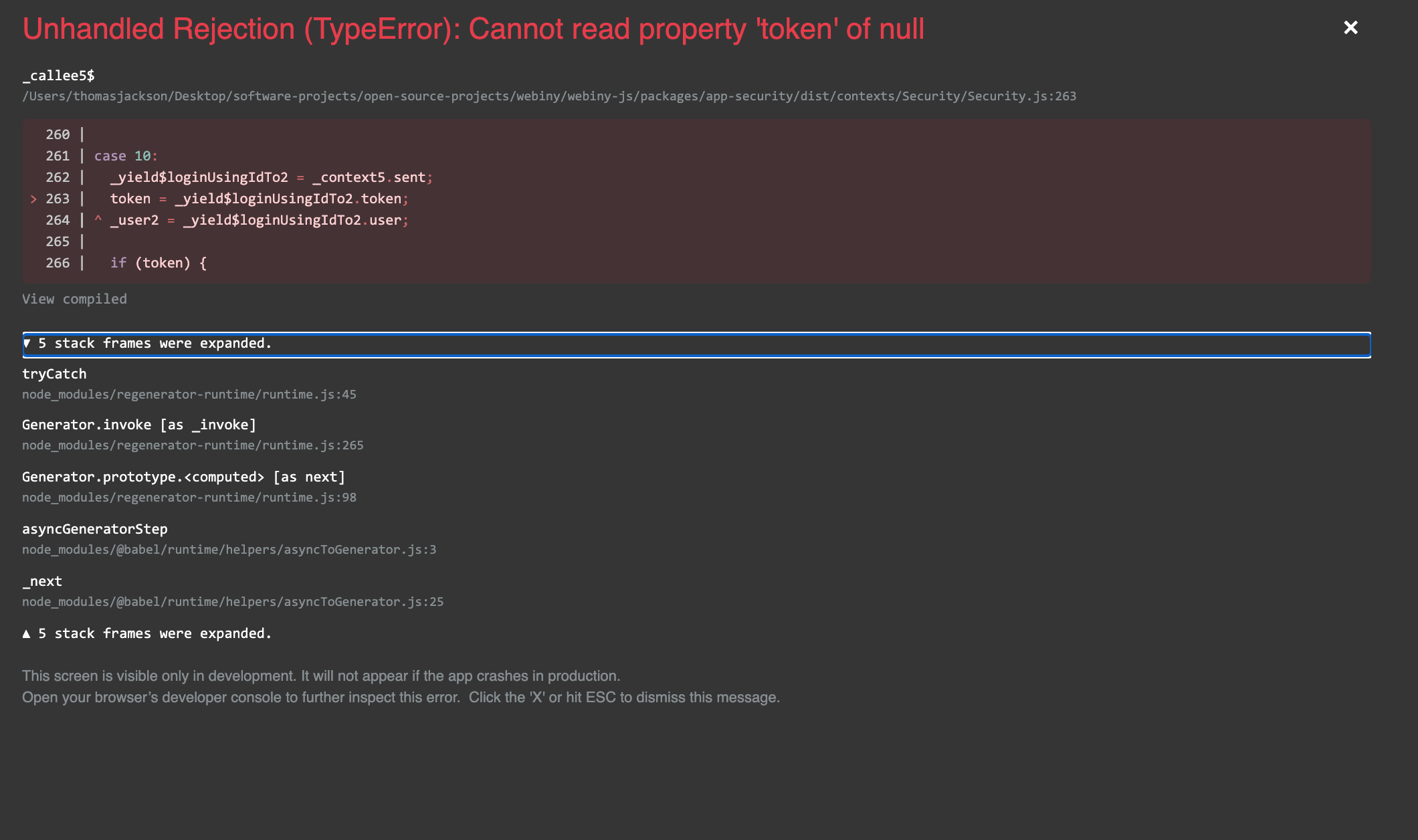
I then created a new Admin account from the Security page but it now leads me to this error, any suggestions?:
TommyJackson85
on 5 Jul 2020
@TommyJackson85 honestly - no idea why this is happening. So I suppose you did complete the installation wizard, you logged in with your new admin account, then you created this new user. When exactly does this error happen, is it during login with this new user, or is it during user creation (while still being logged in with the initial admin account)?
Pavel910
on 5 Jul 2020
@TommyJackson85 Have you tried clearing the local storage and cache via going into the application tab in chrome dev tools?
Also, If you can, please join our community slack you will able to find the help of issues a lot quicker there.
 Ashu96
on 5 Jul 2020
Ashu96
on 5 Jul 2020
@Pavel910 it happened first when redirecting after registering admin user. Then it kept happening when reloading localhost:3001
Not to worry anyway! @Ashu96 's advice helped with this.
Thanks to both of yeah anyway :)
TommyJackson85
on 5 Jul 2020
Please reopen this issue once you add more information and updates here. If this is not the case and you need some help, feel free to seek help from our Slack Community or ping one of the reviewers. Thank you for your contributions!
 doitadrian
on 9 Oct 2020
doitadrian
on 9 Oct 2020
Related issues
doitadrian
·
5Comments
 jcode-hub
·
4Comments
doitadrian
·
4Comments
jcode-hub
·
4Comments
doitadrian
·
4Comments
 jsblx
·
4Comments
jsblx
·
4Comments
 icy-meteor
·
4Comments
icy-meteor
·
4Comments