Web-bugs: my.account.sony.com - Unable to sign in
Browser / Version: Firefox 77.0
Operating System: Windows 10
Tested Another Browser: Yes Chrome
Problem type: Something else
Description: Cannot Login With Firefox Nightly. Chrome works Fine
Steps to Reproduce:
Cannot Login With Firefox Nightly. Chrome works Fine. The page looks like its working but gives a connection timed out error.
View the screenshot
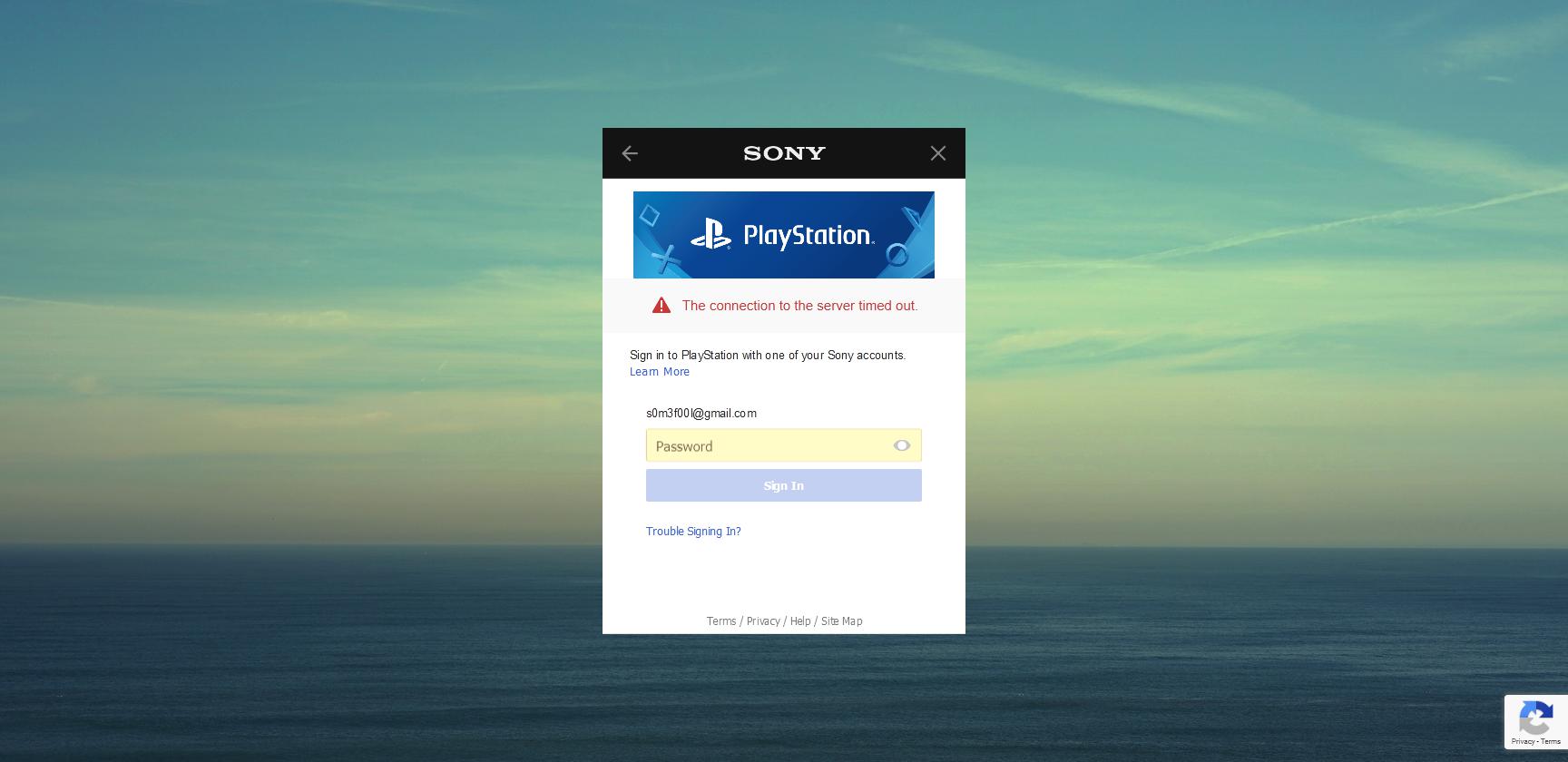
Browser Configuration
- None
_From webcompat.com with ❤️_
 s0m3f00l
All 8 comments
Thanks for the report, I was able to reproduce the issue. After sign in I'm redirected to https://www.playstation.com/en-us/ but still not signed in.

Note:
- The issue is not reproducible on Chrome.
- The issue is reproducible on Firefox regardless if TP is enabled or not.
Console:

Tested with:
Browser / Version: Firefox Nightly 77.0a1 (2020-05-03)
Operating System: Windows 10 Pro
Moving to Needsdiagnosis for further investigation.
 softvision-oana-arbuzov
on 4 May 2020
softvision-oana-arbuzov
on 4 May 2020
FYI - Just to add my specific experience for troubleshooting. I get redirected like this:
1. Clicked Here:

2. Redirected to this site:

3. Finally the server times out:

Let me know if you need any additional.
s0m3f00l
on 4 May 2020
Your input is great, I just have a different behavior, but the same problem - we can't sign in.
softvision-oana-arbuzov
on 4 May 2020
I have the same experience as @softvision-oana-arbuzov , after signing in redirected to https://www.playstation.com/en-us/ and not signed in.
We have https://bugzilla.mozilla.org/show_bug.cgi?id=1626696 and reached out to Sony regarding the issue
@s0m3f00l your issue looks different. Could you please check if setting network.cookie.sameSite.laxByDefault pref to false in about:config changes anything?
 ksy36
on 8 May 2020
ksy36
on 8 May 2020
Current Output of network.cookie.sameSite.laxByDefault = True:
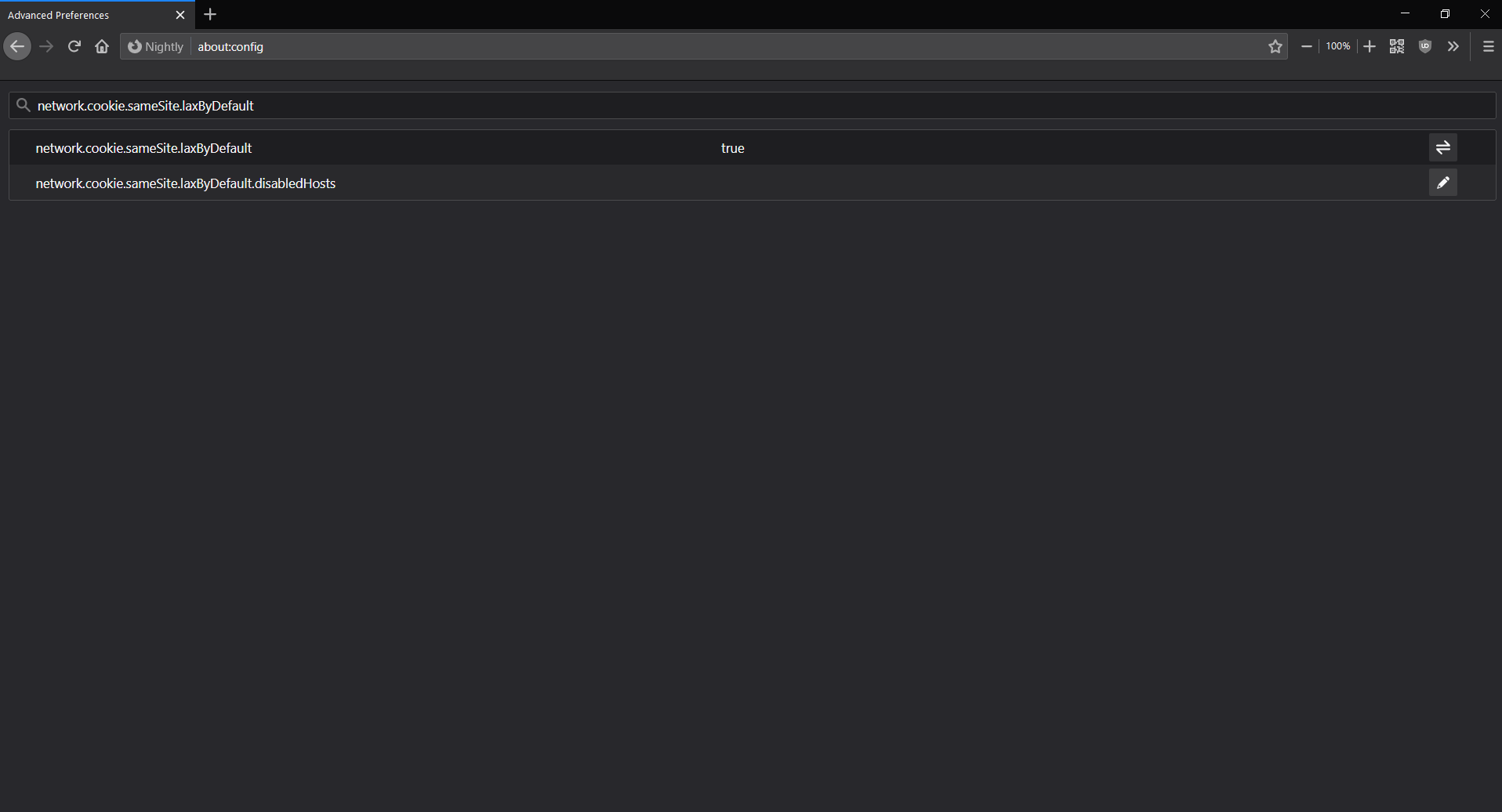
Changed to false:

Clicked here:

Redirected here:
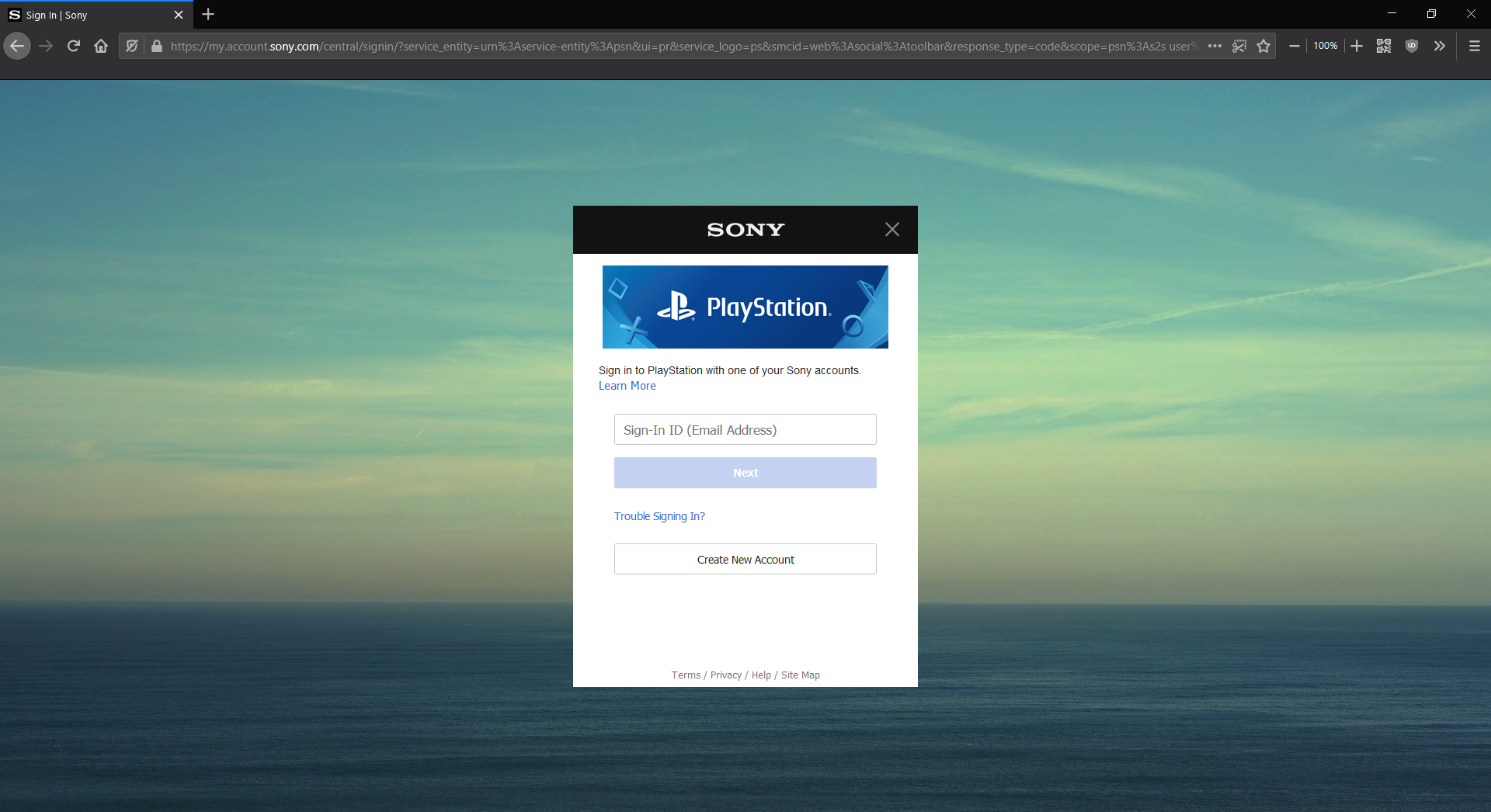
Not sure why. I turned off all the filtering (I usually run ad blockers and surricata but disabled them and Ublock for this test) and the results are the same...
click here:

Password prompt and sign in:
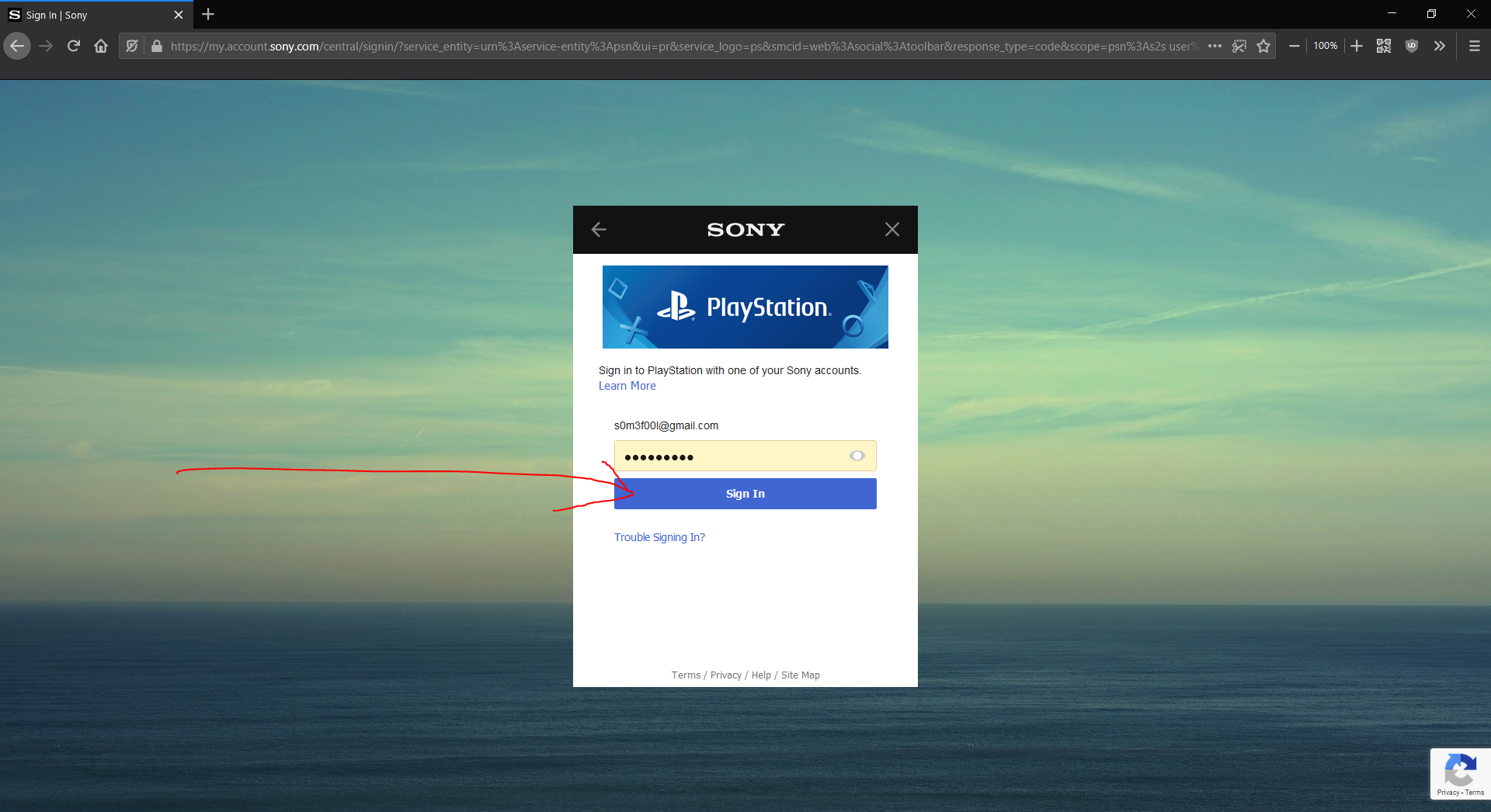
Final Result and error:
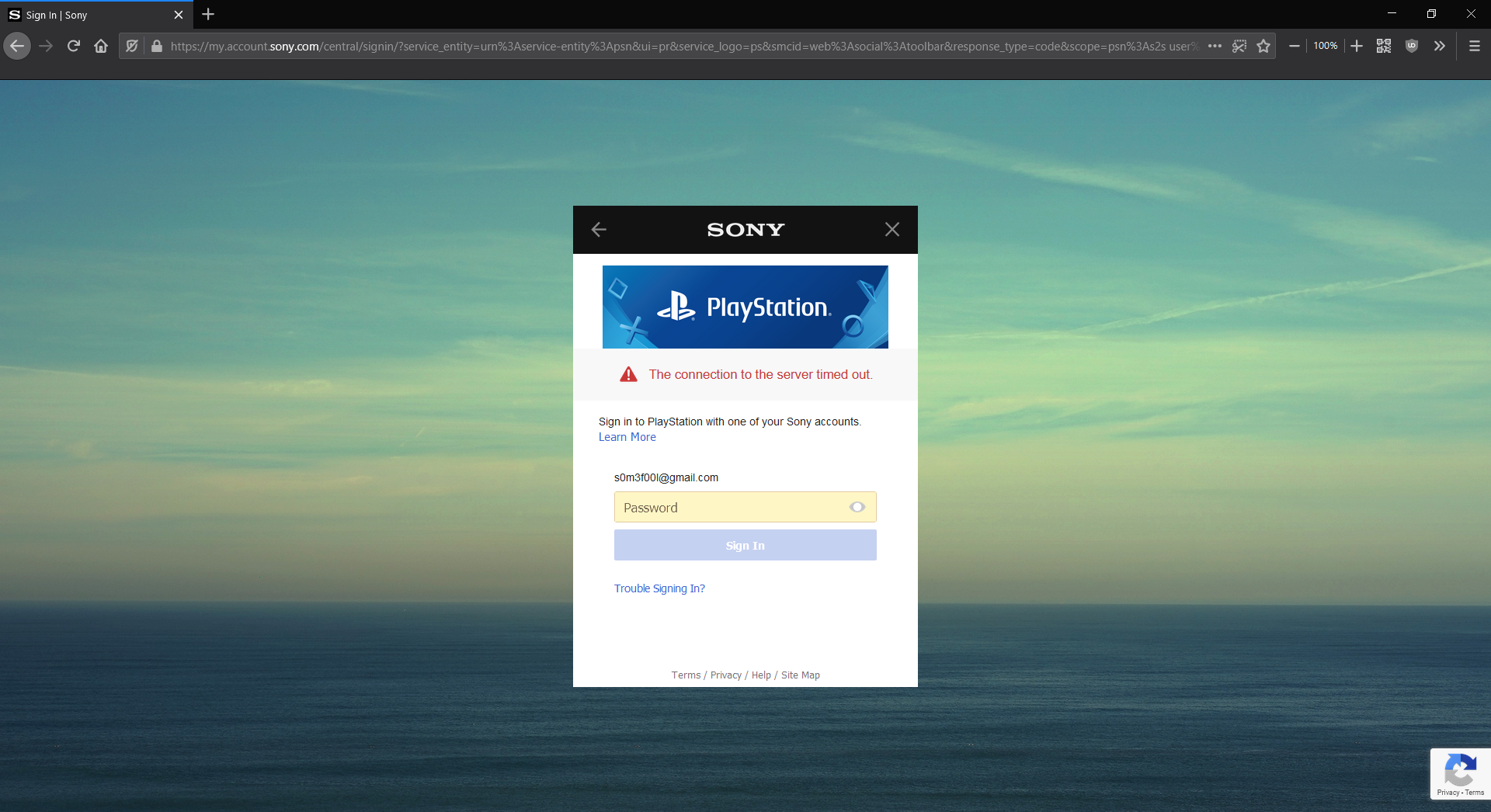
s0m3f00l
on 8 May 2020
I have tried with network.cookie.sameSite.laxByDefault both set to true and false (F76 on Win) but I get the same 'timed out' message either way. I've also tried clearing all cookies and storage before trying again. Is anyone seeing different results with this option?
 AgentOak
on 19 May 2020
AgentOak
on 19 May 2020
Why was this closed @karlcow? Its not fixed in any of the duplicates you listed and both reference this ticket?
And this is still not fixed.
s0m3f00l
on 11 Jun 2020
Regular Cleaning. The milestone was duplicate with an open status
The right bug to follow this issue is https://bugzilla.mozilla.org/show_bug.cgi?id=1626696
which is still open.
Let me read the full issue again.
So I tried just now with a clean new profile. no addons, no cache, just created for the test.
- With Firefox Nightly 79.0a1 (2020-06-10) (64 bits) on macOS 10.15.5 (19F101)
- Open the browser.
- deactivate in about:config
network.cookie.sameSite.laxByDefaultset to false. - access https://www.playstation.com/en-us/
- click on sign in
- Got the login page.
- Enter the credentials
- redirected to https://www.playstation.com/en-us/ (LOGGED IN)
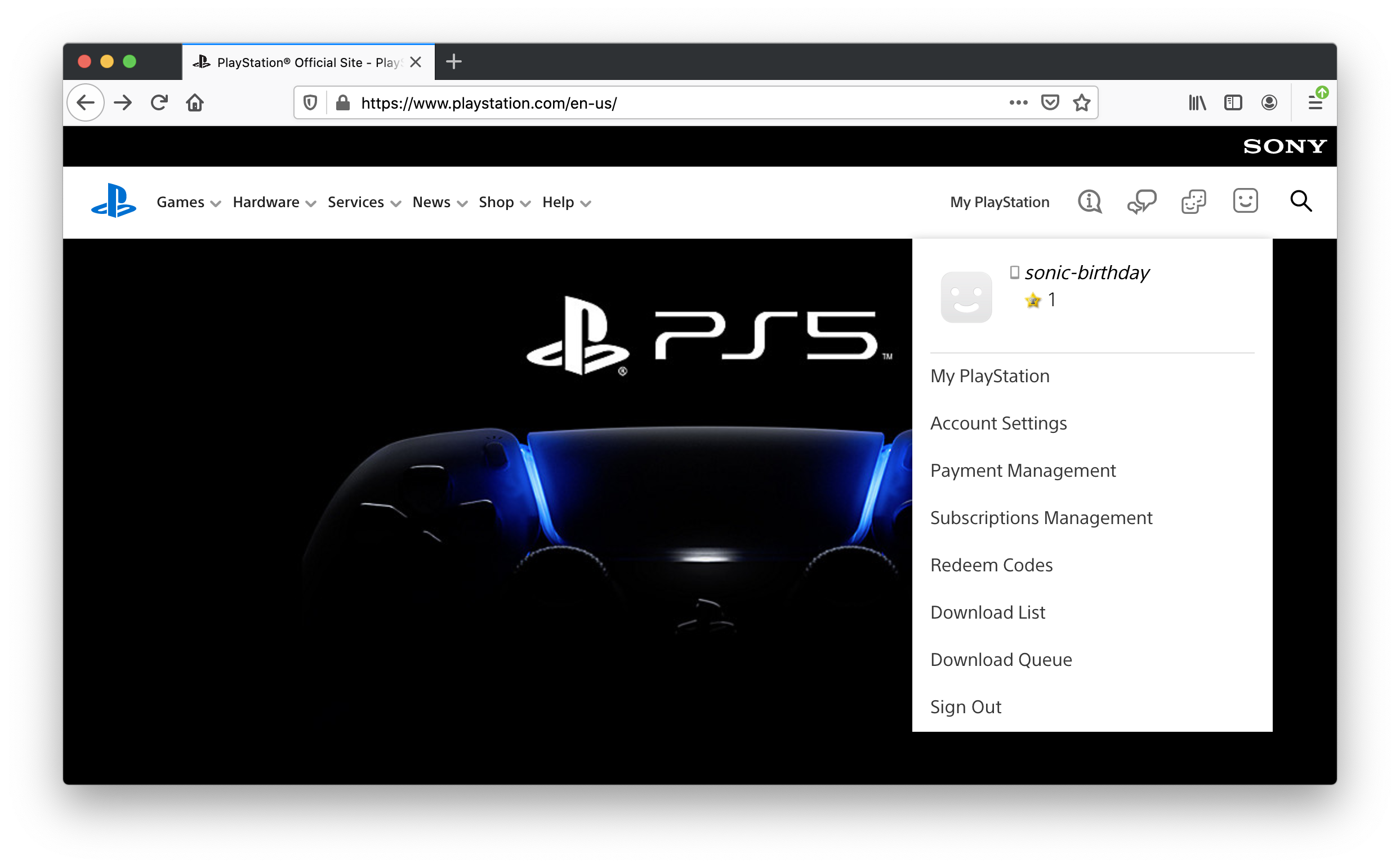
 karlcow
on 11 Jun 2020
karlcow
on 11 Jun 2020
Related issues
 vickychin
·
4Comments
vickychin
·
4Comments
 oksas
·
5Comments
oksas
·
5Comments
 massic80
·
5Comments
massic80
·
5Comments
 lolrepeatlol
·
4Comments
lolrepeatlol
·
4Comments
 scheinercc
·
6Comments
scheinercc
·
6Comments