Web-bugs: www.eiger.io - Firefox is unsupported browser
Browser / Version: Firefox 69.0
Operating System: Windows 10
Tested Another Browser: Yes
Problem type: Site is not usable
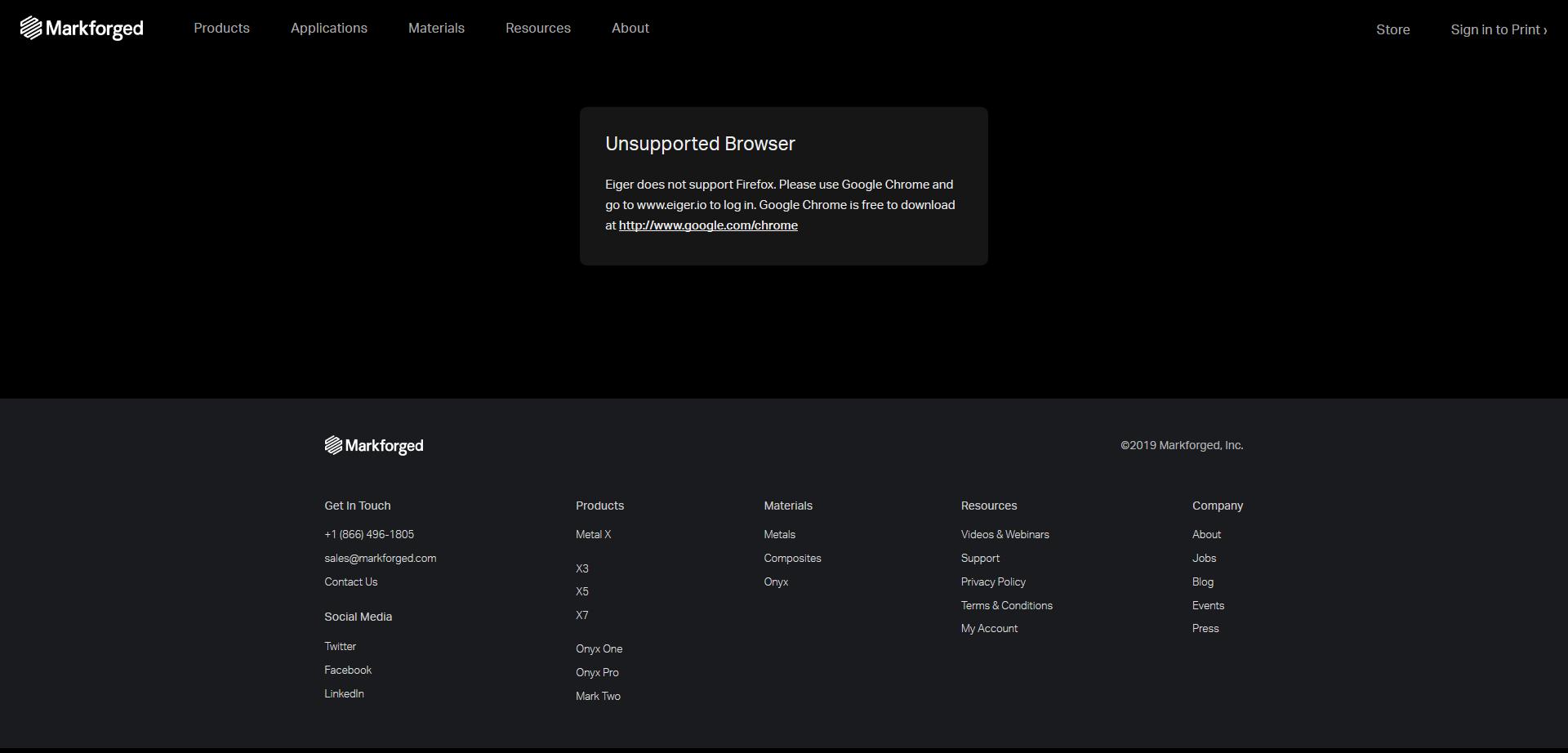
Description: The company is blocking access to Firefox, requiring only Google Chrome
Steps to Reproduce:
- I tried using the site normally, I get the error in the screenshot.
- I tried using the site with faking the user-agent (pretending to be Chrome and it's working.)
I reach out the support to ask about it, here is the response :
« Unfortunately, the browser version of Eiger is only compatible with Chrome. It is possible that using Firefox will result in performance issues with Eiger. We require use of Google Chrome because Eiger utilizes Google websockets. »
Browser Configuration
- None
_From webcompat.com with ❤️_
 AntoineTurmel
All 11 comments
Thanks for the report @AntoineTurmel , unfortunately a special account is needed to sign in.
Good thing you gave us the screenshot, showing that Firefox is unsupported browser.
I'll move the issue to Needsdiagnosis for further investigation,
 softvision-oana-arbuzov
on 29 Oct 2019
softvision-oana-arbuzov
on 29 Oct 2019
There isn't much to diagnose here without a login. Their page doesn't really load enough scripts to guess at why they wouldn't support Firefox; I can't even find that text being loaded (it must be loaded after logging in). My best wild guess is that maybe they are trying to print to 3d printers, and need something like WebUSB to do so. We'll have to contact them to find out.
@miketaylr, what do you think?
 wisniewskit
on 29 Oct 2019
wisniewskit
on 29 Oct 2019
Yeah, I think reaching out is the right path forward. I'll shoot them an email.
 miketaylr
on 29 Oct 2019
miketaylr
on 29 Oct 2019
We require use of Google Chrome because Eiger utilizes Google websockets.
:)
miketaylr
on 29 Oct 2019
Given that @AntoineTurmel says it works with a UA spoof, we could consider sending an override here as well.
miketaylr
on 29 Oct 2019
They don't use WebUSB, only « Google WebSockets» seems to be the problem... but I didn't have any issues faking the useragent so far...
It's possible to create a free account online.
AntoineTurmel
on 30 Oct 2019
I got a response:
I have filed a software ticket within the context of this ticket for our Software team to review. One of our Software Engineers should contact you if this is a discussion that they would like to have.
So, fingers crossed someone gets in touch. 🤞
miketaylr
on 30 Oct 2019
@AntoineTurmel is is still reproducible?
softvision-oana-arbuzov
on 14 Jan 2020
Hello, yes, still reproducible.
AntoineTurmel
on 15 Jan 2020
Spoofing with Chrome this is not working. I get a
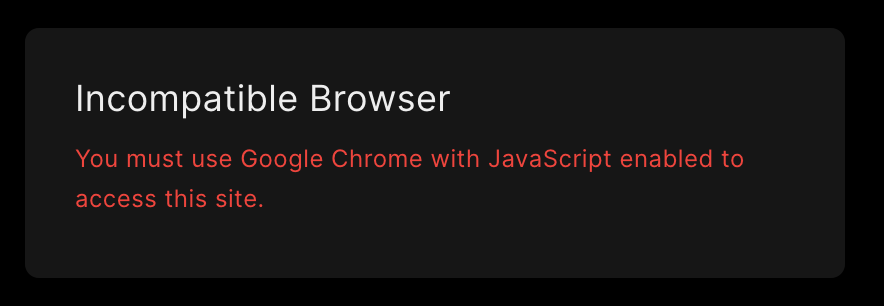
angular.element(document).ready(function () {
  var e, t;
  angular.bootstrap(document, [o.applicationModuleName]),
    (t = !1),
    (e =
      null != window.chrome || null != window.isElectron || window.Cypress) ||
      (t = navigator.userAgent.toLowerCase().indexOf("crios") > -1),
    (e || t) &&
      ((document.querySelector("#compatibleBrowserDiv").style.display = null),
      (document.querySelector("#incompatibleBrowserDiv").style.display =
        "none")),
    (window.ApplicationConfiguration = null);
});
because of
    (e =
      null != window.chrome
      || null != window.isElectron
      || window.Cypress
    ) || (
      t = navigator.userAgent.toLowerCase().indexOf("crios") > -1
    ),
so this is not a UA override but needs to define window.chrome is defined in Chrome.
This is what it looks like in Chrome.

on Chrome when once logged in with Google account.
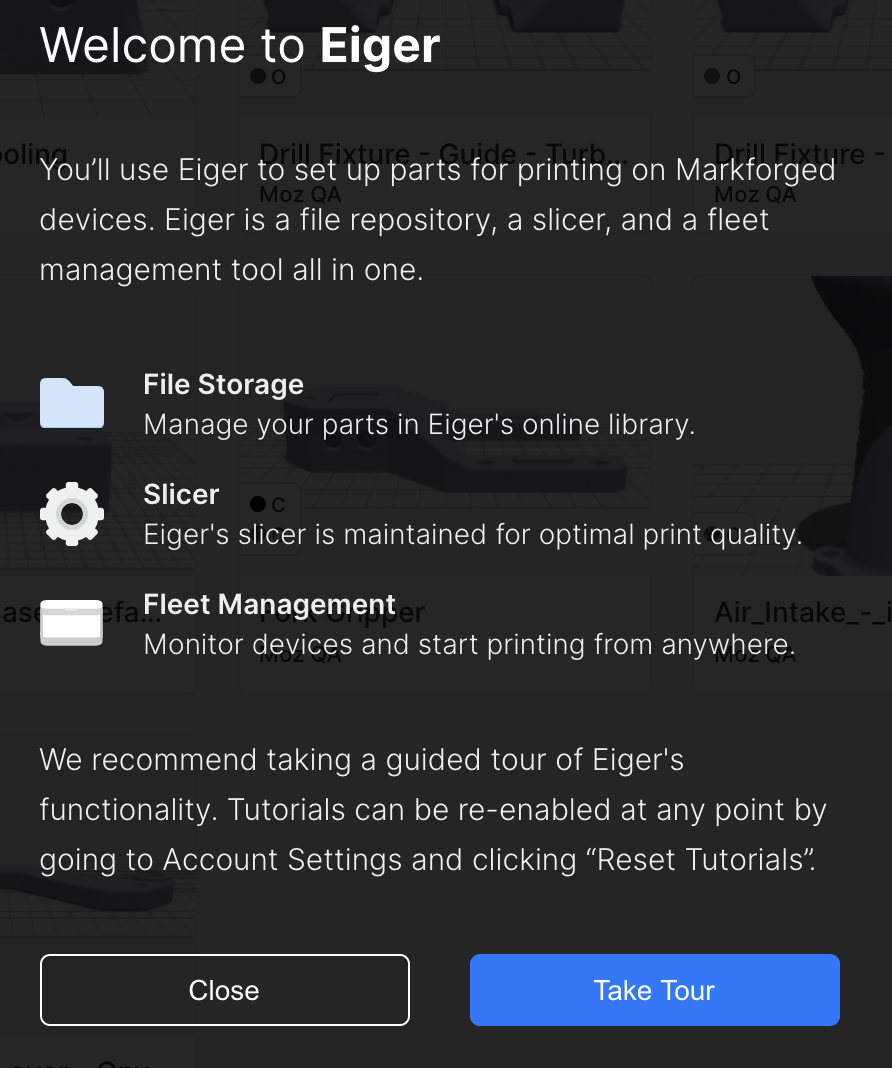
and the websocket stuff is pretty standard in
https://cdn.eiger.io/public/scripts/app-da3465c0.js
@AntoineTurmel Did they mention any specific issues?
Could you point them to this issue here and that we are ready to help them if they had specific issues with Firefox.
@markforged is on github
I wonder if @mf-pherlihy could help us resolve this.
or @mf-alex-tsepkov
 karlcow
on 9 Jul 2020
karlcow
on 9 Jul 2020
karlcow
on 9 Jul 2020
karlcow
on 9 Jul 2020
Related issues
karlcow
·
5Comments
 vickychin
·
4Comments
vickychin
·
4Comments
 bvanrijn
·
4Comments
bvanrijn
·
4Comments
 bull500
·
5Comments
bull500
·
5Comments
 scheinercc
·
6Comments
scheinercc
·
6Comments