Vscode-pull-request-github: Enable user to copy to the clipboard the link to the PR
On the description page I would love to be able to copy to the clipboard the PR link. Would save me having to click the link, go to the browser and copy the link from the browser URL input field. The whole idea of this extension is to keep the workflow within VS Code.

Thanks!
 dkent600
All 6 comments
@dkent600 If I'm right you're talking about providing a copy to clipboard action next to the title of PR. @RMacfarlane I would like to take this if no one has taken this yet.
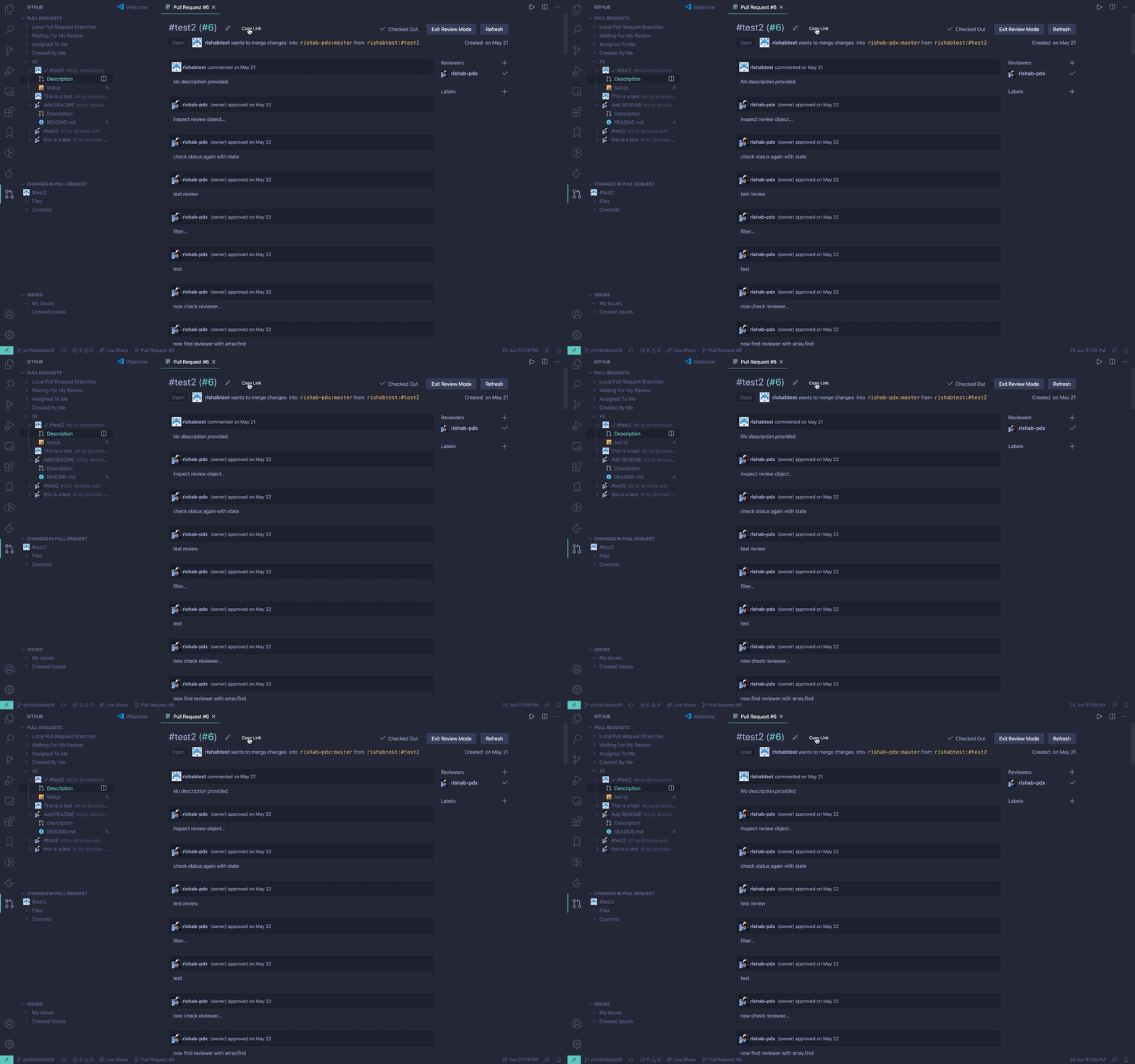
Ideally, I think there needs to be a copy icon(a notepad SVG) next to the edit icon which when clicked copies the link to clipboard.
But for now, I have added a button that lets users copy to the link. Let me know if a notification toast or message box should be displayed on the success of copying the link.
It would be great if someone with UX/photoshop skills provides an SVG that matches with the extension icons located in resources/icons.
 RishabhKothaari
on 25 Jun 2020
RishabhKothaari
on 25 Jun 2020
This looks good @rishab-pdx have you got a PR in the works?
Would of thought we could use the same icon from github or opensource icon?

 ashrodan
on 26 Sep 2020
ashrodan
on 26 Sep 2020
Looks like a dupe of https://github.com/microsoft/vscode-pull-request-github/issues/1172 @RMacfarlane
ashrodan
on 27 Sep 2020
@ashrodan I could not get back earlier. There is a PR in work which makes use of vscode's clipboard api. If we can have the icon for copy action then I can merge it and create a final PR.
RishabhKothaari
on 7 Oct 2020
2203 addresses this! @RMacfarlane @ashrodan FYI
RishabhKothaari
on 8 Oct 2020
This is addressed in #2203
RishabhKothaari
on 19 Oct 2020
Related issues
 radu-matei
·
3Comments
radu-matei
·
3Comments
 RamonMeffert
·
3Comments
RamonMeffert
·
3Comments
 jrieken
·
3Comments
jrieken
·
3Comments
 Tyriar
·
4Comments
Tyriar
·
4Comments
 alexdima
·
3Comments
alexdima
·
3Comments
Most helpful comment
@dkent600 If I'm right you're talking about providing a
copy to clipboardaction next to the title of PR. @RMacfarlane I would like to take this if no one has taken this yet.Ideally, I think there needs to be a copy icon(a notepad SVG) next to the edit icon which when clicked copies the link to clipboard.
But for now, I have added a button that lets users copy to the link. Let me know if a notification toast or message box should be displayed on the success of copying the link.
It would be great if someone with UX/photoshop skills provides an SVG that matches with the extension icons located in
resources/icons.