Visualstudio: Extra line included when `Open on GitHub` is called with a selection
- GitHub Extension for Visual Studio version: 2.5.5
NOTE: Use the keyboard rather than the mouse to select:
- Select a range in the code editor
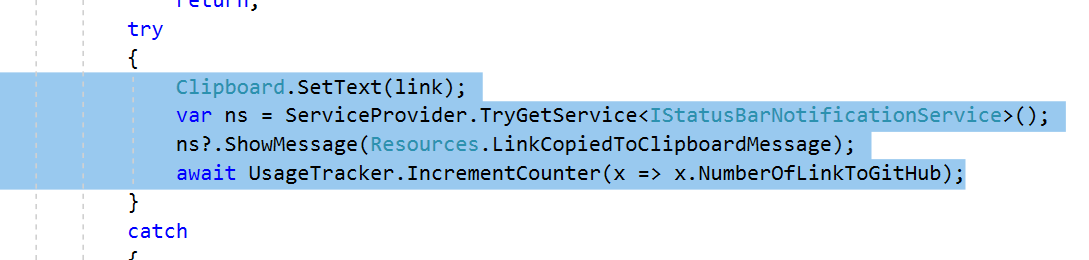
- Right-click,
GitHub > Open on GitHub
- Browser opens with extra line selected
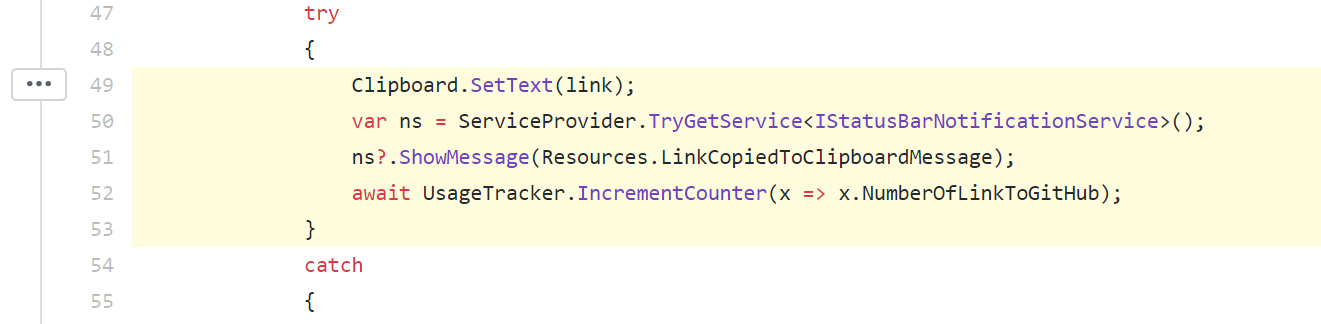
Alternatively:
- Select a range in the code editor
- Right-click,
GitHub > Copy link to clipboard - Right-click,
GitHub > Open from clipboard
- An extra line is selected
 jcansdale
All 4 comments
Good catch!
 meaghanlewis
on 8 Aug 2018
meaghanlewis
on 8 Aug 2018
Actually, I'm having a hard time reproducing this behavior. The right lines always seem to be highlighted for me.
meaghanlewis
on 8 Aug 2018
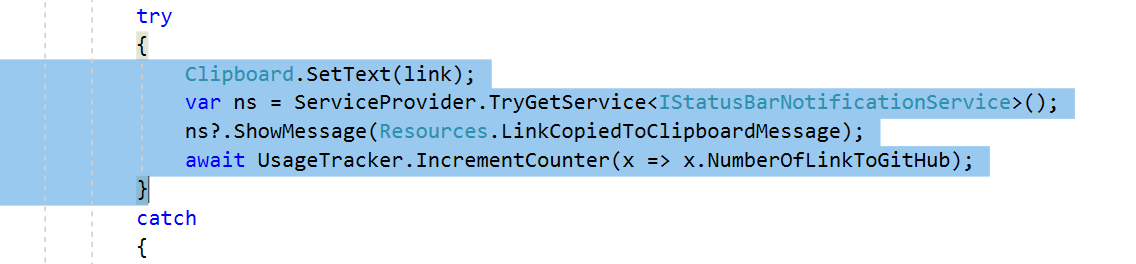
@meaghanlewis i was able to repro by selecting the lines in @jcansdale's screenshots:
 grokys
on 9 Aug 2018
grokys
on 9 Aug 2018
Actually, I'm having a hard time reproducing this behavior. The right lines always seem to be highlighted for me.
You'll probably find this happens when using the keyboard rather than the mouse to select. The reason is that you'll tend to start (or end) the selection on the line below the selected area. If you start your selection at the bottom, this extra line will be completely invisible. If you start your selection at the top, this extra line will be obscured by the blinking caret.
I'm guessing that whoever tested this in the past used the mouse. Initially I was confused because it seemed to sometimes happen and sometimes not happen.
Does that make sense?
jcansdale
on 9 Aug 2018
Related issues
 nk111
·
9Comments
nk111
·
9Comments
 laurentkempe
·
4Comments
laurentkempe
·
4Comments
 jnm2
·
8Comments
jnm2
·
8Comments
 mponce1
·
3Comments
mponce1
·
3Comments
 Lupusa87
·
7Comments
Lupusa87
·
7Comments