Twindle: Tutorial For Third Pull Request
How I made my Third PR Using Git CLI
Note that I have already forked the twindle project and cloned it to my local machine and I already have git installed, steps on getting all of this set up have already been discussed on other issues.
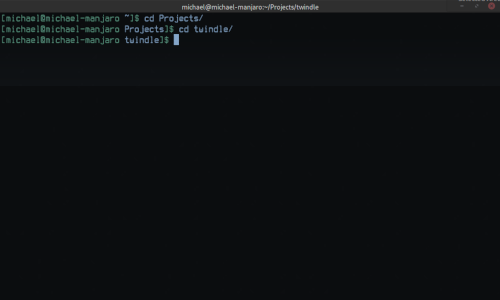
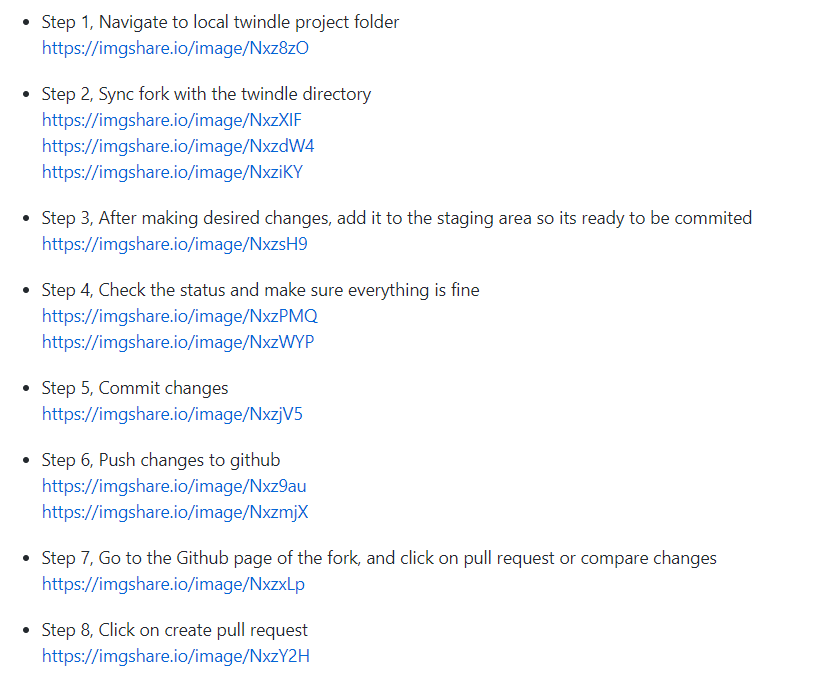
Step 1, Navigate to local twindle project folder
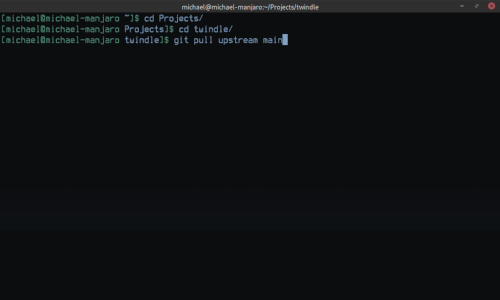
Step 2, Sync fork with the twindle directory
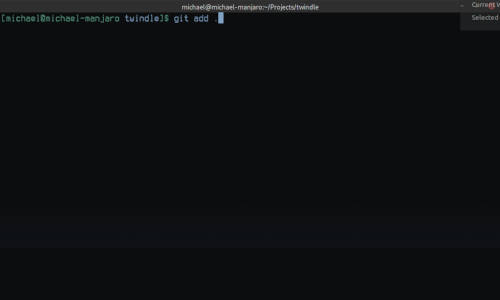
Step 3, After making desired changes, add it to the staging area so its ready to be commited
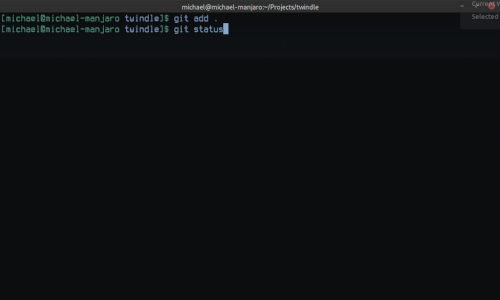
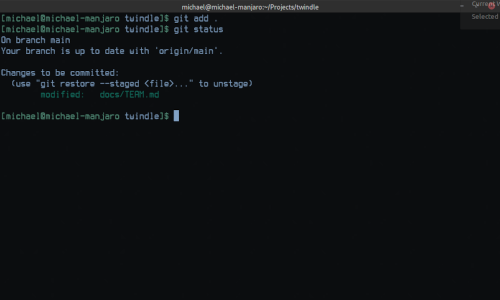
Step 4, Check the status and make sure everything is fine
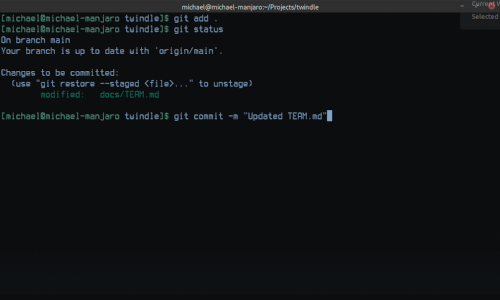
Step 5, Commit changes
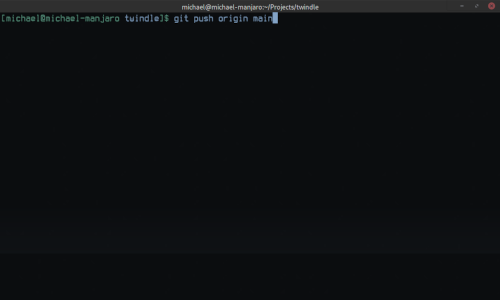
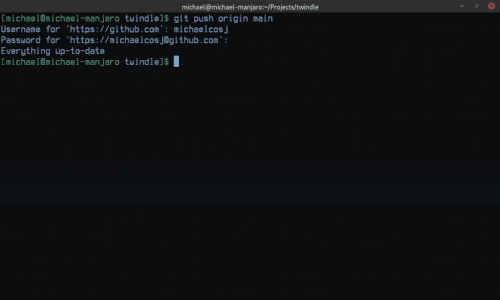
Step 6, Push changes to github
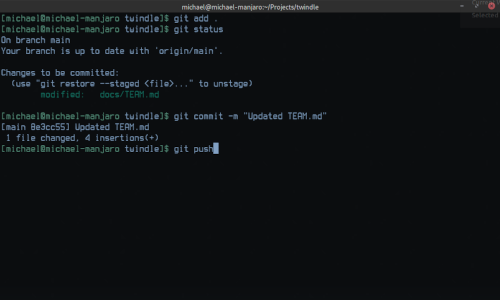
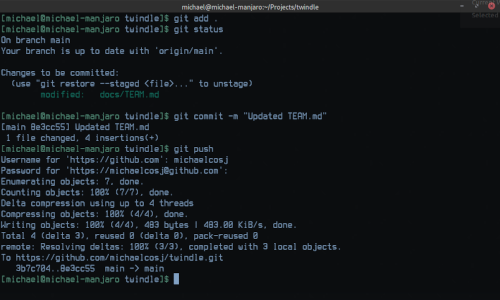
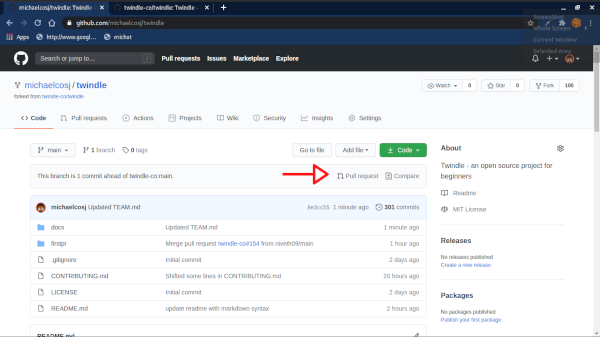
Step 7, Go to the Github page of the fork, and click on pull request or compare changes
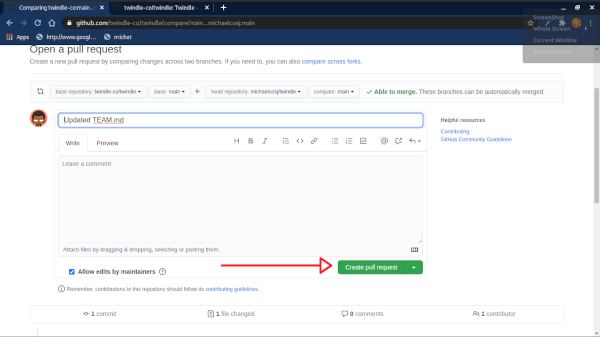
Step 8, Click on create pull request
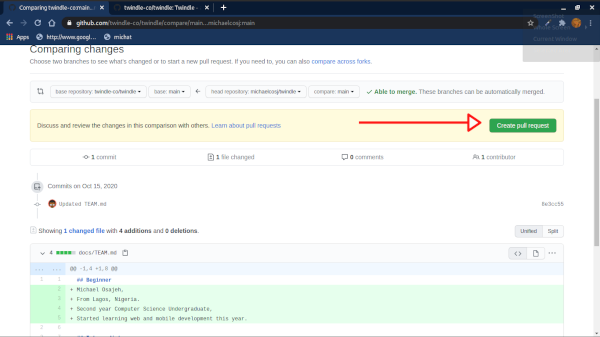
Step 9, Add a title and/or comment and create your pull request
Helpful Resources
- Issues #41 and #156
- Git-Guides
- Learn Github in 20 minutes by Colt Steele on YouTube
- Dzone.com - How to resolve github merge conflicts
- GitHub docs - Resolving a merge conflict on github
I hope this was helpful!
 michaelcosj
All 12 comments
Screenshots not visible.
 nishanknavelkar
on 16 Oct 2020
nishanknavelkar
on 16 Oct 2020
All of them?
They work when I try
michaelcosj
on 16 Oct 2020
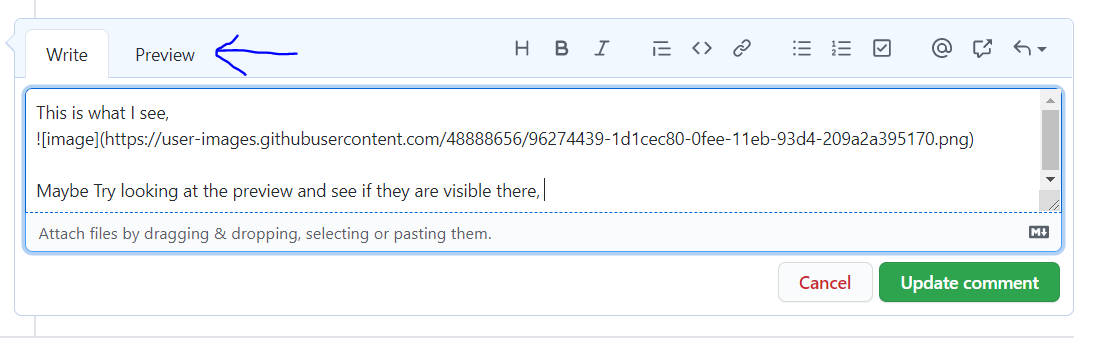
This is what I see,
Maybe Try looking at the preview and see if they are visible there,
nishanknavelkar
on 16 Oct 2020
Oh!! You have to click on the image links to see it
Because the images are a bit big I didn't want it to take too much space so I hosted them on imgshare.io
michaelcosj
on 16 Oct 2020
Oh, ok 👍. See if there is a way where you could downsize the images and upload them so that users need not keep clicking to see the content, It would become a much better tutorial.
nishanknavelkar
on 16 Oct 2020
I'll look into it now
Thank you!!
michaelcosj
on 16 Oct 2020
I've scaled the images and updated it.
Thanks for the suggestion!
michaelcosj
on 16 Oct 2020
looks great 👍
nishanknavelkar
on 16 Oct 2020
@piratelicorne @johnjacobkenny , how can we add this to FAQ and Documentation?
nishanknavelkar
on 16 Oct 2020
Please update your experience with fixing merge conflicts.
That is the objective of this 3rd pr
 proful
on 17 Oct 2020
proful
on 17 Oct 2020
@piratelicorne @johnjacobkenny , how can we add this to FAQ and Documentation?
@piratelicorne @Sheetal777 🙂
 johnjacobkenny
on 17 Oct 2020
johnjacobkenny
on 17 Oct 2020
Added in the ONBOARDING.md -> #306
 piratelicorne
on 18 Oct 2020
piratelicorne
on 18 Oct 2020
Related issues
proful
·
4Comments
 Mira-Alf
·
3Comments
proful
·
6Comments
johnjacobkenny
·
5Comments
Mira-Alf
·
3Comments
proful
·
6Comments
johnjacobkenny
·
5Comments
 arthurbuhl
·
6Comments
arthurbuhl
·
6Comments
Most helpful comment
Please update your experience with fixing merge conflicts.
That is the objective of this 3rd pr