Team-comtress-2: Buggy water reflection persists after map change when looking at a water surface from an angle
Describe the bug
Whenever a player happens to look at the top surface of water, regardless of what it's for and assuming it's large enough, the reflection would end up staying the same from then and continuing to happen upon later maps.
How you encountered the issue
Go to a body of water that a player is able to see up close and not far way, then try to start looking at it from certain angles. The reflection you saw should now glitch and show up in a out-of-place way, with possibly the surface underneath included and looking wrong or incorrect.
It's hard to pin down getting this bug to appear, since it's random at times and hard to pin-point.
Screenshots
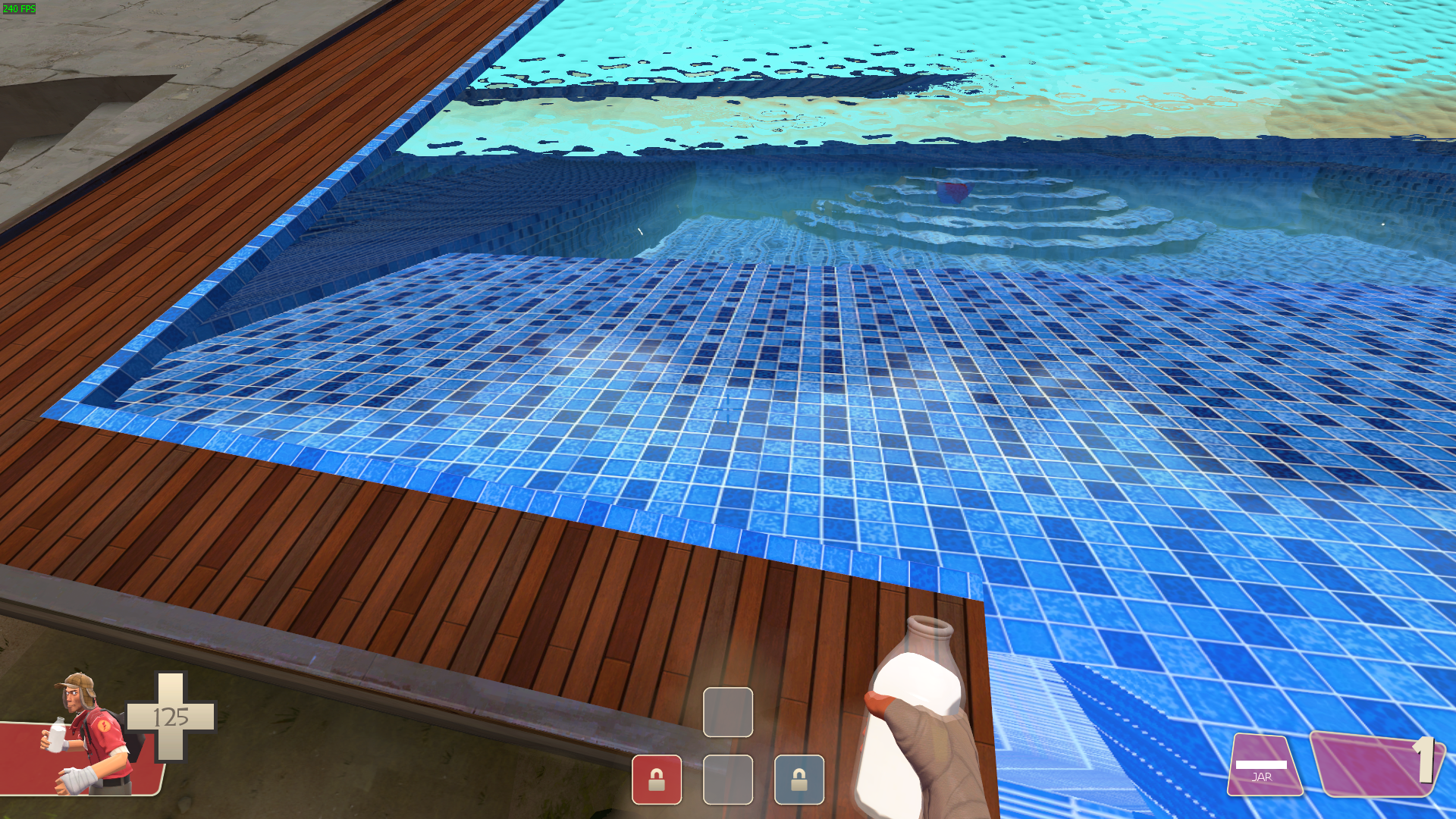
(map is trade_stardust)
Desktop (please complete the following information):
- Team Comtress version (don't say latest, say the actual version): 0.0.16
- Custom content (if any): TF2 Bot Overhaul (from GameBanana)
- DX level: 10.0
- Launch options:
-game tf -sv_pure 0 -novid -nojoy -nosteamcontroller -nohltv -reuse -threads 8 -w 1920 -h 1080 -sw -noborder - Operating system (OS): Windows 10 (64-bit)
- Graphics card (GPU): Nvidia GeForce GTX 1650
- Graphics driver version: Version 431.90
- Processor (CPU): Intel Core i5-9300H
- TC2 on HDD or SSD: HDD
- Memory (RAM) size in MB or GB: 16 GB
Moved from #168 into its own issue.
 some-username-here1
All 16 comments
Happens to me too, notably on cp_sunshine after previously having loaded mvm_decoy.
 Yttrium-tYcLief
on 16 Sep 2020
Yttrium-tYcLief
on 16 Sep 2020
Are you sure it's just a tc2 issue? I've seen it happen on tf2 too, and even that's not often.
EDIT: Though TC2 could've made it worse, now that I think about it...
some-username-here1
on 16 Sep 2020
I'll label it as a TF2 issue until we're sure it only happens in TC2 after further testing.
Yttrium-tYcLief
on 16 Sep 2020
I know the change in TC2 which introduced this. I will add more aggressive clearing to resolve this bug.
 mastercoms
on 16 Sep 2020
mastercoms
on 16 Sep 2020
I guess that's enough confirmation it's TC2-only, lol
Yttrium-tYcLief
on 16 Sep 2020
What about these?
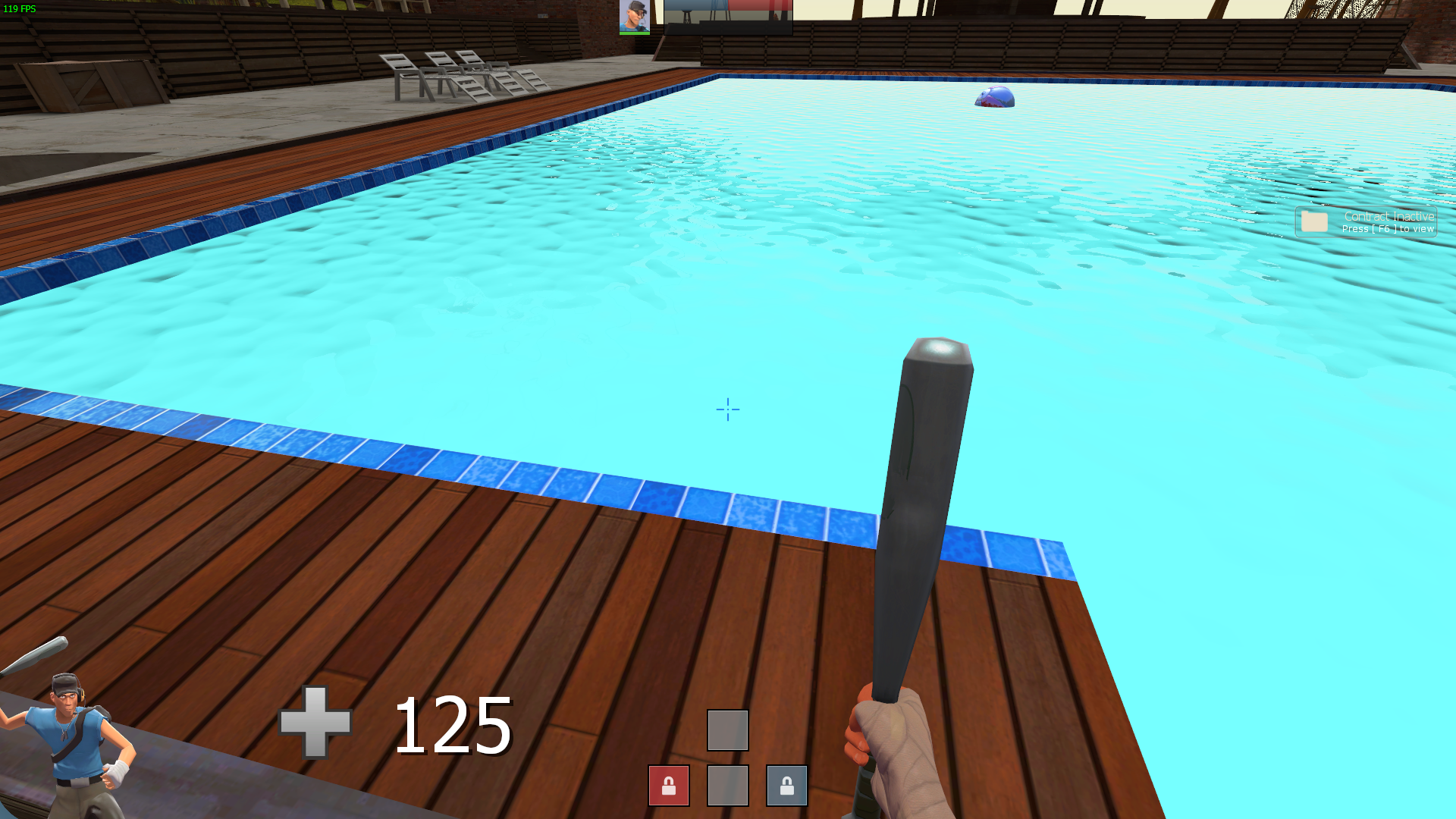
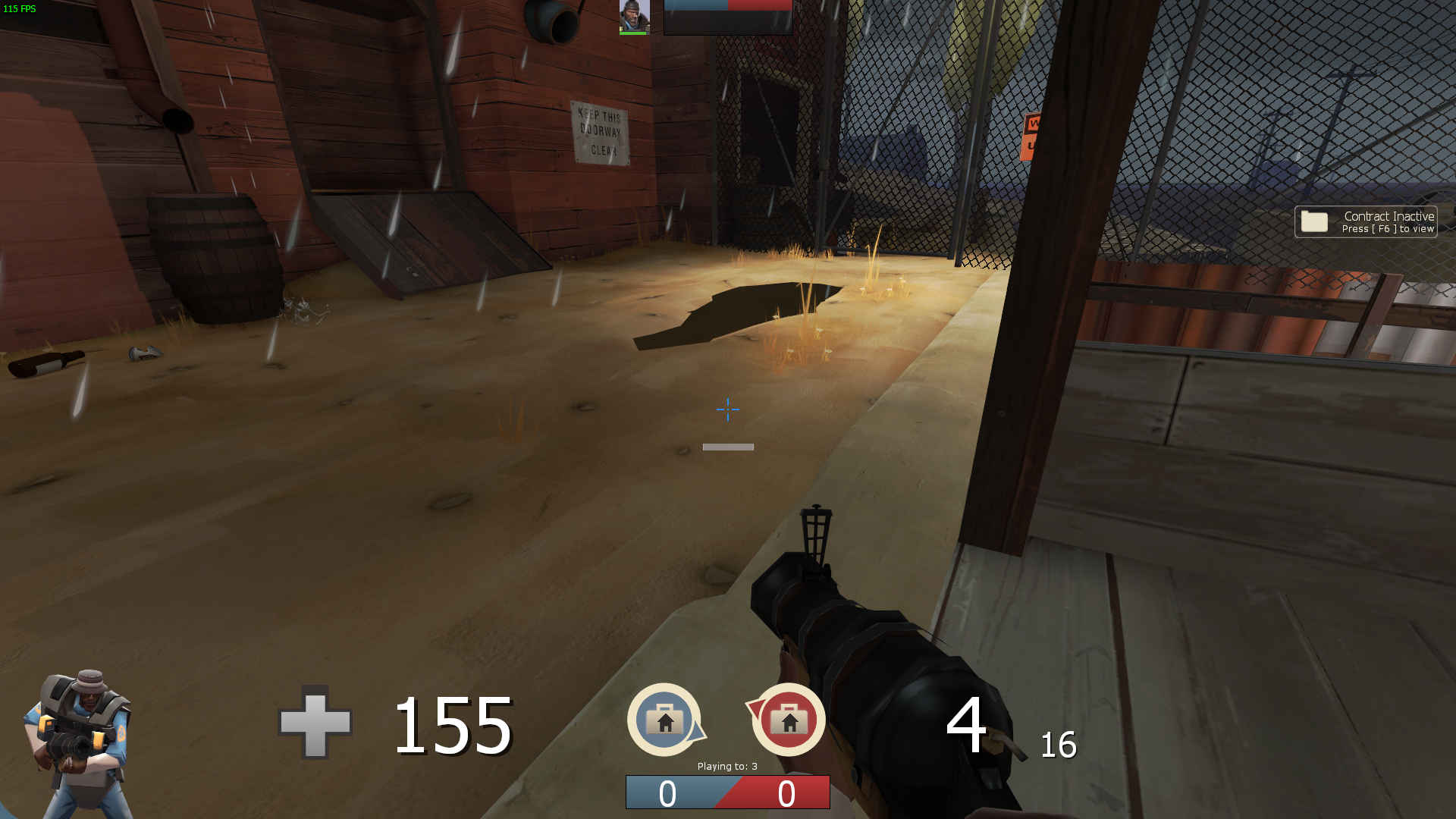
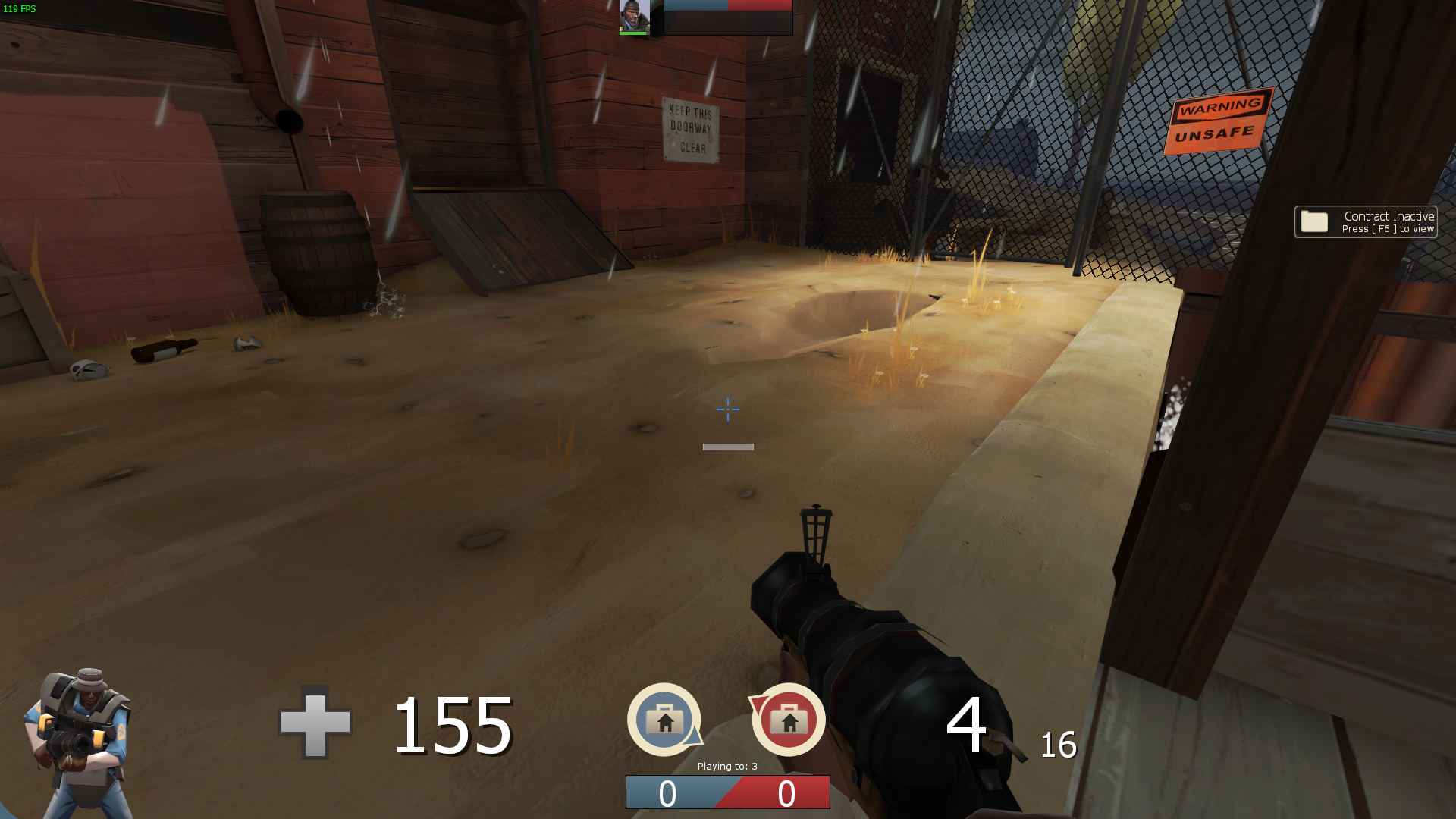
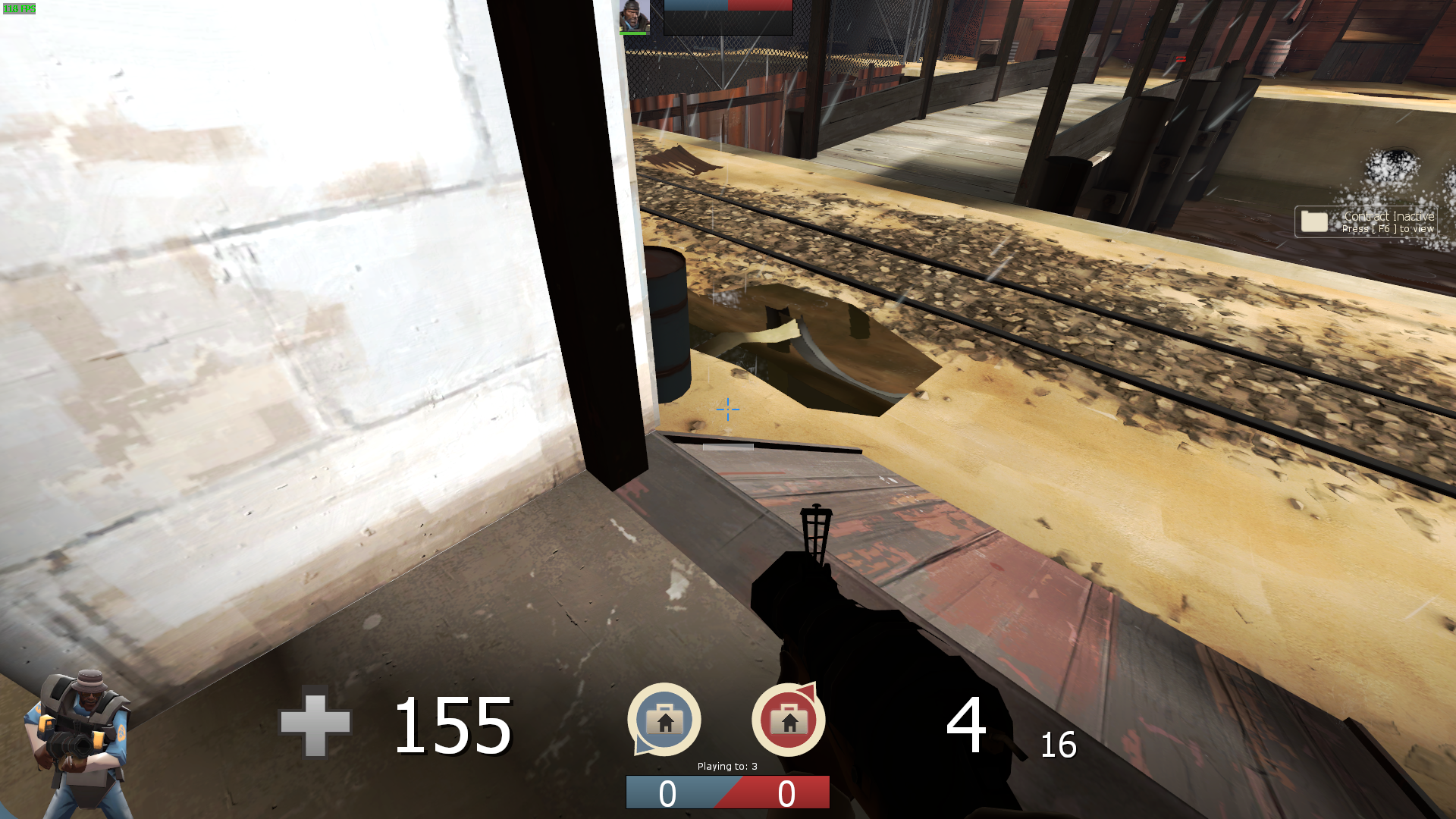
I know the issue I'm bringing up also happens in TF2 too, but it's still hard to get it to encounter again that it's difficult
EDIT: I also forgot to mention that these screenshots are from within TF2, too
some-username-here1
on 16 Sep 2020
Also, on an unrelated note, you're using unoptimal launch options! Just use the ones that comes with the start script for TC2.
mastercoms
on 16 Sep 2020
Oh yeah, I was using it like that since I made a shortcut to hl2.exe as you can't specify which GPU to use with a batch file
some-username-here1
on 16 Sep 2020
the bat file still points to .exe
 micwoj92
on 16 Sep 2020
micwoj92
on 16 Sep 2020
Oh yeah, I was using it like that since I made a shortcut to
hl2.exeas you can't specify which GPU to use with a batch file
were you running the game without the -insecure launch option
 wgetJane
on 16 Sep 2020
wgetJane
on 16 Sep 2020
the bat file still points to .exe
I meant that since I'm on my laptop right now, and I wanted to see how much better would tc2 run compared to tf2, I had to use a shortcut link since the "Run with graphics processor" option when right-clicking a shortcut or exe doesn't show up with a bat file
were you running the game without the -insecure launch option
pretty much, yeah...
some-username-here1
on 16 Sep 2020
the bat file still points to .exe
I meant that since I'm on my laptop right now, and I wanted to see how much better would tc2 run compared to tf2, I had to use a shortcut link since the "Run with graphics processor" option when right-clicking a shortcut or exe doesn't show up with a bat file
I am by no way expert in this, but it should work if you set it in executable options and then just run the bat file lol. did you test that?
micwoj92
on 16 Sep 2020
I am by no way expert in this, but it should work if you set it in executable options and then just run the bat file lol. did you test that?
Not really, as I would have to set that from within the Nvidia control panel instead
some-username-here1
on 16 Sep 2020
Can we close this since #193 was merged?
 maximsmol
on 17 Sep 2020
maximsmol
on 17 Sep 2020
Here's a screenshot I was able to get of it happening in regular tf2 also, but I'm not sure if you would have to be a set distance from the water surface or view it at an odd angle
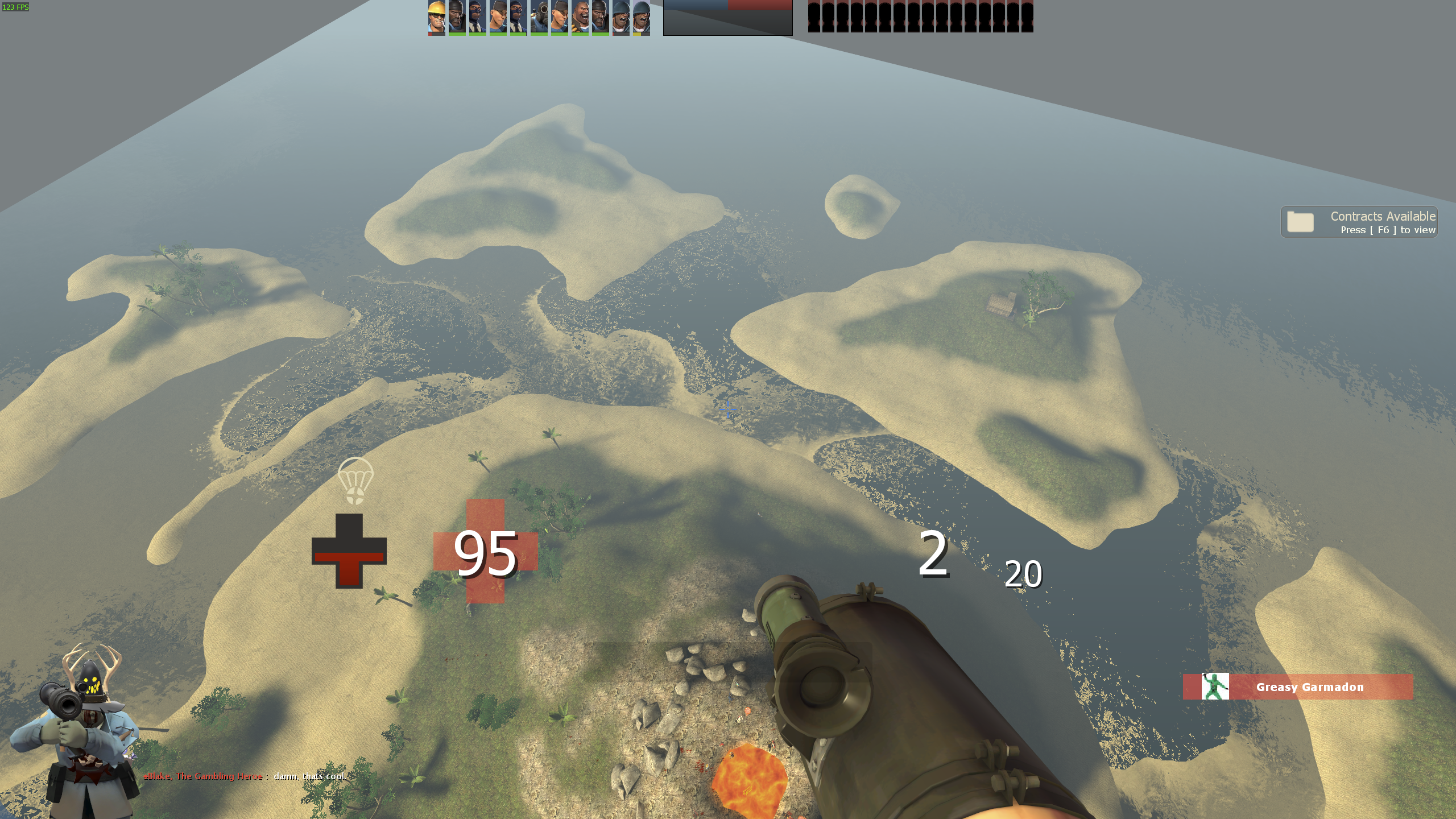
If I can replicate more of this in regular tf2, can this issue be re-opened, or has it been fixed altogether?
some-username-here1
on 4 Jan 2021
@mastercoms
some-username-here1
on 31 Jan 2021
Related issues
 RicochetYT
·
3Comments
RicochetYT
·
3Comments
 melvyn2
·
4Comments
melvyn2
·
4Comments
 NotSoCommonSense
·
3Comments
mastercoms
·
5Comments
NotSoCommonSense
·
3Comments
mastercoms
·
5Comments
 Thucket
·
3Comments
Thucket
·
3Comments