Tdesktop: mouse wheel scrolling not working
Steps to reproduce
- open a chat or a group in desktop
- press the mouse wheel
- move the mouse up or down using the pressed mouse wheel
Expected behaviour
movement in chats and chat conversation with the help of mouse wheel
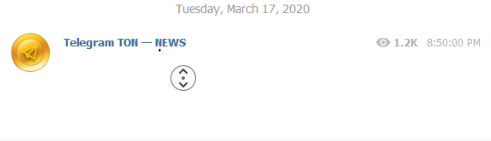
Actual behaviour
no movement in chats and chat conversation with the help of mouse wheel
Configuration
Operating system:
Windows10 Home
Version of Telegram Desktop:
2.1.4
Installation source (Linux Only) - the official website / GitHub releases / flatpak / snap / distribution package:
official website
Used theme:
dark
Logs:
Insert log.txt here (if necessary)
 deadwalker10s
All 6 comments
works for me (TM)
 Aokromes
on 12 May 2020
Aokromes
on 12 May 2020
pressed mouse wheel movement for the chats and the converstions
doesn't works with desktop version of telegram
it work fine with the telegram web
deadwalker10s
on 12 May 2020
@Aokromes is this really a bug? That feature is primarly used in web browsers, isn't it?
 MasterGroosha
on 13 May 2020
MasterGroosha
on 13 May 2020
@Aokromes is this really a bug? That feature is primarly used in web browsers, isn't it?
and productivity tools :) (ie word) also rambox oh well
Aokromes
on 13 May 2020
I too have issues with this because at work my scroll wheel its broken (the middle button still works) and at home i use a steam controller and usually just use the middle click for scrolling documents.
Its certainly a nice enhancement to have in the app, specially since nowadays the fading and tiny small scroll bar its becoming prevalent in design nowadays making it a PITA to use.
 FenixR
on 15 May 2020
FenixR
on 15 May 2020
3161
 ilya-fedin
on 26 May 2020
ilya-fedin
on 26 May 2020
Related issues
 qwitriy
·
3Comments
qwitriy
·
3Comments
 JhonSane
·
3Comments
JhonSane
·
3Comments
 ghost
·
3Comments
ghost
·
3Comments
 whywhyy
·
3Comments
whywhyy
·
3Comments
 ArmeF97
·
3Comments
ArmeF97
·
3Comments
Most helpful comment
@Aokromes is this really a bug? That feature is primarly used in web browsers, isn't it?