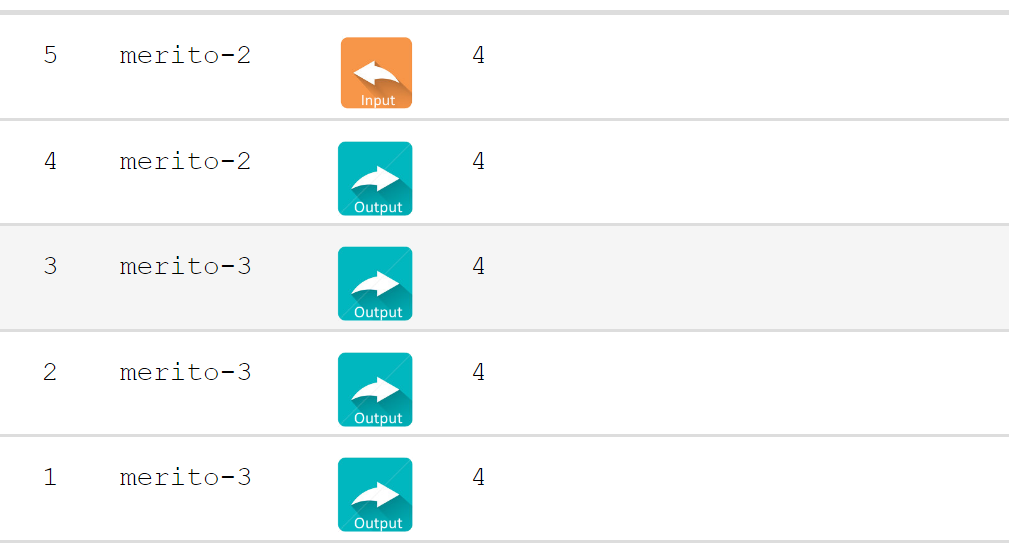
I am trying to bring the text and the image to
be nicely aligned vertically but no matter what
I specify in height of the cell and the raw, I can't
change it. Please advice.
 romanman
All 4 comments
Hey,
They height of the cells is automatically adjusted by Tabulator to ensure they are all the same height, so any changes you have made to the height will be overwritten.
If your content is always the same height, then you could adjust the padding of the cells to move the text down.
Alternatively you could use a custom formatter to put all the cells content in another div, and then set the following css properties on the cells to turn them into flex boxes allowing for automatic vertical centering:
display:inline-flex;
align-items:center;
Let me know if that helps,
Cheers
Oli
 olifolkerd
on 1 Jul 2017
olifolkerd
on 1 Jul 2017
Yep it worked, 10x. 🥇
romanman
on 1 Jul 2017
which option did you go for out of curiosity?
olifolkerd
on 1 Jul 2017
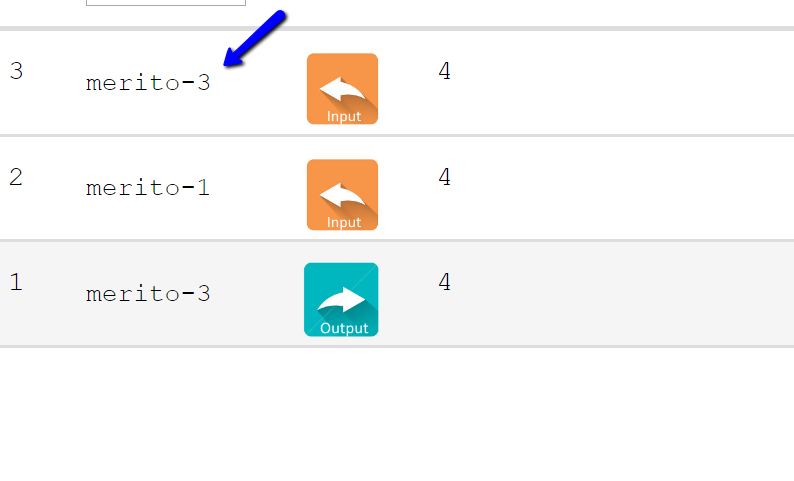
custom{
  padding-top: 5px;
  display:inline-flex;
  align-items:center;
 }
 {title:"Host", field:"host", sorter:"string", width:80, headerFilter:"input",
 formatter:function(value){return "<div class='custom'>" + value + " </div>" }},
Related issues
 stgraveyard
·
21Comments
stgraveyard
·
21Comments
 carterwe
·
19Comments
carterwe
·
19Comments
 TheCherry
·
37Comments
TheCherry
·
37Comments
 YendorMc
·
21Comments
YendorMc
·
21Comments
 KES777
·
68Comments
KES777
·
68Comments