Subtitleedit: Waveform isn't loaded when dragging file
If you load a file by dragging it, and you had already generated the waveform, it only opens the video, not the waveform, or at least that's what's happening in latest Beta.
 OmrSi
OmrSi
All 19 comments
Dragging a what file? txt or video? Just make sure if you are talking about #2989
 LeonCheung
on 22 Aug 2018
LeonCheung
on 22 Aug 2018
Nope.
Just a normal Srt or Ass file.
I had already generated the waveform but it doesn't open with the video.
OmrSi
on 22 Aug 2018
Hm, that works here...
 niksedk
on 23 Aug 2018
niksedk
on 23 Aug 2018
Hmmm. I was able to recreate this.
Turns out the waveform doesn't open If I dragged or opened the file from SE.
I use FFMPEG.
Steps:
Downloaded a new video file from youtube, opened the video in SE, generated the waveform, added some lines, Saved the file, closed the program.
So the subtitle file's name was different before generating and after. don't if that's related.
At this point, the generated waveform is "xmj9qz2FV3sjgUHKvVHWLyJ7Ao72EmrroaWOHTWg4o.wav"
then I closed and opened SE again, there was no waveform, when I generated it again it was "RuLF5aAsPmRHbygetQ5wbkYFxynZt8geZh20rEI0".
Now it always works with the video.
Quick note: Isn't it possible to name the generated waveform and scene changes files like the original video? Or is it not because FFMPEG and VLC are the ones that do that?
OmrSi
on 23 Aug 2018
I still cannot re-create this... did you rename the video file?
niksedk
on 23 Aug 2018
Here, look:
Here I opened the video, then generated the waveform then added some lines:
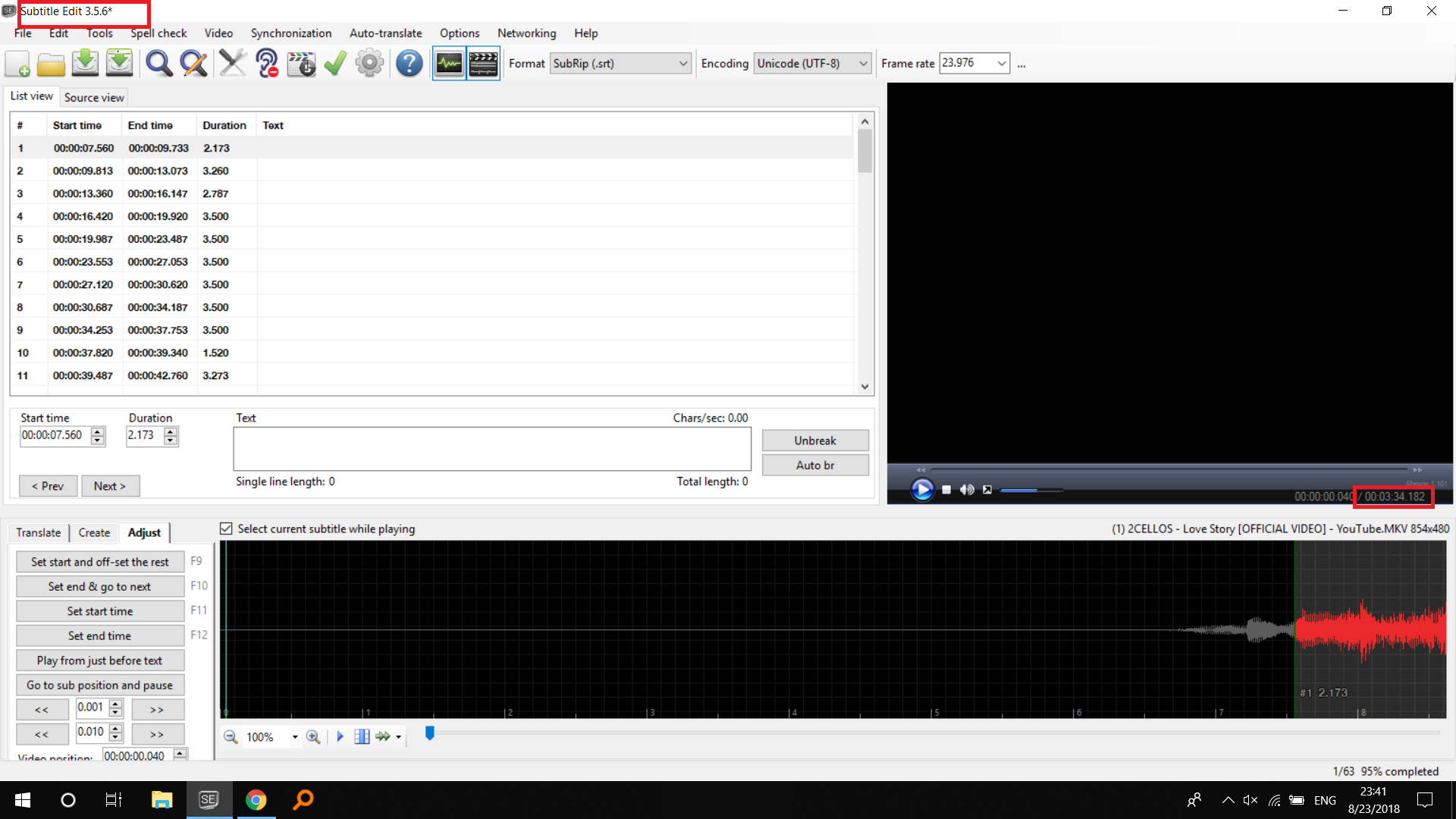
Then I saved the file in the video name.
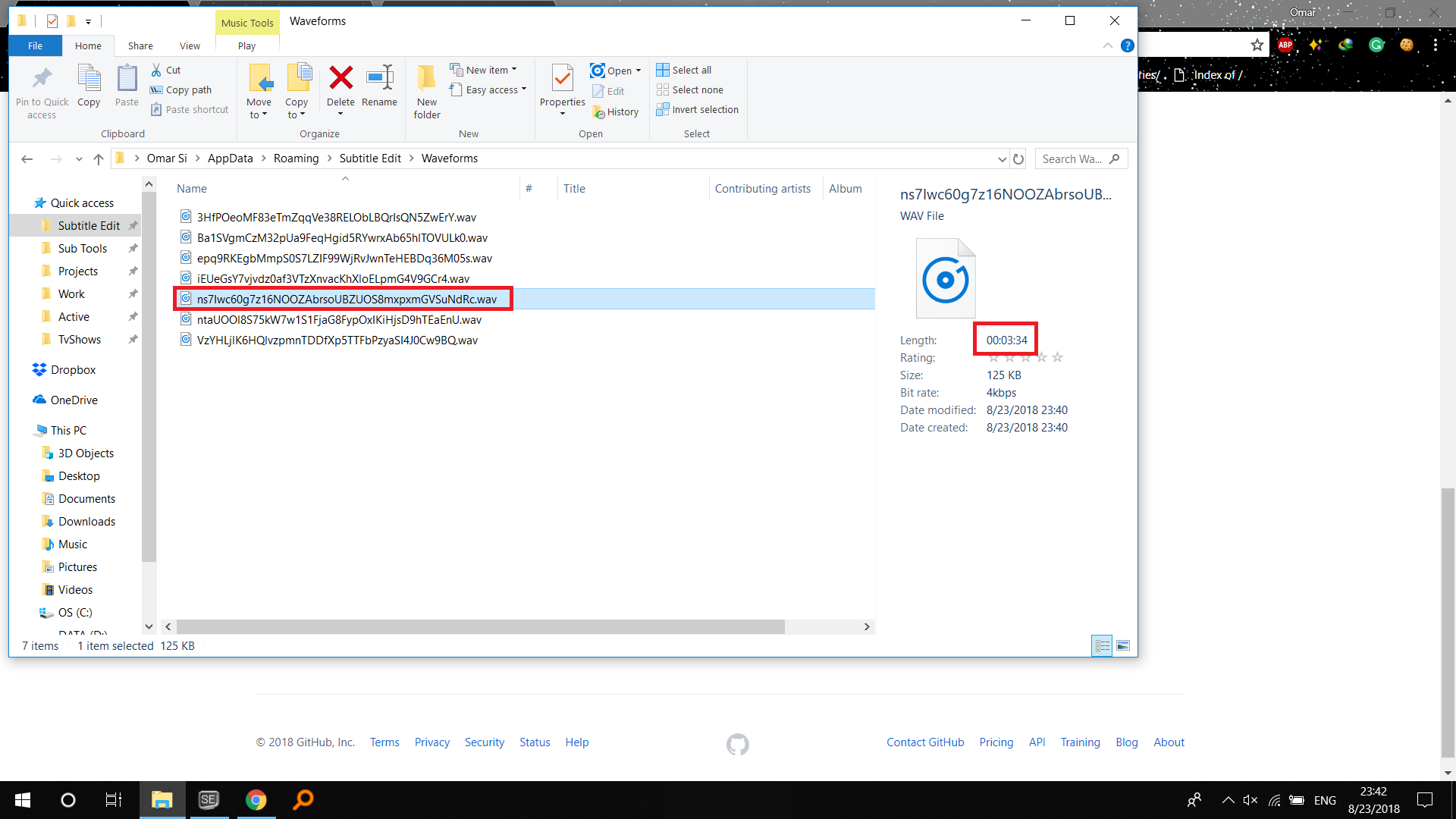
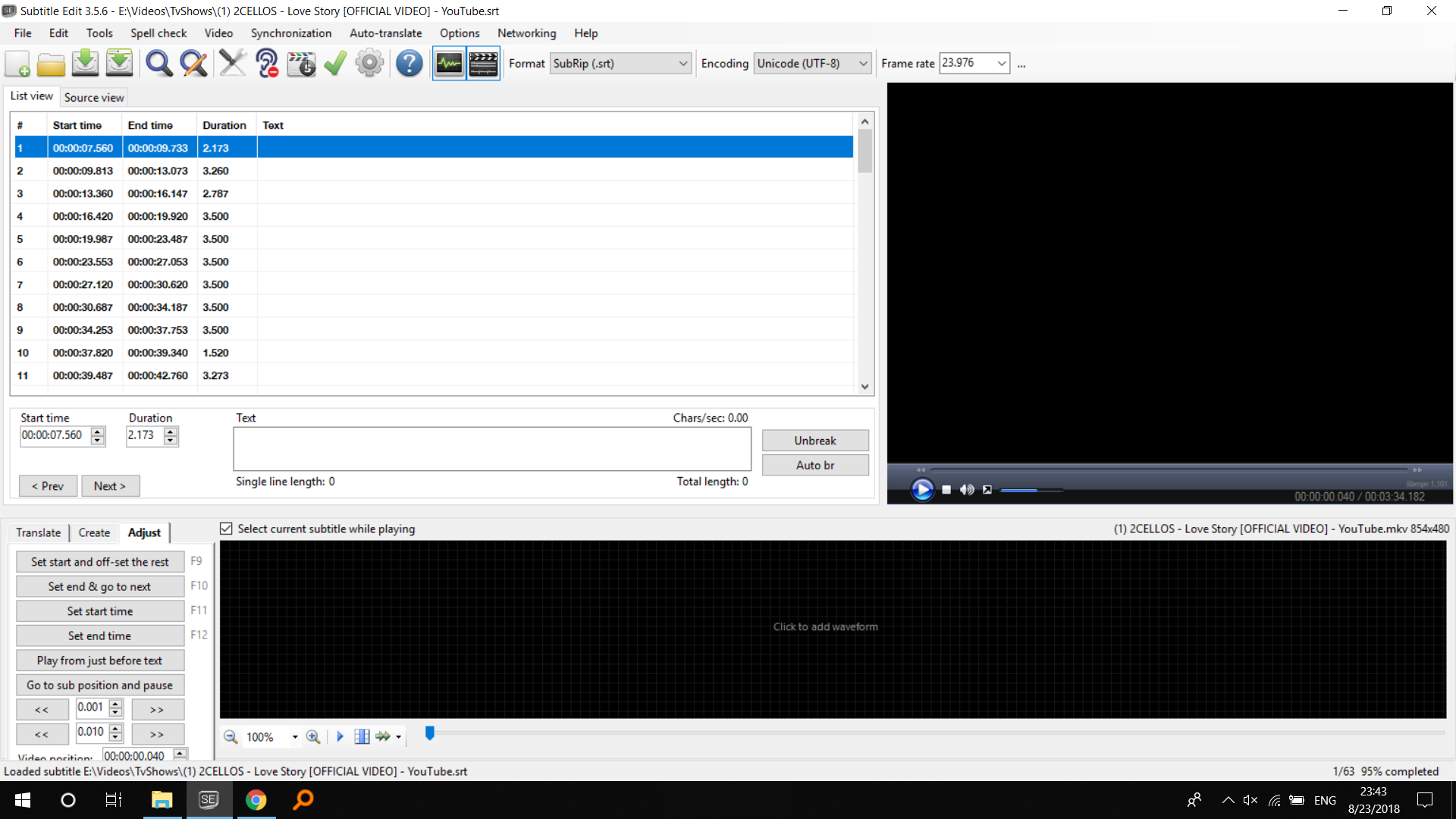
Then I closed the program and opened it, then I dragged the srt file to it:
Then I generated the waveform again:
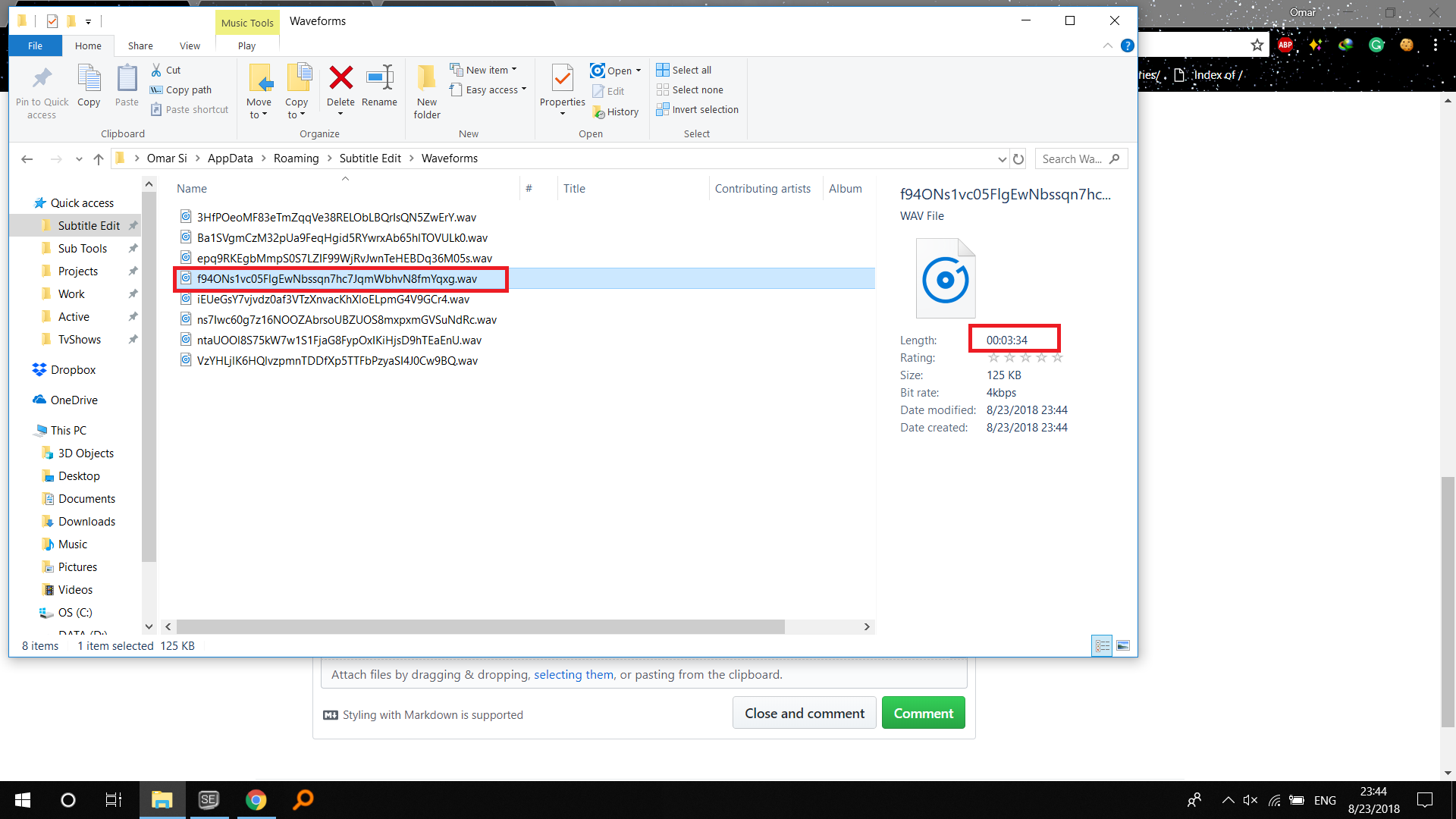
I noticed this happening when dragging the file or using open with.
OmrSi
on 23 Aug 2018
thx - I think it works now: https://github.com/SubtitleEdit/subtitleedit/releases/download/3.5.6/SubtitleEditBeta.zip
niksedk
on 24 Aug 2018
@niksedk Ok, It's working now, but there are a couple of problems.
The waveform file is being saved in "AppData\Roaming\Subtitle Edit" not "AppData\Roaming\Subtitle Edit\Waveforms".
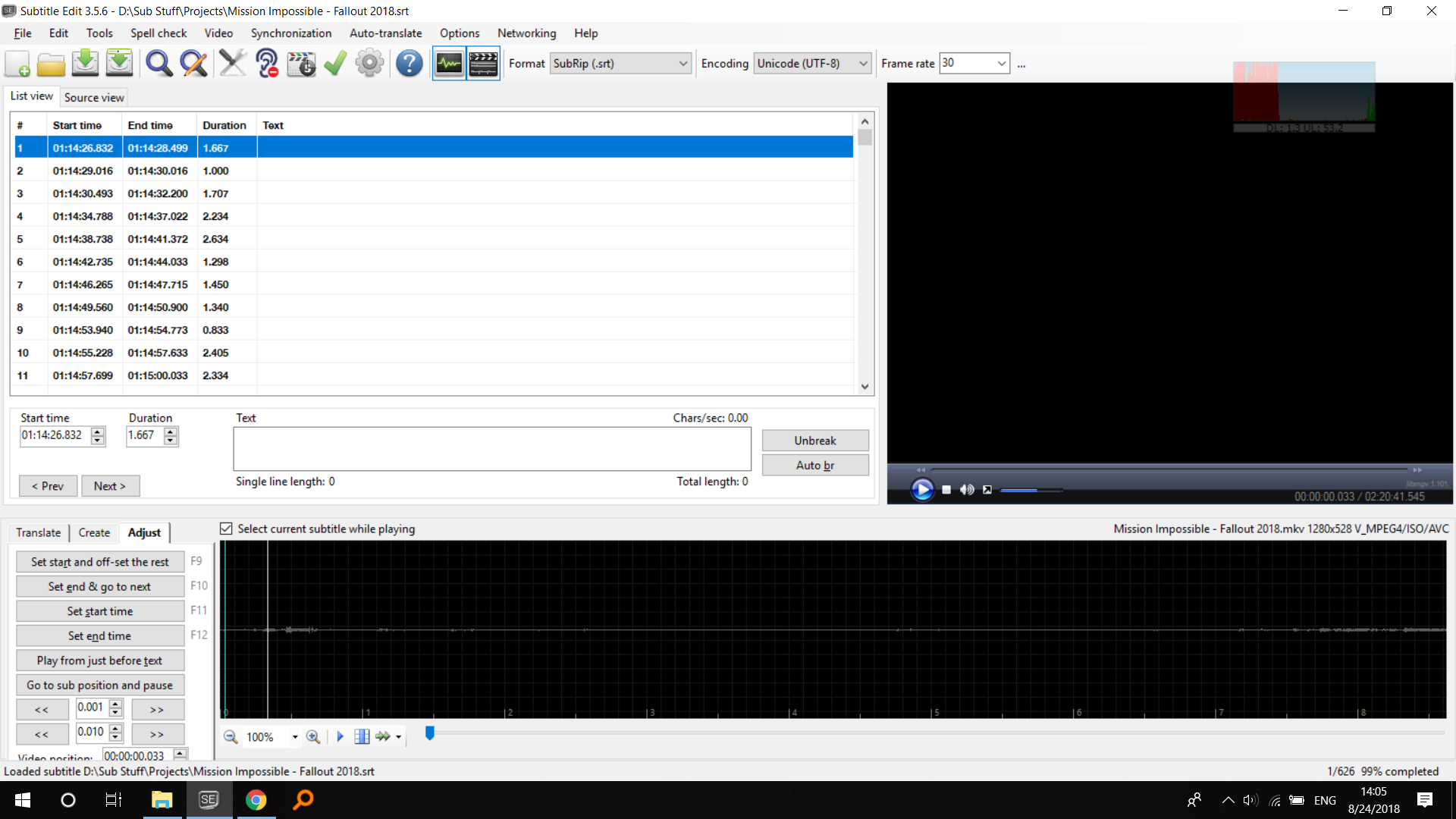
When you open the file through "Open with" or dragging it to SE, It doesn't remember the last position, It just goes to the first second of the video, and if you had opened an original file with it, it goes to the beginning of the video and doesn't open the original file.
Note that those things only happen when dragging or opening through "Open with".
When opening from inside SE:
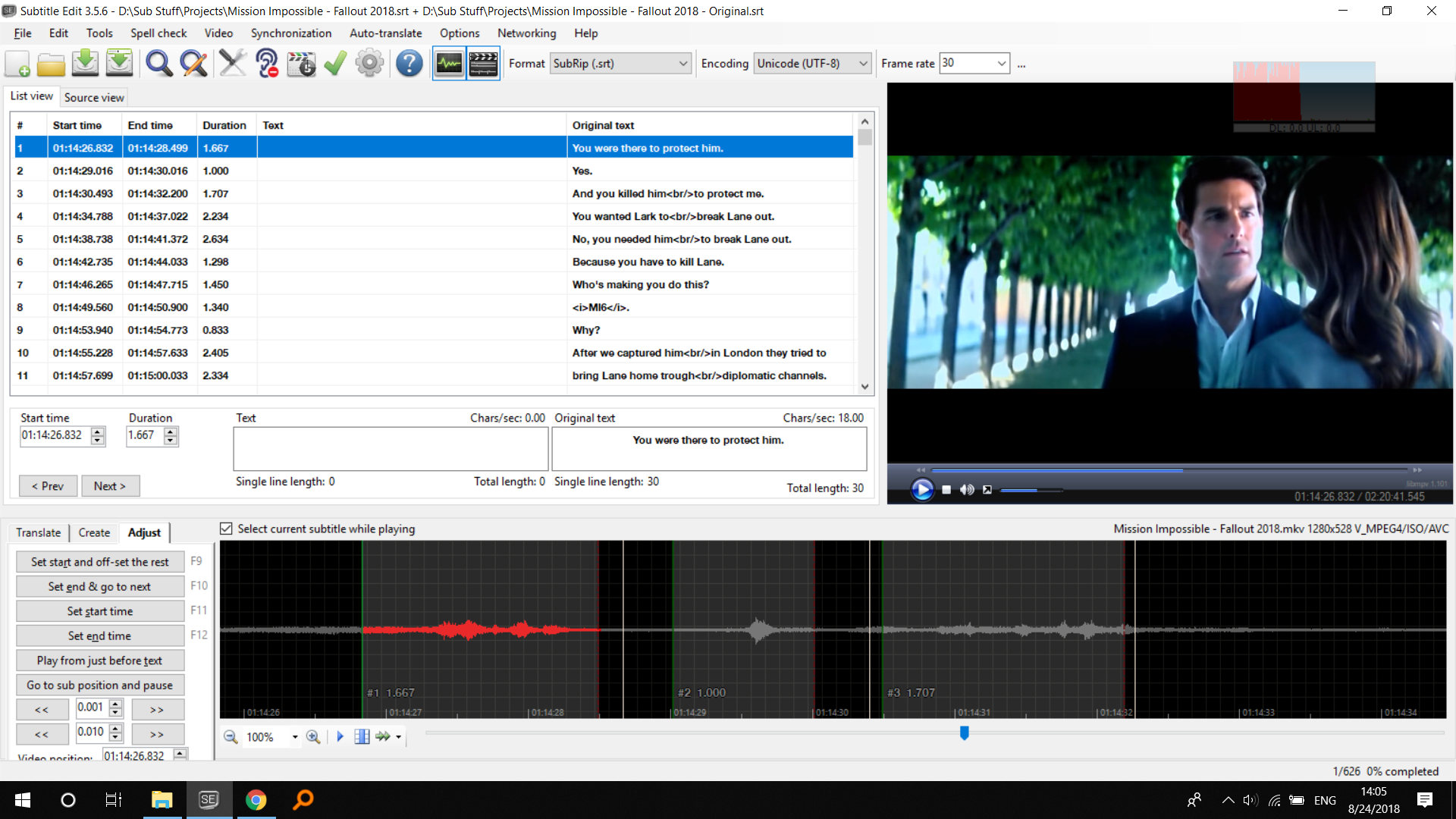
Dragging to SE or using "Open with":
OmrSi
on 24 Aug 2018
thx for testing :)
New beta upped: https://github.com/SubtitleEdit/subtitleedit/releases/download/3.5.6/SubtitleEditBeta.zip
niksedk
on 24 Aug 2018
@niksedk The mentioned problems above are solved now. Thanks :D
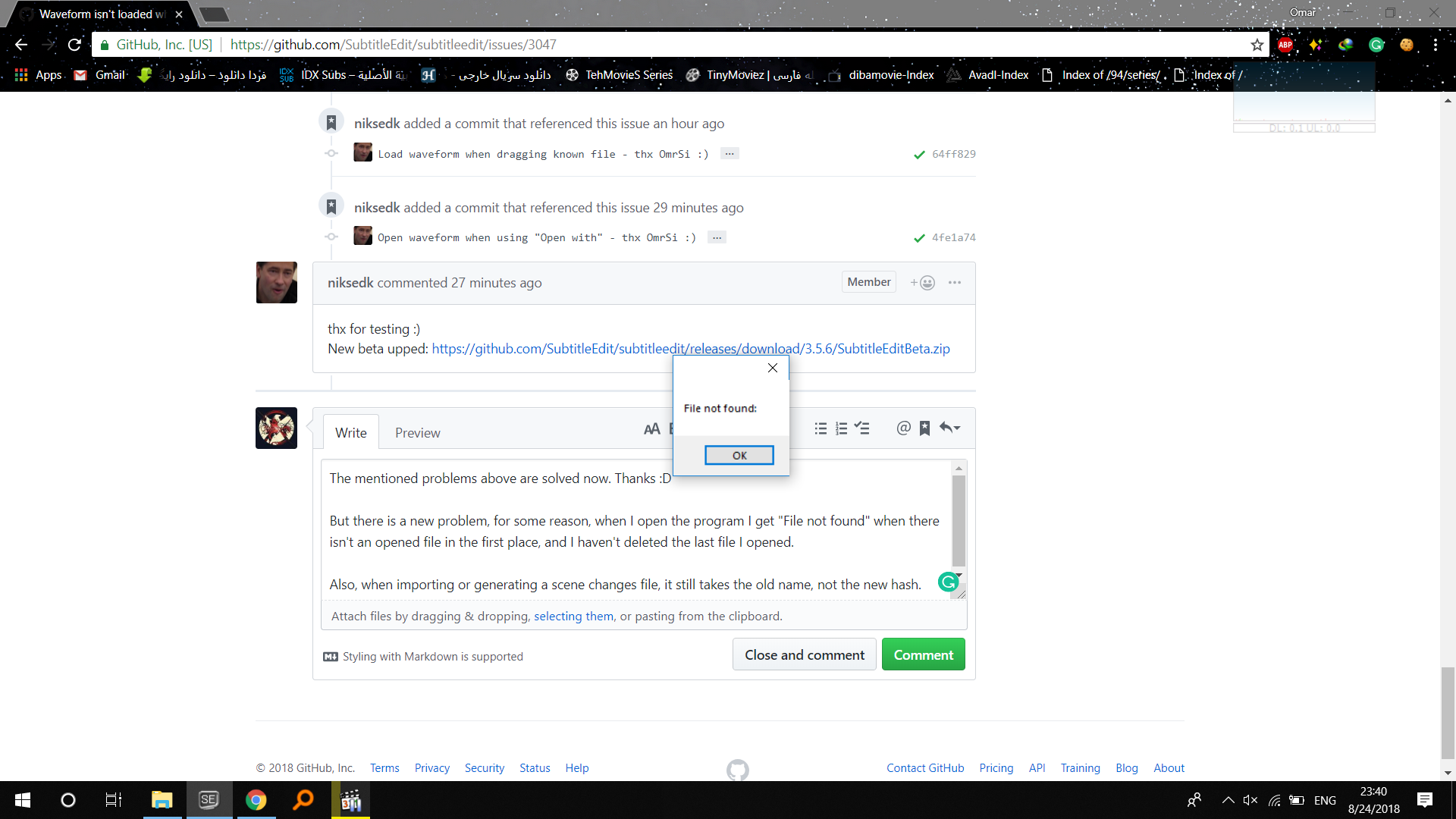
But there is a new problem, for some reason, when I open the program I get "File not found" when there isn't an opened file in the first place, and I haven't deleted the last file I opened.
When I press Ok, it opens without a problem.
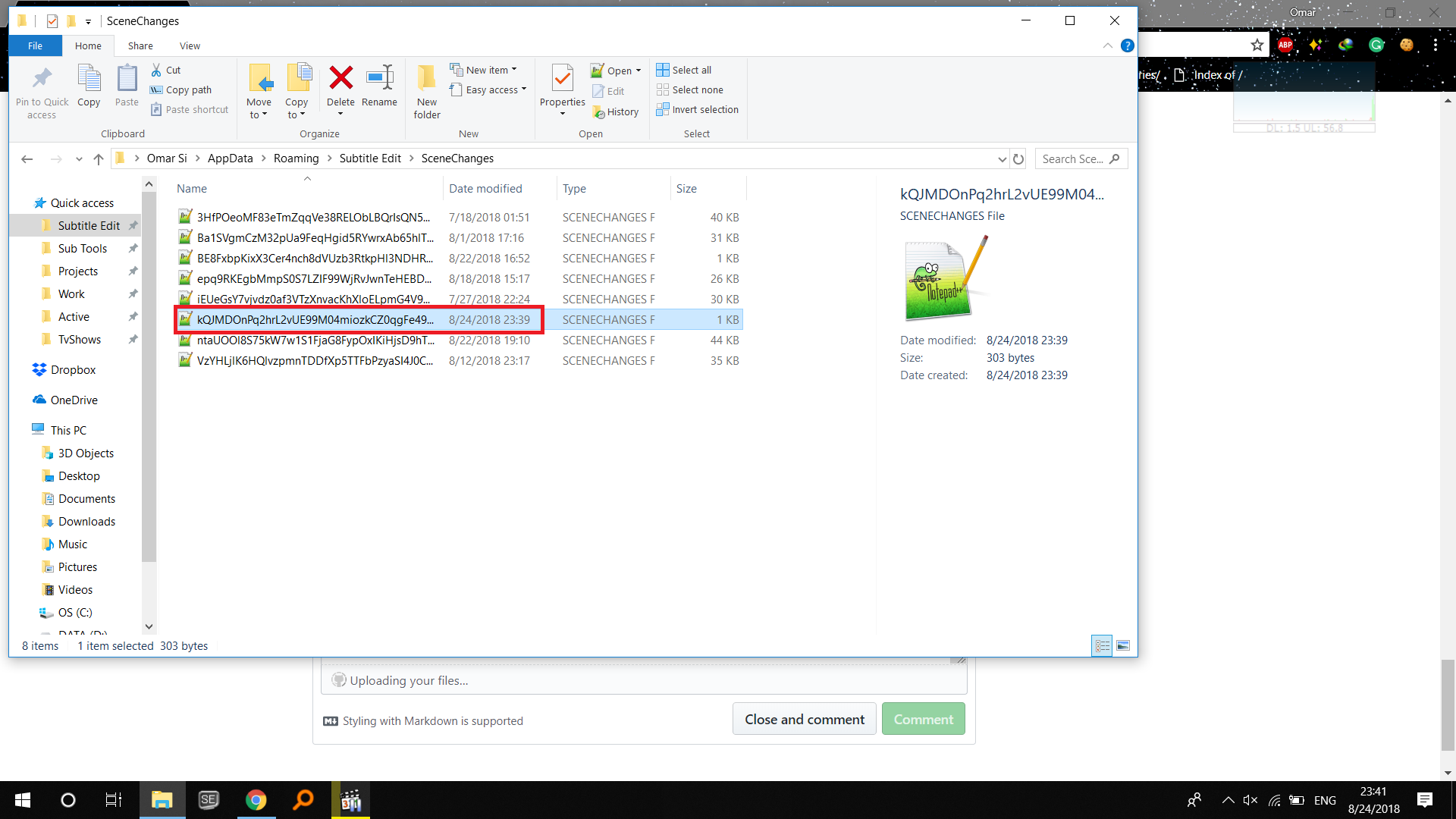
Also, when importing or generating a scene changes file, it still takes the old name, not the new hash.
OmrSi
on 24 Aug 2018
@OmrSi: thx - beta updated: https://github.com/SubtitleEdit/subtitleedit/releases/download/3.5.6/SubtitleEditBeta.zip
You probably need to clean your waveform/spectogram folders - SE will check for old hash first and use the old hash if it's available ( SE tries to be nice ;)
niksedk
on 24 Aug 2018
Haha. That's why we love SE :D
Thanks a lot.
The problem is solved, but scene changes file still takes the old kind of hash
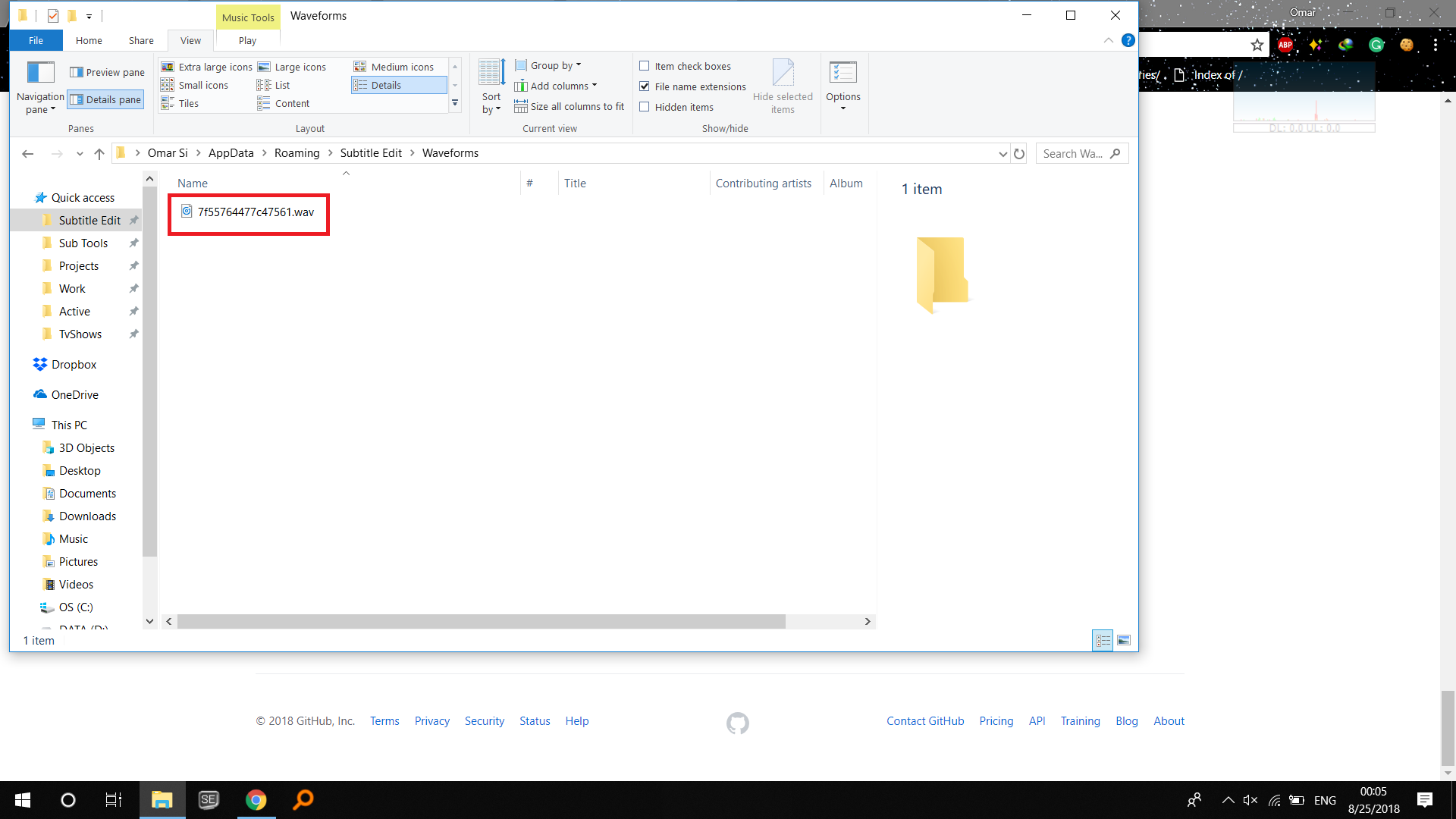
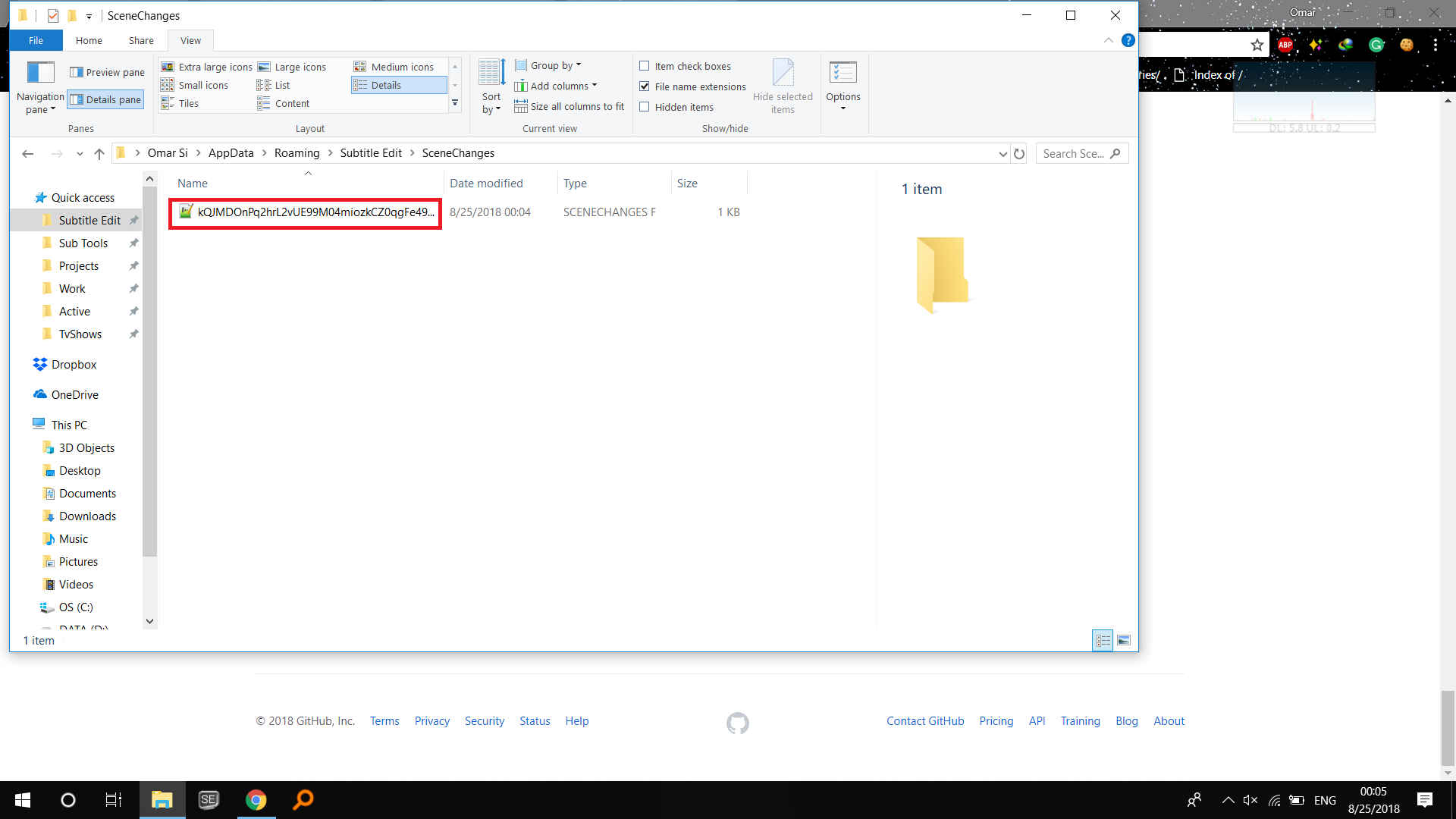
Edit: I noticed that if you open it using dragging or open with, it doesn't remember the line you were at, it always goes to Line 1, and when you open it from SE after that, it remembers that it was at number 1 when you opened it by dragging or open with...
OmrSi
on 24 Aug 2018
Oh, this is sooo cool, yet another efficiency booster for larger video files. Just... when dragging into the Waveform area instead of Videoplayer, it still needs re-generating. Is that by design or?
LeonCheung
on 25 Aug 2018
@OmrSi: thx, beta updated using new hash for scene changes too.
@LeonCheung: thx, could be by design...
niksedk
on 25 Aug 2018
@niksedk Yep, Perfectly working.
The only thing left is the other issue I talked about.
" I noticed that if you open it using dragging or open with, it doesn't remember the line you were at, it always goes to Line 1, and when you open it from SE after that, it remembers that it was at number 1 when you opened it by dragging or open with..."
OmrSi
on 25 Aug 2018
@niksedk I noticed just now that SE is also returning to line number 1 when you open the file, close SE, and open SE again, but if you opened it from inside SE, it remembers.
So, It's returning to Line 1 when dragging or using open with or closing the opening SE without closing the file.
OmrSi
on 25 Aug 2018
Beta updated: https://github.com/SubtitleEdit/subtitleedit/releases/download/3.5.6/SubtitleEditBeta.zip
How is it?
niksedk
on 25 Aug 2018
Yep. Everything I mentioned is solved and working.
Thank you very much.
If there is nothing else, you can close this. :D
OmrSi
on 25 Aug 2018
thx for testing :)
niksedk
on 25 Aug 2018
Related issues
 taxen
·
6Comments
taxen
·
6Comments
 darkred
·
4Comments
darkred
·
4Comments
 ivandrofly
·
5Comments
ivandrofly
·
5Comments
 m0ck69
·
5Comments
m0ck69
·
5Comments
 PannenkoekenNL
·
3Comments
PannenkoekenNL
·
3Comments
Most helpful comment
thx for testing :)