Subtitleedit: Backward search
This was mentioned two times before, https://github.com/SubtitleEdit/subtitleedit/issues/2736 and https://github.com/SubtitleEdit/subtitleedit/issues/2972
It would save a lot of time if you were pressing F3 quickly and missed a result, you could use "Shift + F3" to return to it.
It's supposed to work on text editors, I don't know if it can be done here.
 OmrSi
OmrSi
All 19 comments
Could you test this: https://github.com/SubtitleEdit/subtitleedit/releases/download/3.5.6/SubtitleEditBeta.zip ?
 niksedk
on 21 Aug 2018
niksedk
on 21 Aug 2018
Shift + F3 = find previous
niksedk
on 21 Aug 2018
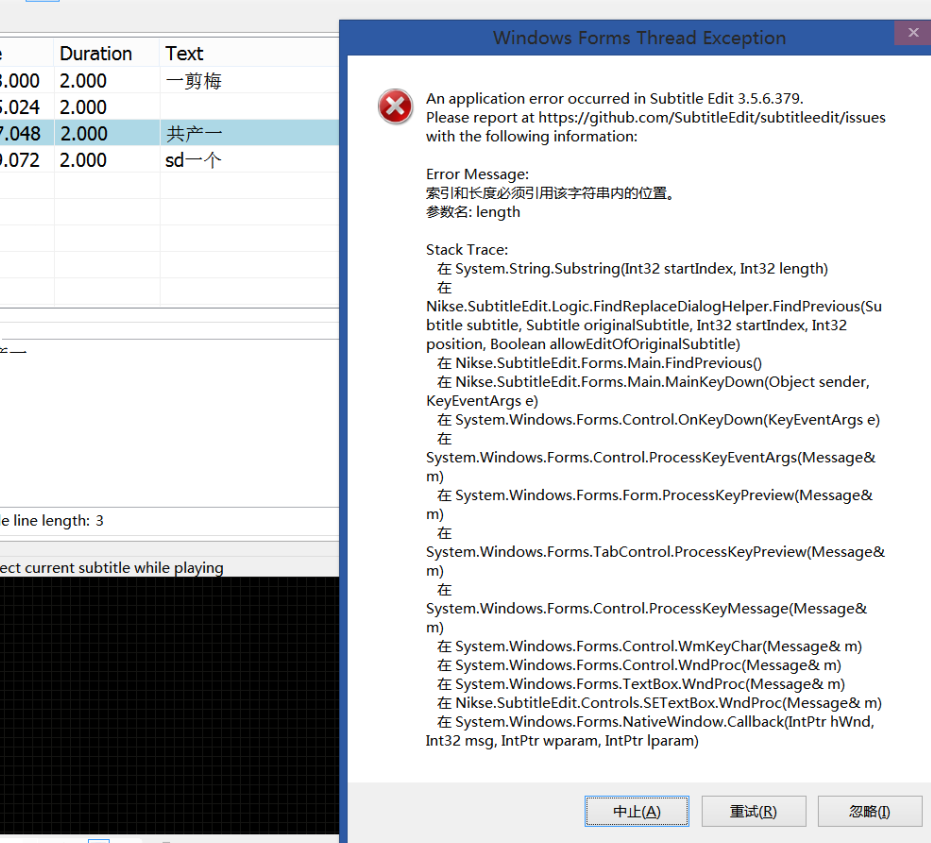
Not sure why this happend.
 LeonCheung
on 21 Aug 2018
LeonCheung
on 21 Aug 2018
Does this still crash: https://github.com/SubtitleEdit/subtitleedit/releases/download/3.5.6/SubtitleEditBeta.zip
If yes, how can I re-produce it?
niksedk
on 21 Aug 2018
The first one is working well here.
OmrSi
on 21 Aug 2018
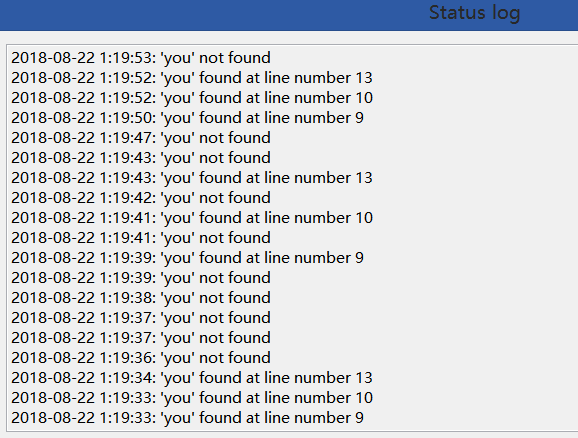
It doesn't crash so far, just cannot find anything backwards:
LeonCheung
on 21 Aug 2018
@LeonCheung: How can I re-create that?
niksedk
on 21 Aug 2018
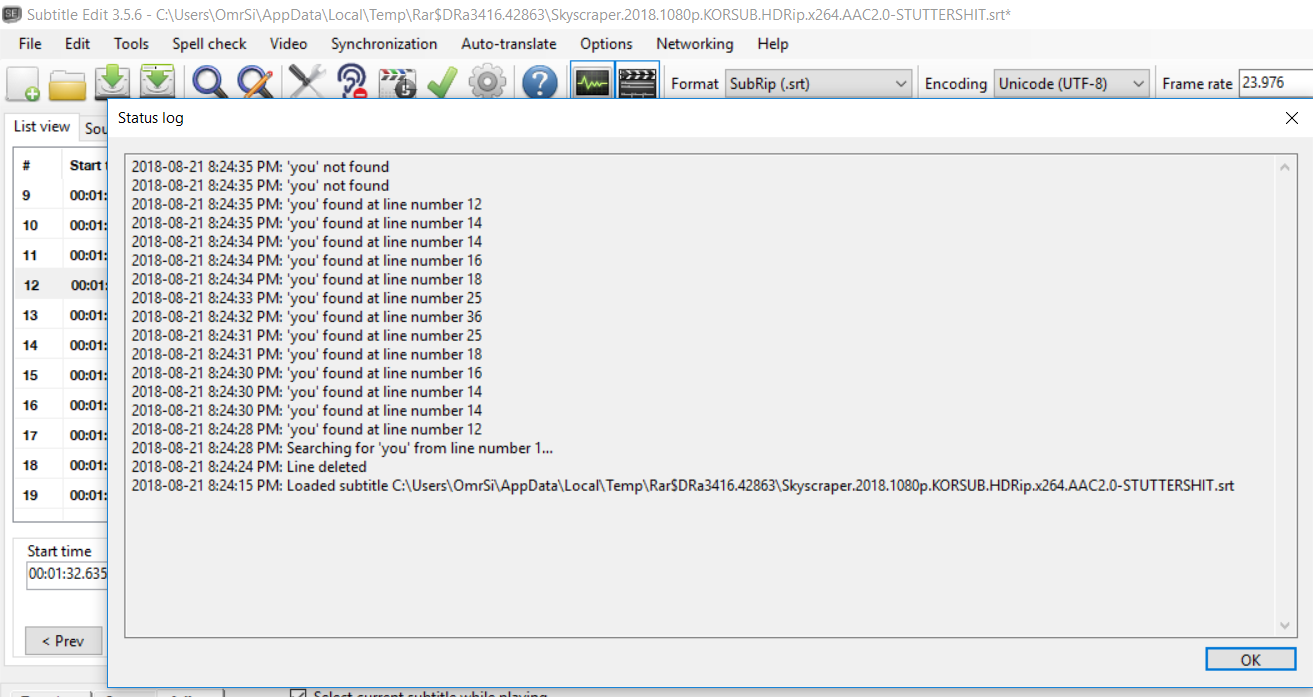
The first one here is working fine:
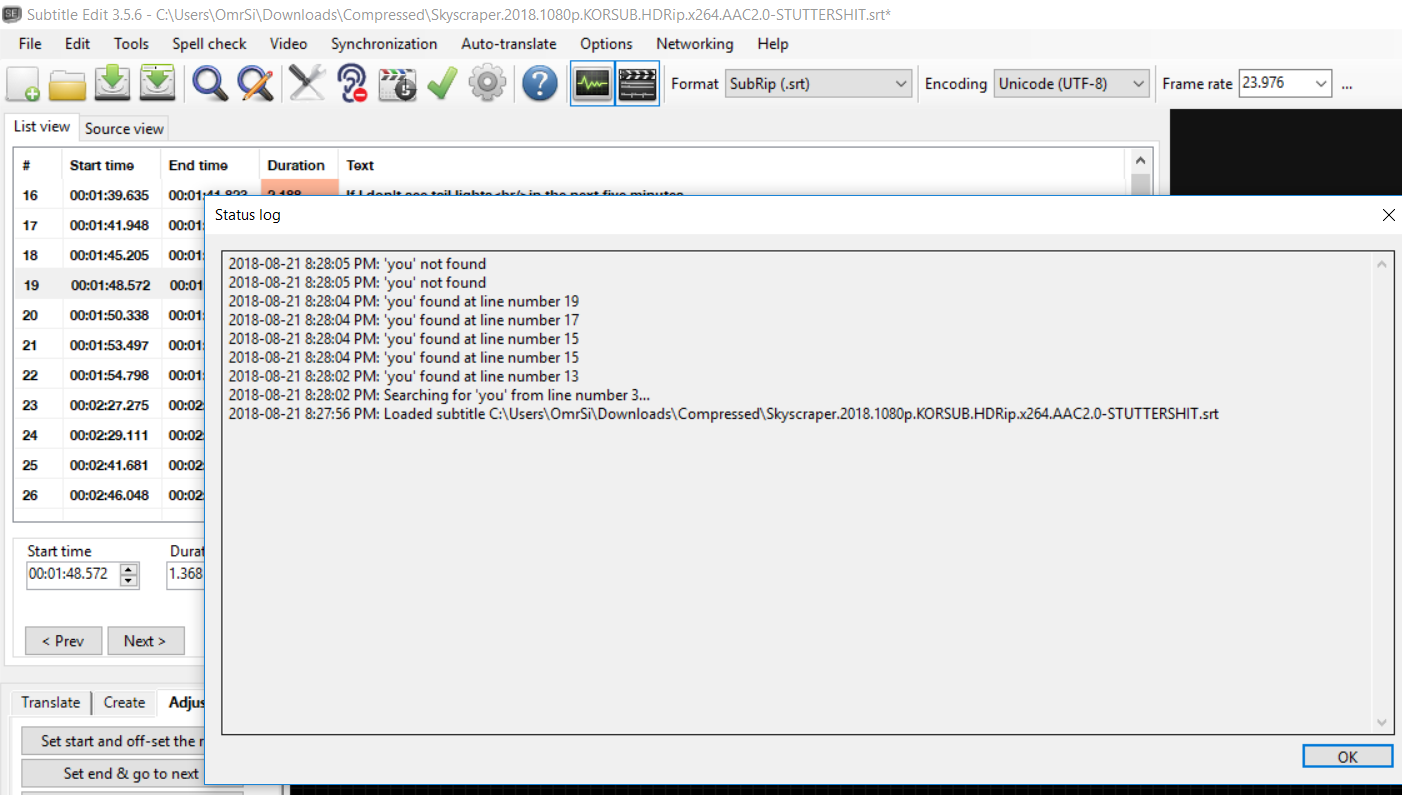
The second after trying to fix the crash isn't:
OmrSi
on 21 Aug 2018
It seems so.
LeonCheung
on 21 Aug 2018
Hm, and this: https://github.com/SubtitleEdit/subtitleedit/releases/download/3.5.6/SubtitleEditBeta.zip ?
niksedk
on 21 Aug 2018
All good here. 👌👍
OmrSi
on 21 Aug 2018
English okay, Chinese no... test file
LeonCheung
on 21 Aug 2018
English and Arabic are good here.
OmrSi
on 21 Aug 2018
Okay, in my test file, try searching "大"。
LeonCheung
on 21 Aug 2018
OK, hopefully fixed here: https://github.com/SubtitleEdit/subtitleedit/releases/download/3.5.6/SubtitleEditBeta.zip
niksedk
on 21 Aug 2018
It's okay for "大" now, but try searching "g", from the very last line, it stops at line 16, although there are still matched results in line 14, 11, 4 and 1.
LeonCheung
on 21 Aug 2018
Casing problem maybe?
LeonCheung
on 21 Aug 2018
Yes, it's was a minor casing issue: https://github.com/SubtitleEdit/subtitleedit/releases/download/3.5.6/SubtitleEditBeta.zip
niksedk
on 22 Aug 2018
Ah, finally! Thank you!
LeonCheung
on 22 Aug 2018
Related issues
 taxen
·
6Comments
taxen
·
6Comments
 NoRRt
·
6Comments
OmrSi
·
6Comments
NoRRt
·
6Comments
OmrSi
·
6Comments
 Ouroboros1995
·
5Comments
OmrSi
·
6Comments
Ouroboros1995
·
5Comments
OmrSi
·
6Comments
Most helpful comment
Okay, in my test file, try searching "大"。