Subtitleedit: Visual Sync not working with mpv
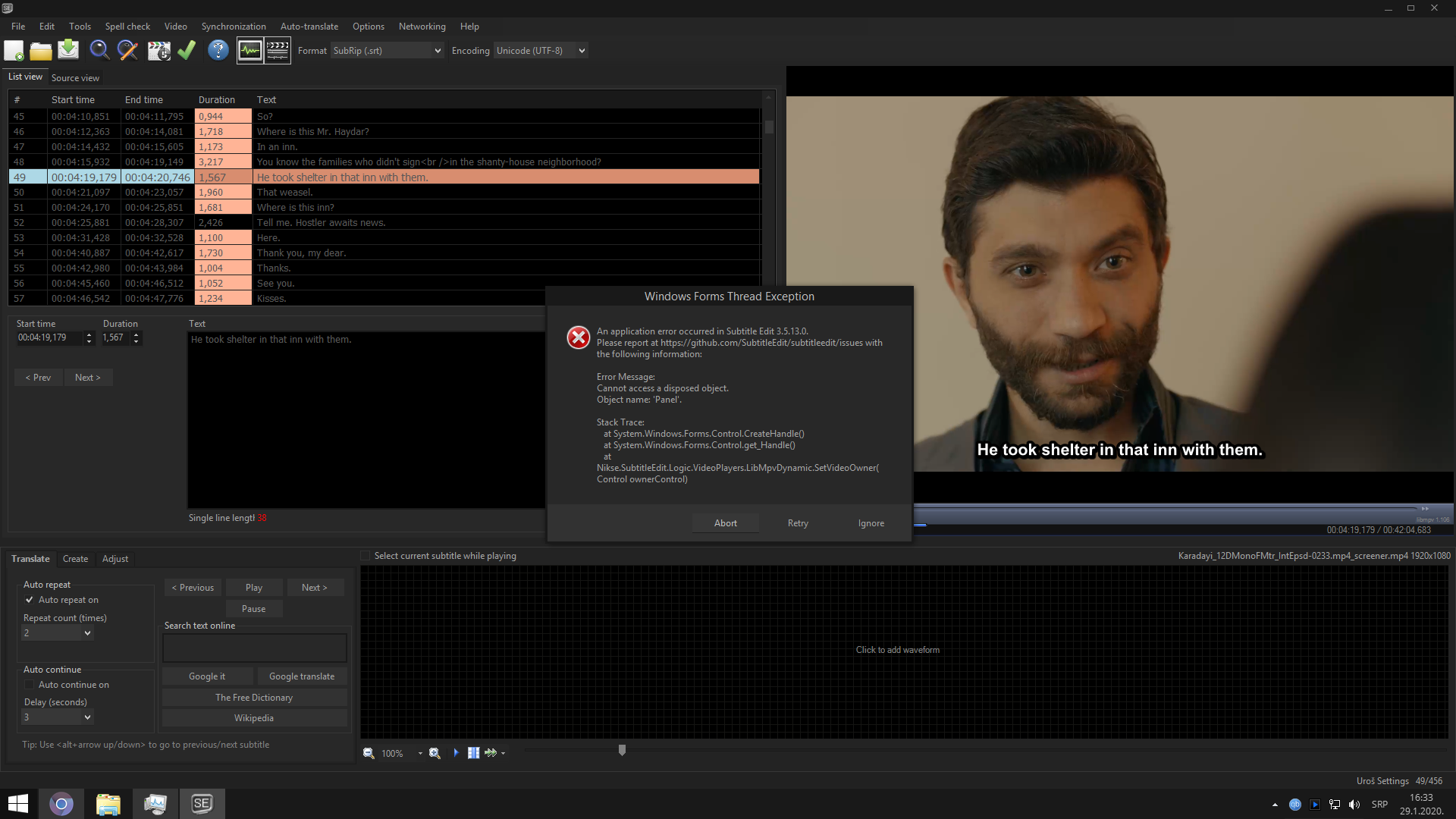
Visual sync not working when using mpv as the main player.
Complete program simply freeze and then I get the following error.
 Ouroboros1995
All 5 comments
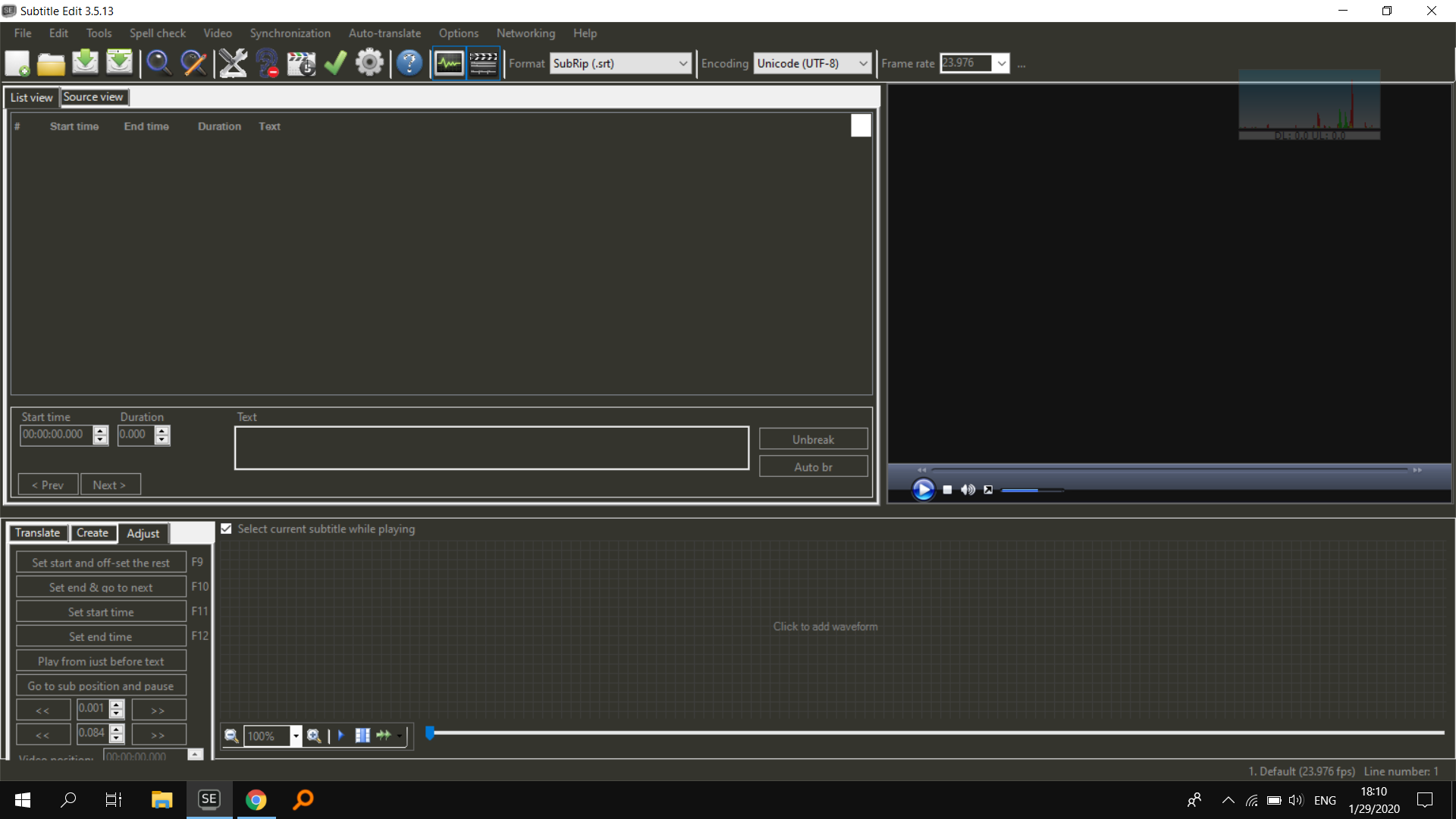
Wait, How did you get that theme?!
Here is what it looks like when I use SE's dark theme:
 OmrSi
on 29 Jan 2020
OmrSi
on 29 Jan 2020
I use Penumbra Windows theme (you can get it on Deviantart), alongside explorer, it also makes other programs dark. Except for subtitle fields, I ve set the colors for them directly in Subtitle Edit (black for the background and white/gray for text). I think this particular mix of greys and blacks is really the best for eyes and prolonged work in this program.
Ouroboros1995
on 29 Jan 2020
Cool. I installed it, BTW.
And Visual Sync works fine here with and without it.
OmrSi
on 29 Jan 2020
@niksedk
I cannot guess what's the problem is either ;)
Is this beta any better: https://github.com/SubtitleEdit/subtitleedit/releases/download/3.5.13/SubtitleEditBeta.zip ?
Fixed in the newest beta!
I ve used the newest version of mpv with this beta and UI didnt get unresponsive, with previous versions of SE, whenever I use the latest version of mpv, UI instantly gets unresponsive, now thats not the case.
_Originally posted by @Ouroboros1995 in https://github.com/SubtitleEdit/subtitleedit/issues/3476#issuecomment-580721523_
Ouroboros1995
on 31 Jan 2020
Again after newest beta, visual sync doesn't work with mpv player.
Ouroboros1995
on 24 Feb 2020
Related issues
 m0ck69
·
5Comments
m0ck69
·
5Comments
 taxen
·
6Comments
taxen
·
6Comments
 NoRRt
·
6Comments
NoRRt
·
6Comments
 teodargent
·
5Comments
m0ck69
·
5Comments
teodargent
·
5Comments
m0ck69
·
5Comments