Stride: Instancing crashes if instancing added before model component
Release Type: Github
Describe the bug
Adding an instancing component and then a model component crashes the instancing processor.
To Reproduce
Steps to reproduce the behavior:
- Add instancing component to an entity,
- Add model component to the same entity
- Exception time
Expected behavior
It should not crash.
Screenshots
If applicable, add screenshots to help explain your problem (use GitHub drag & drop)
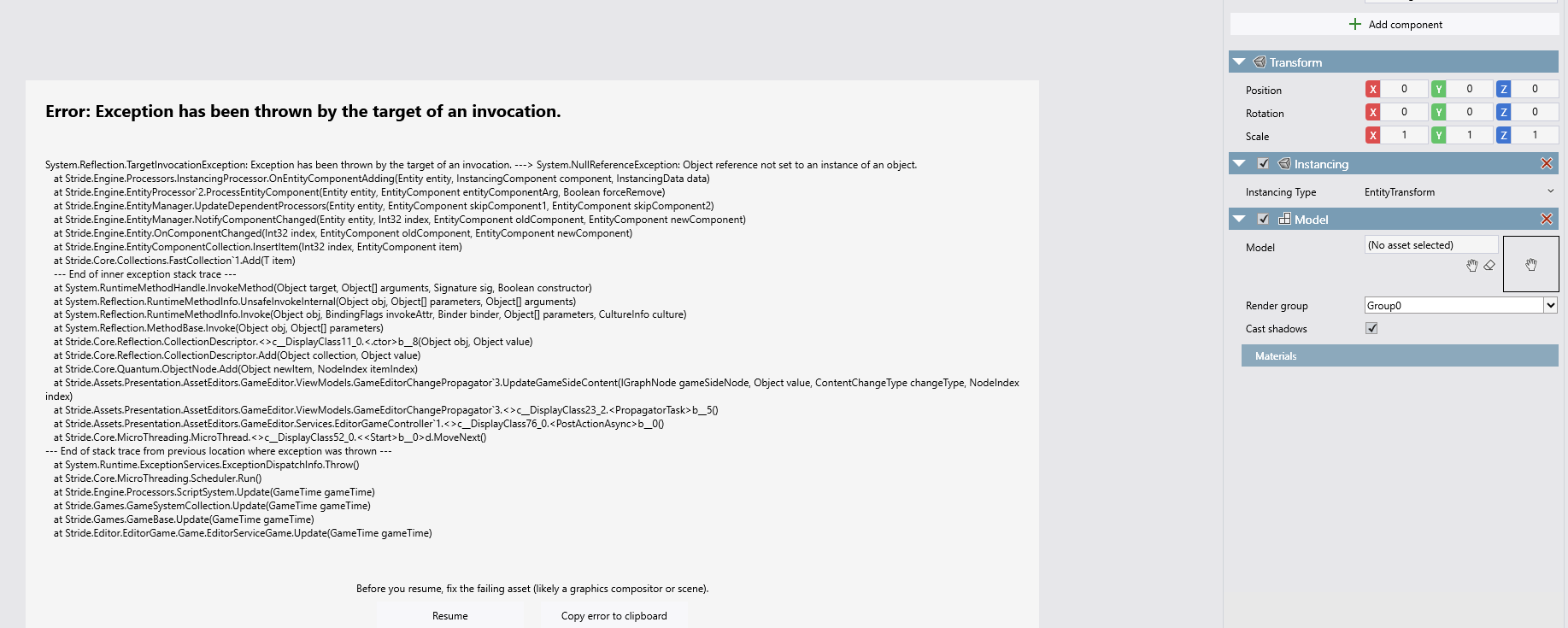
Log and callstacks
stacktrace.txt
 johang88
All 2 comments
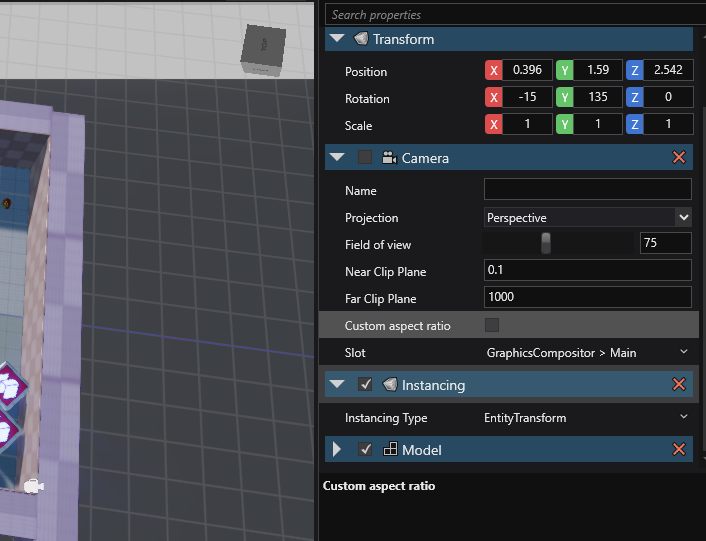
I cannot reproduce this.
No crash after adding instancing, followed by model component to an entity:
 MechaTechnica
on 1 Dec 2020
MechaTechnica
on 1 Dec 2020
This is a subtle bug.
It crashes on this line:
https://github.com/stride3d/stride/blob/f7494f8be926b42a7e882c4a085331672ae97af3/sources/engine/Stride.Engine/Engine/Processors/InstancingProcessor.cs#L173
because modelRenderProcessor can be null in a subtle case due to how it's stored by this line:
https://github.com/stride3d/stride/blob/f7494f8be926b42a7e882c4a085331672ae97af3/sources/engine/Stride.Engine/Engine/Processors/InstancingProcessor.cs#L210
The issue is if you start with a completely empty scene (technically a scene without any entities with a ModelComponent), then ModelRenderProcessor does not exist yet, so adding InstancingComponent will create InstancingProcessor without ModelRenderProcessor existing.
Not sure what's the correct way of solving processor dependency, two ways I can think of to solve this:
- ~Add
modelRenderProcessor ??= EntityManager.GetProcessor<ModelRenderProcessor>();inOnEntityComponentAdding~ [EDIT: this doesn't solve the missing processor] new ModelRenderProcessor()andEntityManager.Processors.Add(...)inOnSystemAddif the first retrieval is null.- New attribute that behaves like
DefaultEntityComponentProcessorAttribute/DefaultEntityComponentRendererAttributebut added on processors for specifying processor-processor dependency.
#2. Solves the issue the quickest, not sure if that's meant to be the right way to do it.
#3. Might appear nicer, but could just be over-engineering.
@tebjan Any other solutions or input?
 Basewq
on 11 Dec 2020
Basewq
on 11 Dec 2020
Related issues
 aunpyz
·
5Comments
aunpyz
·
5Comments
 sanslash332
·
3Comments
sanslash332
·
3Comments
 Domvel
·
4Comments
Domvel
·
4Comments
 Qibbi
·
4Comments
Basewq
·
3Comments
Qibbi
·
4Comments
Basewq
·
3Comments
Most helpful comment
I cannot reproduce this.

No crash after adding instancing, followed by model component to an entity: