Site-kit-wp: Repeatedly being asked to re-authenticate
Bug Description
Some users are constantly being asked to re-authenticate Site Kit after some days. A notice appears from their dashboard as below:
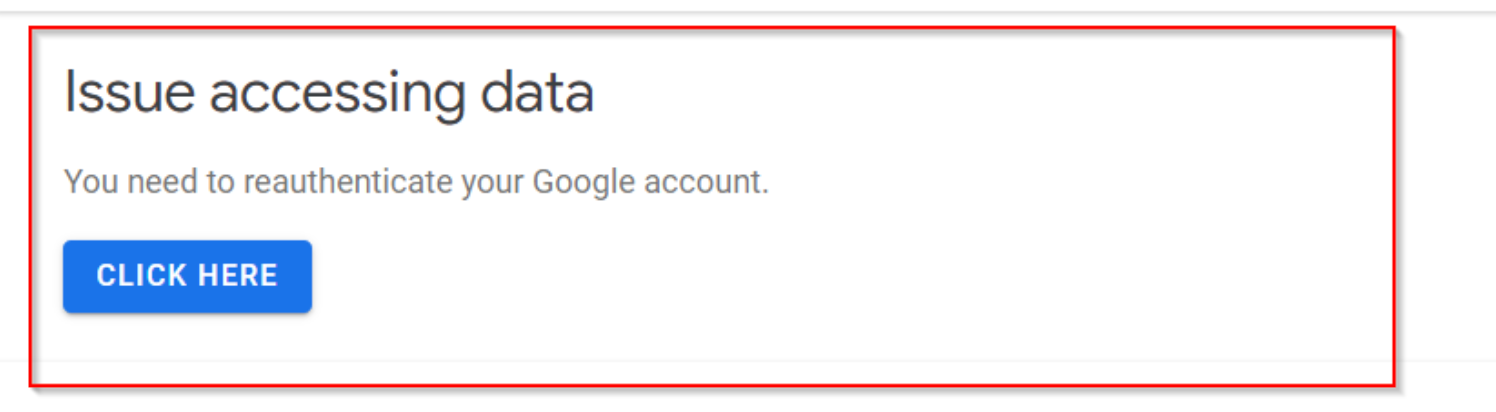
This seems to occur in particular with the Analytics module connected.
In some cases deactivating and deleting the plugin in full works (When setting up from a browser incognito window)
Examples of users facing this issue:
- https://wordpress.org/support/topic/great-product-let-down-by-incessant-need-to-reauthenticate
- https://wordpress.org/support/topic/never-gets-past-the-you-need-to-reauthenticate-your-google-account/
- https://wordpress.org/support/topic/analytics-activation-loop/
- https://wordpress.org/support/topic/site-kit-set-up-analytics-error/
- https://wordpress.org/support/topic/error-plugin-site-kit/
This issue may be related to ModSecurity configurations as per #1113
One user was happy to share information as below:
https://vimeo.com/390419409 (Access using "Google")
Steps to reproduce
- Go to '...'
- Click on '....'
- Scroll down to '....'
- See error
Screenshots
Additional Context
- PHP Version:
- OS: [e.g. iOS]
- Browser [e.g. chrome, safari]
- Plugin Version [e.g. 22]
- Device: [e.g. iPhone6]
_Do not alter or remove anything below. The following sections will be managed by moderators only._
Acceptance criteria
Implementation Brief
QA Brief
Changelog entry
 jamesozzie
All 13 comments
This video is private
https://vimeo.com/390419409
what is the password
 hosttaty
on 11 Feb 2020
hosttaty
on 11 Feb 2020
This video is private
https://vimeo.com/390419409
what is the password
pass: google
 onurparlar
on 11 Feb 2020
onurparlar
on 11 Feb 2020
Setup 2 SK sessions:
SK 1.3.0 with Search Console, Adsense, Analytics, Page View Insights and Tag Manager - With anonymous tracking
SK 1.3.1 with Search Console, Analytics, and Tag Manager - No anonymous tracking
During my testing I left these idle after specific scenarios: Uninstalling services, reinstalling services, navigating to and from the dashboard, adjusting duration on the dashboard. I wasn't able to see the issue today.
Sending to Level 2 Escalarion
 cole10up
on 19 Feb 2020
cole10up
on 19 Feb 2020
@jamesozzie In the case of users who are setting up Site kit on many, many sites - (eg. they mention "100s of sites") - with a single (Google) login - I suspect they may be hitting an OAuth limitation (https://github.com/google/site-kit-wp/issues/1115) that restricts the number of OAuth sessions a single account can maintain and causes older access (refresh) tokens to become invalidated.
More information on general OAuth limitations: https://developers.google.com/identity/protocols/OAuth2#expiration. This is an account/API restriction and the recommendation here is:
If you need to authorize multiple programs, machines, or devices, one workaround is to limit the number of clients that you authorize per user account to 15 or 20.
Worth noting that some services further restrict the number of connections (to 25), for example Analytics: https://developers.google.com/analytics/devguides/config/mgmt/v3/authorization#invalid_grant
We can keep investigating the other cases reported here.
 adamsilverstein
on 20 Feb 2020
adamsilverstein
on 20 Feb 2020
@adamsilverstein Good to know, thanks for the update. I'll follow up with users.
jamesozzie
on 21 Feb 2020
Reproduced
Pre-condition:
- Have multiple users
- Log in with one user who's setup SK without a GA account (other user has setup SK with a GA account)
Notice when logged in as user without GA account:

SK Dashboard:

Moving to Execution
cole10up
on 29 Feb 2020
@jamesozzie We recently corrected a bug in the service that may help alleviate or resolve some of the issues reported here.
To summarize the bug we fixed: when the plugin detected a failed token under certain circumstances it previously made a call to invalidate the token which _had the unfortunate side effect of invalidating all of the user's access and refresh tokens_.
The result was that user's who became disconnected from one site (including disconnecting from the user dropdown) were then additionally disconnected from all sites under their login.
After this change, we no longer invalidate the user's tokens. So for example when a user sets up 26 websites under one account, the first account will become invalidated due to API/User limits, however, the other 25 will retail valid logins.
adamsilverstein
on 2 Mar 2020
@jamesozzie any insight from the forum side which indicates this is no longer an issue, other for users with more than 25 sites?
 ThierryA
on 18 Mar 2020
ThierryA
on 18 Mar 2020
@ThierryA All confirmed as resolved or awaiting user response(2). No users have reported the same issue since the plugin update. I think we can mark this issue as resolved, great work @adamsilverstein
jamesozzie
on 18 Mar 2020
Confirming this overall issue has been resolved. We are no longer seeing regular reports from users that they need to re-authenticate. There are still some issues with setup being tackled elsewhere (eg unicode domains, domain mismatches), however the main issue with users loosing access to all sites is resolved. We have followed up with user support threads as well.
Closing this issue as resolved.
adamsilverstein
on 24 Mar 2020
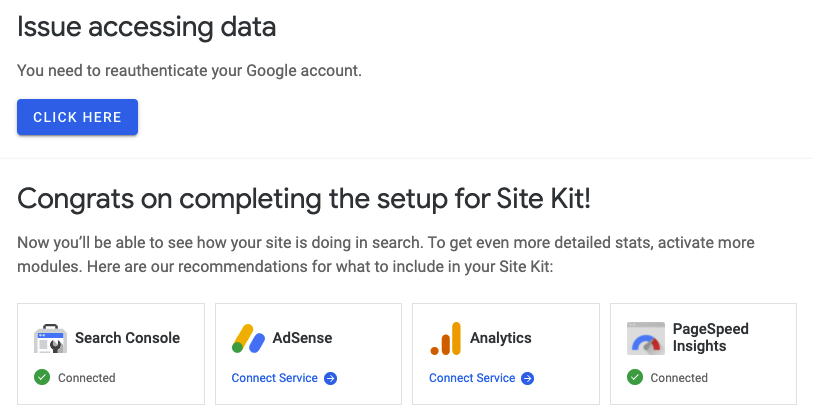
I have a brand new WordPress install and I'm getting this error:
 dpouliot
on 29 Apr 2020
dpouliot
on 29 Apr 2020
@dpouliot Thanks for reporting. Initial support requests can be submitted using the plugins WordPress support forum.
If you open a new support topic there while providing your Site Health information we can try and determine the root cause in your case, while revisiting this GitHub issue if necessary.
jamesozzie
on 29 Apr 2020
I removed www. from my Wordpress site settings and now it works, thanks!
dpouliot
on 5 May 2020
Related issues
 aaemnnosttv
·
3Comments
aaemnnosttv
·
3Comments
 theeducatedbarfly
·
4Comments
aaemnnosttv
·
3Comments
theeducatedbarfly
·
4Comments
aaemnnosttv
·
3Comments
 felixarntz
·
5Comments
felixarntz
·
5Comments
 tunakode
·
4Comments
tunakode
·
4Comments
Most helpful comment
I removed www. from my Wordpress site settings and now it works, thanks!