Simulator: cannot open web browser localhost:8080 after launching LGSVL simulator
I have encountered the problem that I cannot open browser when I click the button "open browser ..." in the LGSVL simulator window.


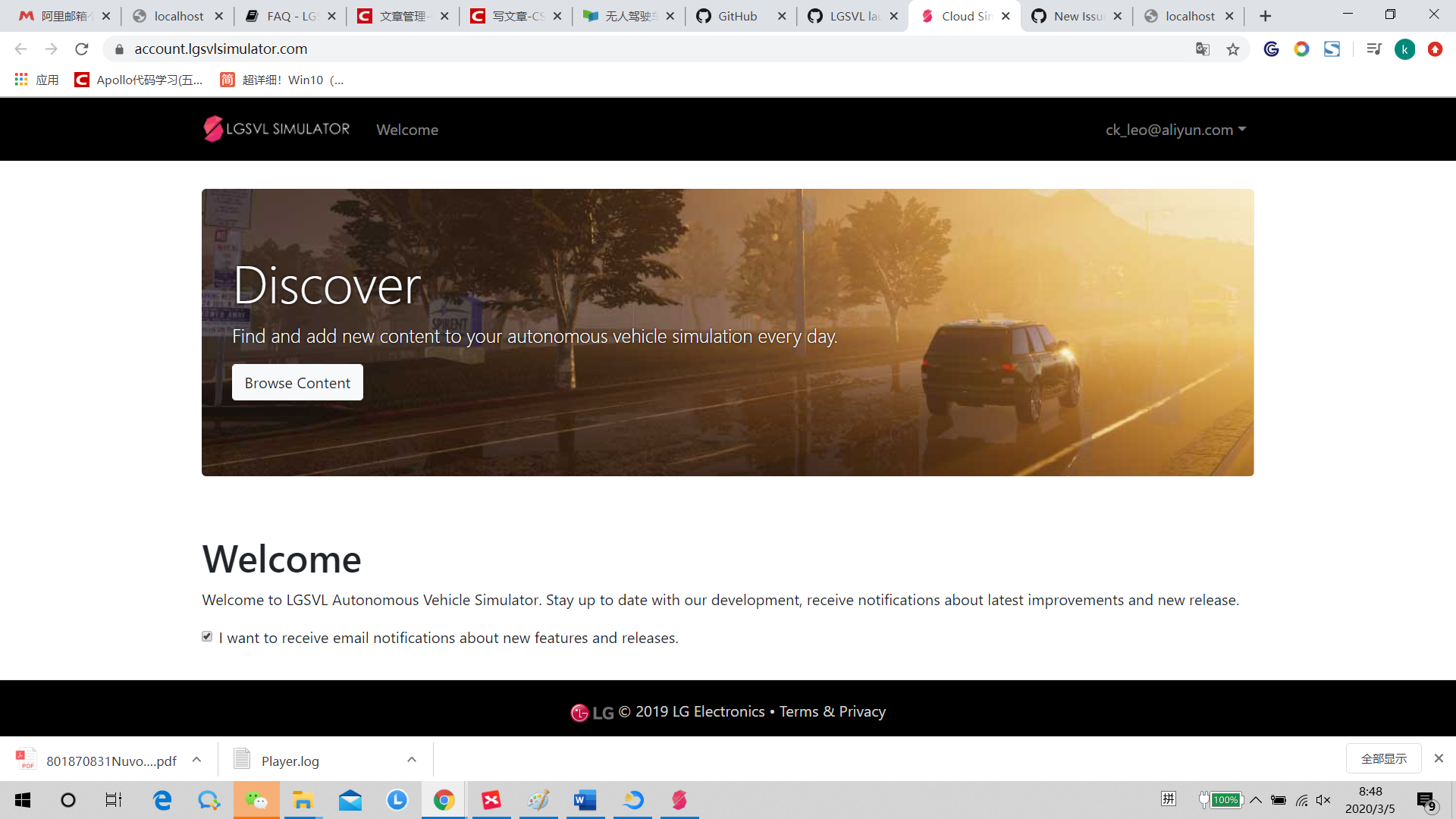
And in the website https://account.lgsvlsimulator.com, I have signed up my account. But I cannot help.
My error log is :
Player.log
My platform is as following:
Windows10
i7 9750H @2.60GHz
16G DDR4
GTX 2060 6G
lgsvlsimulator-windows64-2020.01
@EricBoiseLGSVL
What do mean when you say "please post what you are on Linux/Windows/ReleaseBuild/Editor/CreatedBuild"? I'm sorry I can't follow.
I havenot installed the related components of unity, it that the problem? Or is there some other suggestings?
Thanks.
 ck-leo
All 5 comments
@ck-leo Ali-ren ? you need to build the frontend before opening it in browser.
try:
#make sure you have node and npm installed
cd simulator_project_root/WebUI/
npm install
npm run pack
 ntutangyun
on 5 Mar 2020
ntutangyun
on 5 Mar 2020
@ntutangyun because I use ali source, then I registered an ali-email.
I have installed node and npm, and then run the command:
cd simulator_project_root/WebUI/
npm install
npm run pack
But I still could not open the browser .
ck-leo
on 5 Mar 2020
@ck-leo this is an issue with mono. See here
 EricBoiseLGSVL
on 5 Mar 2020
EricBoiseLGSVL
on 5 Mar 2020
@EricBoiseLGSVL Yeah, that works , thank you so much.
And @ntutangyun thank you all the same.
ck-leo
on 6 Mar 2020
@ck-leo You are welcome.
EricBoiseLGSVL
on 6 Mar 2020
Related issues
 hakuturu583
·
4Comments
hakuturu583
·
4Comments
 frontw
·
5Comments
frontw
·
5Comments
 nniranjhana
·
5Comments
nniranjhana
·
5Comments
 kmitri-dxc
·
5Comments
kmitri-dxc
·
5Comments
 clepz
·
6Comments
clepz
·
6Comments
Most helpful comment
@EricBoiseLGSVL Yeah, that works , thank you so much.
And @ntutangyun thank you all the same.