Signal-desktop: Can no longer enable spell check of text entered in message composition box (Signal Desktop v1.32.1 for macOS)
Bug Description
Can no longer enable spell check of text entered in message composition box
Steps to Reproduce
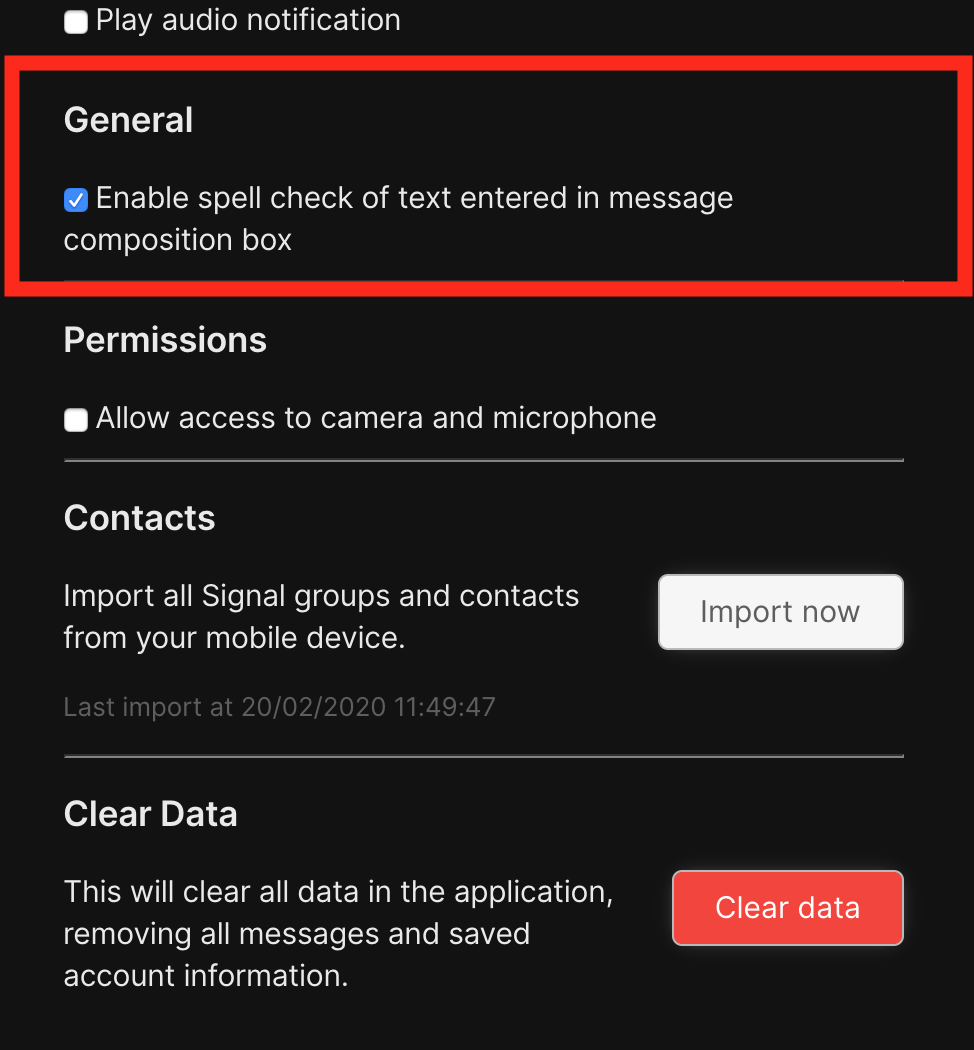
Preferences -> General -> Enable spell check of text entered in message composition box = on
Actual Result:
Spell check of text entered in message composition box is not enabled
Expected Result:
Spell check of text entered in message composition box is enabled
Platform Info
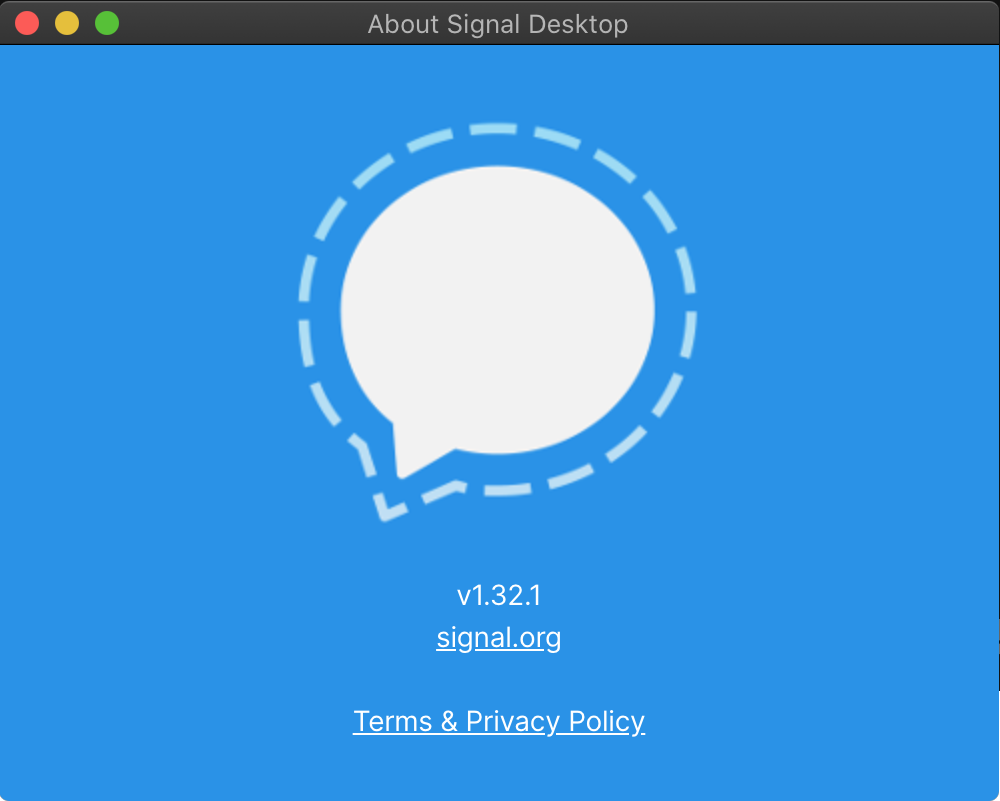
Signal Version: v1.32.1
Operating System:
macOS 10.15.3
Linked Device Version:
MacBook Pro (Retina, 15-inch, Mid 2014)
Link to Debug Log
https://debuglogs.org/4d08922d59ba59696b5b3bbe9d97a2d2f1700b39c29630658e6ebdd6dcaddf9b
 yikojom115
All 15 comments
I just tested with v1.32.1 on macOS 10.15.3 (19D76), and I was able to get spell checking suggestions. What else can you tell me about your configuration?
 scottnonnenberg-signal
on 9 Mar 2020
scottnonnenberg-signal
on 9 Mar 2020
Thanks.
What else can you tell me about your configuration?
Nothing I can think of other than supplied.
– I've created a new macOS user account, i.e. a clean configuration at user level, installed Signal from the current production download link, linked my account, and the issue persists.
– I reverted to the previous Signal build (using Time Machine to replace the app package) and the issue is resolved.
– No other apps seem to be affected, although Signal is the only Electron app I use.
Please let me know if you can think of anything specific I can tell you about my configuration.
Thanks again
yikojom115
on 10 Mar 2020

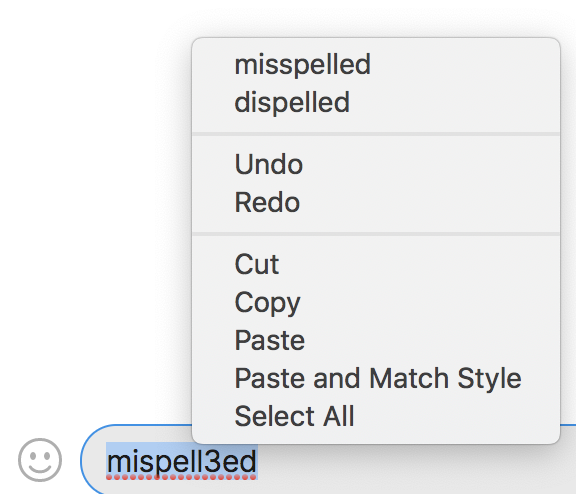
i.e. please note no red underline, although you'll have to take my word for it the usual method to access the context menu has no effect
yikojom115
on 10 Mar 2020
I have the same issue as the OP and yikojom115 with only difference that i run OSX 10.14.6
I had to revert back to 1.31.0 and waited for the issue to go away with 1.32.1 but looks like i have to downgrade again.
@scottnonnenberg-signal or maybe it's possible to add Ignore This Update feature?
 gdmka
on 10 Mar 2020
gdmka
on 10 Mar 2020
Thanks for confirming @gdmka.
Not sure if it's related to this issue with the Linux build. @scottnonnenberg himself mentioned spell check is removed on v1.32.1 outside the United States:
https://community.signalusers.org/t/beta-feedback-for-the-upcoming-desktop-1-32-release/11784/52
i.e. I changed my system locale from en_GB (United Kingdom) to en_US (Sys Prefs -> Language & Region -> Region), reopened Signal, spell check then functioned
yikojom115
on 11 Mar 2020
@scottnonnenberg himself mentioned spell check is removed on v1.32.1 outside the United States
is there a particular reason to execute that brazen act?
gdmka
on 11 Mar 2020
I can't speak for Scott but there's details in the link, remembering we know Electron is a common platform. If this is the issue, let's hope for a platform-specific or general solution soon anyway
yikojom115
on 11 Mar 2020
@yikojom115 @scottnonnenberg-signal
I can confirm this:
Signal 1.31.2
MacOS 10.14.6
LANG=en_US.UTF-8
LC_CTYPE=en_US.UTF-8
Spellchecking capabilities for English text are not working.
gdmka
on 11 Mar 2020
Thanks for confirming @gdmka.
Not sure if it's related to this issue with the Linux build. @scottnonnenberg himself mentioned spell check is removed on v1.32.1 outside the United States:
https://community.signalusers.org/t/beta-feedback-for-the-upcoming-desktop-1-32-release/11784/52
i.e. I changed my system locale from en_GB (United Kingdom) to en_US (Sys Prefs -> Language & Region -> Region), reopened Signal, spell check then functioned
I can confirm the same behaviour. That is, spellcheck works only when the region is set to US as opposed to UK or another country.
 GaPhil
on 13 Mar 2020
GaPhil
on 13 Mar 2020
And, in macOS user-facing terminology and as you say @GaPhil, it's region not language. So as far as I know(?) there's no simple localised app-specific way to temporarily override an app's region as opposed to language, which is possible though Sys Prefs or app-specific .plist.
Hopefully there can be an interim macOS (and Windows if also affected) release (even beta, as we can type into this even with its different data location) with this reenabled even if the Linux issue takes more time to resolve. Only if technically possible of course and we realise @scottnonnenberg-signal (I used the wrong tag in this post sorry https://github.com/signalapp/Signal-Desktop/issues/4031#issuecomment-597678381) is very busy and we appreciate all of his work.
yikojom115
on 15 Mar 2020
Alright, everyone, let's get very clear: only on Linux did we disable non-english spellcheck.
If you are experiencing a lack of spellcheck on Windows or macOS, that is unexpected, and it is a bug.
If you are experiencing spellcheck problems on macOS or Windows, please provide this information:
- Your region/language settings
- Your macos/WIndows version
scottnonnenberg-signal
on 16 Mar 2020
- Your region/language settings
- Your macos/WIndows version
Region: Belarus
Language: English (primary)
Signal 1.31.2
MacOS 10.14.6
LANG=en_US.UTF-8
LC_CTYPE=en_US.UTF-8
Can confirm that on macOS region needs to be set to United States. United Kingdom doesn't work.
Somewhat ironic that British English isn't consider English.
Language: English UK
Region: United Kingdom
OS: macOS 10.14.6
Signal: v1.32.0 + v1.32.1
 rhodrid
on 17 Mar 2020
rhodrid
on 17 Mar 2020
- Your region/language settings
Using the strings and definitions from Apple menu -> System Preferences -> Language & Region. And please note Language and Region are not the same setting.
_Spell check is disabled_
Region: United Kingdom
Language: English (UK)
_Spell check is disabled_
Region: United Kingdom
Language: English (US)
_Spell check is enabled_
Region: United States
Language: English (US)
_Spell check is enabled, although despite Language being set to English (UK) spell check is enabled for English (US)_
Region: United States
Language: English (UK)
- Your macos/WIndows version
10.15.3 (19D76)
As @rhodrid says in a different way(!), staff descriptions used in these reports (including the Signal Discourse forum) using "English" when they mean "English (US)", and perhaps conflating Region with Language (again, using macOS GUI descriptions) may be causing some confusion.
yikojom115
on 18 Mar 2020
Thanks for your bug reports, everyone. It's clear that spell check has problems in locales other than en-US in all platforms. We're working on a solution now.
scottnonnenberg-signal
on 18 Mar 2020
Related issues
 TarkanY
·
3Comments
TarkanY
·
3Comments
 PanderMusubi
·
3Comments
PanderMusubi
·
3Comments
 cmdrogogov
·
3Comments
cmdrogogov
·
3Comments
 ploum
·
3Comments
ploum
·
3Comments
 gesus14
·
3Comments
gesus14
·
3Comments
Most helpful comment
Thanks for your bug reports, everyone. It's clear that spell check has problems in locales other than
en-USin all platforms. We're working on a solution now.