Signal-desktop: Mobile not syncing conversations with desktop client
- [X] I have searched open and closed issues for duplicates
https://github.com/signalapp/Signal-Desktop/issues/2298
https://github.com/signalapp/Signal-Desktop/issues/2068
Bug Description
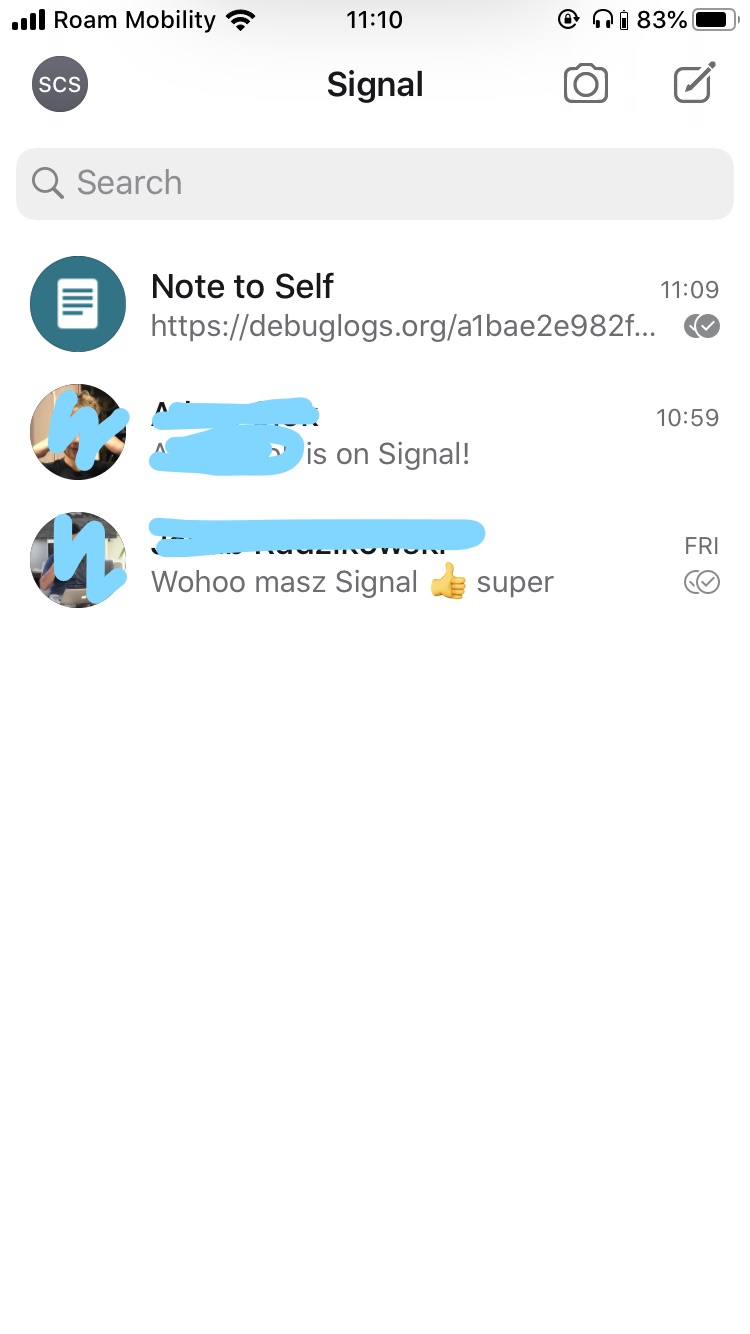
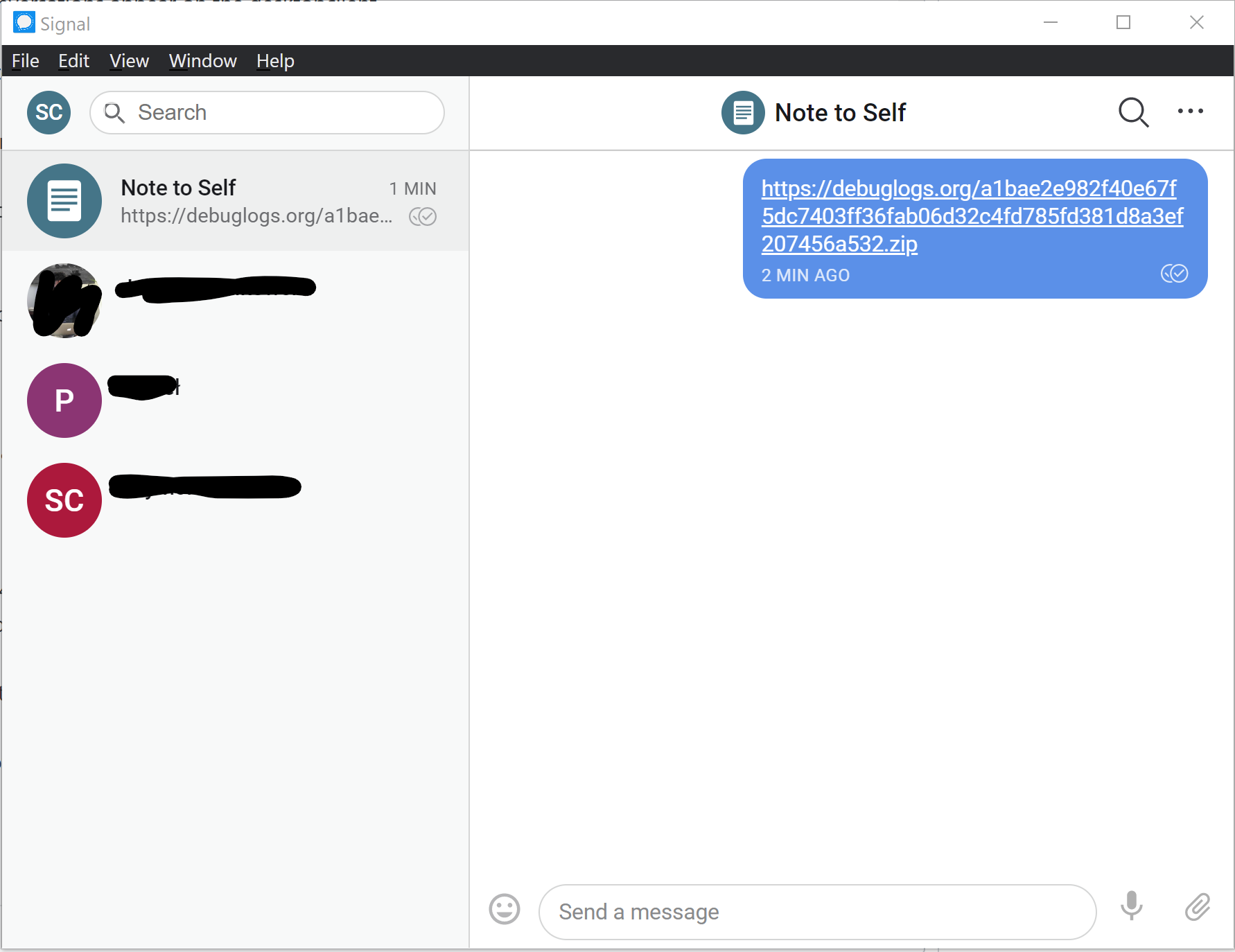
Signal does not synchronize existing conversations between iOS and Desktop application on Windows 10
Steps to Reproduce
- Install Signal in iOS
- Send message to someone
- Install Signal client on Windows 10
- Link device by scanning QR code with iOS device.
- Conversation does not appear on the Windows client.
Actual Result:
No conversations appear on the desktopclient.
Expected Result:
Conversations started on mobile client should appear on the desktop client.
Screenshots
Platform Info
Signal Version:
iOS: 2.44.0.19
Desktop: 1.27.4
Operating System:
Windows 10 Pro Version 1809
Linked Device Version:
iOS 13.1
Link to Debug Log
iOS log: https://debuglogs.org/a1bae2e982f40e67f5dc7403ff36fab06d32c4fd785fd381d8a3ef207456a532.zip
Windows 10: https://debuglogs.org/7a002102f5852d7c8d1ddf5cd5fe83675ea6679130802d2432dfca8ee66a43b7
 wolfhog
All 2 comments
This is by design. Your Signal Desktop instance operates as its own device and will only receive new messages, no old messages will be sync'd.
 kenpowers-signal
on 28 Oct 2019
kenpowers-signal
on 28 Oct 2019
@kenpowers-signal I assume this is a security feature. Old messages are not synced, because they're not stored in servers (obviously) and they're not resent from the mobile device to reduce the attack surface. Is that accurate?
If so, could the rationale be explained upon linking new devices, so it's not a surprise for the users? Or a FAQ?
 dagguh
on 24 Nov 2019
dagguh
on 24 Nov 2019
Related issues
 gesus14
·
3Comments
gesus14
·
3Comments
 ProactiveServices
·
3Comments
ProactiveServices
·
3Comments
 halb9
·
3Comments
halb9
·
3Comments
 ploum
·
3Comments
ploum
·
3Comments
 shaaati
·
3Comments
shaaati
·
3Comments
Most helpful comment
This is by design. Your Signal Desktop instance operates as its own device and will only receive new messages, no old messages will be sync'd.