Shoelace: <sl-button disabled> title attribute don't show up
Describe the bug
If a <sl-button> is set up with attribute disabled, its title attribute don't show up, if mouse hovers.
Native disabled HTML <buttons> are able to show their title.
To Reproduce
Steps to reproduce the behavior:
- Create a disabled
<sl-button>
<sl-button disabled type="default" title="I am the badass title!">
  <sl-icon name="file-earmark-plus"></sl-icon>
</sl-button>
Expected behavior
The title is shown if mouse stay on disabled element.
Desktop (please complete the following information):
- OS: Win 10
- Browser Chrome 85, Firefox Nightly 82
 trailsnail
All 4 comments
Not sure if this an expected behavior.
Perhaps I had to find a workaround with <sl-tooltip> for now 😄
Update: Tooltip doesn't work with disabled button inside ...
trailsnail
on 6 Sep 2020
Both Chrome and Firefox are showing the native title tooltip for me when the button is disabled, but I'm on macOS.
https://jsfiddle.net/4dbwq75c/
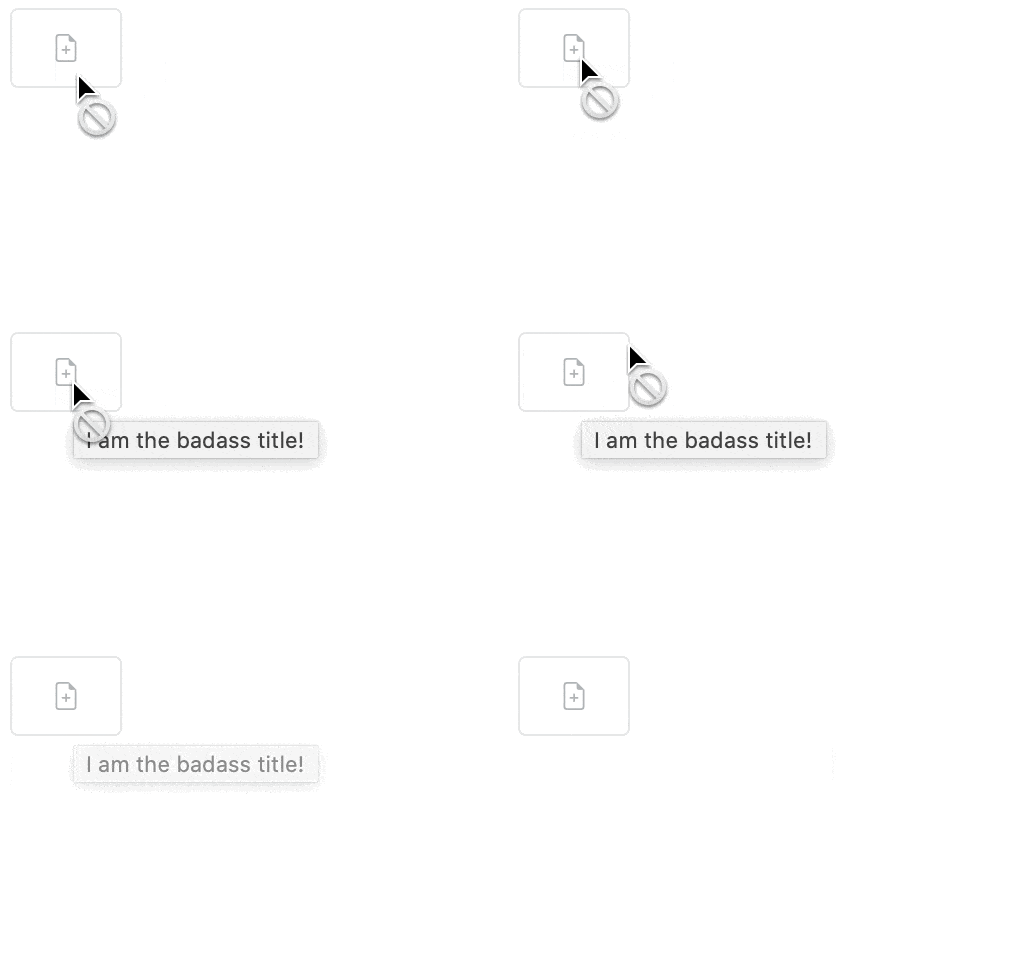
But there does appear to be some weird sl-tooltip behavior when the button is disabled. I'll look into that.
 claviska
on 6 Sep 2020
claviska
on 6 Sep 2020
Both Chrome and Firefox are showing the native
titletooltip for me when the button is disabled, but I'm on macOS.
Sorry, you are right - seems to be bad setup on my side - recognized the missing cursor: not-allowed behavior on my disabled buttons.
trailsnail
on 6 Sep 2020
The odd <sl-tooltip> behavior was fixed in 6a731ca01541cc353525763d18c511f4805dd65d.
claviska
on 8 Sep 2020
Related issues
 jaredcwhite
·
6Comments
jaredcwhite
·
6Comments
 danielplatt-clx
·
3Comments
danielplatt-clx
·
3Comments
 kevinlandsberg
·
4Comments
claviska
·
5Comments
kevinlandsberg
·
4Comments
claviska
·
5Comments
 StommePoes
·
3Comments
StommePoes
·
3Comments